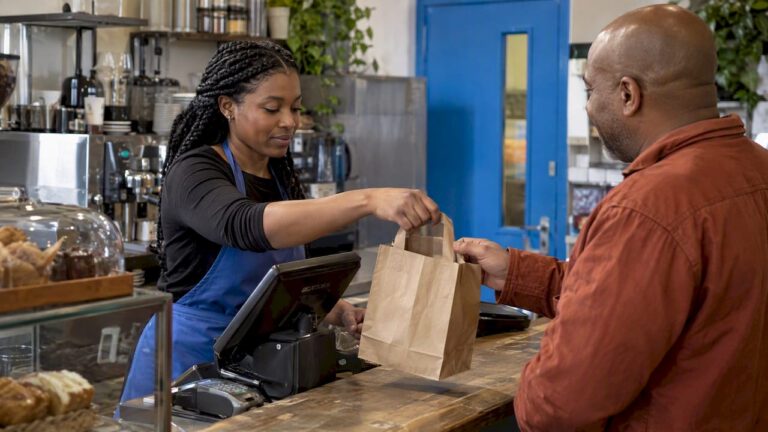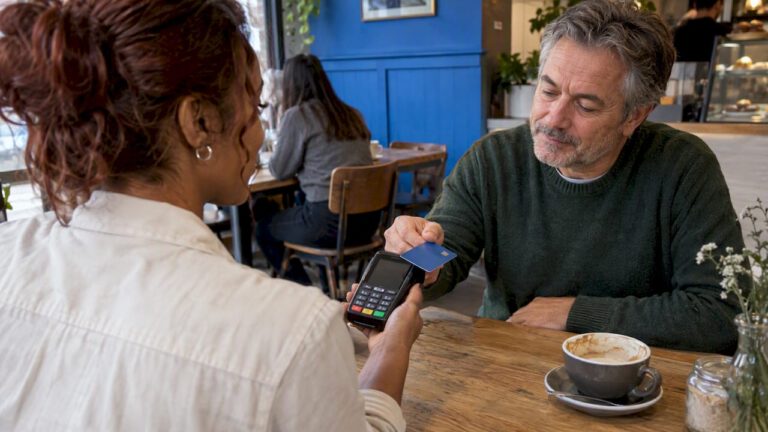

Card on file means your POS or payment provider keeps a customer’s card in a secure form, with their permission, so you can charge it again without asking for the card each time. In the UK it is lawful and common for tabs, deposits, repeat bookings and memberships. But you must get clear consent, never store the CVV after authorisation, and keep the data with your payment provider rather than in your own till or spreadsheet.
This guide is for owners and managers of shops, restaurants and cafés in places like Birmingham and Coventry who are choosing or upgrading an EPOS and want to know what to ask for.
TL;DR
- Card on file lets you reuse a customer’s card for later payments, such as a bar tab, a table deposit or a repeat order, once they have agreed to it.
- Get clear, specific consent, make it easy to withdraw, and delete the stored card when it is withdrawn.
- Never keep the CVV after the payment is authorised, even if the customer says it is fine.
- Let your payment provider hold the card as a token. Avoid holding card numbers in your own notes, emails or files.
- Before you switch it on, ask your provider how it handles consent, failed payments, disputes and deletion.
Table of Contents
- What card on file means on a POS
- Is it legal to keep a customer’s card details?
- How cards are kept safe in a POS system
- Risks to plan for: failed payments, disputes and old habits
- What to check with your provider before switching it on
- Our perspective
- Choosing the right set-up for your business
- Our EPOS options
- Frequently asked questions
- Sources
What card on file means on a POS
In plain terms, a customer pays once, or just gives their card, and agrees that you may keep it. Your provider stores the card details securely and gives your system a reference in their place, often called a token. Next time, you charge the reference instead of asking for the full card again.
On a retail or hospitality EPOS this tends to show up in a few ways:
- Open tabs in a bar or restaurant, where a card is held against the table or customer.
- Deposits and no-show fees for bookings.
- Repeat orders, for example a regular trade customer who is invoiced and paid by card.
- Memberships, loyalty or subscription boxes that take a payment on a regular schedule.
- Faster checkout for returning customers who choose to save their card.
There are two kinds of payment to understand. In a customer-initiated payment, the customer is present or actively starts the payment, for example by choosing their saved card at checkout. In a merchant-initiated payment, you start the charge later under an agreement the customer gave you, such as a monthly subscription. The second kind needs a clearly defined agreement. The FCA’s guidance on the move to strong customer authentication points merchants towards either full authorisation or clearly defined merchant-initiated agreements, away from vague estimated charging.
What you do not do is write the card number on a pad, keep it in a shared inbox or type it into a spreadsheet. Those habits are where the real risk sits, and we come back to them below.
Is it legal to keep a customer’s card details?
Yes, with the right basis and the right care. Three sets of rules matter most to a UK business.
Tell customers what you do with their data
Business.gov.uk’s data protection guidance says you must tell customers how their financial data is used, keep it only as long as necessary, keep it secure, explain your lawful basis and retention period in your privacy notice, and support rights such as access, correction and deletion. In practice, your privacy notice should say that you store cards, why, and for how long.
The UK GDPR does not set a fixed retention period. The ICO’s training notes say that controllers should set their own minimum retention period and review it regularly, considering erasure or de-identification when the data is no longer needed. So write your own rule down. For example: a saved card is removed after a set period without use, or when the customer asks.
Get clear consent
The Payment Services Regulations 2017 say a payment service provider must not access, process or retain personal data needed to provide payment services without the user’s explicit consent. Your provider carries that duty, but you are the one standing in front of the customer, so your checkout flow needs to make the agreement obvious.
The European Data Protection Board has published useful recommendations on storing card data for later purchases. Although they come from the EEA, not the UK, they describe good practice that many UK businesses follow. They say consent should be free, specific, informed and unambiguous, given by a clear action such as an unticked box, easy to withdraw, and withdrawal should lead to deletion of the stored data.
A simple way to apply that on the shop floor or on a booking page:
- Ask separately from the payment itself: “May we keep this card for future payments?”
- Use an unticked box, or a clear yes from the customer at the terminal. Do not pre-tick.
- Say what you will use it for: tab, deposit, next order, or a regular payment.
- Tell them how to stop it, with a phone number or email that a human answers.
- Delete the stored card when they ask, and confirm it.
Do not keep the CVV
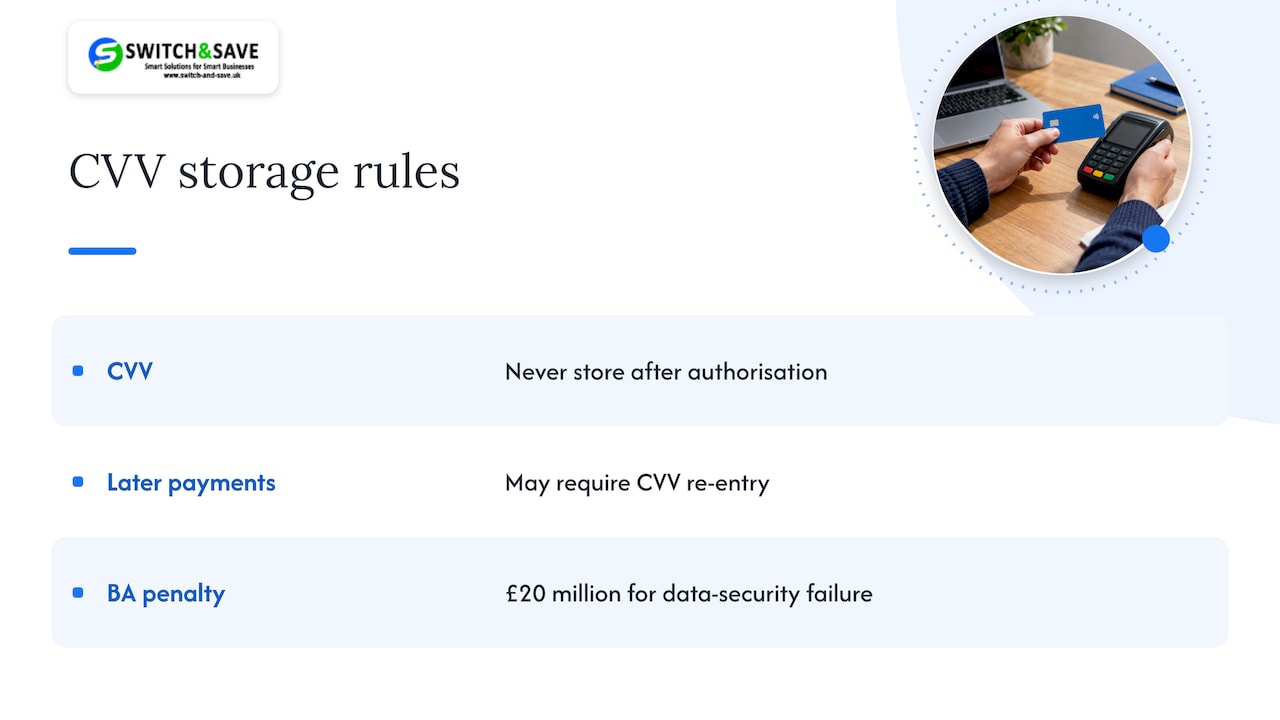
The three-digit security code is the one item you must never store once a payment is authorised. The PCI Security Standards Council’s own FAQ says that sensitive authentication data such as card verification codes cannot be stored after authorisation, whatever the customer allows. That is why saved-card payments on later visits may ask the customer to re-enter the code, or rely on other authentication, instead of reading it from a database.
The cost of getting this wrong can be large. The ICO’s penalty notice on British Airways found that payment-card details, including CVVs in most cases, had been logged in plaintext with no business purpose, and it imposed a £20 million penalty for failing to keep customers’ data secure. You are a much smaller business, but the lesson applies at every size: if you do not need the data, do not keep it, and if you do, keep it where it is protected.
If you want to see how another sector explains the same duty to its customers, this guide to data privacy in tee-time booking shows how clubs think about booking data and what they should and should not hold.
How cards are kept safe in a POS system
The safest set-up for a small business is one where the full card number never touches your own equipment or files. A few terms help here.
- Tokenisation. The provider replaces the card number with a token. If someone steals the token from your system, it is of little use to them outside your account.
- Encryption at the terminal. Card details are scrambled as soon as the card is read, so the till software never handles them in clear.
- Hosted payment pages. For online or phone-link payments, the customer types their card into the provider’s page, not yours.
- Access controls. Only certain staff can see or use saved cards, and every use is logged.
The less card data you handle yourself, the shorter and simpler your PCI DSS paperwork becomes. Our own guides explain this in plain English: start with PCI DSS requirements in the UK, then see how to reduce your scope to a simpler self-assessment, and read the overview of PCI compliance for small merchants.
Risks to plan for: failed payments, disputes and old habits
Card on file saves time, but small errors add up. These are the situations that cause most trouble for shops and restaurants.
Failed payments
Saved cards expire, get replaced after fraud, or hit a limit. Decide in advance what happens: do you retry, contact the customer, or hold the order? Set a rule your staff can follow, and tell the customer in your terms what you will do.
Disputes and chargebacks
Most disputes come from a customer who does not remember agreeing, or who did not expect the amount. Reduce them by:
- keeping a record of when and how consent was given;
- sending a receipt or message for every charge made on a saved card;
- stating no-show or deposit terms at booking, not afterwards;
- charging the agreed amount, not a guess.
Informal storage
The biggest danger in small businesses is not the POS. It is the notebook by the till, the WhatsApp message with a photo of a card, or the email with details typed in. If a customer offers a card that way, politely take it through the terminal or a payment link instead and delete the message.
Staff access
Give each person their own login. A shared password means you cannot tell who charged what, which makes any dispute harder.
What to check with your provider before switching it on
Before you enable card on file, ask your EPOS or payment provider these questions. Get the answers in writing.
| Question | Why it matters |
|---|---|
| Where are cards stored, and as what? | You want tokens held by the provider, not card numbers on your system. |
| How is customer consent captured and recorded? | You need proof of agreement if there is a dispute. |
| Can a customer remove their card, and can you delete it? | Withdrawal of consent should lead to deletion. |
| What happens when a saved card fails or expires? | Affects your cash flow and how you contact customers. |
| Does the customer need to authenticate again? | Strong customer authentication may be required for some payments. |
| What fees apply to saved-card or remote payments? | Remote payments can be priced differently from tap and chip. |
| Which PCI DSS questionnaire will you need to complete? | It tells you how much paperwork you carry. |
| Can you export or migrate saved cards if you change provider? | Avoids being locked in, or asking every customer again. |
If the answer to any of these is vague, treat that as a reason to keep asking before you switch the feature on.
Our perspective
We speak to a lot of shop and restaurant owners in the Midlands, and the worry is nearly always the same: “I want repeat customers to pay quickly, but I do not want to become the person who loses their card details.”
Our view is simple. Your till should do the remembering, so you do not have to. When card details sit with the payment provider, protected and linked to your EPOS, your staff never see a full card number, your paperwork is lighter and your customers are not asked to read out their details across a counter.
That is why we build our packages around integrated hardware, cloud software and payments that work together, with UK-based support when something needs sorting. Our aim is to help you choose a set-up where saved cards, tabs and deposits are handled in one place with clear pricing.
If you are unsure which features your business needs, start with the questions in the table above and bring them to us. We will talk you through what fits a retail counter or a busy restaurant floor.
Amir
Choosing the right set-up for your business
What you need depends on how you trade.
Restaurants, cafés and bars. Tabs and deposits are the main uses. Look for an EPOS that lets you pre-authorise or hold a card against a table, split bills, and take deposits for bookings. A portable card terminal helps you take payment at the table, which also keeps cards in the customer’s hands.
Independent retail. Saved cards matter for regular trade customers, click-and-collect and pre-orders. A system that ties customer records, stock and payments together means you do not keep the same information in three places.
Multi-site owners. If you run more than one shop, check that a customer who agrees to a saved card in one place is handled consistently in the others, and that your cloud dashboard lets you see activity remotely.
Very small or seasonal traders. If you rarely take repeat payments, you may not need saved cards at all. Using a card machine for everyday sales and a payment link for the occasional deposit can be enough.
Our EPOS options
If you are ready to compare, here is what we offer for UK shops and restaurants:
- The Hospitality EPOS Bundle costs from £349 + VAT upfront, with a monthly service plan on a 12-month minimum term.
- Every package includes a card machine (subject to provider approval; card processing fees are separate).
- For shops, see our retail EPOS bundles, and for stand-alone payments our card machines.
We publish our pricing openly and aim for no hidden fees. Tell us you want to use saved cards or tabs and we will explain how that works with the package you are considering.
If you are comparing providers more widely, our guide on choosing a card payment provider sets out what to look for.
Frequently asked questions
Can a company keep my credit card details on file?
Yes, if you have agreed and it keeps them securely. UK businesses must explain how they use financial data, keep it only as long as needed and respect your right to ask for deletion. Even with your permission, they must not store the CVV after the payment is authorised.
Is card on file the same as tokenisation?
Not quite. Card on file is the practice of keeping a card for later use. Tokenisation is one way of doing that safely, by replacing the real card number with a stand-in code held in your system while the provider keeps the actual details.
How long can I keep a saved card?
The UK GDPR does not set one fixed period. You should set your own retention rule, state it in your privacy notice and review it regularly. A common approach is to remove cards after a set period of inactivity or when the customer withdraws consent.
Do I need PCI DSS compliance if my provider stores the cards?
Yes, you still have PCI DSS responsibilities as a merchant, but they are lighter when your provider handles card data and you never store it yourself. Your provider or acquirer should tell you which self-assessment questionnaire applies to your set-up.
Sources
- EDPB Recommendations 02/2021 on storage of credit card data
- PCI Security Standards Council FAQ on card verification codes
- Data protection in your business, Business.gov.uk
- The Payment Services Regulations 2017, regulation 97
- ICO penalty notice, British Airways
- FCA policy statement PS18/24
- ICO UK GDPR training notes, principles part 2