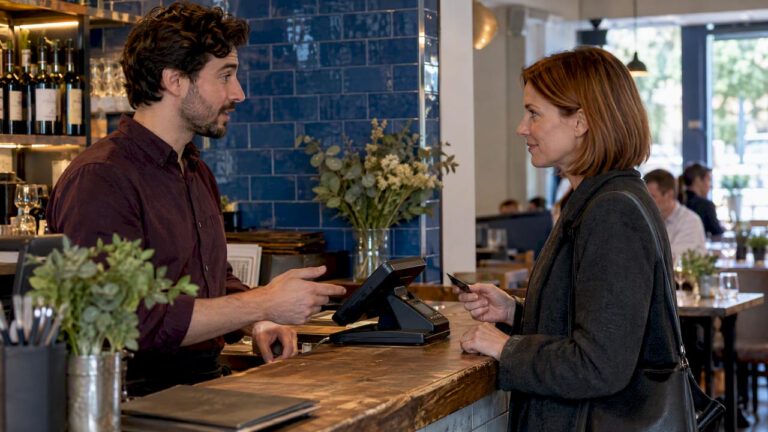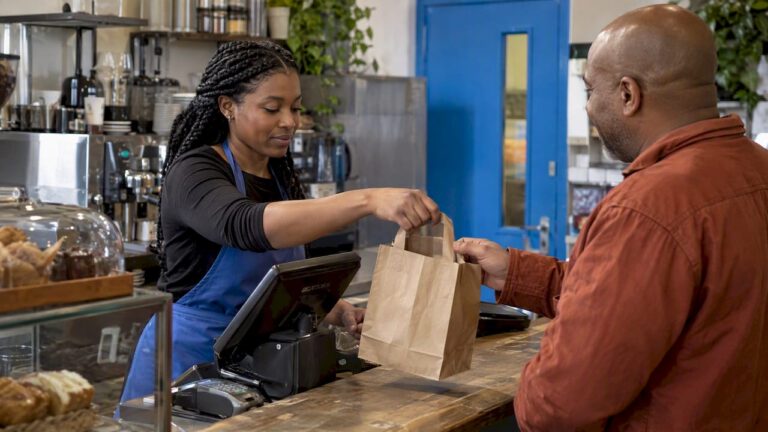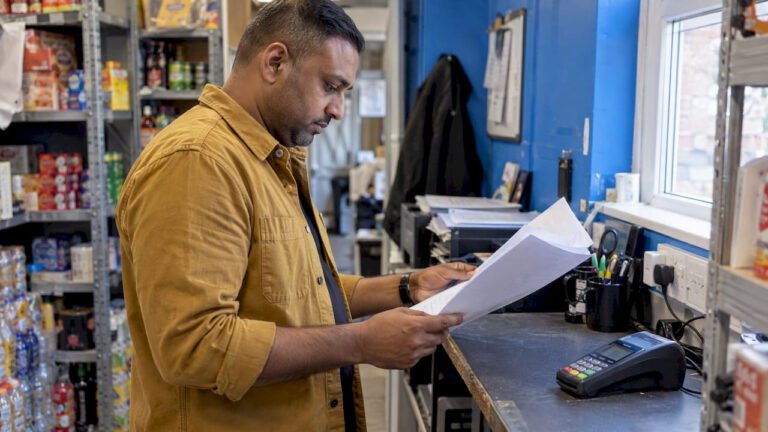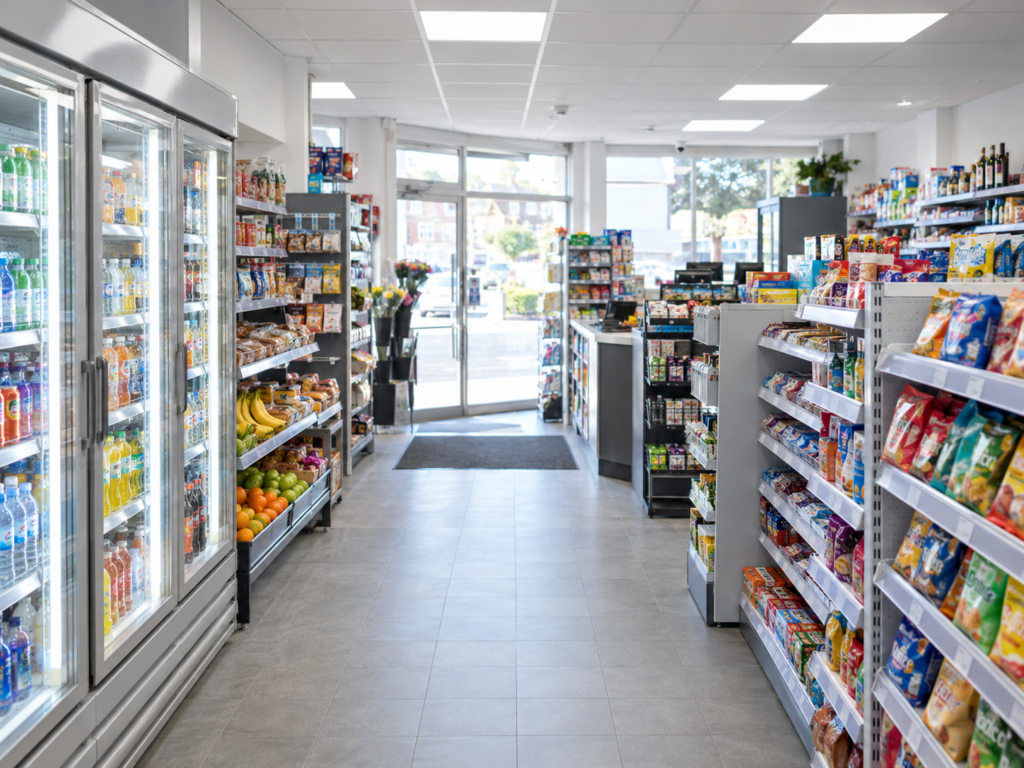
The best EPOS system for a convenience store is one that helps you serve customers quickly, manage stock accurately, take card payments smoothly, track daily sales, and understand what’s happening in your shop without making things complicated.
For most UK convenience stores, a good retail EPOS system should include barcode scanning, integrated card payments, stock control, product lookup, discounts, staff permissions, daily reports, supplier management, loyalty options and support for busy counter service.
Switch & Save helps UK convenience stores reduce costs with AI-powered EPOS systems, card payment solutions and business finance. If your current till is slow, your stock is hard to manage, or your card payments aren’t connected to your sales, it may be time to check your savings.
Key Takeaways
| Point | What It Means for Your Store |
|---|---|
| A retail EPOS system should speed up checkout | Faster scanning, product lookup and payment reduce queues |
| Stock control matters | You can see what’s selling, what’s low and what needs reordering |
| Integrated card payments reduce mistakes | Sale totals pass directly to the card machine |
| Reports help you spot trends | You can check sales, margins, staff performance and busy times |
| Convenience stores need retail-specific features | Barcode scanning, offers, age checks and supplier tracking are essential |
| Switch & Save supports UK small businesses | EPOS, card payments and finance can be reviewed together |
What Is a Retail EPOS System for Convenience Stores?
A retail EPOS system is a digital till system that helps you process sales, take payments, manage stock and track business performance.
EPOS stands for Electronic Point of Sale. In plain English, it’s the system your staff use at the counter when a customer buys something. But a good EPOS does much more than just ring up sales.
For a convenience store, it can help with:
- Scanning barcodes
- Taking cash and card payments
- Managing product prices
- Tracking stock levels
- Creating offers and promotions
- Producing end-of-day reports
- Monitoring staff activity
- Managing suppliers
- Checking which products sell best
So, what actually happens when a customer taps their card? The EPOS records the sale, calculates the total, applies any discounts, updates the stock and sends the correct amount to the card machine if payments are integrated. That means fewer manual errors and a smoother checkout.
Why Convenience Stores Need the Right EPOS System
Convenience stores are busy, fast-moving businesses. You may sell hundreds or thousands of different products, from milk and bread to soft drinks, tobacco, alcohol, household items, newspapers, frozen food and impulse buys.
That’s a lot to manage.
A basic till may work when the shop is quiet, but it can quickly become a problem when you need better control over stock, pricing, staff and reports.
The right retail EPOS system helps you answer simple but important questions:
- What sold today?
- Which products are running low?
- Which staff member handled a refund?
- What are my busiest hours?
- Which products make the best margin?
- Are my offers actually working?
- How much cash should be in the drawer?
In practice, it gives you more control without needing to sit with spreadsheets every night.
Key Features to Look For in a Convenience Store EPOS System
Not every EPOS system is built for convenience stores. Some are designed for cafés, salons or restaurants, which means they may not handle retail stock properly.
For a convenience store, you’ll want a system that supports your real daily workflow.
Important features include:
- Barcode scanning
- Product search
- Stock control
- Price changes
- Supplier records
- Purchase ordering
- Integrated card payments
- Cash drawer support
- Receipt printing
- Refund controls
- Staff logins
- Age-restricted product prompts
- Sales reports
- Cloud access
- Loyalty options
- Multi-branch support if you have more than one shop
You don’t need every advanced feature on day one. But you do need a system that can grow with your business.
For example, a small corner shop may start with a single till, barcode scanner and card machine. Later, the owner may add stock control, customer loyalty, cloud reporting or a second counter.
Barcode Scanning and Fast Checkout
Speed matters in a convenience store. Customers often come in for one or two items, and they don’t want to wait.
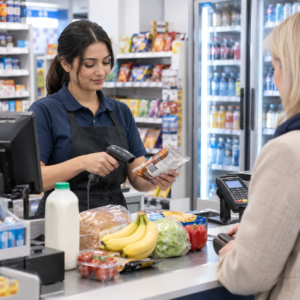
A good EPOS system should make checkout quick and simple. Staff should be able to scan items, search products by name, change quantity, apply discounts and take payment without jumping between screens.
Barcode scanning is especially important for grocery and retail products. It reduces manual entry and helps prevent pricing mistakes.
For example, if a customer buys a drink, crisps, milk and a newspaper, the cashier should be able to scan everything quickly and send the exact total to the card machine. If one item doesn’t scan, staff should be able to search it by product name or code.
That’s the kind of small detail that makes a busy shop feel under control.
Stock Control for Everyday Retail
Stock control is one of the biggest reasons convenience stores upgrade their EPOS system.
When stock isn’t tracked properly, it’s easy to over-order slow sellers and run out of popular products. Both problems cost money.
A good retail EPOS system should help you see:
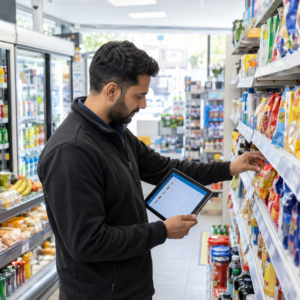
- Current stock levels
- Low-stock items
- Best-selling products
- Slow-moving products
- Purchase history
- Supplier information
- Product margins
Let’s say your shop sells bottled water, energy drinks and sandwiches. In summer, demand may rise quickly. With proper stock reports, you can spot the trend early and reorder before shelves go empty.
The same applies to seasonal items like Easter eggs, Christmas chocolates, barbecue products or back-to-school stationery.
You don’t need to guess as much. The system gives you the information.
EPOS Stock Control for Retail Businesses
Integrated Card Payments
Integrated card payments mean your EPOS system connects directly with your card machine.
Instead of typing the sale amount into the terminal manually, the EPOS sends the amount automatically. The customer taps or inserts their card, and the payment result comes back to the till.
This helps reduce mistakes, especially during busy periods.
For example, if the basket total is £18.65, staff don’t need to manually enter it into the card machine. That lowers the chance of typing £16.85 or £186.50 by accident.
Integrated payments can also make reconciliation easier at the end of the day because your card totals and till totals are easier to compare.
Switch & Save provides card payment solutions alongside EPOS, so you can review your till setup and payment costs together.
Card Payment Solutions for UK Businesses
Reports That Help You Make Better Decisions
A convenience store owner needs clear reports, not confusing dashboards full of numbers nobody uses.
Useful EPOS reports should show:
- Daily sales
- Product sales
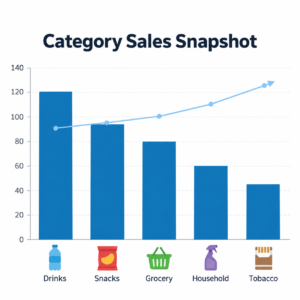
- Category sales
- Payment types
- Refunds
- Discounts
- Staff sales
- VAT summaries
- Cash drawer totals
- Best sellers
- Low stock
For example, you may notice that confectionery sells strongly after school hours, while hot drinks sell better in the morning. You can use that information to improve product placement, plan promotions and manage stock.
Good reporting also helps with end-of-day checks. You can compare cash, card, refunds and discounts more easily.
Daily EPOS Reports Every Small Business Should Check
Loyalty, Offers and Customer Retention
Convenience stores rely on repeat customers. People come back because your shop is close, quick and reliable.
A retail EPOS system can help you encourage repeat visits through loyalty points, discounts and offers.
For example, you could run:
- Mix-and-match drinks offers
- Meal deal-style bundles
- Loyalty points for regular customers
- Discounts on slow-moving stock
- Seasonal promotions
- Multi-buy offers
The key is control. Your EPOS should make it easy to set offers without causing confusion at the till.
If a customer buys two eligible products, the discount should apply automatically. Staff shouldn’t need to remember every promotion in the shop.
That keeps the checkout simple and avoids awkward moments with customers.
Staff Access and Security
In a convenience store, different staff members may need different levels of access.
A cashier may need to process sales and print receipts. A manager may need to approve refunds, change prices, view reports or open the cash drawer.
Staff permissions help protect your business. They also make it easier to see who did what.
For example, if there are unusual refunds or voided sales, you can check the report by staff login. This doesn’t mean you don’t trust your team. It simply gives you proper control.
Useful security features include:
- Staff PINs or logins
- Refund permissions
- Price change restrictions
- Cash drawer tracking
- Manager approval
- Sales history by staff member
For busy retail shops, these features can make a real difference.
Cloud Access and Multi-Store Control
Cloud access means you can view some of your EPOS information away from the till, usually through an online portal.
This is useful if you manage the shop remotely or own more than one location.
For example, if you have two convenience stores, you may want to check both shops’ sales from one place. You may also want to compare product performance, monitor stock or review reports without travelling between branches.
Cloud access can help with:
- Remote reporting
- Multi-branch sales views
- Product updates
- Stock visibility
- Business performance checks
- Owner-level control
For many shop owners, this is one of the most useful upgrades because it saves time.
Multi-Store EPOS Systems for UK Retailers
How Much Should a Convenience Store EPOS System Cost?
The cost of a convenience store EPOS system depends on the hardware, software, support, payment setup and features you need.
A basic setup may include:
- Touchscreen EPOS terminal or tablet
- Receipt printer
- Cash drawer
- Barcode scanner
- EPOS software
- Card machine
- Installation and support
Some businesses prefer to buy equipment upfront. Others prefer monthly payments because it helps with cash flow.
The right choice depends on your budget, your shop size and how quickly you want to upgrade.
Switch & Save can help UK businesses review EPOS, card payments and business finance together. That means you can look at the total cost instead of judging the till, terminal and finance separately.
Affordable EPOS System for UK Businesses
A small corner shop uses one till, a barcode scanner, receipt printer and card machine.
The main priorities are quick checkout, simple stock control and daily sales reports. The owner wants to know what sold, what needs reordering and how much cash should be in the drawer.
A retail EPOS system helps the shop move away from manual notes and guesswork.
Or a grocery store sells food, alcohol, tobacco and household products.
The business needs barcode scanning, age prompts, stock tracking, supplier records and clear category reports. Integrated payments help reduce mistakes during busy evenings.
The owner can check which products sell best and manage stock more confidently.
And a growing retailer has two or three locations.
The owner needs branch-level reporting, product control, staff permissions and cloud access. They want to compare sales across stores and avoid updating products manually in each location.
A cloud-connected EPOS setup can make the business easier to manage.
Why Choose Switch & Save?
Switch & Save supports UK small businesses with AI-powered EPOS systems, card payment solutions and business finance.
For convenience stores, that means you can review your full setup in one place:
- EPOS system
- Card machine
- Payment processing
- Stock control
- Reporting
- Hardware
- Business finance options
- Cost-saving opportunities
The goal is simple: help your business serve customers faster, reduce avoidable costs and make better decisions from your daily sales data.
If your current system feels slow, disconnected or difficult to manage, Switch & Save can help you compare your options.
Switch & Save helps UK businesses reduce costs with AI-powered EPOS systems, card payment solutions and business finance.
FAQs
What is the best EPOS system for a convenience store?
The best EPOS system for a convenience store is one that supports barcode scanning, stock control, integrated card payments, retail reports, staff permissions and fast checkout. It should be simple for staff to use and strong enough to manage everyday retail operations.
Why does a convenience store need a retail EPOS system?
A convenience store needs a retail EPOS system because it handles many products, prices, payments and stock movements every day. A proper system helps reduce errors, speed up service and give the owner clearer business information.
Can an EPOS system track stock?
Yes, many EPOS systems can track stock. When an item is sold, the stock level updates automatically. This helps you see what is running low, what sells quickly and what may need reordering.
What are integrated card payments?
Integrated card payments connect your EPOS system to your card machine. The sale amount is sent directly from the till to the terminal, so staff don’t need to type the amount manually.
Is cloud EPOS useful for convenience stores?
Yes, cloud EPOS can be useful if you want to check reports remotely, manage more than one shop or review sales when you’re not on-site. It gives owners better visibility and control.
Can a retail EPOS system manage offers?
Yes, a retail EPOS system can usually manage offers such as multi-buy deals, discounts, loyalty rewards and seasonal promotions. This helps staff apply offers correctly at the till.
How do I choose the right EPOS system?
Start by listing what your shop needs every day. Look at checkout speed, barcode scanning, stock control, card payments, reporting, staff access and support. Then compare the full cost, including hardware, software and payment fees.