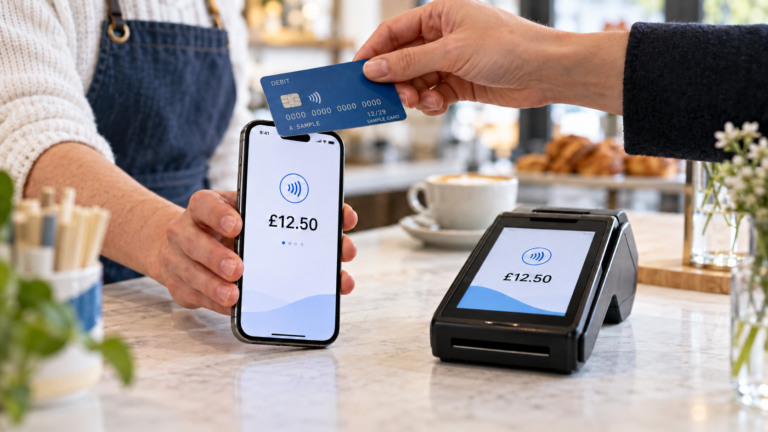
When comparing Dojo vs Teya vs DNA Payments, start with three things: the total cost of taking cards, when the money reaches your bank and whether the terminal works with your till. If you use Switch&Save EPOS, DNA Payments and Teya are options for Retail and Hospitality, while Dojo is an option for Retail only. Ask each provider to price the same month of trading so you can compare what you’d actually pay.
How do Dojo, Teya and DNA Payments compare?
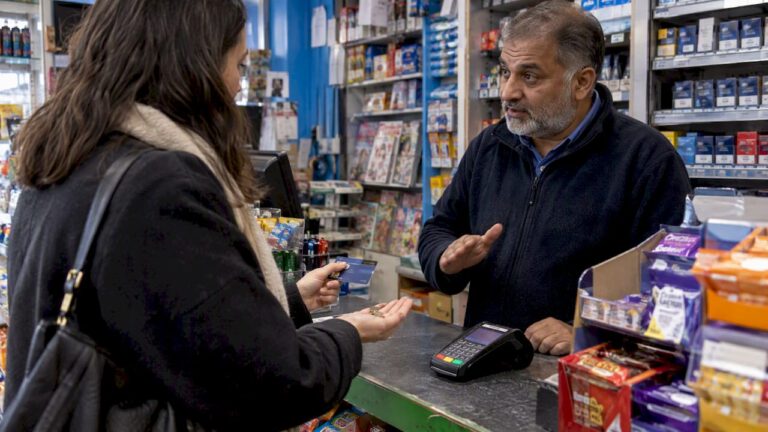
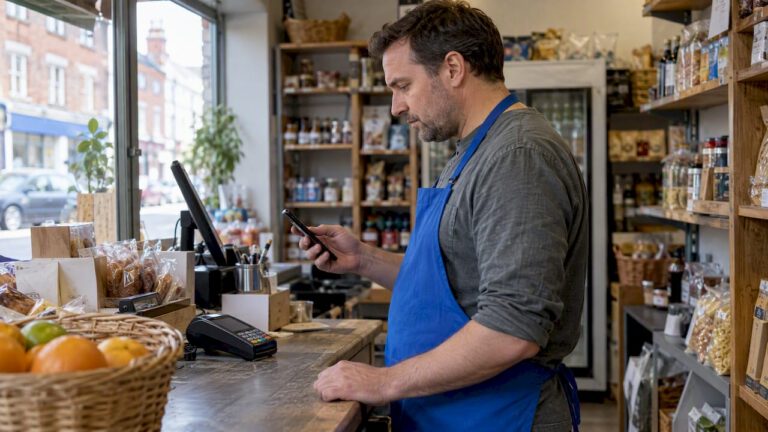
Start with the jobs your staff do every day. A newsagent may need to take dozens of small payments at one counter. A café may need to carry a terminal between tables. A takeaway may need a clear way to handle counter payments and refunds while staff are packing orders.
| Provider | Switch&Save EPOS compatibility | What to check in your quote |
|---|---|---|
| Dojo | Retail | The supported terminal, cost for your card mix and payout schedule |
| Teya | Retail and Hospitality | Whether the proposed terminal works where you serve customers and what changes if you add a second one |
| DNA Payments | Retail and Hospitality | Which terminal and payment services are included and which are quoted separately |
The compatibility column refers to Switch&Save EPOS. If you use another till, give the provider its exact make and software version and ask them to confirm the integration in writing.
It’s also worth seeing the payment process in action. Ask for a demonstration of a sale, a refund and an end-of-day check. You’ll learn more from watching a member of staff complete those three tasks than from comparing terminal specifications alone.
How do you compare the full cost?
Give all three providers the same figures and ask for an itemised estimate. Start with a recent merchant statement and share your monthly card turnover, number of payments, average transaction value and number of terminals. If a busy month looks very different from a quiet one, ask for both to be priced.
How do small transactions change the comparison?
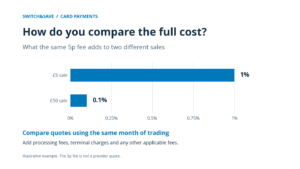
A fixed fee per transaction has more impact on a small basket. For illustration, a 5p fee on a £5 sale adds 1% to the cost of that payment. The same 5p fee adds 0.1% to a £50 sale. These figures show the maths and are illustrative.
A Birmingham convenience store that takes frequent payments for milk, snacks and soft drinks should look closely at any fixed charge. A mobile phone shop selling higher-value handsets and repairs may find the percentage rate makes a bigger difference. Both should check whether the quote uses different rates for consumer, business or international cards.
Which charges should you put side by side?
Ask each provider to show the processing cost, terminal charges, any account or service fees, and any minimum monthly charge that applies. Check what happens when you issue a refund or receive a chargeback. If you take orders over the phone or send payment links, ask for those costs separately because they may be priced differently from payments taken in person.
When the quotes arrive, look for a single figure you can compare: the estimated total cost for the same month, including every charge that applies to your setup. If one estimate assumes one terminal and another includes two, have them repriced before deciding. Our guide covers the charges to look for when reading a quote or statement. See card machine fees explained.
Which terminal setup suits your business?
Choose the terminal around where customers pay and how the transaction gets from your till to the card machine.
What works at a busy retail counter?
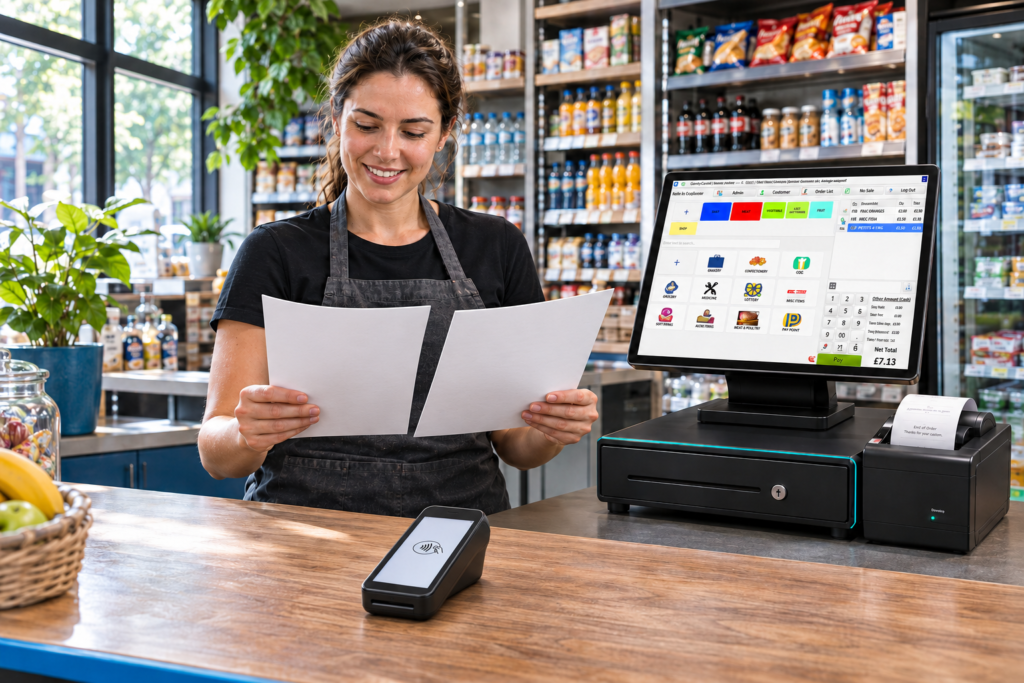
If all payments happen at a fixed checkout, check how the terminal fits beside the scanner and whether customers can reach it easily. With an integrated setup, the till can send the amount to the card machine, saving staff from entering the total again. Ask to see what the till displays after an approved, declined or cancelled payment.
For an off-licence with a second checkout used only at weekends, the cost of the extra terminal matters too. Ask whether both tills can run payments at the same time and how the payments from each checkout appear in your reports.
What should cafés, restaurants and takeaways test?
A café taking payments at tables should test the terminal in the furthest area it serves. A takeaway should walk through a typical evening order, from putting it through the till to taking payment and checking that it appears correctly in the report. If staff accept tips, split bills or part payments, include those steps in the demo.
For Switch&Save EPOS (Hospitality), start with DNA Payments and Teya. Tell us whether customers usually pay at the counter or at the table, and bring a few examples of orders your staff handle. We can use those to discuss the setup with you.
When will card takings reach your bank?
Ask the provider to show when a payment taken at a specific time would reach your bank. Use examples from your own week, such as a Friday evening transaction, a Sunday sale and a payment taken before a bank holiday. Check the cut-off time and whether the proposed schedule applies on weekends.
The difference matters if you use weekend takings to cover a Monday wholesale order. Ask how to match a deposit to the sales it covers and where refunds, fees or adjustments appear. A sample settlement report can help you see how much work your team will have at closing time or when reconciling the bank account.
What should you check before signing?
Check the card processing agreement, any terminal agreement and your EPOS service plan individually. Write down the minimum term, notice period and any early exit charges for each. If you already have a provider, confirm your end date and what happens to the old terminal before booking a switch.
Ask who handles each problem. If the till shows a sale but the terminal hasn’t confirmed payment, staff need to know what to check before trying again. Find out who takes the first call, when help is available and how a faulty terminal is replaced.
Before going live, have a member of staff complete a test sale and refund, print or send a receipt and match the payment to the relevant report. That gives you a chance to clear up questions before the first busy shift.
How can Switch&Save help you compare?
Tell us what type of business you run, where customers pay and which till you use. If you have a recent merchant statement, have the turnover and transaction figures handy so you can compare quotes on the same basis.
Speak to Switch&Save on 0333 038 9707 to discuss a compatible setup for your shop, café or takeaway.
See our card machines.
What else do business owners ask?
Is Dojo cheaper than Teya or DNA Payments?
It depends on your quote and how customers pay. Compare the estimated monthly cost for the same turnover, transaction count, card mix and number of terminals.
Can I use Dojo with Switch&Save EPOS (Hospitality)?
Dojo is a Switch&Save EPOS (Retail) option. For Switch&Save EPOS (Hospitality), the supported providers are DNA Payments and Teya.
Does an included card machine cover transaction fees?
Card processing fees are separate from the Switch&Save EPOS service plan. Check the merchant quote for the fees and the conditions that apply to your terminal.
Can I keep my current terminal when I change tills?
Possibly. Give your EPOS supplier and payment provider the exact terminal model and ask both to confirm compatibility before changing your setup.