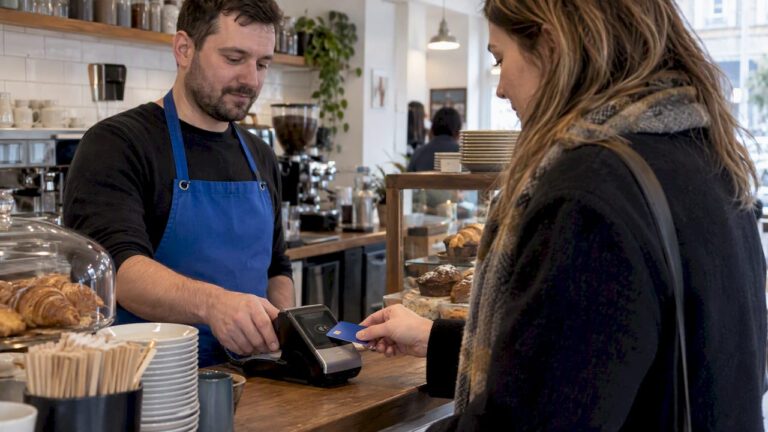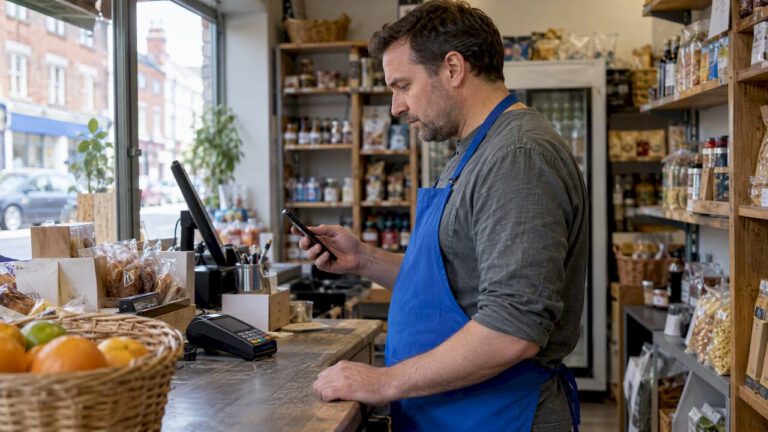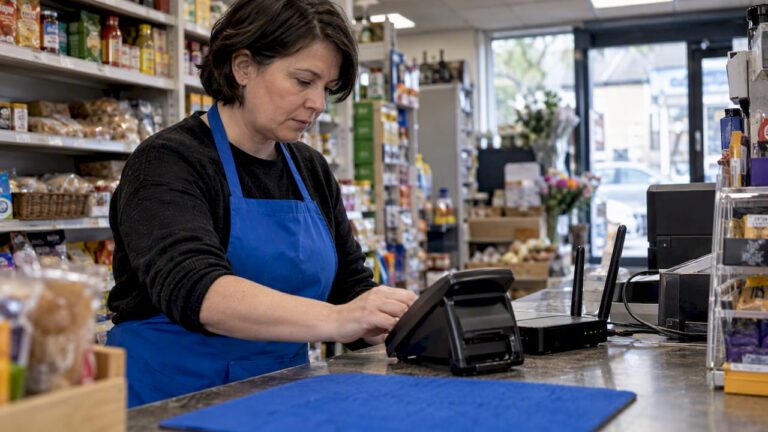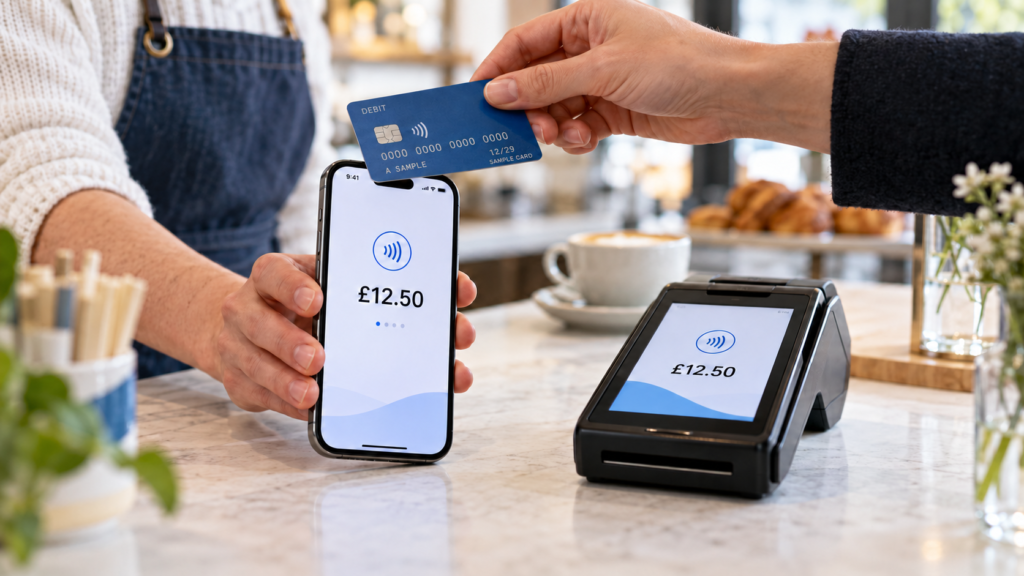
Tap to Pay on iPhone is a good choice for UK businesses taking occasional or mobile contactless payments. A dedicated card reader usually suits busy counters, shared staff use and businesses needing chip-and-PIN payments or printed receipts. For some businesses, using both gives you the most flexibility.
The right choice depends on how you trade. A market seller taking payments between customers has different needs from a grocery shop serving a lunchtime queue.
This guide explains how Tap to Pay on iPhone in the UK compares with a card reader, what Android users should check, and how to choose a setup that fits your business.
Key takeaways
| Your priority | What to consider |
|---|---|
| Accept payments without buying a separate reader | Tap to Pay on a compatible phone |
| Take inserted chip-and-PIN payments | A reader with a card slot |
| Equip a shared checkout | A dedicated business payment device |
| Accept payments away from the counter | Either phone payments or a portable terminal |
| Connect payments to your till | Confirm the exact EPOS integration |
| Reduce costs | Compare transaction fees, hardware and contract charges together |
| Prepare for busy periods | Consider a main terminal plus a phone payment option |
What is Tap to Pay on iPhone?
Tap to Pay on iPhone lets your business accept contactless payments through a supported payment app, without attaching an external reader.
Customers can tap a contactless debit or credit card, or pay using a supported digital wallet. That includes customers using an Android wallet: they don’t need an iPhone just because you’re using one. Accepted card brands depend on your payment provider. Apple (UK)
How does it work?
You open your payment app, enter the amount and present the iPhone. Your customer holds their card or device near the payment symbol, and you check the result before completing the sale.
The phone uses NFC, or near-field communication. In plain English, that’s the short-range technology allowing the customer’s card or wallet to communicate with your device.
This type of payment acceptance is often called SoftPOS, meaning software that turns a compatible device into a payment terminal.
What do you need?
Apple specifies an iPhone XS or later. You’ll also need a supported payment app, an approved merchant account and an iOS version accepted by your provider. Check the app’s requirements before buying or reusing a handset. Apple (UK)
Simply having Apple Pay in your Wallet doesn’t let you accept customer payments. Apple Pay lets you pay; Tap to Pay enables payment acceptance through a suitable business app.
Tap to Pay on iPhone vs card reader
For this comparison, a card reader means separate payment hardware. Some readers connect to a phone or tablet; others are standalone terminals.
That distinction matters. Buying a small reader doesn’t necessarily remove your dependence on a phone.
| Feature | Tap to Pay on iPhone | Dedicated reader or terminal |
|---|---|---|
| Hardware | Compatible iPhone | Separate payment device |
| Contactless payments | Supported through the payment app | Supported on suitable models |
| Inserted card payments | No card slot | Available on models with a chip reader |
| PIN entry | Supported within eligible payment flows | Available on suitable devices |
| Receipts | Digital options depend on the app; printing needs a compatible setup | Digital options; some terminals include a printer |
| Staff use | Requires suitable device access and permissions | Can be assigned to a counter or team |
| Mobility | Uses the phone you carry | Portable models are available |
| EPOS integration | Depends on the app and EPOS system | Depends on the provider, model and EPOS system |
| Connectivity | Provider-specific requirements | May use a paired phone, Wi-Fi, Ethernet or mobile data |
| Cost | Processing charges and any app or device costs | Processing charges plus any purchase, rental or service costs |
The biggest practical difference is card insertion. A phone can accept a contactless payment, but it cannot physically read an inserted chip card.
PIN entry on a phone is a separate capability. It doesn’t give the handset a chip-reader fallback.
What about Tap to Pay on Android?
If you’re researching Tap to Pay Android UK options, the basic idea is similar: a supported app uses a compatible phone’s NFC capability to accept contactless payments without an external reader. Visa documents this type of payment acceptance on Android devices. Visa
However, don’t assume every NFC-enabled Android phone will work.
Your provider may specify particular models, Android versions and security requirements. Ask whether your exact handset is supported, whether PIN entry is available, and which cards you can accept.
There’s usually little reason to change your whole phone platform just for payments if a suitable service already supports your device. Compare the payment features and costs first.
Which option suits your business?
Market stalls, pop-ups and mobile services
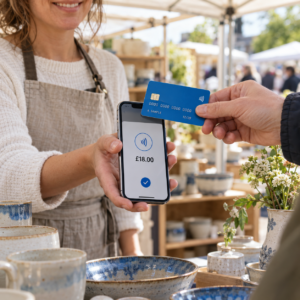
Phone payments are worth considering when you trade away from a fixed counter and already carry a compatible handset.
For example, a Birmingham market seller taking payments for handmade gifts may prefer one device for sales and business messages. Carrying less equipment can make setup easier.
Before relying on it, test reception at the actual trading location and check how you’ll handle refunds and receipts.
Grocery shops and convenience stores
For a busy grocery checkout, a dedicated terminal is often the more practical starting point.
Staff can use the payment device while the owner answers calls or manages deliveries. A terminal with a card slot also provides an option when a customer needs to insert their card.
Explore Switch & Save’s card machine options alongside your checkout requirements, rather than choosing solely by the smallest upfront cost.
Cafés, restaurants, bars and takeaways
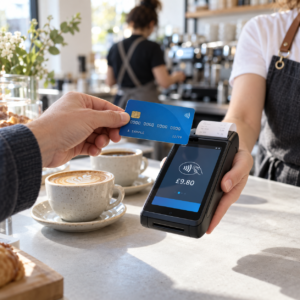
Both options can work in hospitality. The deciding factor is often how the payment connects to the order.
A phone may suit occasional payments on a café terrace. A restaurant handling split bills, tips and multiple waiting staff should test those workflows before choosing.
With a compatible integrated setup, the bill amount can pass from the EPOS system to the payment device, reducing manual entry. Switch & Save’s hospitality EPOS solutions are worth exploring if you need ordering and payments to work together.
Mobile phone shops
A phone shop selling accessories and carrying out repairs may find SoftPOS useful for payments away from the main counter.
For handset purchases, however, check supported transaction values, customer verification and what happens when a card requires insertion. Having a terminal available gives you another payment route.
Compare the full cost
Using your phone as a card reader can remove the need to buy separate payment hardware. It doesn’t automatically make every sale cheaper.
Compare processing fees, monthly charges, hardware costs, refund charges and contract terms. Also check when funds reach your bank account and whether additional charges apply to particular card types.
Here’s an illustrative calculation, not a provider quote:
| Monthly cost | Option A | Option B |
|---|---|---|
| Card turnover | £10,000 | £10,000 |
| Example processing rate | 1.5% | 1.0% |
| Processing cost | £150 | £100 |
| Example device charge | £0 | £25 |
| Total before other charges | £150 | £125 |
In this example, the option with a device charge costs less overall. Different rates or sales volumes could reverse the result.
Use your own recent statements when comparing offers. Switch & Save can help you assess payment options against your business needs, rather than looking at hardware prices alone.
Security, connectivity and everyday use
Is accepting payments on a phone secure?
Phone payment acceptance has dedicated security standards. The PCI Security Standards Council’s MPoC standard covers solutions that accept contactless payments and cardholder PINs on ordinary mobile devices. pcisecuritystandards.org
Ask your provider which validated solution you’re using and what PCI responsibilities remain with your business.
Keep devices updated, control staff access and follow the provider’s instructions. Never photograph cards or write down PINs.
What happens when a PIN is needed?
Tap to Pay on iPhone supports on-screen PIN entry, including accessibility options. Confirm how your chosen provider handles PIN requests, card types and transaction limits. Apple Support (UK)
Don’t assume every transaction will complete with a simple tap. Train staff to follow the payment prompt and offer another payment method when necessary.
Can it work without internet?
Apple supports a Store and Forward mode on iPhones running iOS 18.4 or later, but availability depends on the payment service provider. Ask whether your app supports it and what restrictions apply. Apple Support (UK)
Treat offline acceptance as a feature to verify. Ask when payments are authorised and who bears the risk if a stored transaction later fails.
Will it fit your working day?
A personal phone may also be handling calls, delivery apps and messages. Think about what happens when several staff need to take payments or the owner leaves the premises.
Run a realistic trial. Take a payment, issue a receipt, process a refund and check the sales report. For hospitality, add a split bill and a tip to the test.
How to make your decision
Start with your busiest trading period. What does your payment setup need to do when customers are waiting?
Choose Tap to Pay when mobility, occasional use and avoiding extra hardware are your main priorities. Choose a dedicated terminal when you need shared counter use, card insertion or a particular receipt and EPOS workflow.
Using both can make sense too. A terminal can handle routine checkout payments while a compatible phone provides extra capacity. Remember that both may still depend on the same network or provider.
Switch & Save helps UK businesses reduce costs with AI-powered EPOS systems, card payment solutions and business finance. Check your savings today.
Contact Switch & Save or call 0333 0389707 to discuss a payment setup that suits your business.
FAQs
Can I use my iPhone as a card reader in the UK?
Yes. A compatible iPhone and supported business payment app can accept contactless customer payments without an external reader. You’ll need to complete the provider’s account setup.
Is Tap to Pay on iPhone free?
It can avoid a separate reader purchase, but transaction fees and other provider charges may apply. Check the complete pricing schedule.
Can Android customers pay on my iPhone?
Yes, supported Android digital wallets can pay through Tap to Pay on iPhone. Acceptance depends on the underlying card and your payment provider.
Can Tap to Pay replace my EPOS system?
Payment acceptance alone doesn’t replace stock control, barcode scanning, table management or detailed sales reporting. Check what the app actually includes.
Is a card reader better for a busy shop?
A dedicated terminal often suits a shared checkout, especially when you need card insertion or printed receipts. Test its integration and speed within your own sales process.
Can I use both a phone and a card machine?
Yes, subject to provider arrangements. Check whether transactions, refunds and reports are managed together or through separate accounts.