A salon EPOS system should bring services, retail products and payments onto one clear bill, while helping you review staff sales and gift voucher use. Start by agreeing how transactions are assigned to team members, how vouchers are redeemed and which customer details you need to keep. That gives reception staff a consistent checkout process and owners figures they can interpret correctly.
For a busy salon, the challenge often comes when several clients finish together. One is paying for a colour and cut, another wants shampoo, and a third has a gift voucher. A clear till setup helps the team handle each bill without losing track of the details.
| Area | What to agree before setup |
|---|---|
| Services and products | Which items are services and which need stock tracking |
| Staff sales | Whether the report identifies the cashier, service provider or both |
| Gift vouchers | How staff issue, redeem and check remaining balances |
| Client history | What information is needed, where it belongs and who can access it |
| Reception handovers | How staff find the right open bill and confirm payment status |
How should salon EPOS handle services and retail products?
Set up treatments as services and products sold from the shelf as retail stock.
A haircut does not use a finished retail item in the same way that selling a bottle of conditioner does. Your product setup should reflect that distinction.
For example, a client might receive a cut and blow-dry, then buy a styling cream. All three items can appear on one bill, while the styling cream reduces the available retail stock.
Switch&Save EPOS supports services and retail products on the same transaction. Staff can also hold a bill under the client’s name and recall it when they are ready to pay. Explore our salon EPOS system. Till for Hair & Beauty Salons
How should you name your services?
Use names the team can distinguish quickly.
If you offer several colour services, make the differences clear in the till description. Staff should be able to identify the booked service and add any agreed extras without guessing which button applies.
Check:
- Service names and prices.
- Different lengths or treatment options.
- Common extras.
- Retail product sizes.
- Discount permissions.
- Who can change a price.
Try a few real appointment examples before launch. If staff repeatedly ask which service to select, improve the descriptions while the setup is still easy to change.
What does a sales-by-stylist report actually show?
Before using staff figures, check what the report measures.
A transaction can involve several people. One stylist might carry out the colour, another completes the cut, and a receptionist takes payment.
A report based on the person signed into the till will associate the payment with that cashier. To understand services performed by each stylist, you need to confirm how the system assigns individual services.
How does this work in Switch&Save EPOS?
Switch&Save’s staff reporting shows sales by cashier. When stylists ring up their own clients using individual PINs, you can review the sales recorded against each login. Till for Hair & Beauty Salons
If reception processes every payment, discuss that workflow during the demo. Ask whether the configuration can capture the service provider separately and how shared appointments appear in reports.
Use a simple test:
- Create a client bill.
- Add services performed by two team members.
- Have a receptionist complete payment.
- Open the staff report.
- Check which person receives each recorded sale.
That shows whether the figures answer the question you want to ask.
How should you use staff sales figures?
Review them alongside working hours, service mix and responsibilities.
A stylist doing longer colour appointments may complete fewer transactions than someone handling shorter services. A receptionist may record high till sales because they take payments for the whole team.
If you use figures for commission, confirm the calculation and check how discounts, refunds, vouchers and shared services affect it. Work through examples before relying on the report for payroll.
How should salon gift vouchers work?
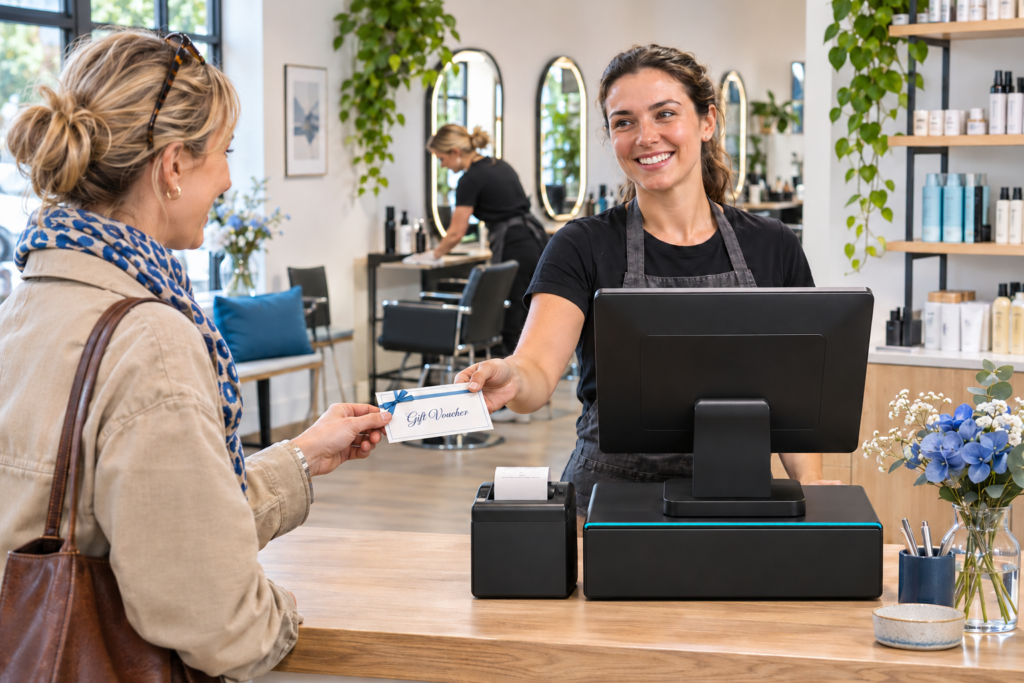
A gift voucher needs a record that staff can find when the recipient returns.
Agree the voucher’s value, applicable terms and redemption process before selling it. Give the purchaser clear information about how it can be used.
Switch&Save EPOS supports selling gift vouchers and using them towards all or part of a later sale. Till for Hair & Beauty Salons
What happens when a client spends part of a voucher?
Consider an illustrative £60 voucher used for a £45 visit.
The transaction should show £45 redeemed and a remaining value of £15, according to the voucher’s terms and the system’s configuration.
Ask staff to demonstrate:
- Finding the voucher.
- Checking its available balance.
- Applying part of the value.
- Taking any additional payment.
- Confirming the balance afterwards.
Then try a visit that costs more than the voucher. For example, a £75 bill paid with a £60 voucher leaves £15 to collect through another payment method.
How should you handle voucher sales in reports?
Check how issuing a voucher and redeeming it appear in your reports.
A voucher purchase brings money into the business before the recipient receives their service. Later redemption settles the visit using that stored value.
Ask your accountant how they want voucher activity reported, including the VAT treatment that applies to your particular vouchers. Show them an example of the issue and redemption reports so they can confirm the bookkeeping process.
At reception, give staff a clear route for dealing with a voucher they cannot find, a cancelled voucher or an uncertain balance.
What client history should you keep?
Start with the information needed to provide the service and manage the customer relationship.
A sales history can help staff find a previous retail purchase or locate a receipt. Treatment information may belong in a separate consultation or salon management record.
Check where each type of information is stored and how staff will retrieve it. During a demo, ask the supplier to show the exact customer history available in your proposed setup.
What makes a useful customer record?
Keep the record accurate and easy to identify.
Two clients may have the same name. Agree which additional detail staff should use to find the correct account, and avoid creating a duplicate whenever someone visits.
The ICO advises small organisations to collect only the personal information they need and keep it accurate, secure and for an appropriate period. Explain to clients how you use their information through your privacy information. ico.org.uk
For example, a salon in Birmingham might use a customer record to find which conditioner a client bought last time. Staff need the right account and purchase entry to answer that question.
How should you handle sensitive treatment notes?
Information about allergies, medical conditions or reactions may be health data and receive additional protection under UK data protection law.
Identify an appropriate lawful basis and applicable special-category condition, restrict access and establish a retention process. Check those arrangements before storing sensitive notes in a general customer record. ico.org.uk
Give staff clear guidance on what to enter and where. Keep notes factual, relevant and accessible only to people who need them.
How can you make reception handovers easier?
Use a consistent way to identify open bills.
When a client arrives, confirm the name associated with their visit. Add the completed services and agreed purchases to the correct bill, then check the details before payment.
At handover, the next staff member should be able to answer:
- Which client does this bill belong to?
- Are all completed services included?
- Has a retail product been added?
- Is a voucher being used?
- Has any payment already been taken?
If a client changes their mind about a product, remove it from the bill before completing the transaction. If payment has already been processed, follow the appropriate refund or amendment procedure.
Practise a handover between a stylist and receptionist. It will reveal missing information more clearly than a demonstration where one person performs every step.
What should you test before choosing salon EPOS?
Bring your service menu, a few retail products and an example voucher to the demonstration.
Run through a typical visit from the first bill entry to the final receipt.
| Demo task | What to check |
|---|---|
| Add a cut, colour and retail product | The bill is clear and retail stock updates appropriately |
| Hold and recall a bill | Another colleague can find the correct client |
| Complete payment at reception | Staff reporting attributes the transaction as expected |
| Redeem part of a voucher | The amount used and remaining balance are clear |
| Find a previous transaction | Staff can locate the relevant customer sale |
| Refund a product | Permissions, payment and stock treatment work correctly |
Ask separately about appointment booking, consultation records and any connections to existing software. Confirm the functions included in the quote.
What does Switch&Save EPOS cost?
The Complete Package is £349 upfront, followed by a monthly service plan of £79 for months 1–12 and £39 from month 13. A card machine is included, subject to approval.
The Upfront Package is £899 upfront with a £25 monthly service plan. All prices exclude VAT, both packages have a 12-month minimum term and card processing fees are separate. See the full EPOS prices. Cheap EPOS, Clear Monthly Costs
Book a Switch&Save salon demo on 0333 038 9707. Bring a typical client bill and a voucher example so we can work through your reception process together.
What else do salon owners ask about EPOS?
Can I charge for treatments and retail products together?
Yes. Switch&Save EPOS supports services and stocked retail products on the same bill. Till for Hair & Beauty Salons
Will a cashier report show which stylist performed the treatment?
It shows the person associated with the till transaction. Check how your proposed configuration records the service provider, especially when reception takes payment for several stylists.
Can a client use a voucher and pay the rest by card?
Switch&Save supports vouchers covering part of a later sale. Test the remaining-payment step with your proposed payment setup. Till for Hair & Beauty Salons
Can I store allergy information in a client record?
Health information requires additional data protection consideration. Confirm your lawful basis, special-category condition, access controls and retention arrangements before storing it. ico.org.uk