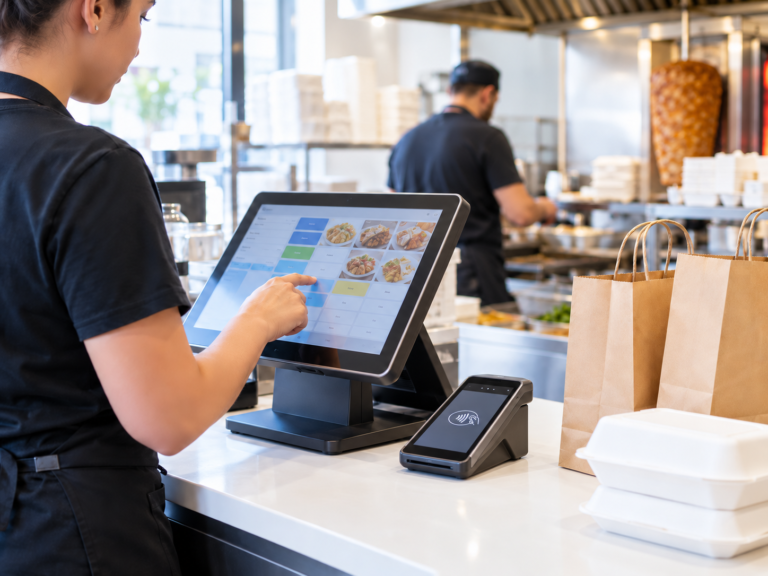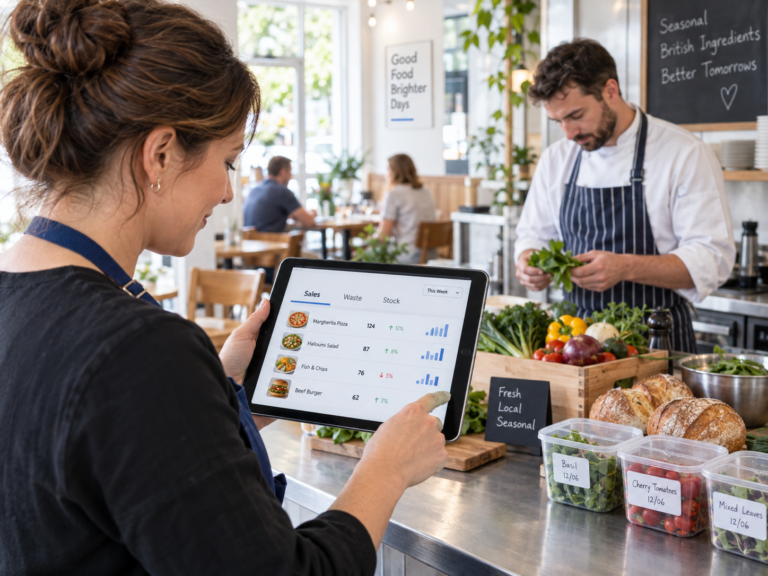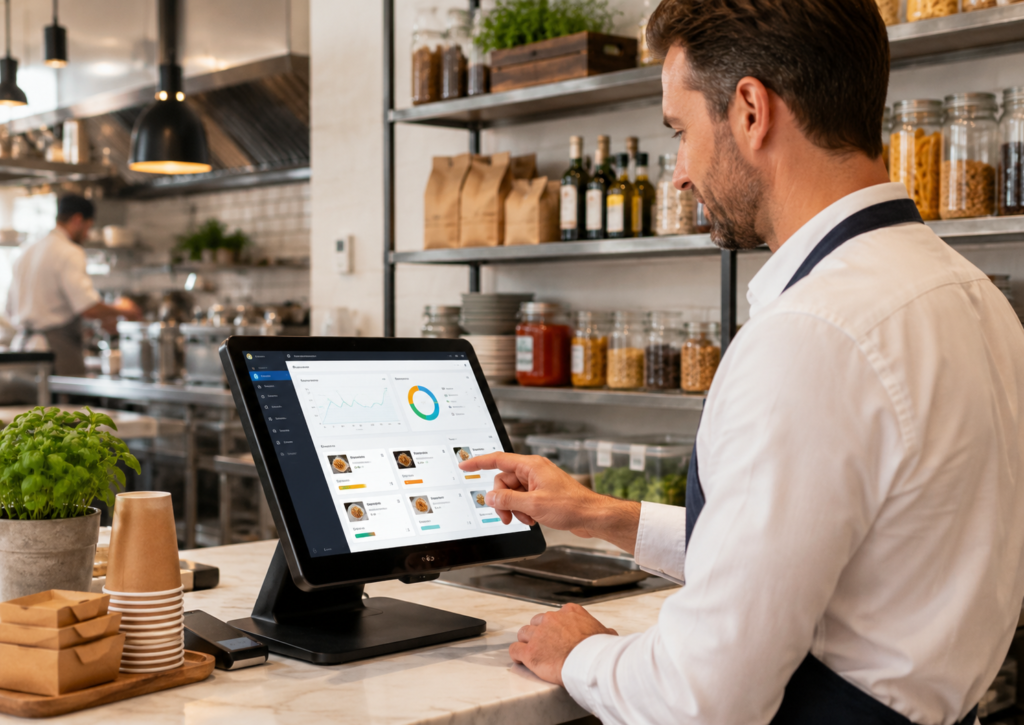
A restaurant POS system helps track inventory by connecting each sale with the products or ingredients used to fulfil that order. When a menu item is sold, the system can automatically reduce the relevant stock quantities, update available inventory, identify low-stock items and produce reports for purchasing, wastage and menu performance.
For example, selling a chicken burger could deduct one bun, one chicken fillet, one cheese slice, a measured amount of sauce and one takeaway box from the restaurant’s stock. This gives managers a clearer picture of what should be available without relying entirely on spreadsheets or visual checks.
However, accurate tracking depends on correct recipe setup, portion control, delivery records, waste reporting and regular physical stocktakes.
Key Takeaways
| Area | How a POS system helps |
|---|---|
| Automatic stock updates | Deducts products or ingredients when an item is sold |
| Low-stock management | Alerts managers when important items are running low |
| Waste control | Records spoilage, mistakes, staff meals and damaged stock |
| Purchasing | Supports more informed supplier ordering decisions |
| Menu analysis | Shows which dishes sell and which ingredients move slowly |
| Stock variance | Compares expected stock with physical stock counts |
| Multi-site management | Provides visibility across different branches or locations |
What Is Restaurant POS Inventory Tracking?
Restaurant POS inventory tracking is the process of using sales data from a point-of-sale system to calculate how much food, drink, packaging or merchandise should remain in stock.
A basic POS may track complete products. For instance, when a bottled drink is sold, one bottle is deducted from inventory.
A more advanced restaurant inventory management POS system may also track individual ingredients. Instead of recording only that one pizza was sold, it can calculate the expected usage of:
- Pizza dough
- Tomato sauce
- Cheese
- Meat or vegetable toppings
- Dip portions
- Pizza boxes
This creates a theoretical stock level based on sales and recorded stock movements. Managers can then compare it with the restaurant’s actual stock during a physical count.
For a wider explanation of hospitality technology, read What Is a Hospitality Point of Sale System and What Should It Include?.
How Do POS Systems Track Inventory in Restaurants?
1. Menu items are linked to stock
The first step is creating stock records for the products and ingredients used by the restaurant.
These may include:
- Fresh ingredients
- Frozen products
- Bottled and canned drinks
- Alcohol
- Sauces and condiments
- Disposable packaging
- Cleaning supplies
- Retail products sold at the counter
Each menu item can then be connected to the relevant stock items. This connection is sometimes called recipe mapping, ingredient mapping or a bill of materials.
When a customer orders the menu item, the POS records the sale and deducts the mapped stock quantities.
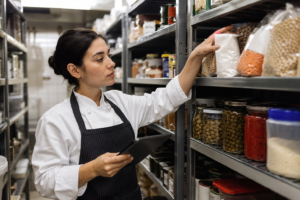
2. Stock is deducted when sales are completed
Suppose a café sells one full English breakfast. Its recipe could be configured to deduct:
- Two eggs
- Two sausages
- Two bacon rashers
- One portion of beans
- One portion of mushrooms
- Two slices of bread
Once the order is completed, the system updates the expected quantities of those ingredients.
This is particularly useful during busy periods because staff do not have to record every ingredient manually. Sales and inventory activity are connected through the same system.
3. Orders from different channels can be combined
Restaurants may receive orders through several channels, including:
- Counter service
- Table service
- Telephone orders
- Online ordering
- Self-service kiosks
- Collection orders
- Delivery platforms
When those channels are properly integrated with the EPOS system, stock can be updated from a central sales record rather than maintained separately for every ordering channel.
This reduces the risk of accepting an order for something that is no longer available. It also gives managers a more complete view of demand.
Businesses reviewing their ordering and management technology can explore restaurant POS software for UK hospitality businesses.
4. Deliveries increase available stock
Inventory tracking is not limited to deducting items when they are sold. Managers must also record incoming deliveries.
For example, when a restaurant receives:
- 50 kilograms of chicken
- 20 cases of soft drinks
- 10 boxes of takeaway containers
The quantities should be entered into the inventory system. Depending on the POS software, staff may record deliveries manually or receive them against an existing purchase order.
Recording deliveries promptly is essential. If stock arrives but is not entered into the system, the POS will display an incorrect quantity even when its sales calculations are working properly.
5. Low-stock alerts support reordering
A restaurant can assign a minimum stock level or reorder point to important products.
For example, a manager may decide that an alert should appear when:
- Chicken fillets fall below 40 units
- Pizza boxes fall below 100 units
- A particular beer falls below two cases
- Cooking oil falls below 10 litres
These alerts help managers reorder before an item runs out.
The system does not replace managerial judgement. Demand may change because of weather, local events, promotions, bank holidays or seasonal trading. However, stock alerts give managers a more reliable starting point than memory alone.
6. Waste and non-sale usage can be recorded
Not every stock reduction is caused by a customer sale.
Restaurant inventory may also be used or lost because of:
- Food spoilage
- Incorrect orders
- Overproduction
- Staff meals
- Complimentary items
- Damaged packaging
- Returned dishes
- Preparation waste
- Expired products
A good POS inventory process allows authorised employees to record these movements using clear reason codes.
Without waste reporting, the system may show that ingredients should still be available even though they have already been discarded or consumed. This creates unexplained stock variance at the next count.
7. Stocktakes identify differences
Even well-configured restaurant inventory software should be supported by regular physical counts.
A stocktake compares:
- Theoretical stock: What the system calculates should remain.
- Actual stock: What employees physically count.
The difference is known as stock variance.
Variance can be caused by incorrect portions, unrecorded waste, data-entry mistakes, supplier shortages, theft, breakages or recipe configurations that no longer reflect how dishes are prepared.
A POS system makes variance easier to investigate because managers can review sales, deliveries, waste records and adjustments in one place.
8. Reports reveal stock and sales patterns
POS inventory reports can help restaurant managers answer practical questions such as:
- Which ingredients are used most frequently?
- Which items regularly run out?
- Which products are being over-ordered?
- Which dishes sell well but generate low margins?
- Which ingredients are regularly wasted?
- How much stock is held at each location?
- Which days require higher stock levels?
- Are actual quantities matching expected usage?
AI-powered reporting may also help managers identify patterns in sales and inventory data. Any recommendation should still be reviewed alongside supplier lead times, upcoming bookings, seasonal demand and the restaurant’s operating plans.
Product-Level Versus Ingredient-Level Inventory Tracking
Not every food business needs the same level of detail.
Product-level tracking
Product-level tracking is suitable for items sold in the same form in which they are purchased.
Examples include:
- Bottled water
- Canned drinks
- Packaged snacks
- Bottles of wine
- Retail sauces
- Pre-packed desserts
One sale normally deducts one complete unit.
Ingredient-level tracking
Ingredient-level tracking is more useful for prepared dishes.
Examples include:
- Burgers
- Curries
- Pizzas
- Sandwiches
- Cocktails
- Breakfast dishes
- Meal deals
Each sale may deduct several ingredients and packaging items.
Ingredient-level tracking provides greater detail, but it requires more setup and ongoing maintenance. Recipes, serving sizes and preparation practices must be reasonably consistent for the information to remain useful.
Consider a hypothetical Birmingham takeaway selling chicken meals.
The restaurant creates a meal in its POS with the following stock recipe:
| Stock item | Quantity deducted per meal |
|---|---|
| Chicken portion | 1 |
| Chips | 250g |
| Drink can | 1 |
| Sauce sachet | 2 |
| Meal box | 1 |
| Carrier bag | 1 |
When 40 meals are sold, the POS calculates the expected usage as:
- 40 chicken portions
- 10 kilograms of chips
- 40 drink cans
- 80 sauce sachets
- 40 meal boxes
- 40 carrier bags
Suppose the physical count shows that 44 chicken portions were used. The four-portion difference could have resulted from staff meals, oversized servings, preparation mistakes or unrecorded waste.
The manager now has a specific variance to investigate instead of simply noticing that chicken costs appear higher at the end of the month.
Benefits of Using a POS System for Restaurant Inventory
More informed purchasing decisions
Sales and stock reports show what has actually been used. This can help managers avoid purchasing excessive quantities of slow-moving ingredients while maintaining enough stock for popular menu items.
Fewer unexpected shortages
Real-time or frequently updated stock information helps managers identify shortages before service begins. Staff can reorder an item, prepare an alternative or temporarily update menu availability.
Better control of food waste
Recording waste by item and reason makes recurring problems easier to identify. For example, the restaurant may be preparing too much food before quiet shifts or ordering ingredients in quantities that cannot be used before expiry.
Improved menu decisions
Combining inventory costs with sales data can provide a clearer understanding of menu performance.
A popular dish is not automatically a profitable dish. Its margin may be affected by expensive ingredients, excessive portions, preparation waste or high packaging costs.
Greater staff accountability
Permission controls and stock adjustment records can show who received deliveries, completed counts or changed stock quantities.
This does not mean every variance is an employee issue. It creates a clearer audit trail so managers can investigate discrepancies fairly and consistently.
Less administrative work
Connecting sales with stock records reduces repeated manual entry. Restaurant teams can spend less time updating separate spreadsheets and checking several disconnected systems.
POS automation can also support wider operational efficiency. Read more about how a POS system can help reduce restaurant labour costs.
How to Set Up Accurate Restaurant Inventory Tracking
Create a clean ingredient list
Avoid creating unnecessary duplicates such as “Mozzarella”, “Pizza Cheese” and “Cheese Block” when they represent the same stock item.
Use clear names, supplier references and consistent categories.
Use consistent units of measurement
Choose appropriate units such as:
- Grams
- Kilograms
- Millilitres
- Litres
- Portions
- Bottles
- Cans
- Cases
- Individual units
Pack conversions must also be correct. For example, receiving one case containing 24 cans should increase available stock by 24 cans, not one unit.
Map recipes carefully
Record realistic ingredient quantities for each dish, including extras and packaging where appropriate.
Modifiers should also be considered. An order with extra cheese should deduct more cheese than the standard recipe, while an order without sauce should not necessarily use the standard sauce quantity.
Enter opening stock
Complete an initial physical count before starting automated tracking. This gives the POS a reliable opening balance.
Record every stock movement
Create procedures for:
- Supplier deliveries
- Waste
- Returns
- Staff meals
- Complimentary items
- Transfers
- Breakages
- Stock adjustments
Carry out regular physical counts
High-value, fast-moving or high-risk items may require more frequent checks than low-cost supplies.
A restaurant might count premium spirits daily, fresh ingredients several times a week and packaging during a weekly stocktake.
Common Restaurant Inventory Tracking Mistakes

A POS system cannot provide accurate inventory data when the underlying processes are incomplete.
Common mistakes include:
- Failing to enter supplier deliveries promptly.
- Using estimated recipes that do not match actual portions.
- Ignoring extras, substitutions and menu modifiers.
- Failing to record spoilage or staff meals.
- Allowing every employee to make unrestricted stock adjustments.
- Mixing cases, packs and individual units.
- Continuing to use old recipes after menu changes.
- Treating theoretical stock as a replacement for physical counts.
- Failing to investigate repeated stock variance.
- Tracking ingredients in a spreadsheet that is not connected to sales.
The most effective approach combines POS automation with staff training, clear procedures and routine stocktakes.
Choosing a POS System for Restaurant Inventory Management
When comparing restaurant POS systems, ask whether the platform supports:
- Product and ingredient-level tracking
- Recipe mapping
- Menu modifiers
- Low-stock alerts
- Waste and adjustment reasons
- Supplier and purchase order management
- Delivery receiving
- Physical stock counts
- Stock variance reports
- User permissions
- Multi-location inventory
- Sales and menu performance reports
- Online ordering integrations
- Reliable operation during busy service periods
The right system should reflect how the restaurant actually operates. A small café selling mostly packaged products may need simpler stock control than a multi-site restaurant preparing hundreds of ingredient-based dishes.
Switch & Save provides hospitality EPOS systems for UK restaurants, takeaways and cafés and can help businesses assess the features required for their ordering, payment, reporting and inventory processes.
POS systems help restaurants track inventory by connecting sales with stock usage, recording deliveries and adjustments, monitoring low-stock items and comparing expected stock with physical counts.
The greatest benefit is visibility. Instead of waiting until an ingredient runs out or supplier costs become difficult to explain, managers can use current sales and stock information to make more informed decisions.
However, software alone cannot guarantee accurate inventory. Restaurants still need consistent recipes, portion control, staff training, delivery procedures, waste reporting and regular stocktakes.
Switch & Save helps UK businesses reduce costs with AI-powered EPOS systems, card payment solutions and business finance.
Frequently Asked Questions
Can a POS system automatically track restaurant ingredients?
Yes, a suitable restaurant POS system can automatically deduct ingredients when menu items are sold. The recipes and ingredient quantities must first be configured correctly.
Does every restaurant POS include inventory management?
No. Some systems provide only basic product-level stock tracking, while others support ingredients, recipes, purchase orders, waste records and multi-location inventory. Businesses should confirm which features are included before choosing a system.
Can a POS system reduce food waste?
A POS system can help restaurants identify and monitor waste by recording spoiled food, incorrect orders, overproduction and other stock adjustments. Reducing waste still requires managers to act on the information.
How often should a restaurant complete a stocktake?
The appropriate frequency depends on the product. High-value and fast-moving items may be counted daily, while other products may be checked weekly or monthly. Regular cycle counts can be easier to manage than one large count.
What is the difference between theoretical and actual stock?
Theoretical stock is the quantity the POS calculates should remain after sales and recorded adjustments. Actual stock is the quantity physically counted. The difference between them is the stock variance.
Can a POS system track stock across several restaurant branches?
Some POS systems support multi-location inventory, transfers and branch-level reporting. Restaurants should confirm whether stock is managed separately at each location and whether authorised managers can view consolidated information.
Can restaurant POS inventory data replace manual stock counts?
No. POS data reduces manual administration and provides theoretical stock levels, but restaurants should still perform physical counts to identify waste, portion differences, errors and other discrepancies.