
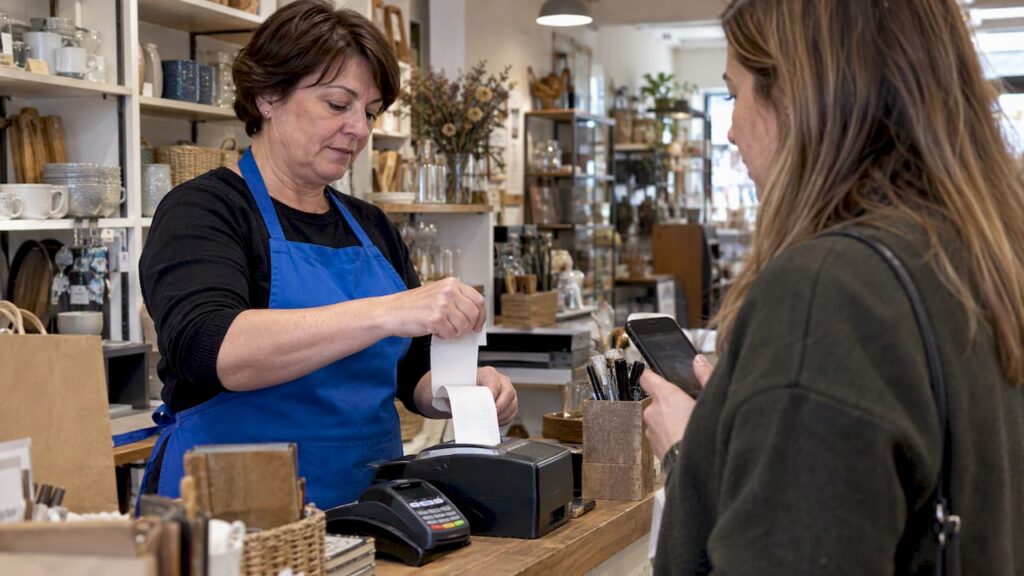
For most retail and hospitality businesses, digital receipts should be the default, with paper kept as a backup for the times it genuinely helps. Email, SMS or QR receipts cost less to run, keep records searchable for accounting, and match what most customers now expect. We’d suggest picking one digital method, testing it at the till, and setting a clear policy for when paper still makes sense.
TL;DR:
- HMRC accepts electronic VAT receipts when origin authenticity, data integrity, and legibility remain intact; businesses generally must retain VAT records for six years.
- Use QR codes or tap to avoid email entry at checkout, and capture marketing permission separately because receipt delivery does not authorize promotions.
- Print on request for returns, exchanges, expensive purchases, disputes, or shoppers without reliable smartphone access, and keep a printer available during outages.
- Pilot one delivery method on a single till for at least two weeks, then compare checkout times and customer consent rates before expanding.
- UK retailers print an estimated 11.2 billion receipts yearly and spend at least £32 million on printing, while thermal coating makes most slips unrecyclable.
Table of Contents
- 1. Advantages of email and digital receipts
- 2. Limitations and practical drawbacks of email receipts
- 3. Why paper receipts still matter and when to print one
- 4. Legal, taxation and record-keeping responsibilities for electronic receipts
- 5. Costs and environmental impact: paper vs digital
- 6. Practical implementation: moving to digital-first receipting
- 7. How our EPOS systems support digital-first receipting
- 8. A recommended policy for most shops and venues
- Making the switch with the right EPOS setup
- FAQ
- Sources
1. Advantages of email and digital receipts
Digital receipts solve problems paper never could. They land in a searchable inbox instead of a shoebox, so expense claims and accounting checks take minutes rather than hours. They also plug straight into accounting software, which matters more now that Making Tax Digital asks businesses to keep digital-friendly records.
- Storage and search: customers and bookkeepers can find a past purchase in seconds instead of hunting through paper.
- Accounting integration: e-receipts export cleanly into bookkeeping tools, cutting manual entry and reducing errors.
- Lower running cost: no thermal paper, no printer maintenance, no ink or roll replacement.
- Marketing potential: with separate, properly obtained consent, digital receipts open a direct line for loyalty offers.
- Delivery choice: email, SMS, banking-app receipts, QR codes and card-linked receipts all avoid printing altogether.
The UK prints an estimated 11.2 billion paper receipts a year, costing retailers at least £32 million annually in printing alone. This cost is removed almost entirely by digital receipts once the system is in place.
2. Limitations and practical drawbacks of email receipts
Digital receipts aren’t friction-free. Typing a customer’s email address at a busy till slows the queue and invites errors, and a single mistyped character sends a receipt nowhere useful.
- Checkout delay: manual email entry adds seconds per transaction that add up across a busy shift.
- Delivery failures: typos and spam filters mean some receipts never reach the customer.
- Marketing consent limits: under PECR and UK GDPR, an email captured for a receipt cannot be reused for marketing without separate, affirmative opt-in.
- Customer resistance: some shoppers simply want a paper slip in hand and feel unsettled without one.
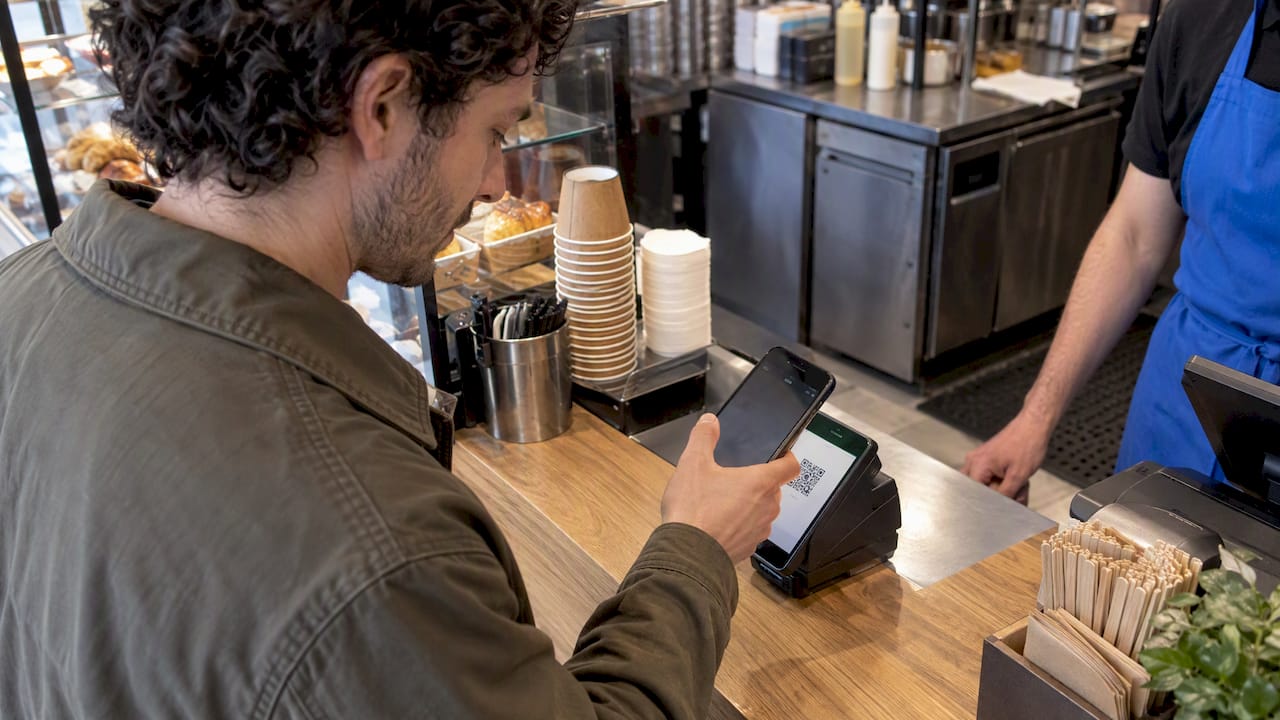
QR codes, tap-to-receive and card-linked receipts sidestep most of this by removing manual entry entirely.
Pro Tip: Offer a QR code at the card reader so customers scan their own receipt rather than spelling out an email address to staff.
3. Why paper receipts still matter and when to print one
Paper isn’t obsolete, it’s conditional. A printed slip is still the fastest proof of purchase for returns, warranty claims and disputes, and some customers, particularly those without a smartphone or stable connection, simply need one.
- Print automatically for returns, exchanges and high-value purchases where physical proof speeds up disputes.
- Offer print-on-request as the default stance rather than printing every transaction.
- Train staff with a simple script: ask if the customer wants an email or printed receipt, rather than assuming.
- Where printing is unavoidable, choose phenol-free thermal paper to reduce the chemical load compared with standard BPA or BPS rolls.
This conditional approach keeps paper available without making it the default cost on every sale.
4. Legal, taxation and record-keeping responsibilities for electronic receipts
HMRC is clear that electronic receipts are acceptable for VAT purposes, provided three conditions are met. Guidance on electronic invoicing confirms that authenticity of origin, integrity of the data and legibility must all be preserved throughout storage, and VAT records generally need to be kept for six years. Making Tax Digital adds a further expectation: records should be stored and submitted in a digital-compatible format, which HMRC’s record-keeping guidance sets out in more detail.
A compliant electronic receipt should include:
- Business name, address and VAT number where applicable.
- Transaction date, itemised goods or services and the amount charged.
- VAT rate and amount, broken out clearly.
- A unique transaction or invoice reference for audit purposes.
- Confirmation of the payment method used.
5. Costs and environmental impact: paper vs digital
The financial and environmental case for cutting paper receipts is straightforward once the numbers are laid out. Retailers collectively spend at least £32 million a year printing an estimated 11.2 billion receipts, and most of that paper cannot be recycled because of its thermal coating.
- Thermal receipts are generally non-recyclable, so every printed slip is landfill-bound waste.
- Many thermal papers historically used BPA; most manufacturers have since switched to BPS as an alternative coating.
- Cutting unnecessary printing saves on rolls, ink, printer servicing and the staff time spent reloading machines.
Industry analysis shows digital receipts can cut costs while supporting sustainability goals, according to the British Retail Consortium’s assessment of paperless receipting, provided the switch doesn’t add friction at checkout.
6. Practical implementation: moving to digital-first receipting
Switching over works best as a staged rollout rather than a single flip of a switch.
- Choose your delivery method: email, SMS, QR code or card-linked receipts each suit different customer bases, so pick one and pilot it on a single till or store first.
- Redesign the checkout flow: replace manual email entry with a QR code or tap-to-receive step so staff never type an address.
- Separate consent properly: receipt delivery and marketing opt-in are two different permissions under PECR, so capture them as two distinct steps and update your privacy notice and till-side GDPR practices accordingly.
- Connect to accounting: choose a system that exports receipts in a format your bookkeeping software and Making Tax Digital records can use directly.
- Plan for offline moments: keep a printer fallback ready for connectivity drops or customers who ask for paper on the spot.
Piloting on one till before a full rollout, then checking checkout times and opt-in rates, is good practice before scaling to every till in the business, as industry pilot reporting recommends.
Pro Tip: Run the pilot for at least two weeks before judging it, early resistance often fades once staff have the new script down.
A good UX overhaul at the till also helps here. External guidance on reducing checkout friction covers practical layout and flow changes worth applying alongside any receipt switch.
7. How our EPOS systems support digital-first receipting
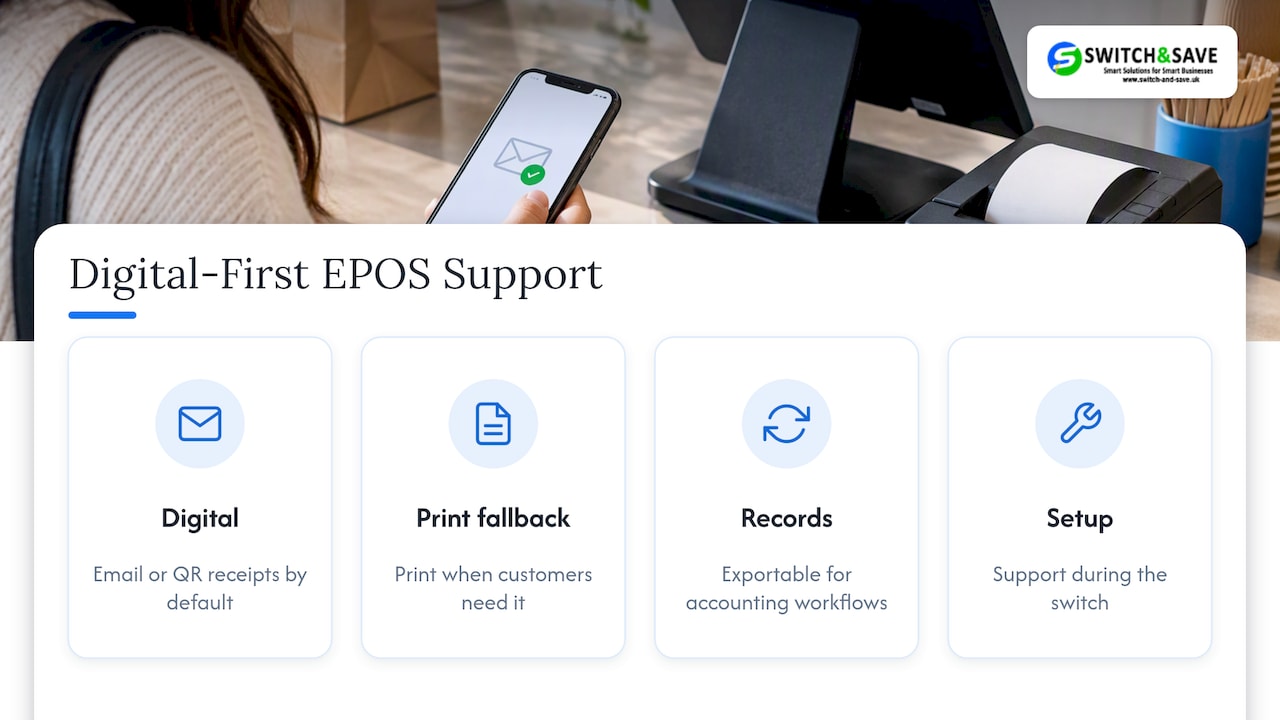
We build our EPOS bundles around exactly this shift. Our Hospitality EPOS Bundle and Integrated Payments Bundle support both digital receipt delivery and printer fallback, so staff can offer email or QR receipts by default without losing the option to print when a customer needs one. Our cloud software keeps transaction records exportable and ready for accounting workflows, and support helps with setup during the switch. For retailers wanting a compliant, itemised setup from the start, our custom POS receipt checklist walks through the detail.
8. A recommended policy for most shops and venues
Our editorial view: default to digital, never apologise for it, and keep paper strictly print-on-request. Most of the resistance operators fear never materialises once staff have a clear script and customers see a quick QR scan rather than an awkward pause. Train staff, separate marketing consent from receipt delivery, put up simple signage, and watch retention metrics for a month before calling the switch finished.
— Amir
Making the switch with the right EPOS setup
Choosing digital-first receipting is only half the job, the till hardware and software need to support it without adding steps for your team. Our Integrated Payments Bundle pairs an EPOS terminal with card payments and digital receipt options in one setup, and our Hospitality EPOS Bundle brings the same approach to cafés, restaurants and bars at £549 one-off.

If you’re ready to see how it fits your till flow, book a demo or browse our EPOS bundles to compare options for your business.
FAQ
Why do people request read receipts?
Read receipts (common in email and messaging apps) confirm a message was opened, which is a different feature from a retail purchase receipt. In a retail context, a digital purchase receipt confirms the transaction itself rather than whether an email was read.
What type of paper is used for receipts?
Most till receipts use thermal paper, a coated stock that darkens under heat rather than ink. Many thermal papers have shifted from BPA to BPS coatings following restrictions, though most remain non-recyclable because of that coating.
What does “e-receipt” mean?
An e-receipt is a digital record of a purchase sent by email, SMS, QR code or banking-app notification instead of printed on paper. It carries the same transaction details as a paper slip and, when authenticity and legibility are preserved, meets HMRC’s requirements for VAT records.
Do receipts contain BPA?
Some thermal receipts historically contained BPA, a chemical coating used to make the paper heat-sensitive. Following restrictions on BPA, most UK retailers now use BPS-coated paper instead, though neither coating makes the paper recyclable.
Sources
- The UK prints 11.2 billion receipts a year that aren’t recyclable: retail tech start-up shares four surprising facts about receipts
- Plan direct marketing | ICO
- Gov



