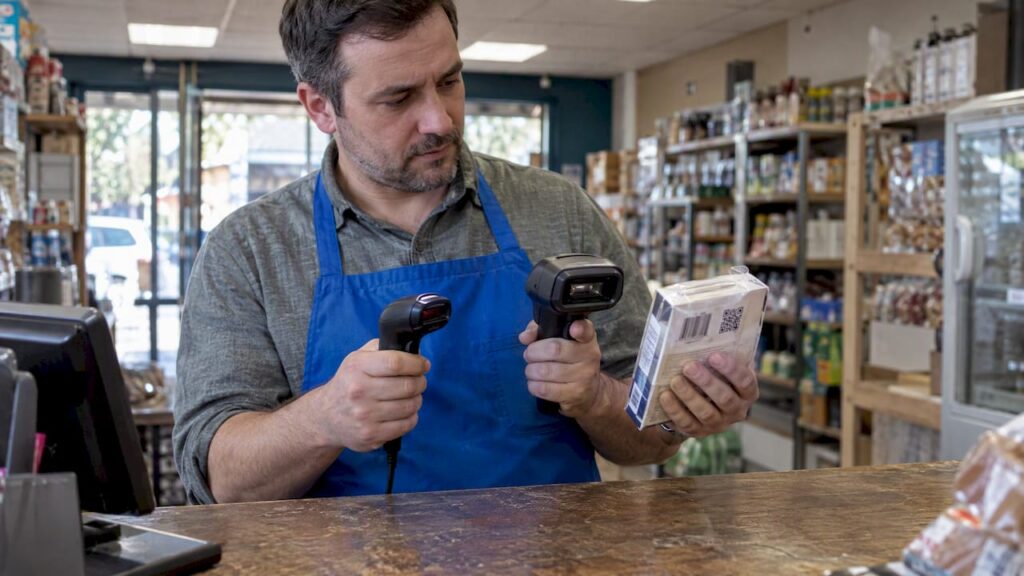
A 1D scanner reads the traditional striped barcode on most products. A 2D scanner takes a picture of the code, so it reads those same stripes and also QR codes and Data Matrix symbols. If you are buying a scanner for a till today, a 2D scanner is the safer choice. It costs a little more, but it reads everything a 1D scanner does and it is ready for where product labelling is heading.
That is the short answer. The rest of this guide helps you check it against your own shop, café or restaurant: what each type does, when a cheaper 1D scanner is still fine, and what to do about the industry’s 2027 deadline.
TL;DR
- 1D scanners read lines (EAN/UPC barcodes) only. They are simple, fast and the cheapest to buy.
- 2D scanners are image-based. They read 1D barcodes, QR codes and Data Matrix symbols, including codes on phone screens.
- The retail industry is working towards all POS systems being able to read 2D barcodes by the end of 2027, so a 2D scanner future-proofs your till.
- A scanner that is strictly 1D can never decode 2D codes, whatever software you install.
- Label quality and scanner settings matter as much as the hardware. Check both before you blame the scanner.
Table of Contents
- How each scanner reads a barcode
- 1D vs 2D at a glance
- Why 2D is suddenly on every retailer’s radar
- Do you need to replace your scanner now?
- What is the difference in practice at the till?
- What about QR codes at the till?
- Fixed or handheld?
- Our view: buy for the till you will have in two years
- Choosing a scanner as part of a full EPOS setup
- A simple checklist before you buy
- FAQ
- Sources
How each scanner reads a barcode
The difference is in how the scanner “sees”.
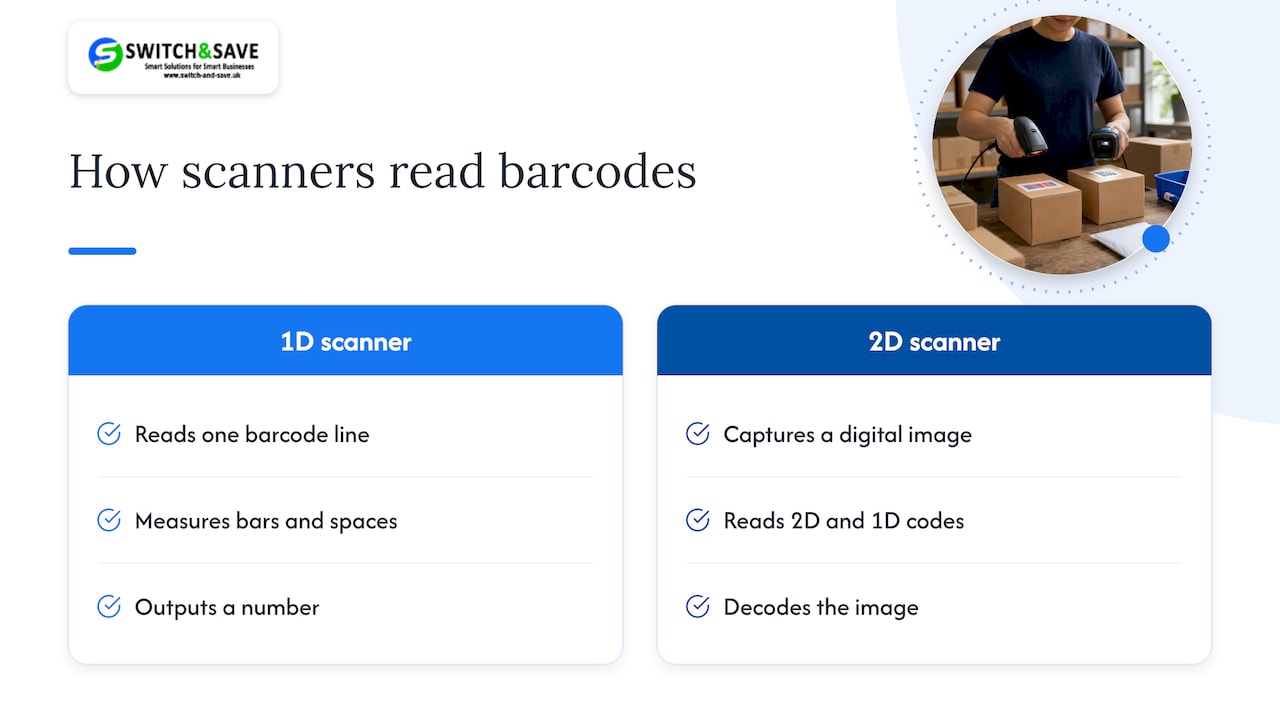
A 1D (linear) scanner uses a laser or a line sensor to read a single line across the barcode. It measures the width of the bars and spaces and turns them into a number. That is all a standard product barcode needs.
A 2D scanner works like a tiny camera. It takes a high-speed digital picture of the barcode and decodes it. Because it captures an image rather than a single line, it can read 2D symbols such as QR codes and Data Matrix, and it can also read ordinary 1D barcodes.
That last point answers the question many owners ask: yes, a 2D scanner can read a 1D barcode. The reverse is not true.
How to tell which one you have
Check these in order:
- Look at the model label or box. It usually says 1D, 2D, laser, CCD, CMOS or imager.
- Look at the light. A thin red line usually means a laser (1D) scanner. A wider aiming pattern or a flash of light over the whole code usually means an imager (2D).
- Test it. Scan a QR code from a phone screen. If it beeps and sends the data to your till software, it is 2D. If nothing happens, it is 1D.
If a scanner is strictly 1D, it cannot decode 2D barcodes whatever software updates you apply. You would need an imager. Some modern scanners sold as 1D are in fact capable of 2D decoding once their software is updated, so ask your supplier before replacing anything.
1D vs 2D at a glance
| 1D scanner | 2D scanner | |
|---|---|---|
| How it reads | Laser or line sensor, one line at a time | Camera-style image sensor |
| Reads EAN/UPC product barcodes | Yes | Yes |
| Reads QR codes and Data Matrix | No | Yes |
| Reads codes on phone screens | Often poorly or not at all | Yes |
| Damaged or poorly printed labels | Fussier, needs a clean line | More forgiving, reads from any angle |
| Typical use | Basic shop tills, simple stock checks | Modern tills, loyalty and digital vouchers, stockrooms |
| Purchase cost | Lower | Slightly higher |
| Ready for 2D product labels | No | Yes |
We have not put a price against the hardware rows because it varies by model. Browse the barcode scanners range for current listings.
Why 2D is suddenly on every retailer’s radar
For decades, one barcode has done one job: tell the till which product it is. A 2D barcode can carry far more. A QR code powered by GS1 holds far more than the 13 digits of a standard EAN/UPC barcode, so one symbol can include the product number and extra details such as batch and expiry date.
The industry goal, known as Ambition 2027, is that retail POS systems can read and process 2D barcodes alongside 1D by the end of 2027. It is a gradual transition. For now many products carry both a 1D and a 2D code, and the familiar 1D symbol is not being switched off overnight.
Why this matters to a small business
It is easy to read this as a problem for supermarkets. It is not. Think about what data-rich codes could do for you:
- Fresh and chilled food. If the expiry date is in the barcode, your system can flag short-dated stock automatically instead of relying on someone checking shelves.
- Waste. GS1 UK describes this as a customer and business experience upgrade, including less waste through better expiry and batch information.
- Customers. A shopper can scan the same code on pack with their phone to see ingredients or recycling information.
For a corner shop in Birmingham or a café in Coventry working on thin margins, anything that cuts out-of-date stock is worth a look.
Do you need to replace your scanner now?
Probably not today. GS1 UK’s own guidance is that the move to 2D is gradual and voluntary, and it advises retailers to ask their POS and scanner providers whether existing hardware is imager-capable.
Use this quick decision guide.
A 1D scanner is still fine if:
- you sell only standard packaged goods with EAN/UPC barcodes,
- you do not scan phone screens (vouchers, loyalty, tickets),
- your scanner is new and you are happy to replace it later.
Choose 2D if:
- you are buying a new scanner or a new till bundle,
- you want to scan codes from customers’ phones,
- you handle stock with batch or expiry information,
- your labels are sometimes creased, curved or printed badly,
- you do not want to buy scanners twice before 2027 comes round.
Ask first if:
- you already own a scanner and are unsure whether it is 1D or an imager. Run the phone-screen test above, then check the model with your supplier.
What is the difference in practice at the till?
Speed
A common worry is that 2D scanners slow the queue. They do not need to. Testing by the GS1 AIDC Lab found modern bi-optic scanners decode 2D barcodes in around 200 milliseconds when correctly configured. Delays usually come from poor printing or badly placed barcodes, not the technology.
Settings
There is one setting worth knowing about. When a scanner is set to read both linear and 2D codes, it waits a short time after the first read to look for more data. Typical values are 200 to 700 milliseconds. Set it too high and customers notice a pause. Set it too low and the scanner may miss secondary data. A busy shop needs a shorter wait than a quiet one, so ask your installer to tune it to your volume.
GS1 UK also describes three scanning modes for the transition. Mode 1 passes on only the product number and is the lowest friction option. Mode 2 prioritises 2D data. Mode 3 captures everything. Most retailers currently start with Mode 1 so checkout speed is unaffected, and move on when their systems are ready to use the extra data.
Label quality
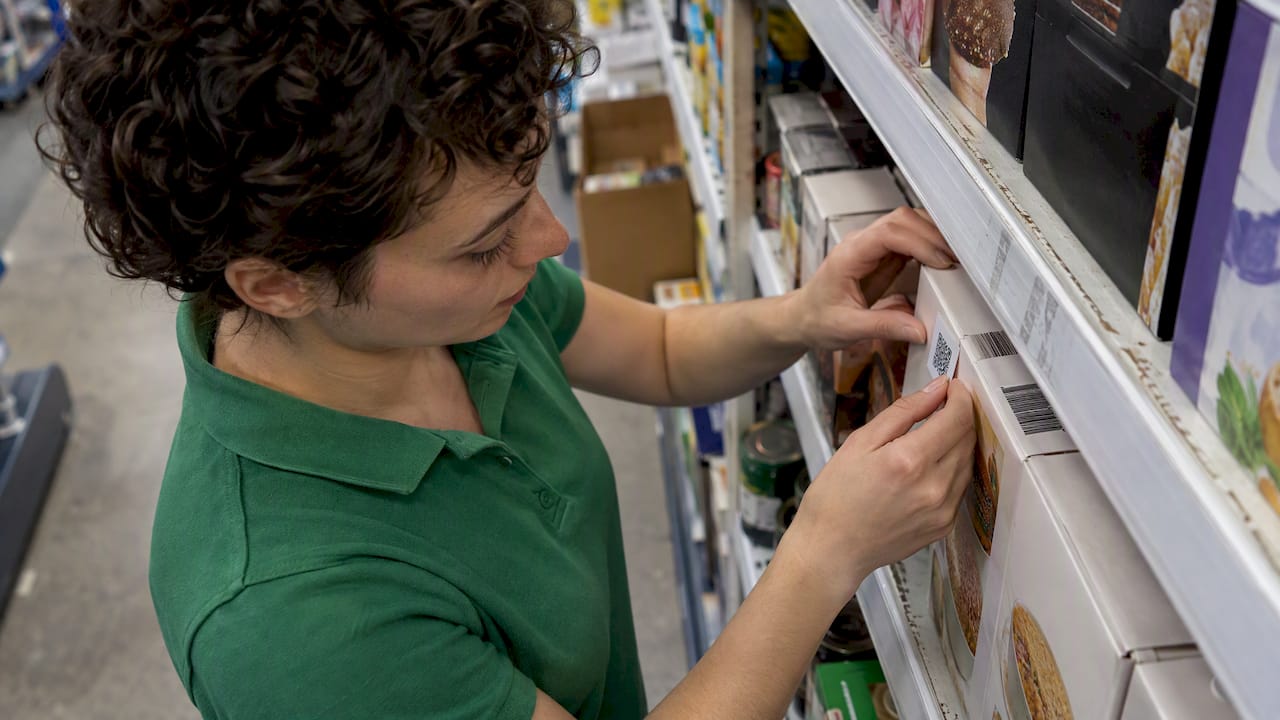
This is the mistake we see people overlook. A 2D scanner will not rescue a bad label. GS1’s guidance recommends a minimum size of 25mm x 25mm for 2D codes and warns against printing over seams or too near an edge. If you print your own shelf-edge or product labels, check size and placement before you spend money on hardware.
What about QR codes at the till?
Many owners ask about scanning QR codes at the point of sale. A 2D scanner does this without fuss. Typical uses in a small business:
- digital vouchers and loyalty cards shown on a phone,
- QR codes on delivery notes or internal stock labels,
- table or order codes in a restaurant.
A 1D laser scanner will not read these, and phone screens in particular can defeat it. The scanner is only half the story, though. Your EPOS software must also accept and act on the data. When you compare systems, ask what happens after the scan, not just whether the beep happens.
Fixed or handheld?
The 1D/2D choice is separate from the form factor.
- Handheld scanners suit most counters and are easy to point at bulky items or a phone screen. Our handheld 1D laser scanner (USB) is a straightforward option for shops that sell standard packaged goods and want a simple, low-cost setup.
- Fixed scanners sit in the counter and read items as you pass them over. If you want 2D capability at a fixed position, look at our fixed 2D CMOS image scanner or the upgrade fixed 2D CMOS image scanner bundle.
For a deeper look at connection types, mounting and counter layout, see our barcode scanner POS buying guide.
Our view: buy for the till you will have in two years
We sell EPOS systems to UK retail and hospitality businesses, so we talk to owners about scanners all the time. Here is how we see it.
Most owners ask which scanner is cheapest. We would rather you ask which scanner you will not have to replace. A 1D scanner saves a little today. If you then want to scan a phone voucher next year, or a supplier starts putting 2D codes on your stock, you pay again.
Our advice, in plain terms:
- If you are buying new, buy 2D. The extra cost is small against the cost of buying twice.
- If you already have a working 1D scanner, keep using it. There is no need to panic. Plan to move to 2D when it wears out or when your stock starts to need it.
- Do not forget the software. A scanner only reads. Your EPOS has to decide what to do with the data. That is why we sell scanners alongside the EPOS, so hardware and software are checked together rather than left for you to match up.
- Fix your labels. Poor printing wastes more time than a slow scanner.
- Ask for a demo. Seeing your own products scanned at your own counter tells you more than any spec sheet.
— Amir
Choosing a scanner as part of a full EPOS setup
Scanners rarely get bought alone. They come with a till, a receipt printer, a card terminal and software. If you are replacing or installing a system, it is simpler to choose these together, so everything talks to each other from day one.
What we offer:
- Hospitality EPOS Bundle: £549 one-off, with AI-powered cloud software at £20 per month. Built for cafés, restaurants and takeaways.
- Integrated Payments Bundle: an all-in-one EPOS and card terminal, with EPOS software subscription at £30 per month.
- Retail EPOS bundles: Standard and Premium Upfront options for shops. Get in touch for pricing.
👉 Not sure which fits? Browse our EPOS bundles or ask for a free demo, and we will show you how your products scan on a real setup. To see what else to look for in a system, read our EPOS features checklist and our guide to modern POS features in 2026.
A simple checklist before you buy
- List what you scan: standard barcodes, phone screens, QR codes, batch-tracked stock.
- Run the phone-screen test on any scanner you already own.
- Ask your supplier if your current model is imager-capable and what software update it needs.
- Check your own printed labels for size (25mm x 25mm minimum for 2D) and placement.
- Confirm the scanner works with your EPOS software and that scan settings can be tuned to your volume.
- Decide fixed or handheld based on your counter layout.
- Check your supplier offers UK-based support if something goes wrong at 5pm on a Saturday.
FAQ
Can a 2D scanner read a 1D barcode?
Yes. A 2D scanner captures an image of the code, so it decodes ordinary EAN/UPC product barcodes as well as QR codes and Data Matrix. That is why it is the safer purchase for a new till.
How can I tell if my scanner is 1D or 2D?
Check the model name or box first. Then try scanning a QR code on a phone screen. If it reads, it is 2D. A thin red laser line usually points to a 1D scanner.
Will a software update turn my 1D scanner into a 2D one?
No, not if it is strictly 1D. It lacks the image sensor, so no update can add 2D reading. Some scanners sold as 1D are already imager-capable, so check the exact model with your supplier.
Do I have to switch to 2D by 2027?
No law forces you to. Ambition 2027 is an industry goal that retail POS systems should be able to read 2D barcodes by the end of 2027, and GS1 UK describes the move as gradual. It is still sensible to choose 2D when you next buy, so your till is ready when your suppliers change their labels.
Are 2D scanners slower at the checkout?
Not when they are set up properly. GS1 testing shows decode times of around 200 milliseconds on modern scanners. Slowdowns usually come from poor labels or settings, which an installer can fix.
Sources
- GS1 UK: QR codes powered by GS1, retailers
- GS1 UK: What are the different scanning modes?
- GS1 UK: Different types of barcodes for your products
- GS1 2D Barcode Playbook for Retail Scanners