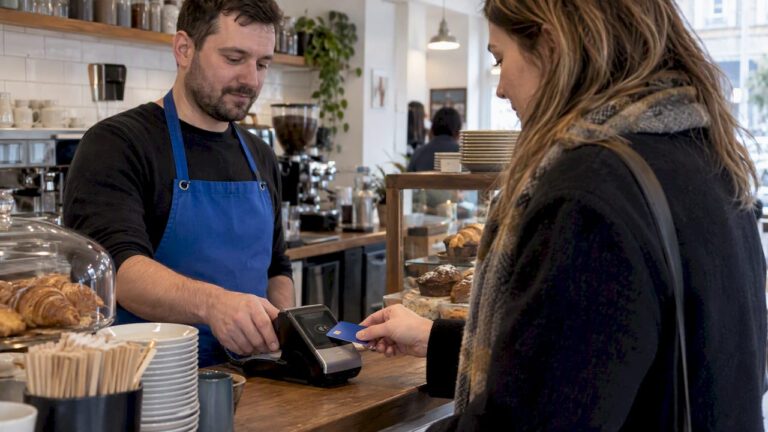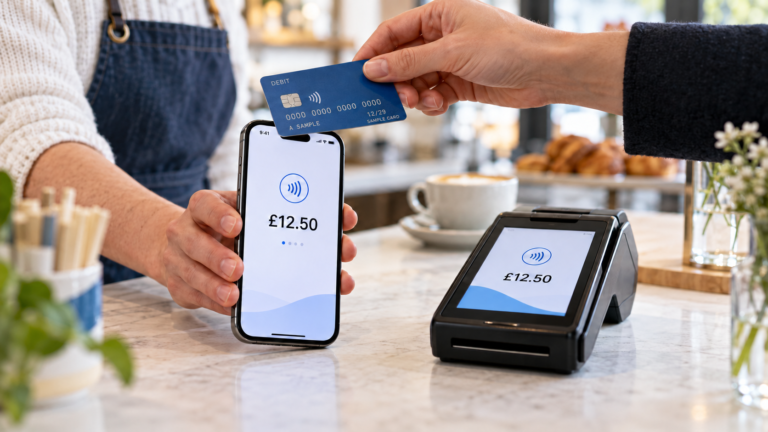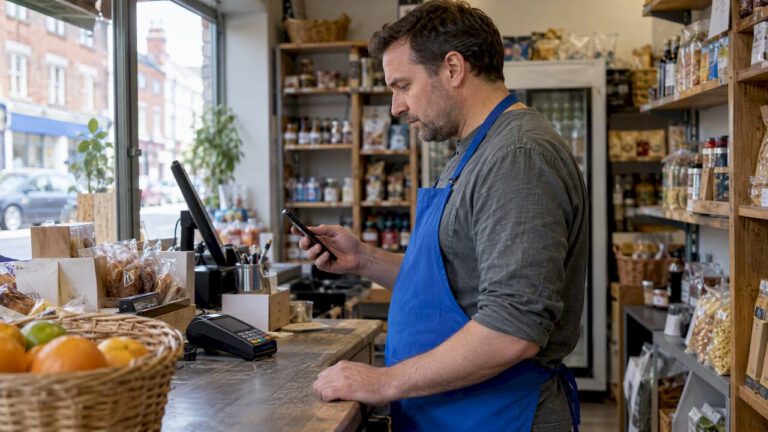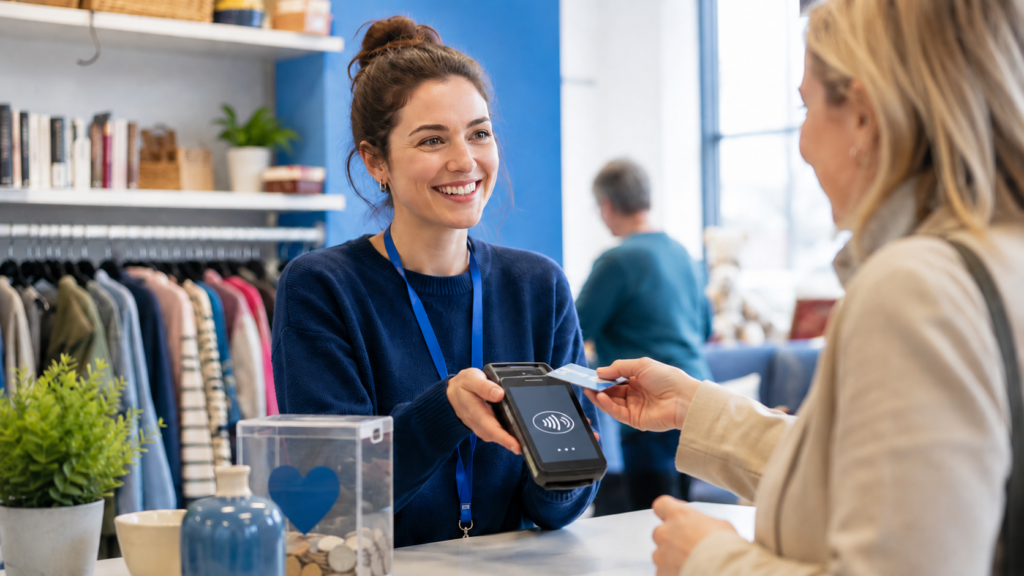
The best card machines for charities are reliable contactless terminals that match how and where the organisation collects money. A portable 4G card machine is usually best for community events and mobile fundraising, while an EPOS-integrated terminal is more suitable for charity shops. Organisations collecting occasional donations may prefer a pay-as-you-go card reader, whereas a fixed contactless donation terminal can work well in churches, museums, reception areas and other permanent locations.
The right choice should also provide transparent fees, secure payment processing, simple reporting and a clear way to separate charitable donations from retail sales.
Key Takeaways
| Question | Practical answer |
|---|---|
| What is the best card machine for charities? | A portable contactless terminal with Wi-Fi and 4G connectivity is the most versatile option for many charities. |
| What is best for charity shops? | An EPOS-integrated card machine that connects payments with sales, stock and reporting. |
| What is best for occasional fundraising? | A pay-as-you-go mobile card reader with no compulsory monthly terminal rental may be more economical. |
| Can charities collect contactless donations? | Yes. Charities can accept donations through card readers, payment terminals and dedicated tap-to-donate devices. |
| Are contactless donations eligible for Gift Aid? | Eligible charities may claim through the Gift Aid Small Donations Scheme on qualifying donations, subject to HMRC rules. |
| What costs should charities compare? | Transaction fees, terminal rental, hardware, connectivity, minimum charges, settlement, support and contract terms. |
| Is the cheapest machine always best? | No. Reliability, reporting, connectivity and support can be more important than the headline transaction rate. |
Which Card Machine Is Best for a Charity?
For most small and medium-sized UK charities, the best all-round option is a portable card machine with contactless, Chip and PIN, Wi-Fi and built-in mobile connectivity.
This type of terminal can be used:
- At fundraising events
- Inside charity shops
- At community centres
- During exhibitions and open days
- At religious services
- At temporary stalls
- During mobile fundraising campaigns
However, there is no single machine that is best for every organisation.
A charity shop processing hundreds of retail transactions requires different functionality from a volunteer collecting £5 donations at a community event. Before choosing a terminal, the organisation should consider its payment volume, fundraising locations, reporting requirements and whether it also sells products.
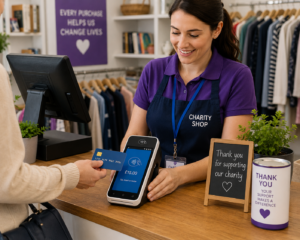
Best Card Machines by Charity Use Case
1. Best Overall: Portable Wi-Fi and 4G Card Machine
A portable terminal with both Wi-Fi and mobile connectivity offers the greatest flexibility.
It can operate inside a charity’s premises through Wi-Fi and switch to a mobile connection when used at an outdoor event. A standalone terminal does not normally need to remain connected to a volunteer’s personal phone.
This setup is particularly useful for:
- Community charities
- Animal rescue organisations
- Local fundraising groups
- Mobile outreach teams
- Faith-based charities
- Organisations attending multiple events
Look for a terminal with a long battery life, a clear display, contactless acceptance and straightforward daily reporting.
Example: A local animal rescue charity attends a weekend adoption event. Volunteers can use a portable 4G terminal to accept donations, adoption-related payments and merchandise purchases without relying on the venue’s Wi-Fi.
2. Best for Charity Shops: EPOS-Integrated Card Machine
A charity shop should consider an integrated payment terminal connected to its electronic point of sale system.
With an integrated setup, the payment amount moves automatically from the till to the card machine. This reduces manual keying, accelerates checkout and makes reconciliation easier.
An appropriate EPOS and card payment setup can help charity shops manage:
- Donated stock
- Product categories
- Sales reports
- Volunteer or staff access
- Refunds
- Discounts
- Multiple shop locations
- Cash and card reconciliation
Integration is particularly valuable when an organisation needs to distinguish between retail income, direct donations and other types of payment.
Example: A charity shop sells donated clothing, books and homeware. Its EPOS system records each sale while the integrated terminal processes the payment. Managers can then review product sales and card totals without manually matching every receipt.
Charities comparing their options can explore card machines for UK organisations and learn more about the difference between a POS system and a standalone card machine.
3. Best for Occasional Fundraising: Pay-As-You-Go Card Reader
A pay-as-you-go reader can suit small charities that only accept card payments occasionally.
Instead of paying regular terminal rental, the organisation usually purchases the reader and pays a percentage whenever it processes a transaction. Some readers connect to a smartphone or tablet through Bluetooth, while others can function independently.
This arrangement may suit:
- School fundraising groups
- Small community associations
- Seasonal campaigns
- Annual fairs
- Sponsored events
- Volunteer-led organisations with low transaction volumes
The disadvantage is that pay-as-you-go transaction rates can be less competitive when payment volume increases. A reader that appears inexpensive for ten monthly donations may become costly when processing hundreds of transactions.
Read the Switch & Save guide to card machines with no monthly fees before comparing pay-as-you-go options.
4. Best for Fundraising Events: Multi-Terminal Mobile Setup
Large fundraising events may require several mobile terminals rather than one shared machine.
For example, a charity gala could need separate terminals for:
- Entrance or ticket payments
- Raffle sales
- Merchandise
- Food and drink
- Direct donations
- Auctions
Using several terminals reduces queues and allows each payment stream to be reported separately. Terminals should have reliable mobile connectivity because venue Wi-Fi can become slow when many visitors connect simultaneously.
The charity should also confirm how quickly additional terminals can be activated and whether the provider charges for terminals that are only used during certain months.
5. Best for Permanent Donation Points: Contactless Donation Terminal
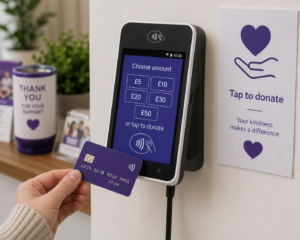
A dedicated tap-to-donate terminal is designed primarily for donations rather than normal retail checkout.
These devices are commonly placed in:
- Churches and places of worship
- Museums
- Heritage attractions
- Charity receptions
- Hospitals
- Community buildings
- Exhibition spaces
The donor may select a displayed amount or tap to give a predetermined donation. Some systems are staffed, while others can operate as unattended donation points.
A fixed donation terminal can make giving convenient, but the charity should assess installation costs, transaction charges, internet connectivity, security and accessibility before committing.
6. Best for Combined Sales and Donations: Flexible EPOS System
Some charities collect donations and sell products from the same location. This is common in charity shops, visitor attractions, community cafés and fundraising centres.
A flexible EPOS system can create separate buttons or transaction categories for:
- Retail sales
- General donations
- Event tickets
- Membership fees
- Café sales
- Fundraising merchandise
Separating these categories improves reporting and helps the organisation understand where its income comes from.
Essential Card Machine Features for Charities
Contactless and Digital Wallet Acceptance
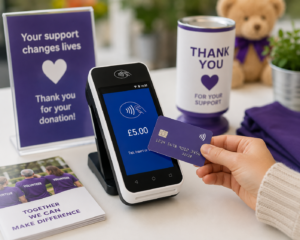
The terminal should accept contactless cards as well as digital wallets such as Apple Pay and Google Pay. This allows donors to contribute without carrying cash or entering a PIN for eligible transactions.
Reliable Connectivity
Choose connectivity based on the fundraising environment:
- Ethernet: Suitable for a fixed checkout
- Wi-Fi: Useful within permanent premises
- 4G or mobile data: Best for outdoor and mobile fundraising
- Bluetooth: Common with low-cost readers connected to a phone or tablet
For mobile fundraising, a terminal that supports more than one connection method provides useful protection against network problems.
Clear Transaction Reporting
The organisation should be able to identify:
- The total collected
- The date and time of each transaction
- The terminal used
- Refunds
- Transaction charges
- Payout amounts
- Differences between sales and donations
HMRC guidance states that charities claiming eligible small-donation top-ups should retain records produced by contactless or Chip and PIN terminals. It also requires qualifying electronic donations to be credited to a UK bank account held in the charity’s name or on its behalf.
Refund and Cancellation Controls
Not every volunteer should automatically have permission to refund or cancel payments.
An integrated system can provide different access levels for volunteers, supervisors and managers. This reduces mistakes and provides a clearer audit trail.
Simple Volunteer Training
Charities may have volunteers with different levels of technical confidence. The payment process should therefore be easy to explain:
- Select the payment or donation amount.
- Confirm the amount with the donor.
- Ask the donor to tap or insert their card.
- Wait for confirmation.
- Provide a receipt when requested.
Clear procedures should also explain what to do when a payment declines, the connection fails or a donor requests a refund.
Accessible Design
Consider whether the terminal is suitable for donors and volunteers with accessibility requirements. Useful features may include large on-screen text, high-contrast displays, physical keypads, audible confirmation and a terminal that can be moved to an accessible height.
Security and Compliance
The Fundraising Regulator advises organisations accepting cashless donations to ensure they have appropriate systems to process payments safely, securely and legally. Its guidance covers card readers, point-of-sale terminals, payment software and other electronic donation methods.
Organisations should use approved payment equipment and avoid recording complete card numbers or security codes.
Contactless Donations, Gift Aid and Record Keeping
Card donations should not automatically be treated in the same way as ordinary Gift Aid donations.
Under the Gift Aid Small Donations Scheme, eligible charities and Community Amateur Sports Clubs may be able to claim a top-up on qualifying small cash, contactless or Chip and PIN donations of £30 or less. Individual Gift Aid declarations are not required for qualifying GASDS donations, although eligibility conditions, record-keeping rules, limits and the matching rule still apply.
At the current basic-rate calculation, an eligible £20 donation could potentially support a £5 top-up. However, charities should verify their eligibility and claim calculations using current HMRC guidance rather than assuming every card transaction qualifies.
It is also important to distinguish a genuine donation from a payment for goods or services.
For example:
- A supporter tapping £10 without receiving anything may be making a donation.
- A customer paying £10 for a second-hand jacket is completing a retail purchase.
- A payment for an event ticket may include both a benefit and a donation element, requiring more careful treatment.
Standard Gift Aid can allow eligible charities to claim an additional 25p for every £1 donated, but conditions apply and some payments do not qualify.
Charities should obtain professional advice when the treatment of a payment is unclear.
How Much Does a Charity Card Machine Cost?
The total cost can include more than the advertised transaction percentage.
Potential charges include:
- Terminal purchase or rental
- Percentage transaction fees
- Fixed per-transaction charges
- Monthly minimum service charges
- SIM or connectivity charges
- PCI compliance charges
- Refund or chargeback fees
- Replacement equipment
- Premium settlement options
- Software subscriptions
- Early termination charges
A charity should compare its total annual cost, not just the lowest-looking rate.
For example, Charity A processes only £500 per month and may benefit from a no-rental, pay-as-you-go reader. Charity B operates three busy shops and processes £40,000 per month. Charity B could potentially reduce its overall costs through negotiated pricing and integrated terminals, even if it pays a monthly rental charge.
The Switch & Save guide to reducing card machine fees explains how provider margins, monthly charges and additional fees can affect the effective cost of accepting payments.
How to Choose a Charity Card Machine Provider
Confirm That the Provider Supports Your Activities
Explain whether the organisation:
- Collects donations
- Sells donated goods
- Runs paid events
- Accepts membership payments
- Operates a café
- Fundraises in public locations
- Uses multiple branches
The provider may request charity registration details, trustee or responsible-person identification, bank information and evidence of the organisation’s activities.
Compare the Complete Pricing Structure
Request a written breakdown covering:
- Consumer debit and credit card rates
- Commercial and international card rates
- Terminal rental
- Minimum monthly charges
- Contract duration
- Settlement times
- Refund charges
- Chargeback administration
- Support and replacement equipment
Check Contract Flexibility
A long contract may not suit a seasonal charity or a campaign running for only six months. Confirm the minimum term, notice period and early termination cost before signing.
Test Reporting and Reconciliation
Ask to see an example report. Confirm whether the system can separate donations, shop sales, events and other income categories.
Evaluate Support
Card machine downtime during a major fundraising event could mean lost donations. Check when support is available, how replacement terminals are handled and whether the provider offers telephone assistance.
The guide on choosing a card machine provider provides a practical provider-comparison checklist.
How Switch & Save Can Help Charities and Non-Profit Organisations
Switch & Save works with established payment partners and helps organisations compare card machines based on payment volume, operating environment, integration requirements and overall cost. Available options include portable terminals, countertop machines and integrated EPOS payment setups.
For a charity shop, Switch & Save can assess whether an integrated EPOS system would improve stock control, payment reconciliation and reporting. For a community organisation or mobile fundraiser, the team can explore portable card machine options with suitable connectivity.
Recommendations remain subject to the chosen payment provider’s application, underwriting and eligibility requirements.
Frequently Asked Questions
Can a charity get a card machine?
Yes. Registered charities, non-profit organisations, community groups and other eligible organisations can apply for card payment facilities. The provider may request organisational, banking and identity documentation before approving the account.
What is the best card reader for a small charity?
A pay-as-you-go contactless reader can suit a small charity collecting occasional donations. For regular fundraising or retail activity, a portable standalone terminal may provide better connectivity, reporting and support.
Can a card machine accept donations and retail payments?
Yes, but the organisation should record them under separate transaction categories. An EPOS-integrated system can make it easier to distinguish direct donations from sales of goods, tickets or services.
Can contactless donations qualify for Gift Aid?
Some qualifying donations may fall within the Gift Aid Small Donations Scheme. Eligible donations are subject to HMRC conditions, limits and record-keeping rules. A contactless payment does not automatically qualify simply because it was made to a charity.
Do charities pay card transaction fees?
Usually, yes. Payment providers commonly charge a transaction fee, terminal rental, hardware cost or a combination of these. Special or negotiated arrangements may be available, but charities should confirm all costs in writing.
Can volunteers use a charity card machine?
Yes. Volunteers can be trained to operate a terminal, although access to refunds, reporting and administrative settings should be restricted where appropriate.
Do charity card machines work outside?
A mobile or 4G-enabled card machine can work outdoors where there is an adequate network signal. Battery life, weather protection and backup connectivity should be considered before an event.
Does a charity need a business bank account?
Most payment providers require settlement funds to be paid into an account held in the organisation’s name or on its behalf. HMRC also has specific bank-account and record-keeping requirements for charities claiming eligible GASDS top-ups.
Choose a Card Machine That Protects More of Every Payment
The best card machine for a charity is not simply the device with the lowest advertised rate. It is the one that works reliably in the organisation’s fundraising environment, gives volunteers a simple payment process and provides trustees or managers with accurate financial records.
Compare connectivity, reporting, integration, support, contract terms and total annual cost before making a decision.
Switch & Save helps UK businesses reduce costs with AI-powered EPOS systems, card payment solutions and business finance.