

Choosing between a POS system and a card machine is one of those decisions. If you’re new to this space, our guide explaining what is an EPOS system is a good starting point. that looks simple on the surface but quietly shapes how your entire business runs. Get it wrong and you could end up with a payment setup that holds you back, costs more than expected, or creates compliance headaches down the line. This article breaks down the key differences, real costs, and practical scenarios to help you make the right call. For more detail on card payment hardware, see our card reader for business UK buyer’s guide. Whether you are just starting out or planning to grow, the answer is not always obvious. Explore our Switch&Save EPOS system for an integrated solution that covers both.
Table of Contents
- Key takeaways
- 1. POS vs card machine: knowing the difference first
- 2. Key criteria to use when evaluating your options
- 3. Standalone card machines: what they offer and where they fall short
- 4. POS systems: the broader picture and what to watch for
- 5. Side-by-side comparison of POS systems vs card machines
- 6. Practical recommendations based on your situation
- My take on the POS vs card machine decision
- See how Switch-and-save can help you choose the right system
- FAQ
Key takeaways
| Point | Details |
|---|---|
| They serve different purposes | A card machine handles payments; a POS system manages your whole business including stock, sales, and reporting. |
| Compliance matters more than you think | VAT-registered businesses using HMRC’s Making Tax Digital need digital links between payment and accounting systems. |
| Integrated POS reduces errors | Passing transaction amounts directly to the terminal removes double-keying and improves end-of-day accuracy. |
| Processor lock-in has a real cost | Locked-in pricing models can cost thousands more per year compared to flexible interchange-plus arrangements. |
| Growth plans should shape your choice | A card machine may suit a micro business today, but a POS system pays off as transaction volume and complexity increase. |
1. POS vs card machine: knowing the difference first
Before you can compare them, you need to know what each actually does. A card machine (also called a payment terminal) accepts card payments. That is its job. It reads chip and PIN, contactless, and mobile wallet payments, processes the transaction, and that is largely where it stops.
A POS system is different. It is a platform that manages your sales, stock, staff, and payments together. When a customer buys something, the POS records the sale, updates your inventory, and passes the transaction to a connected payment terminal. Some businesses use both together. Others rely on just one. Understanding what a POS system is in practical terms helps you see why the two are not interchangeable.
2. Key criteria to use when evaluating your options
Most business owners start with price and stop there. That is a mistake. Here is the framework worth using when comparing POS system vs card machine options:
- Functionality you actually need. Do you need inventory tracking, staff log-ins, sales reports, or loyalty programmes? A card machine will not provide any of these. A POS will.
- Integration with other tools. Think about your accounting software, ecommerce store, or loyalty programme. Systems that connect POS with ecommerce give you a single source of truth for stock and sales.
- Security and PCI compliance. Both systems carry PCI DSS obligations, but the architecture you choose affects how much compliance work lands on you. More on this shortly.
- Total cost of ownership. Look beyond the upfront hardware price. Monthly software subscriptions, payment processing rates, and potential lock-in fees all add to your real cost.
- Scalability. Will this system still work if you open a second location or double your transaction volume? Cloud-based POS preferred for multi-location setups thanks to remote monitoring and flexible scaling.
- Training and ease of use. A complicated system that your staff cannot operate confidently is a liability. Simpler card machines win here; full POS systems require more onboarding.
Pro Tip: Before you request any quotes, write down the three things that cause you the most daily friction in your current payment or stock process. Use those as your filter when evaluating options.
3. Standalone card machines: what they offer and where they fall short
A standalone card machine is a dedicated payment terminal. You pick up the hardware, set up an account with a provider, and you are accepting card payments within a day or two.
Card machine features typically cover:
- Chip and PIN payments
- Contactless card payments
- Mobile wallet payments including Apple Pay and Google Pay
- Receipt printing or digital receipt options
- Basic transaction reporting through a dashboard
The appeal is clear. Standalone terminals have lower initial costs and simpler setup. For a market stall, a mobile tradesperson, or a very new business with low transaction volumes, that simplicity is worth something real.
PCI compliance is also relatively straightforward with a standalone terminal. Because the terminal handles all card data itself, the merchant’s compliance obligations are limited in scope. There is less infrastructure to secure and audit.
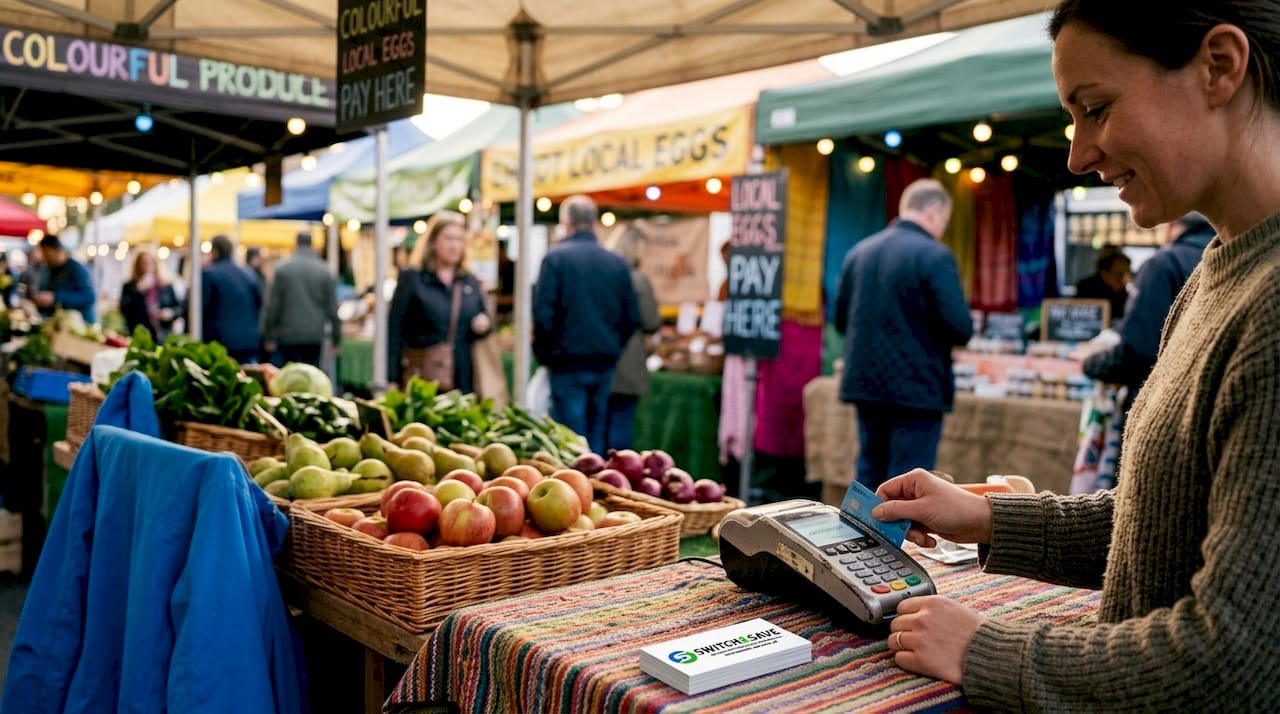
The limitations show up fast once your business grows. A card machine does not know what you sold, how much stock you have left, or which staff member processed the transaction. You will reconcile payments manually against your till records or spreadsheet at the end of each day. Small errors add up, and if you are VAT-registered, that manual process increases your compliance risk.
4. POS systems: the broader picture and what to watch for
A full POS system operates as a business management platform. Modern POS systems drive retail sales growth by connecting inventory, sales data, staff management, and customer records in one place. Payment processing is integrated rather than bolted on separately.
Key POS terminal benefits include:
- Real-time inventory updates with every sale
- Staff permissions and log-in tracking
- Detailed sales reports by product, time of day, or staff member
- Direct integration with accounting software
- Automated VAT calculations and digital record keeping
- Multi-location support with centralised reporting
On the compliance front, integrated POS systems reduce errors by passing the transaction amount directly to the payment terminal. There is no manual re-entry. The sale amount in your POS matches the amount charged to the card every time. This matters significantly for VAT returns and for businesses subject to HMRC’s Making Tax Digital requirements. MTD requires digital links between payment systems and accounting records, and standalone card machines simply cannot provide those links automatically.
Security architecture is another consideration. In a semi-integrated POS setup, the payment terminal handles all sensitive card data independently, sending only an approved or declined result back to the POS. This keeps your POS outside PCI scope and reduces your audit burden considerably. PCI DSS requires multi-factor authentication for administrative access to POS systems, so understanding which architecture your provider uses affects what you need to do to remain compliant.
The drawbacks are mainly cost complexity and lock-in risk. Some POS providers bundle payment processing with their software and charge proprietary rates. Locked-in processing fees can add thousands of pounds to your annual costs compared to open interchange-plus pricing. Always ask whether you can use your preferred payment processor before signing a contract.
Pro Tip: Ask any POS provider directly: “Can I use a third-party payment processor?” If the answer is no, factor in what their processing rates cost at your actual monthly sales volume before you commit.
5. Side-by-side comparison of POS systems vs card machines
Here is a clear view of how these two card payment solutions compare across the factors that matter most to a small or medium-sized business:
| Factor | Standalone card machine | POS system |
|---|---|---|
| Payment acceptance | ✓ Full card and contactless support | ✓ Full card and contactless support |
| Inventory management | ✗ Not included | ✓ Real-time stock updates |
| Sales reporting | Basic transaction history | Detailed reports by product, staff, time |
| VAT and MTD compliance | Manual process required | Digital links supported automatically |
| PCI compliance scope | Simple; terminal handles data | Variable; semi-integrated reduces scope |
| Upfront cost | Low | Moderate to higher |
| Monthly fees | Low to none | Software subscription applies |
| Processing fees | Provider rate | Varies; watch for lock-in |
| Scalability | Limited | Strong; multi-location ready |
| Training required | Minimal | Moderate onboarding |
| ecommerce integration | Rare | Common with modern systems |
The operational impact of running a separate card machine alongside an unconnected till is often underestimated. Double-keying errors and reconciliation issues are common where the systems are not tightly connected. One wrong figure at the end of a busy Saturday can send your stock counts and VAT records off in ways that take real time to unravel.
6. Practical recommendations based on your situation
The right choice depends on where your business is today and where it is heading. Here is a straightforward guide:
- Micro business or sole trader with low volume. A standalone card machine is likely sufficient. Keep costs low, focus on simple card payment solutions, and upgrade when your needs change.
- Small business with growing transaction volume. An integrated POS system starts paying for itself through time saved on reconciliation and stock management. Explore options like the SSPOS software designed for exactly this stage.
- VAT-registered business. Digital record keeping is not optional under Making Tax Digital. A POS system with accounting integration removes compliance risk from your daily process.
- Business with staff managing the till. You need staff log-ins, permissions, and transaction accountability. A card machine cannot offer this. A POS can.
- Multi-location or planning to expand. Cloud-based POS wins outright. Centralised reporting across sites is not achievable with standalone terminals.
- Price-sensitive business watching margins closely. Compare the total annual cost of ownership. Include hardware, software, and processing fees at your actual monthly volume. The upfront saving on a card machine can disappear quickly if reconciliation errors or compliance penalties emerge.
My take on the POS vs card machine decision
I have seen a lot of businesses make this choice, and the pattern I notice most is that people underestimate how quickly the equation changes once sales volume increases.
A card machine feels like the safe choice at the start. It is cheap, simple, and does the job. But I have watched business owners spend hours every week reconciling card terminal reports against their till records, only to find the figures never quite match. That lost time has a cost. When you add up staff hours spent on manual reconciliation, VAT errors corrected at year end, and the stress of compliance uncertainty, the picture looks very different from the initial hardware saving.
What I find most interesting is the compliance angle. Many small business owners do not realise that their POS architecture directly affects how much PCI compliance work they carry. Choosing a semi-integrated setup, where the terminal handles card data and the POS never touches it, can genuinely simplify your security obligations. That is a technical point, but it has real-world consequences.
My honest advice: if you are turning over more than £5,000 a month in card sales and you have any intention of growing, do not choose a card machine just because it is cheaper today. A well-chosen retail POS system will earn back its cost in operational efficiency alone within the first year. The businesses that regret their choice are almost always the ones who chose the smaller option and then had to migrate everything six months later.
— Amir
See how Switch-and-save can help you choose the right system
If this comparison has helped clarify what you need, the next step is finding the right system for your specific business. Switch-and-save offers a full range of EPOS systems for UK businesses, from entry-level setups to full multi-location platforms with integrated payment processing and AI-powered reporting.
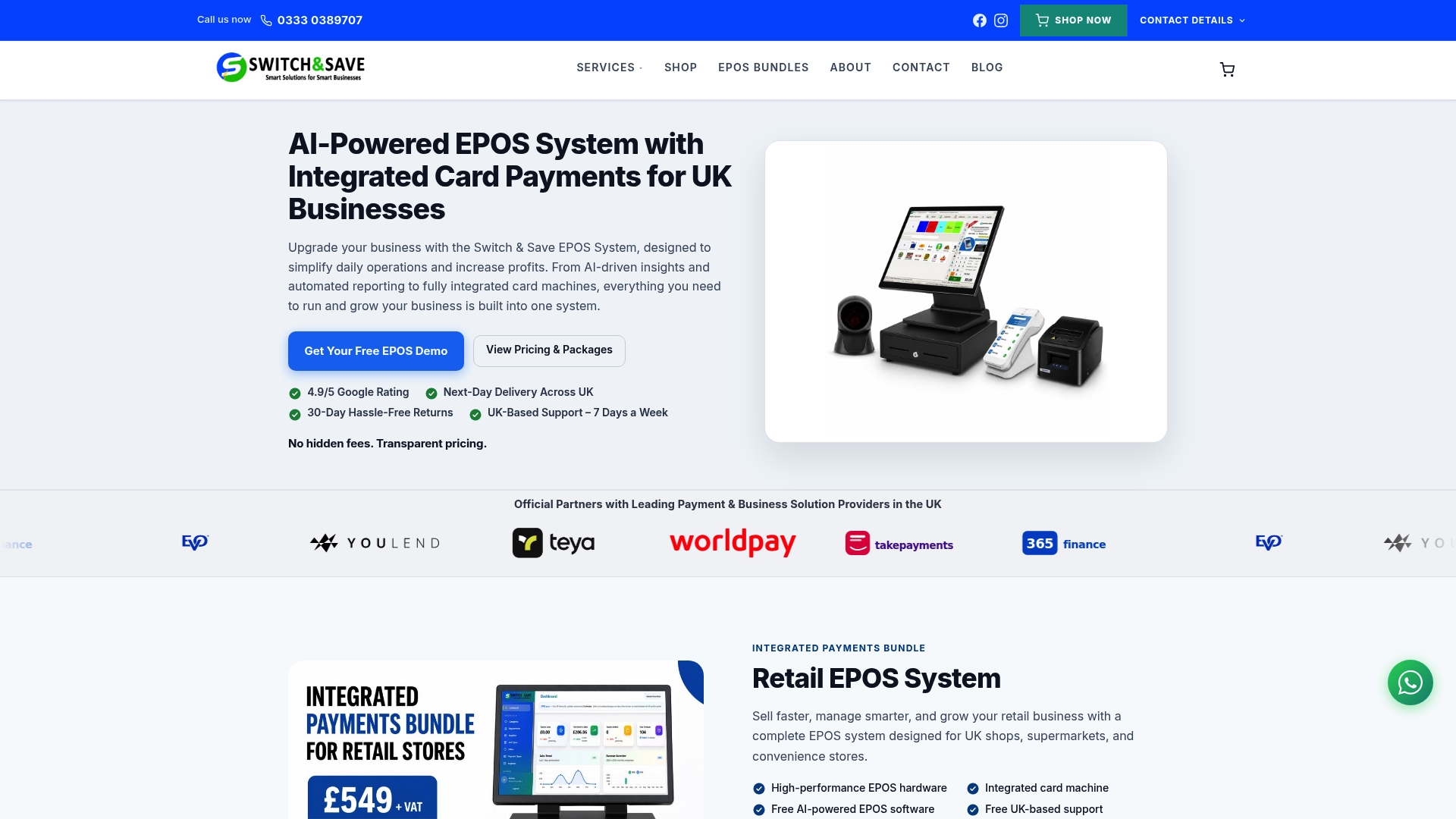
Whether you need a simple card terminal or a complete retail EPOS solution with real-time stock management and VAT-ready reporting, Switch-and-save has a package to fit your budget and your goals. UK-based support is included, and you can request a free demo to see the system in action before you commit. No obligation, no jargon, just a clear look at what works for your business.
FAQ
What is the main difference between a POS and a card machine?
A card machine processes card payments only, while a POS system manages payments, stock, sales reporting, and staff operations in one platform.
Which is cheaper: a POS system or a card machine?
Card machines have lower upfront costs, but POS systems can be more cost-effective long-term when you account for time saved on reconciliation and compliance.
Do I need a POS system for Making Tax Digital?
VAT-registered businesses need digital links between their payment and accounting records. A POS system with accounting integration supports this; a standalone card machine does not.
Can a card machine integrate with my accounting software?
Most standalone card machines offer limited integration. A POS system is designed to connect directly with accounting tools, removing the need for manual data entry.
Is a POS system worth it for a small business?
Yes, particularly if you are VAT-registered, carry stock, or employ staff. The POS terminal benefits around accuracy, compliance, and reporting typically outweigh the additional cost within the first year of use.



