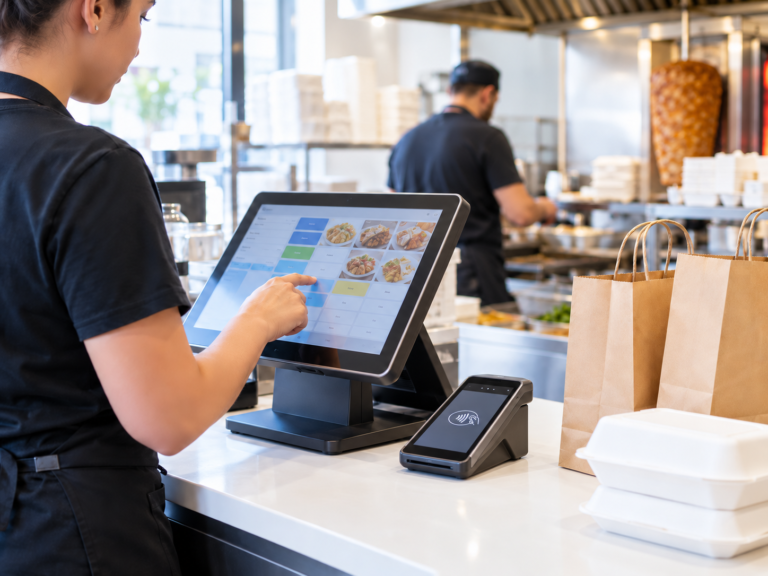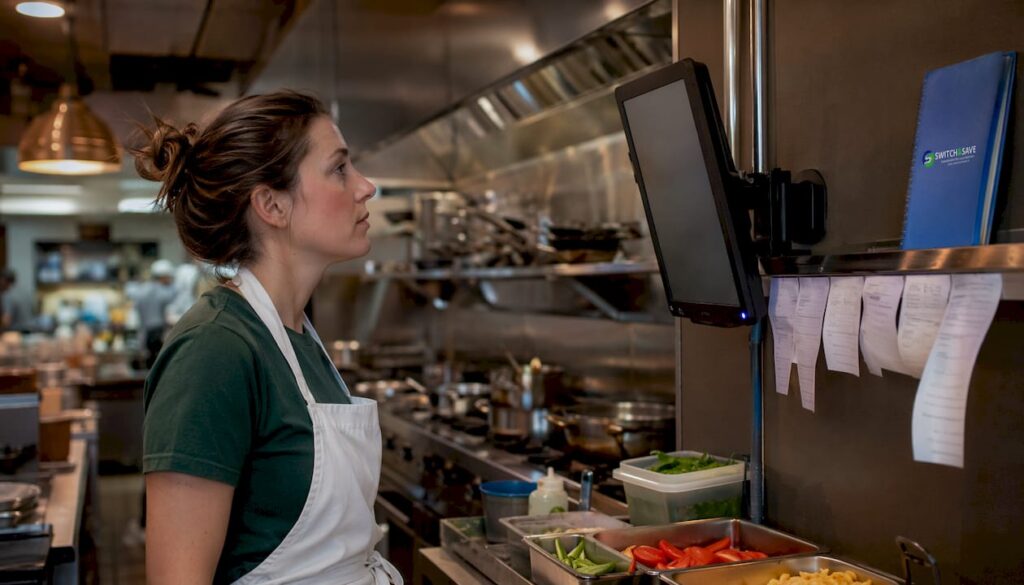
A Kitchen Display System (KDS) is a digital screen installed in your kitchen that receives orders directly from your EPOS terminal, replacing paper tickets with real-time order management. Known in the industry as a KDS, it connects front-of-house and back-of-house operations without a single printed ticket. 72% of UK food establishments now use POS-to-KDS systems, and those that do report order accuracy improvements of up to 40%. For any restaurant or hospitality business owner looking to reduce errors, cut costs, and serve more covers per shift, understanding how a KDS works is the right place to start.
How does a kitchen display system work with your restaurant EPOS?
A KDS works by receiving order data from your EPOS terminal the moment a server submits a table’s order. That data travels instantly to the kitchen screen, where it appears as a clearly formatted ticket. No shouting across the pass. No paper changing hands.
The order flow follows a clear sequence:
- Order entry. A server inputs the order at the EPOS terminal or through a self-service kiosk. The system records every item, modifier, and allergy flag.
- Automatic routing. The KDS software routes each item to the correct kitchen station. A burger goes to the grill screen; a dessert goes to the pastry section. Each station only sees what is relevant to them.
- Real-time status updates. Kitchen staff mark items as in progress or complete directly on the screen. The front-of-house team sees live updates, so servers know when a dish is ready without walking to the kitchen.
- Alert thresholds. Orders that sit unacknowledged beyond a set time change colour, typically from green to amber to red. This drives accountability without anyone needing to shout.
- Offline fallback. Reliable systems hold order data locally if the network drops, then sync automatically when connectivity returns.
The critical factor here is integration quality. Most KDS failures happen because the EPOS integration is poor or orders are entered manually into the display system separately. Manual entry defeats the purpose entirely. True value requires automated, real-time API data exchange between your EPOS and the kitchen screen. When evaluating any system, ask specifically whether the integration is API-driven or whether staff must re-enter orders.
What are the key benefits of installing a kitchen display system?
The operational gains from a well-integrated digital kitchen display are measurable and fast to appear. Here are the most significant advantages for UK restaurant and hospitality businesses.
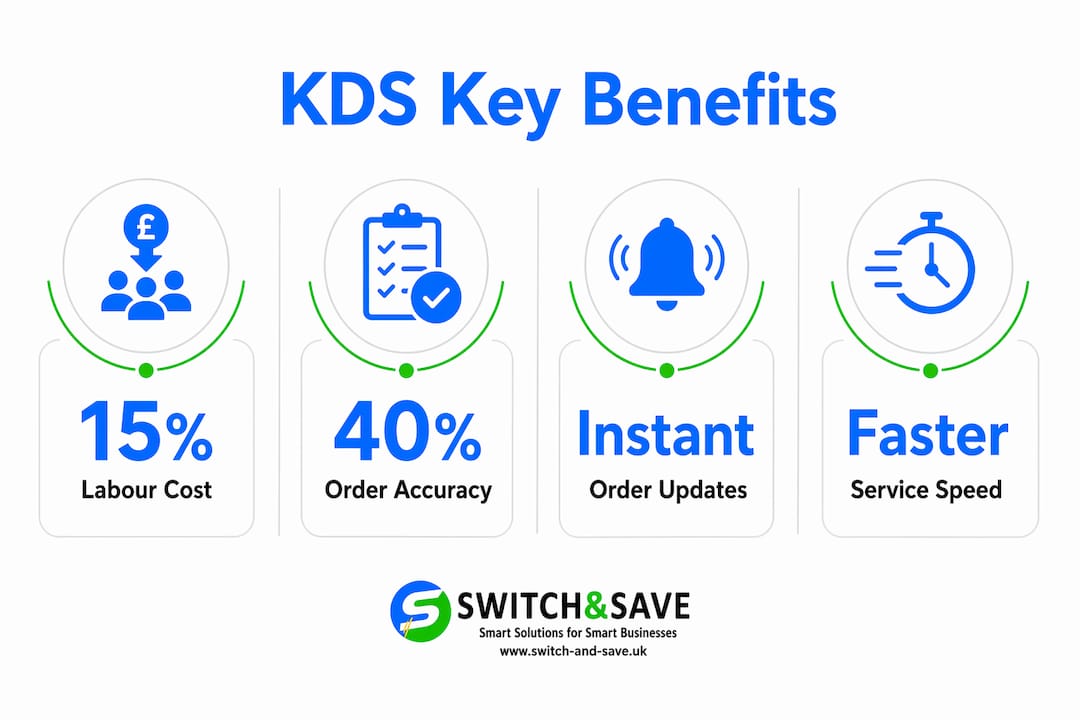
- Improved order accuracy. A KDS completely eliminates lost or smudged paper tickets, removing errors caused by illegible handwriting and misplaced order slips. Allergen flags and modifiers appear clearly on screen for every single order.
- Lower labour costs. The time chefs spend fetching paper tickets or stopping to clarify orders adds up quickly. Eliminating those interruptions reclaims 2–4 minutes per order, which translates directly into a 10–15% reduction in kitchen labour costs. One pub reported dropping its labour cost from 20–22% of revenue down to 15% after installation.
- Higher covers per shift. Faster kitchen throughput means tables turn quicker. A KDS allows a restaurant to manage more covers with the same number of kitchen staff, or fewer, because the workflow is tighter and idle time shrinks.
- Reduced paper and printer costs. Thermal paper, printer maintenance, and replacement ribbon cartridges are ongoing costs that disappear when you move to a digital display. For busy kitchens running hundreds of covers a week, this saving is not trivial.
- Team accountability. Visual threshold alerts, where orders turn amber or red after set times, maintain service standards through visible pressure rather than verbal interruptions. Every team member can see which orders are running late.
Pro Tip: Track your kitchen labour cost as a percentage of revenue before and after KDS installation. This single metric gives you a clear, honest picture of the financial return on your investment.
Which features should you look for in a kitchen display system?
Not every KDS is built the same way. The features below separate genuinely useful systems from those that look good in a brochure but frustrate kitchen staff within a week.
Station-specific views
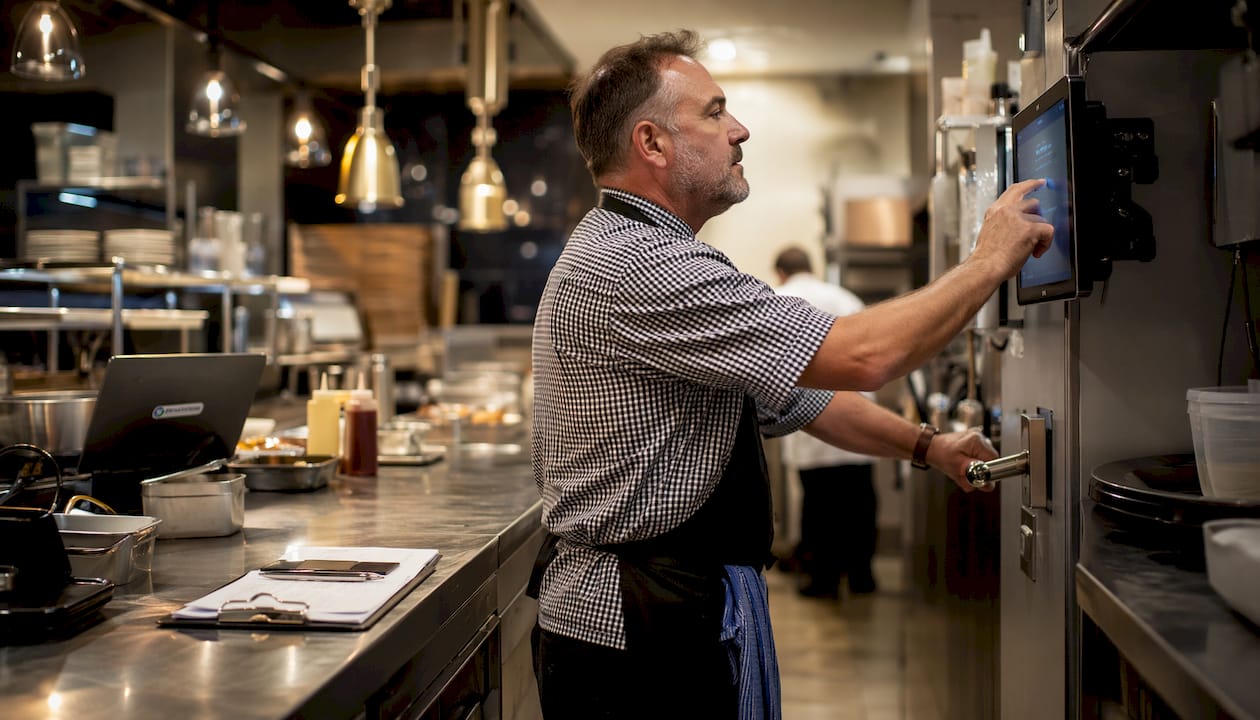
Customising kitchen display layouts for each station reduces cognitive overload and improves order handling. A grill chef does not need to see dessert orders. A fryer station does not need to track starters. Each screen should show only what is relevant to that position, with clear visual hierarchy.
Allergy and modifier display
Allergy information must appear prominently on every relevant ticket. A system that buries modifier text or displays allergens in small print creates risk. Look for colour-coded flags and bold text for allergy notes as a non-negotiable standard.
Touchscreen and bump bar support
Kitchen environments are hot, wet, and fast. A good KDS supports both touchscreen interaction and a physical bump bar, which is a dedicated button panel that lets chefs advance orders without touching a screen with wet or greasy hands. This is a practical detail that matters enormously during a busy service.
Multi-screen support
Complex kitchens with separate sections for starters, mains, and desserts need multiple screens that communicate with each other. Confirm that the system supports multi-screen setups before committing.
| Feature | Why it matters |
|---|---|
| Station-specific views | Reduces errors by showing only relevant orders per section |
| Allergy and modifier flags | Protects guests and reduces liability for the business |
| Bump bar support | Allows hands-free order advancement in wet or hot conditions |
| Visual threshold alerts | Drives timely preparation without verbal interruptions |
| Multi-screen support | Handles complex kitchens with multiple separate sections |
Organising your kitchen layout to match your KDS station setup is equally important. Professional guidance on commercial kitchen organisation can help you align physical workstations with digital display zones before installation.
Pro Tip: Ask any KDS supplier for a live demo using your actual menu, including modifiers and allergens. A system that handles your real menu well in a demo will handle it well in service.
How to implement a kitchen display system without disrupting your team
Implementation is where most KDS projects succeed or fail. The technology is rarely the problem. People and process are.
- Train during quiet service. Training kitchen staff over 2–4 weeks during quieter periods, such as weekday lunches, reduces speed loss and builds genuine confidence before a busy Friday night service.
- Keep paper tickets as a backup initially. Running both systems in parallel for the first two weeks removes the fear of a complete failure. Staff feel safer, and you can identify any integration gaps without it affecting customers.
- Involve your kitchen team in setup decisions. The primary barrier to KDS adoption is psychological. When chefs help decide where screens are mounted and how alerts are configured, they take ownership of the system rather than resenting it.
- Verify your EPOS integration before going live. Test every order type, modifier, and allergy flag through the full flow from EPOS to screen. Do not assume it works. Confirm it works.
- Expect a short productivity dip. Speed will drop slightly in the first week. This is normal. Communicate this to your team in advance so it does not feel like failure.
If you are weighing up whether to keep a kitchen printer alongside a KDS, the Switch-and-save guide on kitchen printers versus digital displays covers the trade-offs clearly for UK restaurant operators.
Key takeaways
A well-integrated KDS reduces kitchen labour costs by 10–15%, improves order accuracy by up to 40%, and pays for itself through faster throughput and fewer errors.
| Point | Details |
|---|---|
| API integration is non-negotiable | Manual order entry into a KDS removes all efficiency gains and adds new errors. |
| Labour savings are measurable | Eliminating ticket-fetching and clarification time reclaims 2–4 minutes per order. |
| Station-specific views reduce mistakes | Each kitchen section should only see orders relevant to their workstation. |
| Staff involvement drives adoption | Involving kitchen teams in setup decisions is the single biggest factor in successful rollout. |
| Train before peak service | A 2–4 week training period during quiet shifts prevents costly disruption during busy service. |
Why I think most restaurants underestimate what a KDS actually does
Most restaurant owners I speak with think of a KDS as a replacement for the kitchen printer. That framing is too narrow, and it leads to underinvestment in setup and training.
A KDS is a management tool. Shaun McManus puts it well: the real value is the performance data it generates, which informs staffing decisions, identifies bottlenecks, and highlights which menu items consistently slow down service. A kitchen printer tells you nothing. A KDS tells you everything.
The businesses I have seen get the most from their KDS are the ones that treated installation as a process change, not a hardware swap. They mapped their kitchen stations before buying anything. They ran parallel systems for two weeks. They let the head chef configure the alert thresholds. Those kitchens saw labour costs fall and covers rise within a month.
The ones that struggled installed the screens on a Thursday and expected full adoption by Saturday. They skipped the training, ignored the integration testing, and then blamed the technology when service fell apart. The technology was fine. The rollout was not.
If you are serious about the return on investment, treat your KDS the way you would treat hiring a new senior chef. Give it time, give it structure, and give your team a reason to trust it.
— Amir
Switch-and-save EPOS systems with kitchen display integration
Running a tight kitchen starts with the right EPOS at the front of house. Switch-and-save provides restaurant EPOS systems built for UK hospitality businesses, with direct integration to kitchen display solutions that route orders in real time.
Whether you are setting up a new site or upgrading an existing system, the Switch-and-save EPOS systems range includes hospitality packages with kitchen display compatibility, UK-based support, and free demos so you can see the full order flow before you commit. Transparent pricing and no hidden costs make it straightforward to plan your investment. Book a free demo today and see how the right EPOS and kitchen display setup can work for your kitchen.
FAQ
What is a kitchen display system?
A kitchen display system is a digital screen in the kitchen that receives orders directly from an EPOS terminal, replacing paper tickets with real-time order management and status tracking.
Does a KDS work without an EPOS system?
A KDS requires an integrated EPOS to function properly. Systems that rely on manual order entry lose the accuracy and speed benefits that make a digital kitchen display worthwhile.
How much can a KDS reduce kitchen labour costs?
Proper KDS implementation can reduce kitchen labour costs by 10–15% by eliminating the time chefs spend fetching tickets and clarifying orders, reclaiming 2–4 minutes per order across a full service.
How long does it take staff to learn a kitchen display system?
Training kitchen staff over 2–4 weeks during quieter service periods is the recommended approach. Rushed installations during peak service are the most common cause of failed adoption.
Can a KDS display allergen information?
Yes. A well-configured KDS displays allergen flags and order modifiers clearly on every relevant ticket, reducing the risk of errors that paper tickets are prone to through illegibility or loss.