You can take card payments without a card machine using payment links, a virtual terminal or Tap to Pay on a compatible phone. Payment links let customers pay through a secure online page. A virtual terminal lets you process telephone payments through a browser. Tap to Pay turns a supported smartphone into a contactless payment device.
The right option depends on how you sell. A market trader taking payments face to face has different needs from a takeaway accepting telephone orders or a café collecting catering deposits.
You’ll still need an approved payment provider account, and processing fees may apply. But you don’t necessarily need to buy or rent a separate terminal.
Key takeaways
| Payment method | How it works | Useful for | Main consideration |
|---|---|---|---|
| Pay by link | Customers open a link and complete an online payment | Deposits, invoices and remote orders | Confirm payment in your provider dashboard |
| Tap to Pay on phone | Customers tap a contactless card or wallet against your supported phone | Mobile traders, markets and pop-ups | Requires a compatible device and payment app |
| Virtual terminal | You enter payment details into a secure browser-based system | Telephone orders and bookings | Requires careful handling of card information |
Can you accept card payments without a terminal?
Yes. A separate card reader is only one way to accept a card payment.
For remote payments, the customer can enter their details into a provider-hosted checkout page. Alternatively, an authorised member of staff can enter details into an approved virtual terminal during a telephone order.
For face-to-face sales, a supported Tap to Pay app lets a compatible smartphone accept contactless payments.
There’s one useful distinction: having a mobile wallet on your phone doesn’t automatically let you accept customer payments. Paying with your phone and using it to receive business payments are different functions. You need a payment acceptance service.
Pay by link: send customers a secure payment request
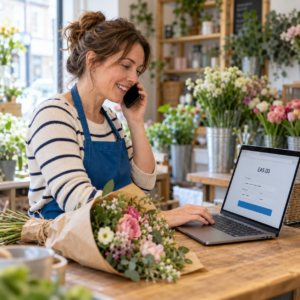
Pay by link is a way to collect payment by sending the customer a link to an online checkout. You can share it by email, text or another suitable messaging channel, without building an online shop.
Here’s how it works
You create a payment request through your provider’s dashboard, enter the amount and add an order or invoice reference. Then you send the link to your customer.
The customer opens the page and completes the payment using the methods supported by that checkout. You check the transaction status in your dashboard before marking the order as paid.
For example, a Birmingham café could send a link for a £75 catering deposit. A mobile phone repair shop could request payment before dispatching a repaired handset.
Where payment links fit best
Payment links are useful when customers aren’t standing in front of you. They can also help when an order starts over the phone but the customer prefers to enter their own card details.
You don’t have to read out, write down or manually enter their card number. However, you still need to follow your provider’s account and security requirements.
Our guide to how payment links work for UK businesses explains the process in more detail.
Tap to Pay: accept contactless payments on your phone
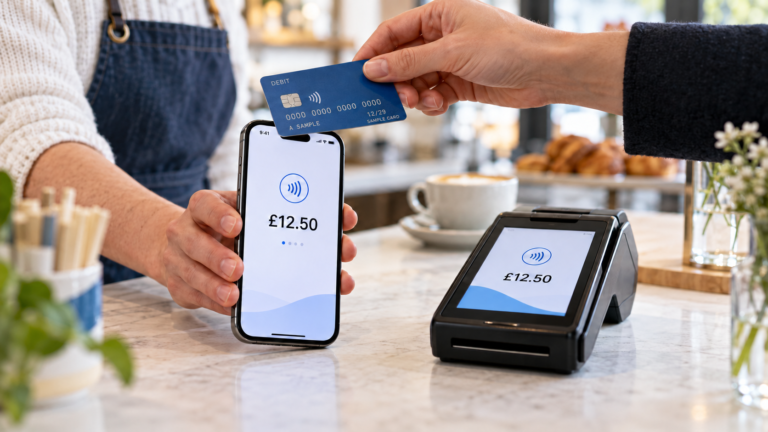
Tap to Pay lets you accept contactless card and digital wallet payments directly on a supported smartphone, without a separate reader. On iPhone, it works through a participating payment app; Apple specifies an iPhone XS or later, although your chosen app may have additional requirements.
What happens when a customer taps?
You open the payment app, enter the sale amount and present your phone. The customer holds their contactless card or supported digital wallet near the indicated area.
Wait for the app to confirm the result before handing over the goods. You can then offer a receipt using the app’s available options.
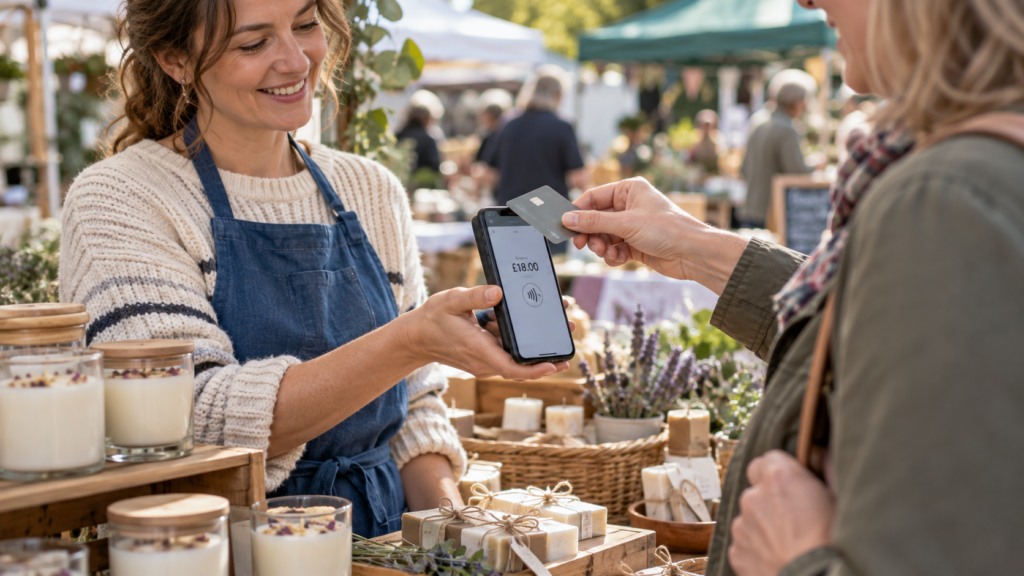
Picture a trader selling candles at a weekend market. They can take payment using their phone, then move to another stall or event without packing a separate terminal.
Check compatibility before signing up
Don’t assume every smartphone will work. Ask the provider to confirm support for your exact model, operating system and location.
Also check how the app handles customer verification, declined transactions and receipts. Because there’s no slot for inserting a card, you’ll need another payment option when a customer can’t complete a contactless transaction.
For mobile traders, battery life and connectivity deserve a practical test at the venue where you’ll actually sell.
Virtual terminals: take payments over the phone
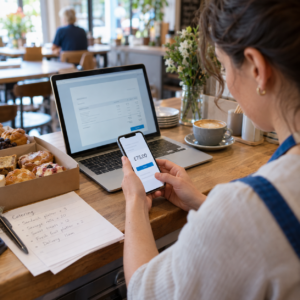
A virtual terminal is a secure payment interface you access through a web browser. Instead of tapping or inserting a card, you enter the customer’s payment details into the provider’s system.
This can suit businesses that regularly accept telephone orders. A takeaway might use one for delivery orders, while a restaurant could use one for a booking deposit.
What to check with a UK virtual terminal provider
Confirm that your account is approved for telephone payments. Ask about transaction charges, staff access, refund procedures and the security requirements for your working environment.
A provider’s secure payment page doesn’t remove every responsibility from your business. Staff still need a clear process for handling information during the call.
Never keep a customer’s card security code for future use. PCI DSS, the payment card industry’s security standard, prohibits storing it after authorisation, even if it’s encrypted.
If customers are comfortable opening a payment link, that may be a simpler workflow because they enter the details themselves.
Which method suits your business?
Choose around the way your customers already order.
| Your situation | Method to consider first |
|---|---|
| Customers pay face to face at markets or pop-ups | Tap to Pay |
| You collect deposits before providing a service | Pay by link |
| Customers regularly order by telephone | Virtual terminal or pay by link |
| You send invoices after completing work | Pay by link |
| You run a busy checkout with several staff | Compare phone-based acceptance with a dedicated terminal |
You can combine methods. A mobile caterer might take contactless payments at events and send payment links for advance bookings.
Switch & Save can help you discuss your payment needs and compare suitable options. Start with how you sell, your typical transaction value and how often you need to collect payment remotely.
How to get started
1. Describe your payment needs
Work out whether most customers pay in person, remotely or both. Estimate your monthly card turnover and average sale value.
A trader taking occasional £10 payments needs a different setup from a business collecting regular £500 deposits.
2. Check eligibility and device requirements
The provider may ask for identity, business and bank account information. Confirm that it supports your business activity and intended payment methods.
For Tap to Pay, check your exact phone before committing to an account.
3. Compare the full costs
Ask for a written breakdown covering transaction fees, monthly charges, refunds, disputes and any contract or cancellation costs.
If you’ll use more than one method, check each separately. The pricing for contactless payments may differ from online or manually entered payments.
4. Test the complete workflow
Follow the provider’s testing instructions. Check payment confirmation, receipts, refunds and how transactions appear in your reports.
If you sell outdoors, test signal coverage at your usual location.
5. Keep payment records organised
Use an order or invoice reference so you can match each payment to the correct sale. Record refunds against the original transaction.
Our step-by-step payment setup guide provides further planning points for retail and hospitality businesses.
Costs and security checks
Taking card payments without hardware doesn’t automatically mean taking them for free.
Compare total costs against your actual sales pattern. A percentage fee matters more as turnover rises, while a fixed per-transaction charge can make a noticeable difference to small purchases.
Ask when funds reach your bank account, whether weekends affect settlement and whether the provider applies any reserve or hold.
For security, use the provider’s approved app or dashboard, protect account access and keep devices updated. Avoid asking customers to send card details through ordinary messages.
Check payment status yourself. A screenshot supplied by a customer shouldn’t be your only evidence that an order has been paid.
For telephone payments, ask how to prevent sensitive card details being captured in call recordings. Keep order records and receipts organised so you can respond if a customer disputes a transaction.
When a card machine makes sense
Phone-based payments can suit mobile or occasional selling. A dedicated terminal may be more practical when several staff share a checkout, customers need an inserted-card option or payments run throughout the day.
The decision is about your working routine as well as fees. Consider charging, receipts, staff access and whether payments need to connect with your EPOS.
Explore Switch & Save’s card payment solutions if you’re comparing a phone-based setup with a separate terminal.
Check your savings with Switch & Save
Switch & Save helps UK businesses reduce costs with AI-powered EPOS systems, card payment solutions and business finance.
Whether you’re collecting deposits, serving customers at a market or reviewing your checkout, we can help you discuss the options.
Check your savings today or call 0333 038 9707.
FAQs
Can I take card payments without a card machine in the UK?
Yes. You can use payment links, an approved virtual terminal or Tap to Pay on a supported smartphone. The suitable option depends on whether customers pay remotely or in person.
Do I need a website for pay by link?
No. Your provider hosts the checkout page, and you share the payment link with your customer. You’ll still need an approved payment account.
Can I use my personal phone to accept payments?
Potentially, if the device and payment app are supported. Check the provider’s requirements and consider how you’ll manage business access, battery life and payment records.
Is taking card payments without a machine free?
Not necessarily. You may avoid separate hardware costs, but processing fees and other account charges can still apply. Compare the full quotation.
What’s the difference between pay by link and a virtual terminal?
With pay by link, the customer enters their own payment details on an online checkout page. With a virtual terminal, you enter the details into an approved system, usually during a telephone order.
Can customers pay without a contactless card?
They can potentially use a payment link or an approved telephone payment service. Tap to Pay requires a supported contactless card or digital wallet.