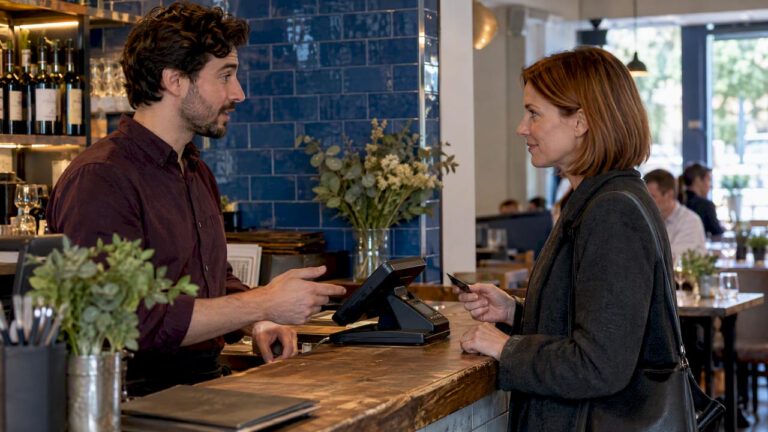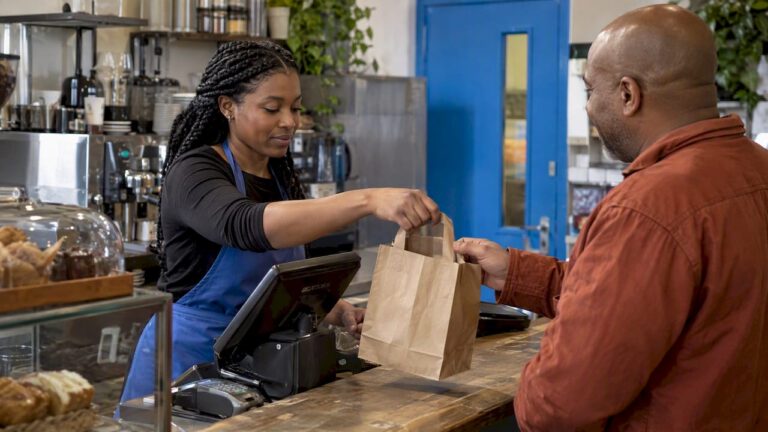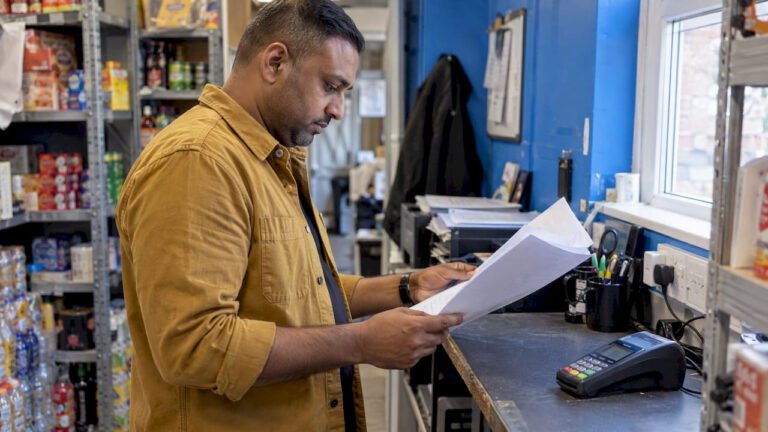
For most UK shops, cafés, restaurants, and salons, an electronic point of sale system is the clearer choice. It gives you live stock data, integrated card payments, and accounting exports that a traditional till simply cannot match. That said, if you run a low-volume cash-only market stall or a purely seasonal pop-up, a basic till may still do the job at lower cost.
Table of Contents
- What does a traditional till actually do?
- What an EPOS system does beyond a basic till
- EPOS versus traditional tills: how they compare in practice
- Cost breakdown and realistic ROI timelines
- When a traditional till is still the right call
- How to choose the right EPOS system for your business
- Our recommendation for UK retail and hospitality owners
- Key takeaways
- Why EPOS is the right direction for most UK businesses
- Switch-and-save EPOS: packages, demos, and UK support
- FAQ
- Useful sources for further reading
What does a traditional till actually do?
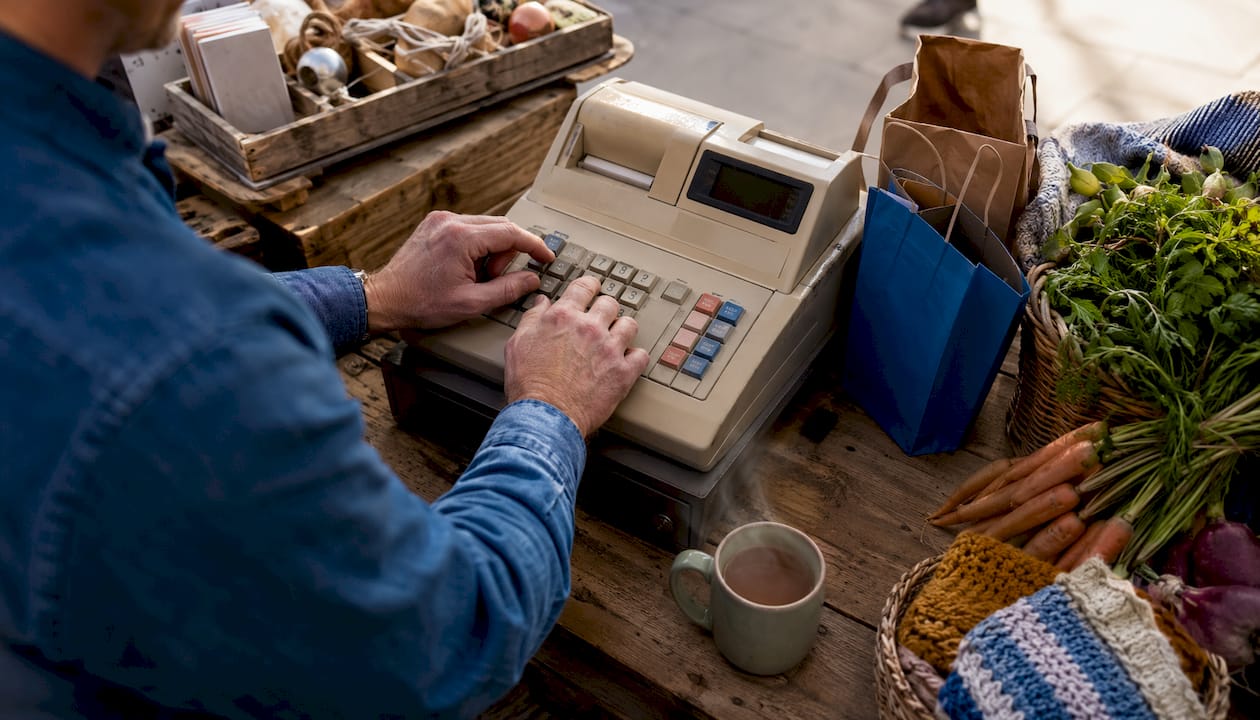
A traditional till, often called a cash register, records sales transactions, opens a cash drawer, prints receipts, and produces end-of-day totals. That is broadly the full extent of it. Stock control happens manually, usually via a separate spreadsheet or paper count. Card payments require a standalone terminal that does not talk to the till, so reconciliation is a separate task at close of day.
Settings where a traditional cash register still fits:
- Market stalls and car boot traders handling a handful of cash transactions per day
- Seasonal pop-ups operating for a few weeks with no need for ongoing stock records
- Very low-volume hobby businesses where card payments are rare or unnecessary
- Temporary event traders who need a simple cash drawer and receipt roll, nothing more
The operational limits are real. Manual stock control means errors accumulate quietly. A separate card terminal means two sets of records to reconcile. And there is no reporting beyond what you tally by hand at the end of the night.
What an EPOS system does beyond a basic till
An EPOS (Electronic Point of Sale) system combines hardware and software into one connected unit. It records sales, yes, but it also runs your inventory, generates reports, processes card payments natively, and connects to your accounting package. Think of it as a digital cash register with a brain behind it.
| Feature | Traditional till | EPOS system |
|---|---|---|
| Sales recording | ✓ | ✓ |
| Cash drawer | ✓ | ✓ |
| Receipt printing | ✓ | ✓ |
| Real-time inventory tracking | ✗ | ✓ |
| Sales reporting & analytics | End-of-day totals only | Live, detailed, exportable |
| Integrated card payments | ✗ (separate terminal) | ✓ (native integration) |
| CRM and loyalty programmes | ✗ | ✓ |
| Multi-site support | ✗ | ✓ |
| Cloud access and remote dashboard | ✗ | ✓ |
| Accounting integrations (Xero, Sage, QuickBooks) | ✗ | ✓ |
| VAT receipt exports for MTD | ✗ | ✓ |
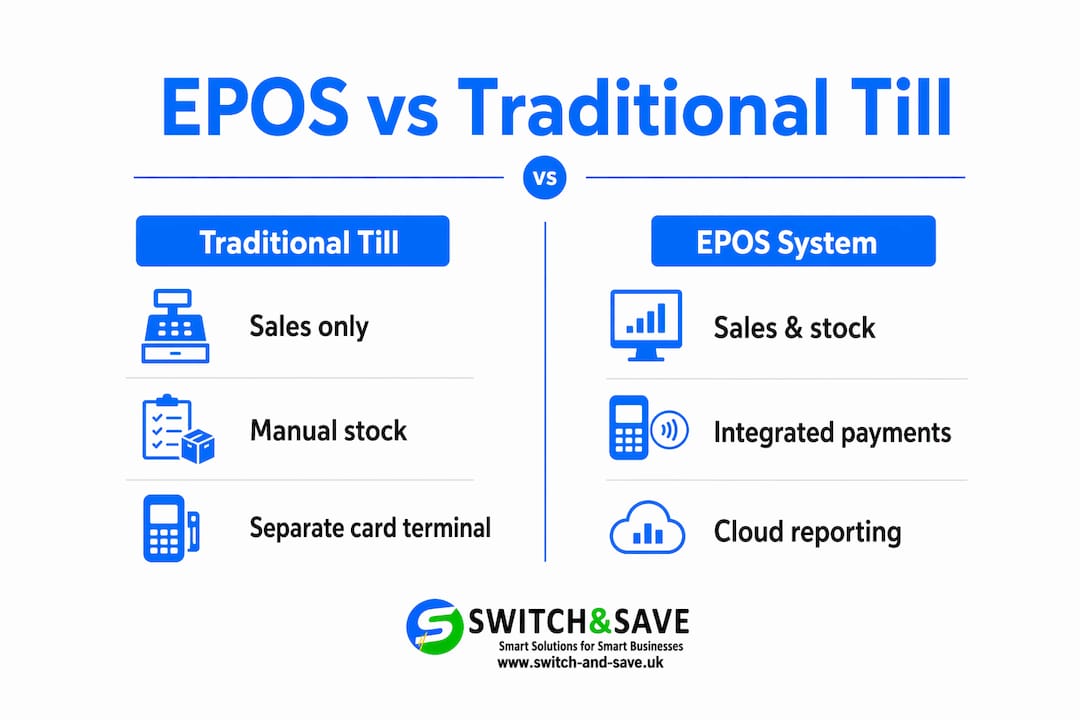
Cloud-based EPOS systems store your data remotely, so you can check sales from your phone at midnight. On-premise systems store data locally, which can mean faster processing but no remote access. Most modern systems offer an offline mode that keeps trading during an internet outage and syncs automatically when connectivity returns.
EPOS versus traditional tills: how they compare in practice
Functionality and features
A traditional till does one thing: records a sale. An EPOS system handles the sale and then keeps working, updating stock levels, logging staff activity, and feeding data into your reports. The gap in day-to-day utility is significant.
Inventory management
- Traditional till: stock is counted manually; there is no automatic deduction when a product sells
- EPOS: every sale reduces stock in real time; low-stock alerts fire automatically; you can set reorder points per SKU
- Business impact: fewer stockouts, less over-ordering, and a clear picture of what is actually selling
A common problem for businesses running separate offline tills alongside an online shop is the “oversell” issue: a product sells in-store but the website still shows it as available. Integrated EPOS inventory keeps stock synchronised across channels, cutting avoidable refunds and customer complaints.
Reporting and analytics
Traditional tills give you a Z-read at close of day. An EPOS gives you hourly sales breakdowns, best-selling product reports, staff performance data, and trend comparisons across weeks or months. That shift from reactive counting to proactive decision-making is where the real value sits.
Payments and card terminal integration
Most EPOS systems support card, contactless, and mobile payments natively. The distinction that matters is whether the card terminal is native to the system or bolted on as a separate device. Native card integration means the payment and the sale record in one step, which speeds up reconciliation and reduces end-of-day errors. Bolt-on terminals require manual matching.
PCI compliance is a UK requirement for any business accepting card payments. A properly integrated EPOS handles tokenisation and encryption at the point of payment, reducing your compliance burden.
Speed and customer experience
An EPOS touchscreen with a barcode scanner processes a transaction faster than a manual till entry. During a Saturday lunch rush or a busy retail Saturday, those seconds per transaction add up. Faster throughput means shorter queues and more covers turned.
Integrations and extensibility
EPOS systems connect to accounting packages, e-commerce platforms, loyalty apps, and booking systems. When your EPOS exports directly to Xero or Sage, you eliminate manual data re-entry. Accounting integration commonly saves several hours per month for small businesses, which is time you can spend on the floor rather than on a spreadsheet. For businesses with an online store, connecting EPOS data through server-side tracking gives a cleaner picture of where revenue is actually coming from.
Support and UK servicing
A traditional till has no software to update and no vendor to call. That simplicity is also its ceiling. EPOS vendors vary widely on support quality. UK-based support matters because time zones, VAT rules, and Making Tax Digital (MTD) requirements are specific to this market. A vendor whose support team is overseas may not understand why your VAT export format needs to match HMRC’s MTD expectations.
Scalability and multi-site capability
Add a second location to a traditional till setup and you have two separate sets of records with no way to compare them automatically. An EPOS system scales across sites from a single dashboard, giving you consolidated reporting, shared stock pools, and consistent pricing across every location.
Pro Tip: Ask any EPOS vendor to demonstrate offline mode during your demo. Specifically, disconnect the internet mid-transaction and watch what happens. A system that freezes or loses the sale is not ready for a busy UK trading day. The right system keeps processing and syncs automatically when connectivity returns.
Cost breakdown and realistic ROI timelines
Understanding the numbers upfront prevents surprises later.
| Cost element | Traditional till | EPOS system |
|---|---|---|
| Hardware (one-off) | £50–£400 | Over £1,000 for a complete EPOS setup |
| Monthly subscription | None | £30–£50/month for most small retailers; — |
| Card terminal | Separate purchase | Often bundled or integrated |
| Accounting integration | Manual (your time) | Automated export to Xero, Sage, QuickBooks |
| Ongoing support | None | Included in subscription or add-on |
The upfront cost of EPOS is higher. But the ROI case builds quickly when you factor in:
- Bookkeeping time saved: 2–5 hours per month from automated accounting exports
- Reduced stock loss: real-time inventory catches shrinkage and over-ordering earlier
- Fewer refunds: unified stock prevents overselling across in-store and online channels
- Faster service: quicker transactions during peak periods mean more revenue per hour
For a café with a modest monthly turnover, the combination of time savings and reduced stock waste can typically cover the subscription cost relatively quickly. For a retail shop with 50+ SKUs, the inventory accuracy alone often justifies the switch.
Questions to ask vendors before signing anything:
- What is the total monthly cost including transaction fees?
- Is there a minimum contract length, and what are the exit terms?
- What does the hardware warranty cover, and for how long?
- Are software upgrades included in the subscription?
- What support is available, and during which hours?
When a traditional till is still the right call
Not every business needs an EPOS. Here are the clear signals that a basic till is the better fit:
- You process a relatively low number of transactions per day and all are cash
- You trade seasonally or at events with no ongoing stock to manage
- You have no online sales channel and no plans to add one
- Your product range is very small (fewer than 10 SKUs) with no variation
- You are testing a concept and want to minimise upfront cost before committing
If you fall into one of these categories, a £50–£400 cash register does the job. You can always add a standalone card reader for contactless payments without committing to a full EPOS subscription.
A hybrid approach works for some traders: a simple card reader paired with a basic till gives you cash and card acceptance without ongoing subscription fees. Once your transaction volume or product range grows, that is the natural trigger to consider an upgrade.
How to choose the right EPOS system for your business
Decision checklist
Before you speak to any vendor, map your own requirements:
- Do you carry more than 20 SKUs? You need real-time inventory.
- Do you sell online as well as in-store? You need unified stock management.
- Do you have more than one location? You need multi-site reporting.
- Do you use Xero, Sage, or QuickBooks? Check the integration is native, not a CSV export.
- Do you need loyalty or CRM features? Confirm these are included, not add-ons.
- Do you trade during internet outages or in areas with patchy connectivity? Offline mode is non-negotiable.
Use the EPOS features checklist to score vendors against your specific needs before a demo.
Questions to ask during a demo
- Show me how a refund works end-to-end, including the card terminal step.
- What format does the VAT export use, and is it MTD-compatible?
- How does the system handle an internet outage mid-transaction?
- What does onboarding look like, and how long does staff training typically take?
- Can I see the accounting integration in action, not just a screenshot?
Red flags to watch for
- Pricing that is unclear until you ask three times
- No UK-based support contact or support only available via email ticket
- No offline mode, or offline mode that does not sync automatically
- Accounting integration that is a manual CSV download rather than a live connection
- Long minimum contracts with no flexibility for growing businesses
UK-specific requirements
HMRC’s Making Tax Digital programme requires VAT-registered businesses to keep digital records and submit VAT returns using compatible software. An EPOS that exports clean, MTD-ready data to Xero or Sage removes a compliance headache. Digital sales records and exportable VAT summaries make this straightforward. HMRC’s MTD overview sets out the current requirements in full.
Our recommendation for UK retail and hospitality owners
If you run a shop, café, restaurant, pub, or salon with a regular flow of customers and a product range of any real complexity, upgrading to an EPOS system pays for itself. The inventory accuracy, reporting depth, and accounting integration deliver measurable value within months, not years.
If you are still on a traditional till, the practical next steps are straightforward:
- Count your daily transactions and note how many are card payments
- List your current pain points: manual stock counts, end-of-day reconciliation, bookkeeping time
- Book a demo with a provider who can show you live inventory, offline mode, and a VAT export in one session
- Ask for a transparent pricing breakdown covering hardware, subscription, and transaction fees before you commit
Switch-and-save works with UK retail and hospitality businesses across exactly these scenarios. UK-based support, transparent pricing, and a free demo mean you can see the system working in your context before spending a penny.
Key takeaways
An EPOS system outperforms a traditional till on every operational dimension that matters to a growing UK retail or hospitality business, from live inventory to MTD-ready VAT exports.
| Point | Details |
|---|---|
| Traditional till limits | Records sales and cash only; stock control and reporting are manual. |
| EPOS core advantage | Real-time inventory, integrated card payments, and accounting exports save 2–5 hours per month. |
| Cost reality | EPOS hardware can be costly upfront; subscriptions typically run £30–£50/month for small retailers. |
| When to keep a till | Fewer than 20–30 daily cash transactions, seasonal trading, or very small product ranges. |
| Switch-and-save next step | Book a free demo to see live inventory, offline mode, and VAT export in one session. |
Why EPOS is the right direction for most UK businesses
The argument against EPOS usually comes down to cost and complexity. Both concerns are real, but they are often overstated. The subscription fee is visible on a monthly statement; the cost of manual stock errors, slow reconciliation, and hours lost to bookkeeping is invisible until you add it up. Most business owners who make that calculation are surprised by the result.
What tends to get overlooked is the quality of the accounting integration. Not all EPOS systems connect to Xero or Sage in the same way. Some push a live journal entry with full line-item detail; others dump a daily CSV that still needs manual checking. That difference determines how much bookkeeping time you actually save. When evaluating any system, ask to see the exact format of the accounting export, not just confirmation that an integration exists.
The other underrated factor is offline mode. UK retail has predictable pressure points: Saturday mornings, the pre-Christmas rush, bank holiday weekends. Those are exactly the moments when an internet outage is most damaging. A system with a genuine offline mode that processes transactions locally and syncs automatically when connectivity returns is not a luxury feature. For a busy independent retailer or a restaurant on a Saturday evening, it is the difference between trading and not trading.
Switch-and-save EPOS: packages, demos, and UK support
Replacing a traditional till is a significant decision, and you deserve to see exactly what you are getting before you commit. Switch-and-save offers a range of EPOS packages built specifically for UK retail and hospitality businesses, from the Standard tier for straightforward retail setups to Premium, Retail, and Hospitality bundles for businesses with more complex needs.

Every package includes integrated card payment processing, real-time inventory, cloud reporting, and UK-based onboarding support. Hospitality operators can explore the dedicated restaurant and café EPOS bundle, which covers table management, split bills, and kitchen display integration. Pricing is transparent: you will see hardware costs, monthly subscription fees, and any transaction charges before you sign anything.
The clearest next step is a free demo. You will see live inventory updates, offline mode in action, and a VAT export that works with Xero or Sage. Speak to the UK support team directly to arrange a session that fits your trading hours.
FAQ
Is an EPOS system the same as a till?
An EPOS system includes till functionality but goes much further. It combines a touchscreen terminal, card payment processing, stock management, and reporting software in one connected system, whereas a traditional till records sales and opens a cash drawer only.
What is the difference between POS and EPOS?
POS (Point of Sale) refers to any place or system where a sale is completed, including a basic cash register. EPOS (Electronic Point of Sale) specifically means a software-led digital system that connects payments, inventory, reporting, and integrations, making it considerably more capable than a standard POS terminal.
What are the main advantages of an EPOS system?
The core EPOS benefits are real-time inventory tracking, integrated card payments, detailed sales reporting, and direct accounting exports to tools like Xero or Sage. These features reduce manual work, improve stock accuracy, and support MTD compliance for VAT-registered businesses.
What does EPOS mean in retail?
EPOS stands for Electronic Point of Sale. In a retail context, it describes a digital checkout system that handles transactions, tracks stock levels automatically, and generates business reports, replacing the manual processes associated with a traditional cash register.
When does a traditional till still make sense?
A traditional till remains practical for very low-volume, cash-only traders such as market stall holders or seasonal pop-ups processing fewer than 20–30 transactions per day with a small, fixed product range and no online sales channel.
Useful sources for further reading
- Making Tax Digital overview — HMRC’s official guide to MTD requirements for VAT-registered businesses in the UK
- What is an EPOS system? How it works, costs and who needs one — practical UK-focused breakdown of hardware costs, subscription ranges, and integration options
- EPOS benefits in 2026 — covers subscription cost ranges, VAT reporting, and MTD readiness for UK small businesses
- Best EPOS systems for UK independent retailers 2026 — independent overview of leading systems with notes on inventory, integrations, and offline mode
- Difference between POS and EPOS — concise explanation of how EPOS extends beyond a standard point-of-sale terminal