
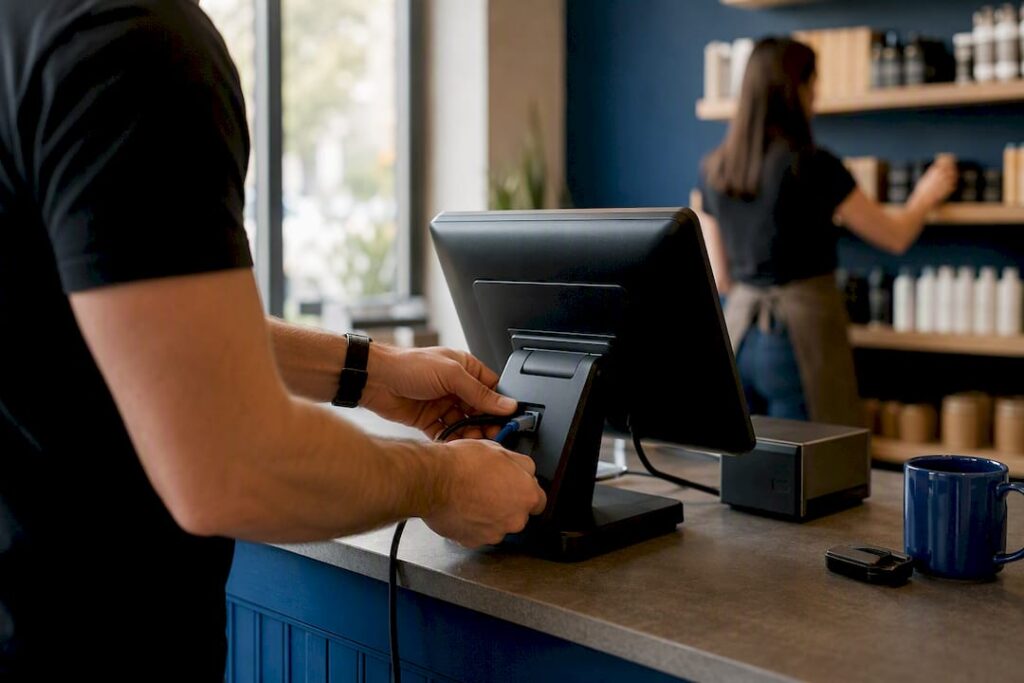
A multi-location EPOS is a single, cloud-connected platform that centralises sales, stock and reporting across two or more physical sites. Instead of each shop or restaurant running its own isolated till, every terminal feeds one dashboard, giving you real-time visibility across the whole business.
That matters because growth without central control creates chaos: mismatched prices, stock nobody can find, and reports that take days to pull together. If you’re evaluating options, look for a cloud-first system with one master catalogue and the ability to override pricing locally where you need it.

Key Takeaways
A multi-location EPOS succeeds when cloud-based architecture, catalogue governance and a staged pilot rollout combine, not when any single element is treated in isolation.
| Point | Details |
|---|---|
| Definition | A multi-location EPOS centralises sales, stock and reporting across sites through one cloud dashboard. |
| Catalogue governance | Use a master catalogue with visible per-site overrides to prevent pricing and SKU drift. |
| Pilot before scaling | Test one site or channel first, validating data flows and training before wider rollout. |
| Rollout timing | Expect a 4 to 8 week pilot, then 2 to 6 weeks per region for staged expansion. |
| Switch&Save fit | Switch&Save offers a cloud dashboard, real-time stock sync, UK-based support and pilot-friendly onboarding for multi-site operators. |
Table of Contents
- How does multi-location EPOS work?
- What benefits does multi-location EPOS bring to retail and hospitality?
- What features should you prioritise when comparing systems?
- What challenges come up during a multi-location EPOS rollout?
- How do you choose the right multi-location EPOS system?
- What does a typical rollout timeline look like?
- How does Switch&Save support multi-location EPOS needs?
- Get started with a multi-location EPOS built for growing operators
- Sources
- FAQ
How does multi-location EPOS work?
Think of it as one brain with many hands. A central cloud hub holds your catalogue, pricing and reporting logic, while tills, tablets and handhelds at each site act as the hands, capturing sales and stock movements and syncing them back in near real time. This is what separates EPOS from older POS setups: EPOS connects every transaction to stock, reporting and customer records, sharing data across the business rather than keeping it trapped on one till.
The core components you’ll recognise in most systems include:
- A central dashboard for owners and area managers to view all sites at once
- Terminals, tablets or handhelds at each till point or table
- An inventory service tracking stock levels and movements between locations
- A reporting engine consolidating sales, margins and staff performance
- Integrations for payments, e-commerce and accounting software
Good systems also include offline mode with local caching, so a till in one store keeps working through a broadband outage and syncs automatically once connectivity returns.
What benefits does multi-location EPOS bring to retail and hospitality?
The payoff is straightforward: you stop running your business by guesswork. A multi-location POS system centralises sales, inventory, customer data and reporting from one dashboard, which means you can see how site three is performing against site one without waiting for someone to email you a spreadsheet.
Here’s what that translates to day-to-day:
- Centralised visibility — one login shows sales, margins and stock across every site
- Consistent pricing and promotions, with local overrides for regional differences
- Faster stock decisions — transfer stock between sites before it runs out, and reduce shrinkage through tighter tracking
- Standardised operations — push a menu change or price update to every terminal at once, and train new staff on one system instead of five
Retail chains using modern multi-location EPOS features report that automated inventory and unified reporting support growth precisely because they remove the manual reconciliation work that used to eat up a manager’s week.
What features should you prioritise when comparing systems?
Not every EPOS platform handles multi-site complexity well, and the gap usually shows up in the details rather than the headline features. Focus your evaluation on:
- A single master catalogue with visible per-site overrides, so a price change at head office doesn’t silently overwrite something a store manager set deliberately
- Inter-store transfer tracking with an “in-transit” state, rather than manual stock adjustments at both ends
- Role-based access by site, region and job function, not just a blanket “staff” and “owner” split
- Consolidated and per-site reporting, including side-by-side profit and loss comparisons
- Integrations with payment providers, e-commerce platforms, accounting software and CRM tools — a well-connected POS and CRM setup gives you a fuller picture of customer behaviour across sites
- Offline mode with conflict resolution, so price or stock changes made during an outage don’t create contradictory records once devices reconnect
- Clear data protection responsibilities — the system provides audit trails, but compliance with data protection law and record-keeping obligations remains yours as the business owner
Pro Tip: Ask any vendor to show you the override log during a demo. If they can’t demonstrate how a head-office price change interacts with a local override, walk away. That gap causes more pricing disputes than anything else in multi-site retail.
For a deeper breakdown of what to check feature by feature, our EPOS features checklist covers the technical specifics site by site.
What challenges come up during a multi-location EPOS rollout?
Most rollout problems are predictable, which means most of them are avoidable. Data migration is the first hurdle: duplicate or inconsistent SKUs across stores cause headaches the moment you try to run a consolidated report. Menu drift follows close behind, where small catalogue inconsistencies compound as you add sites and sales channels, quietly corrupting your inventory data.
Connectivity is the next constraint. Not every site has reliable broadband, so caching and offline capability aren’t optional extras. Staff adoption also takes longer than owners expect, particularly across sites with different working patterns.
- Duplicate SKUs and inconsistent product data across stores
- Menu and catalogue drift as sites and channels multiply
- Patchy connectivity requiring offline caching
- Uneven staff adoption without a clear training plan
Pro Tip: Appoint an in-store champion at each location before go-live. Someone who understands both the till and the till’s quirks becomes your fastest route to fixing small problems before they become big ones.
Budget realistically. Setup and onboarding for a modest multi-site estate typically runs into several weeks rather than days, once training and data cleanup are factored in.
How do you choose the right multi-location EPOS system?
Selection comes down to matching the system’s architecture to how your business actually grows. Before shortlisting anyone, weigh these criteria:
- Scalability — can it handle 20 sites as easily as it handles two?
- Catalogue model — does it support a master catalogue with tracked overrides?
- Integrations — does it connect cleanly with your accounting, e-commerce and payment tools?
- Security and permissions — can you scope access by site and role?
- Support and SLAs — is UK-based support available, and what response times are guaranteed?
When you get vendors on a demo call, push past the sales pitch with direct questions:
- How fast do price or stock updates propagate to every terminal?
- How are inter-store transfers tracked, and is there an in-transit status?
- How granular are the permission settings by site and by role?
Once you’ve narrowed the field, run a pilot with one site or one channel before committing to a full rollout. Validate data flows, test staff training on real transactions, and only convert to a full procurement decision once the pilot has proven itself. A staged pilot approach that tests SKUs, tax rules and network behaviour before wider deployment is consistently the safer migration path for multi-site estates.
What does a typical rollout timeline look like?
A realistic rollout follows a clear sequence, and skipping steps to save time almost always costs more later.
- Pre-project — define governance and appoint head-office owners responsible for menu and catalogue accuracy
- Pilot phase (4 to 8 weeks) — prepare data, configure devices, train pilot-site staff and validate everything live
- Staged rollout (2 to 6 weeks per region) — expand site by site, adjusting for local complexity such as different tax rules or menu variants
- Post go-live — maintain a support window and track KPIs including stock accuracy, average transaction time and staff adoption rates
Pro Tip: Don’t roll out to every remaining site simultaneously, even if the pilot went smoothly. Staggering regions by two to six weeks gives your support team room to fix issues before they multiply across the estate.
How does Switch&Save support multi-location EPOS needs?
Switch&Save builds its EPOS software around exactly the structure this guide describes: one cloud dashboard, real-time stock synchronisation, and genuine multi-store support rather than a single-site system stretched to cover several locations.
Businesses considering a switch can access:
- A free demo to see the central dashboard and catalogue override model in action
- UK-based support for onboarding and day-to-day technical queries
- Pilot-friendly packages so you can test one site before committing across your estate
- Clear SLAs, customer reviews and case studies to check before you commit
For a closer look at the underlying platform, the SSPOS software page details how the system handles inventory sync and reporting, while local support coverage shows where UK-based installers and engineers are available.
A note on governance from the ground up
Technology only solves half the problem. The other half is organisational: someone at your business needs to own the catalogue, chase down pricing drift, and act as the bridge between head office and the till floor. Systems that support role-based permissions make that job possible, but they don’t do it for you.
Run your pilot properly, appoint a super-user who understands both the software and the shop floor, and treat catalogue governance as a standing responsibility rather than a one-off setup task. Get that discipline right and the software choice becomes far less risky, whichever platform you land on.
Get started with a multi-location EPOS built for growing operators
Switch&Save gives retail and hospitality operators a way to run a multi-site pilot without the long procurement cycle typical of enterprise EPOS vendors. Where many systems demand you commit across your whole estate upfront, Switch&Save’s packages let you trial the platform at one site first, then scale with UK-based support behind you at every stage.

That matters most in the early weeks, when catalogue setup and staff training decide whether the rollout sticks. You get a cloud dashboard with real-time stock sync from day one, plus onboarding support to configure your first site properly rather than being handed a login and left to work it out. If you’re weighing up options after reading this, book a free demo of the EPOS system to see the dashboard and catalogue override model working on your own product data, or check local support availability in your area before your pilot begins.
Sources
- 7 Powerful Multi‑Location EPOS System Features for Retail Growth
- POS and EPOS Systems: Which Is Right for Your Business? –
FAQ
What are the disadvantages of EPOS systems?
EPOS systems carry upfront setup and training costs, depend on reliable connectivity unless offline mode is built in, and can create catalogue drift across sites if governance isn’t managed properly.
What is the best EPOS system in the UK?
The best system depends on your site count, sector and integration needs, but for multi-site retail and hospitality operators, look for cloud-based platforms with UK-based support, a master catalogue with local overrides, and proven multi-store functionality, which Switch&Save is built to deliver.
What is the difference between EPOS and POS?
POS traditionally refers to the till or checkout point itself, while EPOS is an electronic system connecting transactions to stock, reporting and customer records in near real time, making it far better suited to multi-site operations.
Which POS provider is better, Square or Epos Now?
Both serve single and small multi-site setups reasonably well, but the right choice depends on your specific catalogue complexity, integration needs and support requirements. Compare vendors directly on scalability, override handling and UK support availability rather than by reputation alone.
How long does a multi-location EPOS rollout typically take?
A pilot phase usually takes 4 to 8 weeks, followed by staged rollout across further regions at roughly 2 to 6 weeks per region depending on complexity.



