Real-time stock tracking means your EPOS system updates every SKU the instant a sale, return, receipt or transfer happens. That live picture stops oversells, tells you exactly when to reorder, and lets you check stock levels remotely from your phone. Switch&Save has built its systems around this principle, and this guide, put together by Amir, walks you through getting it running properly.
TL;DR:
- Proper data cleanliness and hardware testing in the first month are crucial for accurate stock updates and avoiding miscounts.
- The system should support perpetual inventory, multi-location sync, low-stock alerts, and integration with ecommerce, delivery, and accounting platforms.
- Regular routines like scanning all items, running cycle counts, and limiting manual adjustments help maintain stock accuracy over time.
- Tracking key KPIs such as sell-through rate, days on hand, and stock variance enables smarter reorder decisions and reduces stockouts.
- Switch&Save’s platform provides real-time stock updates, multi-store support, and UK-based assistance, ideal for retail businesses aiming for reliable inventory management.
Table of Contents
- How do you set up real-time stock tracking on your EPOS?
- What EPOS features do you actually need for reliable tracking?
- How do you keep live stock data accurate day to day?
- Which reports and KPIs should you check regularly?
- Why authority and support matter when choosing your setup
- What does the first 90 days of live stock tracking look like?
- Getting your EPOS ready for live stock tracking
- Sources
- FAQ
How do you set up real-time stock tracking on your EPOS?
Getting live stock updates working isn’t complicated, but skipping steps causes headaches later. Retailers relying on manual counts or disconnected systems routinely see inaccurate stock figures and oversells; a centralised POS with live inventory closes that gap. Here’s the order that works.
- Clean up your product data first. List every SKU, barcode, cost price, supplier and variant (size, colour, weight) before you touch the software. Messy data in means messy stock counts out.
- Pick the right features and plan. Confirm your EPOS plan includes an inventory module, multi-location sync if you trade from more than one site, and a purchase order workflow.
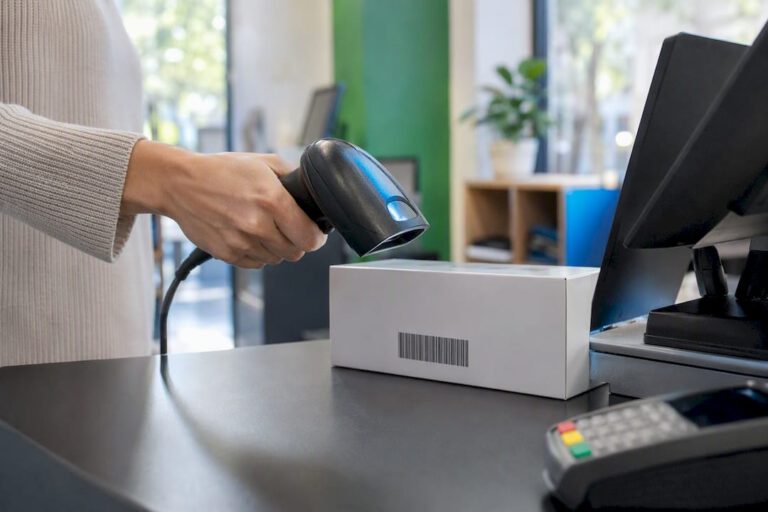
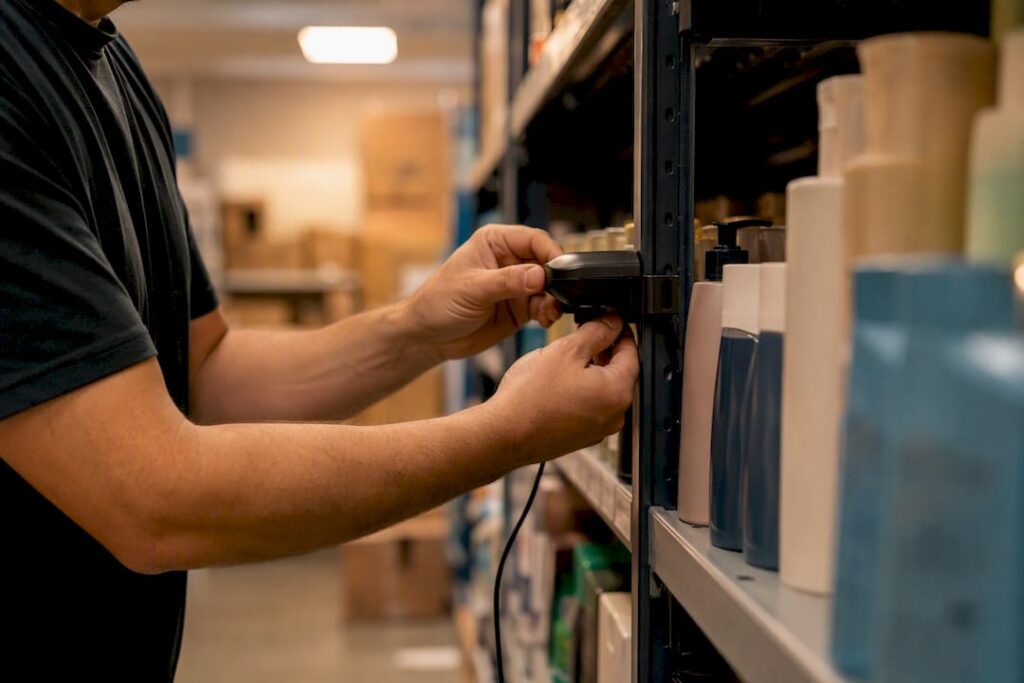
- Sort your hardware and network. You’ll need barcode scanners or handheld devices at the till and in the stockroom, plus a stable internet connection. Ask your provider what happens to stock recording if the wifi drops. A good system should queue transactions locally and sync once connectivity returns.
- Configure the EPOS itself. Load your products, set reorder points for each SKU, and switch on low-stock alerts so nothing runs out unnoticed.
- Run a day-one test before going live. Record a sale, process a return, receive a purchase order, and transfer stock between locations if you have more than one site. This kind of dry run catches configuration errors before a real customer or supplier exposes them.
Pro Tip: Test the return and the PO receipt before you test anything else. Sales almost always work fine out of the box; it’s returns and receiving that expose gaps in how reorder points and stock levels update.
Once those five steps are done and the day-one tests pass cleanly, you’re tracking stock live, not retrospectively.
What EPOS features do you actually need for reliable tracking?
Not every EPOS package handles real-time updates the same way, and the gap between a basic till and a proper inventory platform shows up fast once you’re trading across more than one channel. Perpetual inventory, meaning the system updates stock continuously with every transaction, is now standard on decent cloud POS platforms, but the feature set around it still varies a lot by provider.
Look for these as a baseline:
- Perpetual inventory with variant support, so a size-medium blue jumper and a size-large red one are tracked separately, not lumped together.
- Low-stock alerts tied to reorder points, not just a generic “running low” flag.
- Multi-location sync, so stock moved from a warehouse to a shop floor updates instantly everywhere.
- Integrations with your ecommerce store, delivery apps, supplier ordering, and accounting software.
- Barcode scanners, mobile handhelds, and integrated scales for anything sold by weight.
- User permissions and audit trails, so you can see who adjusted stock and when, which helps limit shrinkage and theft.
Setups like this typically combine POS, scanners, ecommerce links and PO management into one dashboard, though a fashion retailer managing dozens of variants needs different depth to a café tracking ingredient stock. Switch&Save’s retail EPOS system covers the retail variant, and for restaurants tracking ingredients rather than SKUs, POS-driven stock tracking works differently again, right down to portion-level usage.
Statistic to note: businesses running manual or disconnected stock systems consistently report inaccurate counts and lost sales from oversells that a properly integrated EPOS largely removes.
How do you keep live stock data accurate day to day?
Software alone won’t keep your numbers honest. The routines your team follows every shift decide whether your “live” stock count matches what’s actually on the shelf.
- Scan everything, every time. Deliveries get scanned in against the purchase order, returns get scanned back into stock, and waste or damage gets logged as an adjustment rather than just binned.
- Run cycle counts on a schedule. Weekly or monthly checks, depending on how fast stock turns over, catch theft, damage and supplier short-shipments that no EPOS can see on its own.
- Train staff properly and set permissions. Not everyone needs the ability to adjust stock levels; limiting who can make manual changes cuts down on both errors and deliberate fiddling.
- Watch for the common failure points. Mis-labelled products and delayed receiving entries are the two biggest causes of stock drift. Both come down to habits, not software.
Pro Tip: Assign one person per shift as the “receiving owner” for deliveries. When responsibility is shared across everyone, it usually ends up owned by no one, and that’s when receiving entries slip by a day or two.
These habits, paired with the setup from earlier, are covered in more depth in Switch&Save’s guide to inventory management best practices.

Which reports and KPIs should you check regularly?
A live stock count is only useful if you act on what it tells you. A handful of numbers matter more than the rest:
- Sell-through rate shows how much of your stock is actually moving, not just sitting there.
- Days of stock on hand flags when you’re overstocked and cash is tied up unnecessarily.
- Inventory turnover tells you if you’re reordering too often or not often enough.
- Stock variance between system and physical counts highlights where shrinkage or errors are creeping in.
Reorder points tied to sales velocity cut both stockouts and over-ordering, and multi-location reports help decide whether a slow-moving item should transfer to a busier branch or simply be reordered fresh.
Why authority and support matter when choosing your setup
Amir has spent years advising retail and hospitality owners on EPOS implementation, and the practical guides on Switch&Save’s blog, including the step-by-step tracking checklist for 2026, reflect that hands-on experience rather than theory. Switch&Save’s platform gives you real-time inventory, a cloud dashboard, multi-store support and UK-based support when something needs sorting quickly. Customer reviews and free demos back that up, letting you see live stock sync, PO receiving and cycle-count workflows before committing to anything.
What does the first 90 days of live stock tracking look like?
Week one is data clean-up and hardware checks, nothing glamorous, just getting SKUs and scanners right. Weeks two to four bring staff training, your first proper cycle counts, and adjusted reorder points as real sales data comes in. By month two or three, reports start earning their keep, cutting dead stock and reducing emergency reorders. Success looks like fewer stockouts, faster reconciliations, and purchase decisions based on data rather than guesswork.
Retailers who skip the early weeks and jump straight to “trusting the system” almost always end up rebuilding their reorder points a few months later, once the gaps between what the software says and what’s actually on the shelf become too big to ignore. The businesses that get the most out of live tracking are the ones that treat the first month as a calibration period, not a finished job.
— Amir
Getting your EPOS ready for live stock tracking
If you’ve been weighing up spreadsheets, standalone barcode apps, or a basic till that doesn’t talk to your stockroom, none of those routes give you the full picture this article has walked through. Switch&Save bundles real-time inventory, multi-store sync and UK-based support into one system, so you’re not stitching together three different tools to get a stock count you can trust.

For a single shop, the standard retail package covers barcode scanning, low-stock alerts and reorder points out of the box. Running several sites means you’ll want multi-location sync built in from day one, and if you’re in hospitality, the restaurant EPOS package handles ingredient-level tracking rather than simple SKUs. Every demo covers the same checklist: live stock sync, PO receiving, and a cycle-count walkthrough, run by UK-based support staff who understand retail and hospitality operations. Browse the full EPOS systems range or book a free demo to see the SSPOS software working against your own product list before you commit to anything.
Sources
For deeper technical detail, see inventory tracking essentials and the comparison of inventory tools.
- Why Is Retail Inventory Tracking So Hard? (And How to Fix It) | LithosPOS Help
- Top Strategies for Effective Point of Sale System Inventory Management | POSZEO
- Real-Time Inventory Tracking Explained: A Practical Guide for Businesses
- Physical inventory counts
FAQ
What is real-time stock tracking?
It’s an EPOS-driven system where every sale, return, transfer or receipt updates your stock count instantly, so the number on screen matches what’s actually on the shelf.
Do I still need physical stock counts if I have real-time tracking?
Yes. Cycle counts weekly or monthly, depending on turnover, catch theft, damage and supplier errors that software alone can’t see.
What hardware do I need for live stock updates?
Barcode scanners or handheld devices at the till and stockroom, plus a stable internet connection with offline resilience if your wifi drops mid-transaction.
How do low-stock alerts and reorder points work together?
Reorder points are set per SKU based on how fast it sells, and the EPOS triggers an alert automatically once stock drops to that level, prompting a purchase order.
Can Switch&Save handle multi-location stock tracking?
Yes, Switch&Save’s EPOS systems support multi-store sync, so stock transferred between sites updates in real time across every location and dashboard.