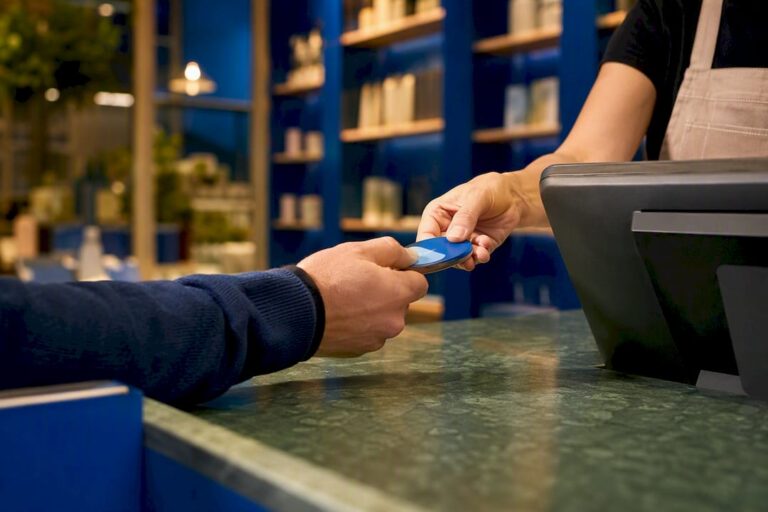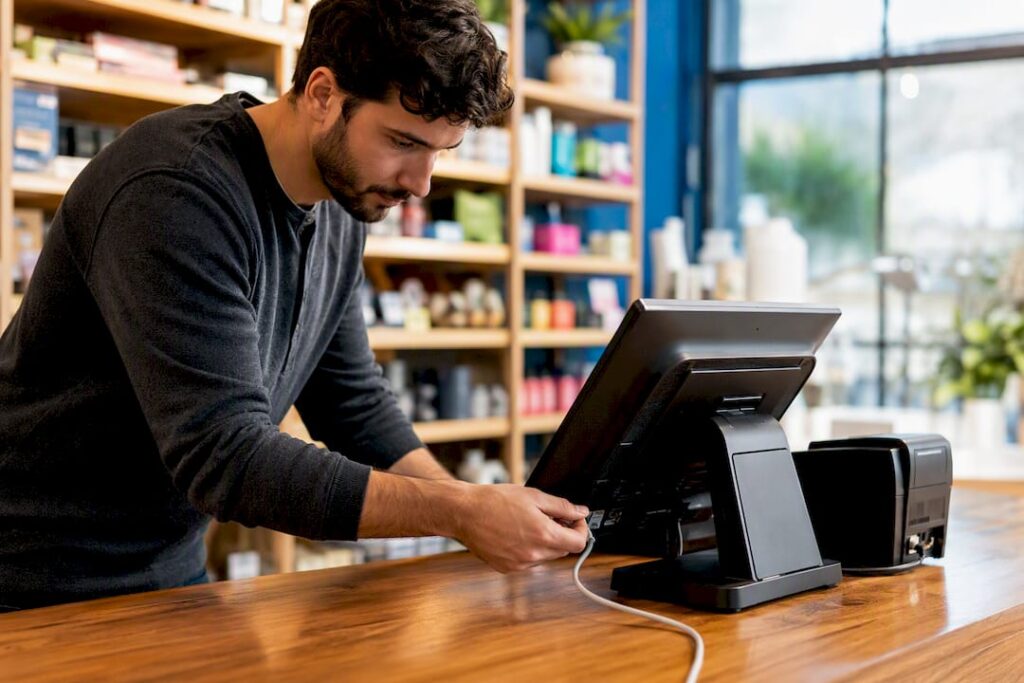
Whether your tills accept higher-value contactless taps now depends on two things: your customers’ banks and your own terminal configuration. The mandatory £100 cap was removed by the FCA, but most major banks kept £100 in place regardless. Your immediate job is to check your terminal firmware and confirm exactly how it handles higher-value taps and fallback to chip & PIN.
TL;DR:
- Most UK banks have not increased contactless limits beyond £100, so many tills continue to process payments the same way.
- Hardware firmware and EPOS configuration control whether higher-value contactless taps are accepted or declined, not the bank’s policy alone.
- Staff training on fallback procedures and transaction monitoring is essential to prevent delays and handle potential declines during peak hours.
- Retain strong evidence, such as detailed terminal logs and PIN or biometric verifications, especially for transactions above the £100 threshold.
- A complete firmware update and system integration check is necessary before enabling higher-value contactless payments, which can be streamlined with a supported EPOS setup.
Table of Contents
- What the contactless limit UK change actually means for merchants
- What to check on your terminal and EPOS system
- How this affects speed and staffing at peak trading times
- Fraud, chargebacks and the evidence that protects you
- Your till readiness checklist for 2026
- Why the technology under the counter matters more than the headline
- Get your terminals checked before your next busy weekend
- Sources
- FAQ
What the contactless limit UK change actually means for merchants
The FCA’s decision to scrap the mandatory £100 ceiling is a regulatory change, not a switch that flips at every till simultaneously. It hands control back to banks, card networks, and acquirers, each of whom can now set their own contactless thresholds rather than following one fixed national rule.
That separation of responsibility matters more than the headline. Removing a regulatory cap does not force any bank to raise its limit, and it does not force any terminal to accept a higher tap without a software update. Most major UK banks maintained the £100 threshold immediately after the change, which is why the average shop noticed nothing different at the counter.
Three layers decide what actually happens when a customer taps:
- Card issuer rules: your customer’s bank decides the maximum value it will authorise contactlessly, and banks are moving cautiously.
- Terminal hardware and firmware: many devices have limits hard-coded into older firmware, so a bank raising its limit is meaningless if your terminal may reject the transaction.
- EPOS configuration: your till software layer can independently cap or route transactions, sometimes overriding what the terminal itself would otherwise accept.
- Mobile wallets: Apple Pay and Google Pay already use device-level biometrics, and issuers often treat that as stronger verification, letting them clear higher-value taps than a plain contactless card.
Ask your supplier directly which of these layers currently controls your tills, rather than assuming a bank announcement changes anything at the counter.
What to check on your terminal and EPOS system
Configuration, not headlines, decides whether your business is ready. Barclaycard’s own merchant terminal guidance sets out how high-value payments (HVP) and cardholder verification methods should behave at the point of sale, and it’s worth working through the same four checks yourself.
- Confirm your firmware version and ask your supplier, in writing, how the device handles CVM and HVP thresholds by checking available options for MyPos credit card terminals. An out-of-date terminal may simply decline or force PIN entry on transactions your bank would otherwise approve.
- Ask whether your terminal performs on-device risk scoring. A device that scores risk locally can wave through a trusted higher-value tap or flag a suspicious one for PIN, rather than applying one blunt limit to everything.
- Check how offline and cached transactions are handled. Adyen’s configuration guidance recommends keeping default online authorisation settings unless you have a specific reason to enable offline processing, since cached transactions need reliable reconciliation once connectivity returns.
- Confirm your refund and reversal process, including which staff hold supervisor codes. A contactless refund that isn’t logged correctly is a common source of till-end discrepancies.
Pro Tip: Keep stickers, till roll holders, and card-holder displays well clear of the contactless reader itself. Barclaycard’s own guidance notes that conductive materials placed near the reader can degrade the NFC field and cause taps to fail intermittently, which staff often misread as a network fault.
How this affects speed and staffing at peak trading times
Contactless taps that take longer than a few seconds to clear starts to cost you queue time, and during a Saturday lunch rush that adds up fast. Slower or older terminals struggling with higher-value verification checks are the ones most likely to bottleneck your till line.
Preparing your floor staff matters as much as preparing your hardware:
- Train every till operator on the fallback sequence: chip & PIN first, then a key-entered transaction if the chip fails, and always issue a receipt regardless of method.
- Make sure staff know what a declined high-value tap looks like on screen, so they don’t repeat the same tap and risk a duplicate charge.
- Keep at least one spare mobile terminal charged and ready for a busy shift, particularly if your main countertop unit is older stock.
- Build reconciliation into your end-of-day routine so cached or delayed transactions get checked off, not left to accumulate.
A payment terminal guide for choosing the right UK terminal setup is worth reviewing if your current hardware is more than a couple of years old.
Fraud, chargebacks and the evidence that protects you
Not every contactless tap carries the same weight when a dispute lands on your desk. Chip & PIN transactions give you the strongest evidence base, because PIN entry proves cardholder presence in a way a simple tap cannot. Sitting just below that, a transaction verified through on-device risk scoring or HVP checks is stronger evidence than a standard, unscored tap when you’re defending a chargeback claim.
That hierarchy should shape what you retain as evidence:
- Time-stamped terminal logs for every transaction, not just the ones that look unusual afterwards.
- Tokenised transaction IDs, which your acquirer can trace back through the network far faster than a card number alone.
- Copies of signed or PIN-verified receipts wherever chip & PIN was used as the fallback.
Retail Focus’s analysis of the cap removal points out that average UK contactless spend is relatively low, so the mid-to-high value transactions, the £100 to £200 range, are where dispute risk concentrates for most shops. If you sell furniture, electronics, or anything priced above that range, ask your acquirer specifically about chargeback support, typical response times, and any fees attached to disputed high-value transactions before you need to use it.
Your till readiness checklist for 2026
Work through this in order rather than tackling it piecemeal. Each step depends on the one before it.
- Check and record your terminal’s current firmware version, and request an update from your supplier if it’s more than one release behind.
- Run a controlled test transaction using a mobile wallet at a higher value than you’d normally process, and note exactly how the terminal responds. Testing with a wallet first shows you acquirer and terminal behaviour without risking a real customer’s payment.
- Confirm your EPOS integrates cleanly with your payment processor, and reconcile any cached or offline transactions in a test environment before relying on it live.
- Update staff procedures and receipt templates, brief your team on supervisor codes for reversals, and contact your acquirer to confirm what limits currently apply to your account.
Ask your terminal supplier one more question while you’re at it: does the device enforce a cumulative tap threshold that triggers a PIN prompt after several taps, even when each individual tap sits under your bank’s limit? Plenty of managers discover this rule the hard way, mid-shift, when a regular customer suddenly gets asked for PIN on a purchase smaller than their last five.
Why the technology under the counter matters more than the headline
Most of the coverage around the £100 cap removal focused on the regulatory story, and that’s the least useful part for a working till. The change that actually affects your business happens in firmware versions, EPOS configuration screens, and acquirer settings, none of which make headlines. An integrated system that handles hardware, software, and payment processing together, rather than three separate vendors you have to chase individually, removes most of the guesswork about which layer is causing a problem.
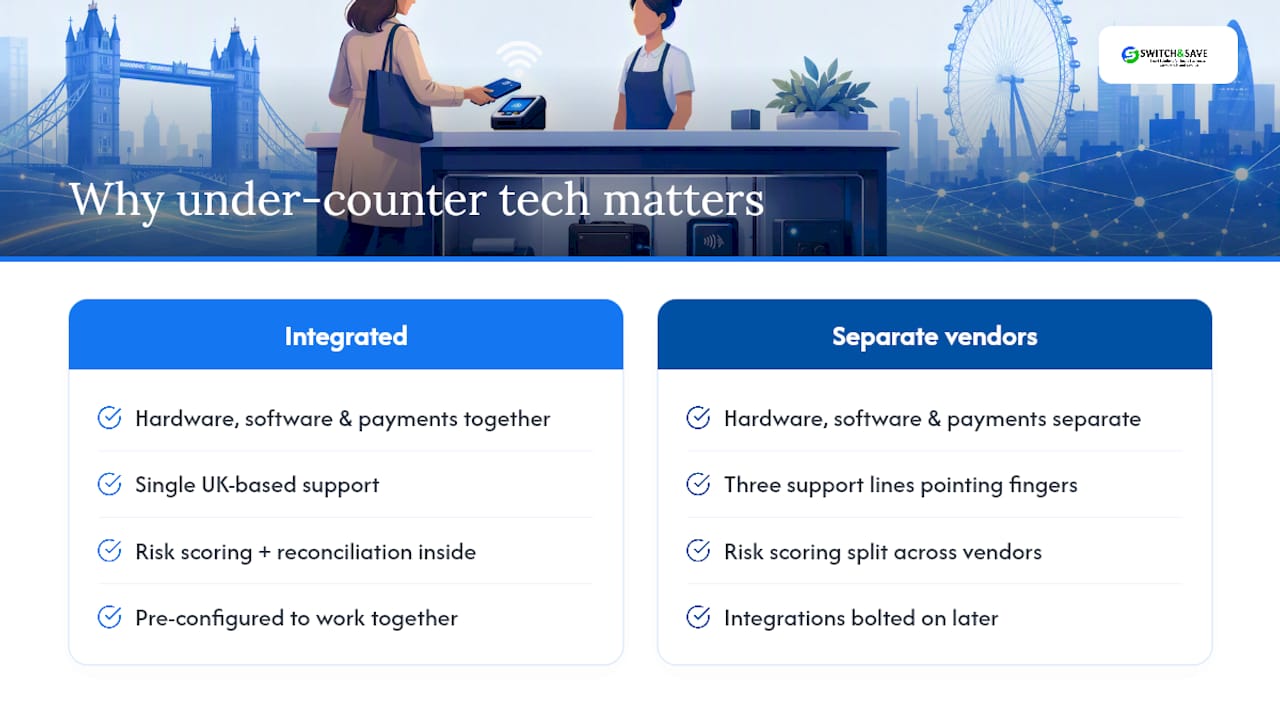
Switch&Save builds its EPOS packages around exactly that kind of integration: hardware, AI-driven till software, and payment processing configured to work together rather than bolted on afterwards. That means risk scoring and reconciliation happen inside one system you can actually query, instead of three support lines pointing at each other. Free compatibility checks and UK-based support exist specifically so a manager doesn’t have to work through a firmware and CVM checklist alone.
The businesses that handle this transition smoothly won’t be the ones who read the most articles about the cap removal. They’ll be the ones who actually opened their terminal settings and checked.
— Amir
Get your terminals checked before your next busy weekend
Chasing firmware updates across three different suppliers is exactly the kind of admin most managers don’t have time for. Switch&Save gives you one point of contact instead: hardware, EPOS software, and payment processing configured together, so a firmware or CVM query doesn’t turn into three separate phone calls.

A free demo and terminal compatibility check takes the guesswork out of whether your current setup is ready for higher-value contactless taps, and it costs nothing to find out. Switch&Save’s EPOS systems come bundled with UK-based support, so if a supplier update or a bank’s new threshold changes something at your till, you’ve got someone to call who already knows your setup. If you’re weighing up a full replacement rather than a check on existing kit, the EPOS system range covers standard, premium, retail, and hospitality packages depending on how your business trades. Book a free demo and get your compatibility check booked in before your next busy weekend.
Sources
For merchants who want to verify the technical detail directly, the Retail Focus analysis of the cap removal covers what changed and what didn’t at till level. Barclaycard’s countertop terminal guide details HVP handling, refunds, and hardware care. Adyen’s point-of-sale configuration documentation shows how CVM limits and offline processing are actually configured. Handepay’s industry briefing on the FCA rule change offers a concise summary for busy managers.
- What the £100 contactless cap removal means for shops
- Barclaycard countertop how to use guide (merchant procedure guide)
- Adyen point-of-sale configuration — contactless and limits
FAQ
Has the £100 contactless limit actually been removed in the UK?
Yes, the FCA removed the mandatory £100 ceiling, but most major banks have kept £100 as their practical limit, so most tills saw no immediate change.
Do I need to update my terminal firmware because of this change?
You should check regardless, since older firmware may hard-code contactless limits that stop your device processing a higher-value tap even after your bank raises its own threshold.
What happens if a contactless tap exceeds my terminal’s limit?
The terminal typically falls back to chip & PIN automatically, so staff should be trained to guide customers through that flow without treating it as an error.
Are higher-value contactless taps riskier for chargebacks?
A standard tap carries weaker evidence than one verified through on-device risk scoring, PIN entry, or wallet biometrics, so retaining terminal logs and transaction IDs matters more as average tap values rise.
Can Switch&Save check whether my current terminal supports higher-value contactless?
Yes, Switch&Save offers a free compatibility check alongside its EPOS systems, covering firmware status, CVM handling, and integration with your payment processor.