Yes, a POS system is usually worth the investment for a small business when it helps you save time, reduce errors, control stock, speed up payments, and make better decisions from real sales data. The real value is not only in taking payments. A modern POS or EPOS system can improve daily operations, reduce waste, prevent missed sales, and give you a clearer view of profit.
For UK retailers, restaurants, takeaways, cafés, bars, grocery shops and mobile shops, the best way to decide is through a clear ROI and cost-benefit analysis. In simple terms, ask: will the system save or generate more money than it costs?
For many businesses, the answer is yes, especially when the POS system includes stock control, integrated card payments, reporting, staff management, customer records and support. Switch & Save helps UK businesses reduce costs with AI-powered EPOS systems, card payment solutions and business finance. Check your savings today.
Key Takeaways
| Question | Answer |
|---|---|
| Is a POS system worth it? | Yes, if it improves sales, reduces admin, cuts mistakes, and gives better control over stock and payments. |
| What is the main keyword focus? | ROI and cost-benefit analysis. |
| What businesses benefit most? | Retail shops, restaurants, takeaways, cafés, bars, grocery stores, mobile shops and service-based businesses. |
| What should I compare? | Monthly cost, hardware cost, card payment fees, time savings, reduced errors, stock accuracy and sales growth. |
| What is the biggest hidden benefit? | Better decision-making through real-time reports and clearer business data. |
| Who can help? | Switch & Save supports UK businesses with AI-powered EPOS, card payment solutions, business finance and cost-saving advice. |
What Does POS System Investment Really Mean?
A POS system is not just a till. A basic till records sales. A modern POS or EPOS system manages transactions, stock, payments, reporting, staff activity and customer data in one place.
For a UK small business owner, the investment may include:
- EPOS software
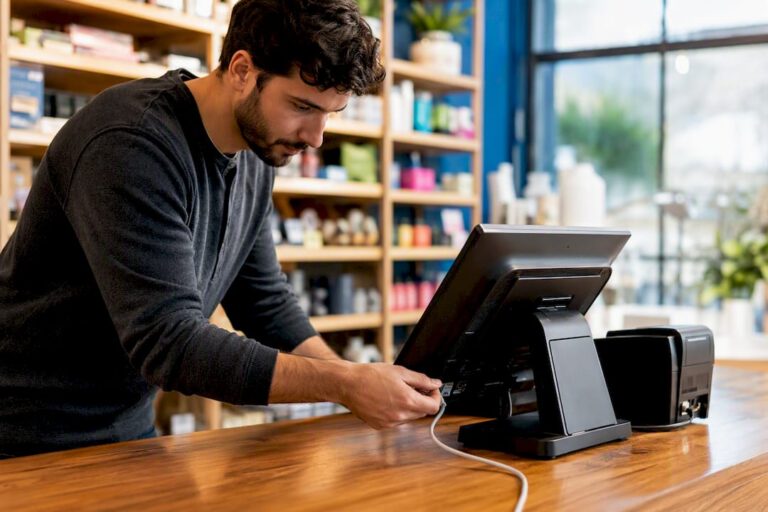
- Touchscreen till or tablet
- Receipt printer
- Cash drawer
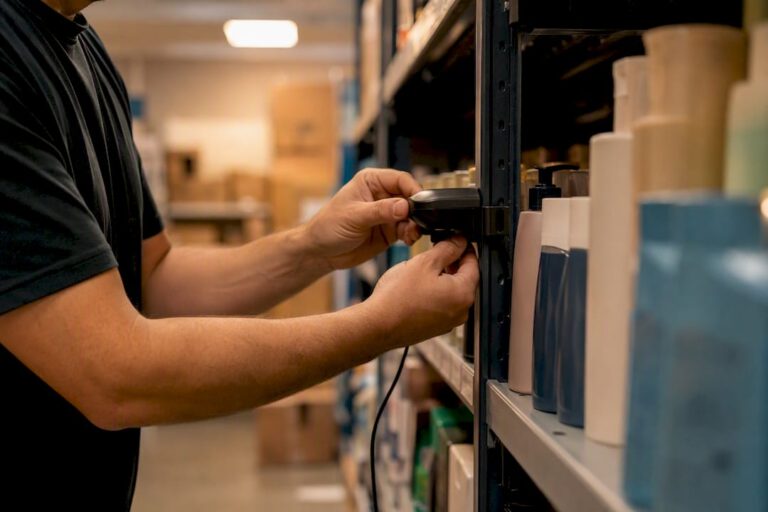
- Barcode scanner
- Card machine integration
- Stock control tools
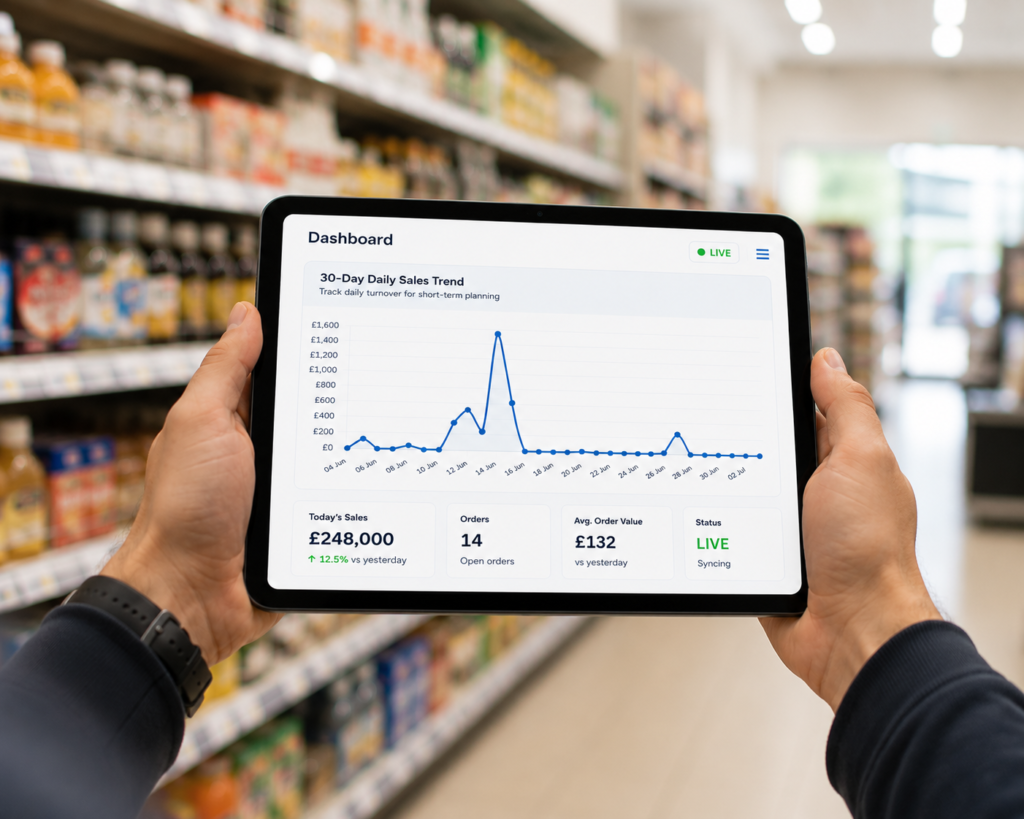
- Sales reporting
- Installation and training
- Ongoing support
This is why the decision should not be based only on the upfront price. A cheap till may cost less at the start, but if it causes slow service, stock errors, poor reporting or payment problems, it can cost more over time.
A proper ROI and cost-benefit analysis looks at the full picture: what you pay, what you save, and what extra value the system creates.
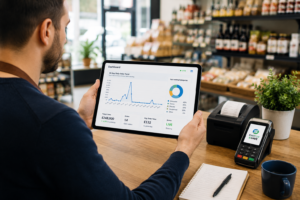
How to Calculate POS System ROI
ROI means return on investment. It helps you understand whether the POS system gives back more value than it costs.
A simple formula is:
ROI = Financial benefit from POS system minus POS system cost
For example, imagine your business spends money on a POS system but saves time on end-of-day reports, reduces stock losses, improves checkout speed and avoids pricing mistakes. Those savings can become part of your return.
Step 1: Work out your current costs
Before buying or upgrading a POS system, look at what your current setup is costing you. This may include:
- Staff time spent manually checking stock
- Wrong prices entered at the till
- Missed sales because stock was not reordered
- Slow queues during busy hours
- Manual cash-up mistakes
- Poor visibility on best-selling products
- Paying too much for card payments
- Lack of proper customer records
- Time spent preparing sales reports
Many business owners only look at visible costs, such as software fees. But hidden costs often have a bigger impact.
Step 2: Estimate the savings
A good POS system can save money in several ways:
- Faster checkout means fewer lost customers.
- Better stock control means fewer shortages and less waste.
- Sales reports help you focus on profitable products.
- Integrated card payments reduce manual entry errors.
- Staff tracking helps identify training needs.
- Customer records support loyalty and repeat sales.
- Automated reports reduce admin time.
Even small daily savings can become meaningful over a year.
Step 3: Compare against total cost
When comparing POS options, include the full cost, not just the headline price.
Look at:
- Hardware
- Software subscription
- Installation
- Training
- Support
- Card payment costs
- Contract length
- Upgrade fees
- Exit fees
- Add-on charges
A system that looks cheaper at first may not be cheaper after 12 or 24 months.
Main Costs of a POS System
1. Hardware cost
Hardware may include a touchscreen terminal, tablet, printer, scanner, cash drawer, customer display or kitchen printer. Retail businesses may need barcode scanners and label printing. Restaurants and takeaways may need kitchen printing, table management or online ordering integration.
If you want to understand setup requirements, you can internally link to a guide such as: POS Installation Guide for UK Retail and Hospitality
2. Software cost
POS software is the system that runs your sales, products, reports, stock and customer data. Some providers charge monthly. Others offer packages based on features.
When reviewing software cost, ask:
- Does it include stock control?
- Does it include reporting?
- Can it manage multiple users?
- Can it support offers and discounts?
- Does it work for my business type?
- Is support included?
3. Payment processing cost
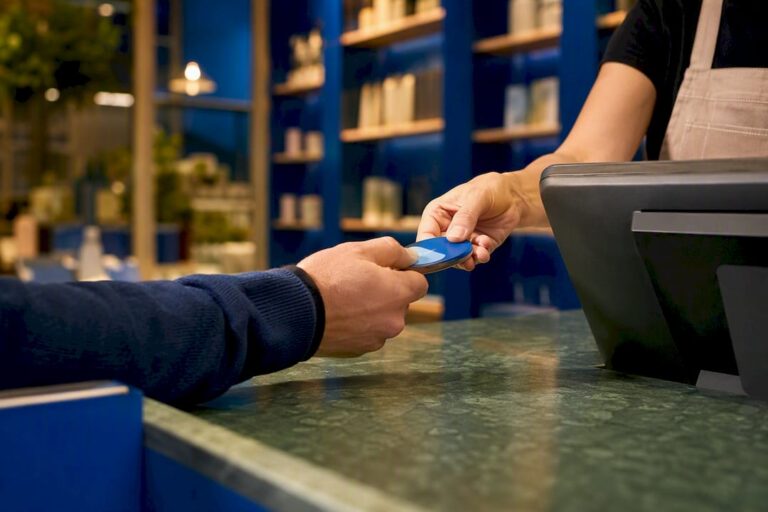
Card payment fees can affect your profit, especially if your business takes many card transactions. A POS system with integrated card payments can make payment handling smoother and reduce manual mistakes.
4. Training and setup time
A POS system should make life easier, not harder. However, there is still a learning curve. Staff need to understand sales, refunds, stock checks, discounts and end-of-day processes.
Good training reduces mistakes and helps your business get value from the system faster.
5. Support and maintenance
Support is important. If your till stops working during a busy lunch rush or Saturday retail period, you need quick help. A slightly cheaper system with poor support can become expensive when something goes wrong.
Main Benefits of a POS System
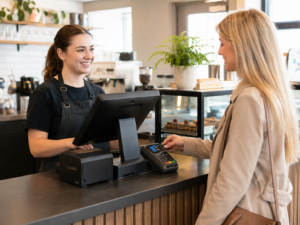
Better sales reporting
A POS system shows what is selling, when it sells, and which products or categories perform best. This helps you make better business decisions.
For example, a café may discover that breakfast items sell well on weekdays but desserts perform better at weekends. A grocery shop may see which products move quickly and which items sit on shelves too long.
This helps with pricing, promotions, purchasing and staffing.
Improved stock control
Stock control is one of the biggest reasons a POS system can be worth the investment. If you do not know what you have in stock, you may over-order, under-order or lose money through waste.
For retail shops, stock control helps track fast-moving products, low-stock items and slow sellers. For hospitality businesses, it can help manage ingredients, drinks and packaged items.
Faster checkout and service
Speed matters. Long queues can cause customers to leave. In restaurants and takeaways, slow order entry can affect kitchen flow and customer satisfaction.
A good POS system helps staff process orders, payments, refunds and receipts more quickly. Integrated card payments can also reduce the need to enter amounts manually.
Fewer manual errors
Manual errors can happen when staff type prices, calculate discounts, enter payment amounts or count cash. A POS system reduces these risks by automating key steps.
This is especially useful for businesses with many products, changing prices, offers or multiple staff members.
Better customer experience
Customers expect quick service, accurate pricing and flexible payment options. A POS system helps deliver that.
For example:
- A takeaway can send orders quickly to the kitchen.
- A restaurant can manage tables and bills more smoothly.
- A retail shop can scan products instead of typing prices.
- A mobile shop can find accessories and pricing faster.
- A grocery store can manage promotions and receipts more accurately.
Stronger control over staff activity
Many POS systems allow different staff logins. This helps business owners see who processed sales, refunds, discounts and voids.
This is useful for accountability, training and reducing internal mistakes.
Easier end-of-day reports
Cash-up and end-of-day reporting can be stressful when done manually. A POS system can simplify totals, payment types, refunds, cash sales and card sales.
This saves time and gives owners more confidence in the numbers.
When Is a POS System Not Worth It?
A POS system may not be worth it if the business is extremely small, has very few transactions, does not need stock control and can manage everything accurately with a simple setup.
However, even small businesses should think ahead. If you plan to grow, add staff, take more card payments, manage more products or open another location, a proper EPOS system can prevent problems later.
A POS system is also less valuable if:
- It is too complicated for your staff.
- It has features you will never use.
- Support is poor.
- The contract is unclear.
- Payment fees are too high.
- It does not suit your business type.
- Reporting is weak.
- It cannot grow with your business.
This is why choosing the right provider matters as much as choosing the right system.
How Switch & Save Helps Reduce Business Costs
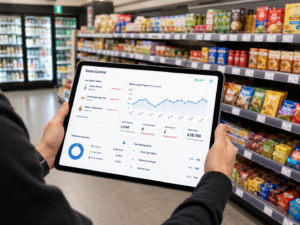
Switch & Save is a UK-based provider helping small businesses reduce costs and improve efficiency through AI-powered EPOS systems, card payment solutions, business finance and utility switching services.
Instead of only looking at the till, Switch & Save looks at the wider business cost picture.
This may include:
- EPOS system suitability
- Card payment costs
- Hardware requirements
- Business finance options
- Utility switching opportunities
- Operational efficiency
- Reporting and stock control needs
Business Finance for Small Businesses
For a business owner, this joined-up approach can make the investment more practical. You are not only asking, “How much does the POS system cost?” You are asking, “How much can my business save by running better?”
Final Verdict: Is a POS System Worth the Investment?
A POS system is worth the investment if it helps your business save time, reduce errors, control stock, improve customer service and make better decisions from accurate sales data.
The best approach is to complete a simple ROI and cost-benefit analysis before choosing a system. Look at your current problems, estimate the cost of those problems, compare providers carefully and choose a POS system that fits your business type.
For UK small businesses in retail, hospitality, takeaways, cafés, restaurants, bars, grocery shops and mobile shops, a modern EPOS system can be more than a till. It can become a central tool for managing sales, payments, stock, staff and business growth.
Switch & Save helps UK businesses reduce costs with AI-powered EPOS systems, card payment solutions and business finance.
FAQs
Is a POS system worth it for a small business?
Yes, a POS system can be worth it for a small business if it saves time, improves stock control, reduces mistakes and gives better sales reports. The value depends on your transaction volume, product range, staff setup and growth plans.
How do I calculate POS system ROI?
Start by calculating the total cost of the POS system, including hardware, software, payment processing, training and support. Then compare this with expected savings from faster service, fewer errors, better stock control and reduced admin time.
What is the biggest benefit of a POS system?
The biggest benefit is better control. A POS system gives you clearer information about sales, stock, payments, staff activity and customer behaviour. This helps you make better business decisions.
Is an EPOS system better than a basic till?
For most growing businesses, yes. A basic till records sales, but an EPOS system can manage stock, reporting, payments, discounts, staff access and customer data. This makes it more useful for modern retail and hospitality businesses.
How much should a POS system cost in the UK?
The cost depends on your business type, number of terminals, hardware, software features, payment setup and support level. The cheapest option is not always the best value. Compare total cost against the benefits and savings.
Do restaurants need a different POS system from retail shops?
Yes. Restaurants, cafés and takeaways often need hospitality features such as table management, kitchen printing, menu control and split bills. Retail shops usually need barcode scanning, stock control, product categories and label printing.
Can a POS system reduce card payment mistakes?
Yes. Integrated card payments can reduce manual entry errors because the payment amount is sent directly from the POS system to the card machine. This improves accuracy and speeds up checkout.
Can Switch & Save help me choose the right system?
Yes. Switch & Save helps UK businesses review their EPOS, card payment solutions, business finance and cost-saving options so they can choose a setup that fits their business and budget.