For most UK restaurants and food-led pubs, a QR-first order-at-table setup, integrated with your EPOS and kitchen routing, delivers the best balance of speed, cost and guest experience. Premium and service-led venues, where a personal welcome matters as much as the food, do better with waiter handhelds that keep staff in front of guests while orders still flow straight to the kitchen. Wet-led pubs with a strong regulars crowd, and venues with unpredictable peaks, tend to land best on a hybrid model: QR for routine top-ups, staff for the tables that need a human touch.
QR ordering can lift average basket size by 20 to 30 percent when it’s set up properly, but a clumsy rollout can just as easily push regulars away. Handhelds cost more upfront and need more staff training, but they protect the table service feel that many venues trade on. Before you commit to either, run through a proper pre-purchase check and book a demo so you can see the kitchen routing and offline behaviour under real conditions.
- Food-led pubs and casual restaurants: QR-first, EPOS-integrated ordering
- Premium dining and service-led venues: handheld waiter devices
- Wet-led pubs and mixed-trade venues: hybrid QR plus staff-taken orders
- Next step: work through the implementation checklist below, then arrange a Switch&Save demo
Key Takeaways
Order-at-table success in the UK depends on matching QR, handhelds or a hybrid model to your venue’s trading pattern, then testing resilience under real peak-service conditions before going live.
| Point | Details |
|---|---|
| Match system to venue type | Use QR-first for food-led pubs, handhelds for premium dining, hybrid for mixed or wet-led trade. |
| Expect a real basket uplift | Well-run QR ordering can raise average basket size by 20 to 30 percent. |
| Test kitchen routing under load | Stress-test KDS latency and thermal printer reliability before a full Saturday rollout. |
| Plan for a 4 to 6 week rollout | Budget four to six weeks from planning to go-live for most integrations. |
| Choose a UK-supported system | Switch&Save’s hospitality EPOS bundle pairs kitchen routing, integrated payments and offline mode with UK-based demos and support. |
Table of Contents
- Which UK venues benefit most from table ordering UK systems?
- What are the main technical approaches to order at table UK?
- How do you plan and roll out an order at table system?
- How does Switch&Save support order-at-table for UK venues?
- Sources
- FAQ
Which UK venues benefit most from table ordering UK systems?
Not every venue needs the same order-at-table system, and that’s the first mistake owners make: copying whatever the restaurant down the road installed without checking if it fits their own trading pattern.
A wet-only pub, where most spend is at the bar and food is an afterthought, gains little from QR table ordering. Regulars want to chat to the person pulling their pint, and forcing a phone screen between them and the bar can feel cold rather than convenient. A food-led pub or casual restaurant is a different story entirely. Here, QR ordering integrated with your EPOS speeds up turnaround, reduces the number of trips a server makes to a table, and lets one member of staff cover more covers during a lunch rush.
Busy, higher-spend restaurants often do better with handhelds. A server carrying a device can take an order, upsell a side or a wine pairing, and fire it to the kitchen in seconds, all without ever leaving the guest’s table. That human contact point matters more as the average spend per head rises. Cafés sit somewhere in between: many run perfectly well on a counter-and-EPOS setup, and only add table ordering once they introduce table service for brunch or evening trade.
- Map your current service style before choosing a system, not after.
- Check your regulars’ habits since a QR-only pub with a strong bar crowd risks alienating them.
- Model your peak nights such as quiz nights or big match days, when order volume spikes fast.
- Test hybrid running if food and wet trade are roughly balanced across the week.
Peak events change the maths quickly. A sports night with forty tables ordering food and drinks in a tight window will overwhelm a handheld-only team, but a QR system with solid kitchen routing can absorb that spike without extra staff.
Pro Tip: Run your busiest night of the week as a mental stress test before you sign anything. If your current team would struggle to process that volume with handhelds alone, QR support for at least routine orders is worth building in from day one.
What are the main technical approaches to order at table UK?
Four technical pieces make up any table ordering UK system, and how you combine them determines whether service gets faster or just gets more complicated.
QR and mobile ordering works through the guest’s own phone browser, no app download required. A QR code on the table links to your menu, the guest orders and pays, and the order routes straight into your EPOS. UK diners increasingly expect Apple Pay, Google Pay and standard contactless card entry at checkout, so any QR system worth considering needs to support all three without forcing a laborious card-detail entry on a phone keyboard.
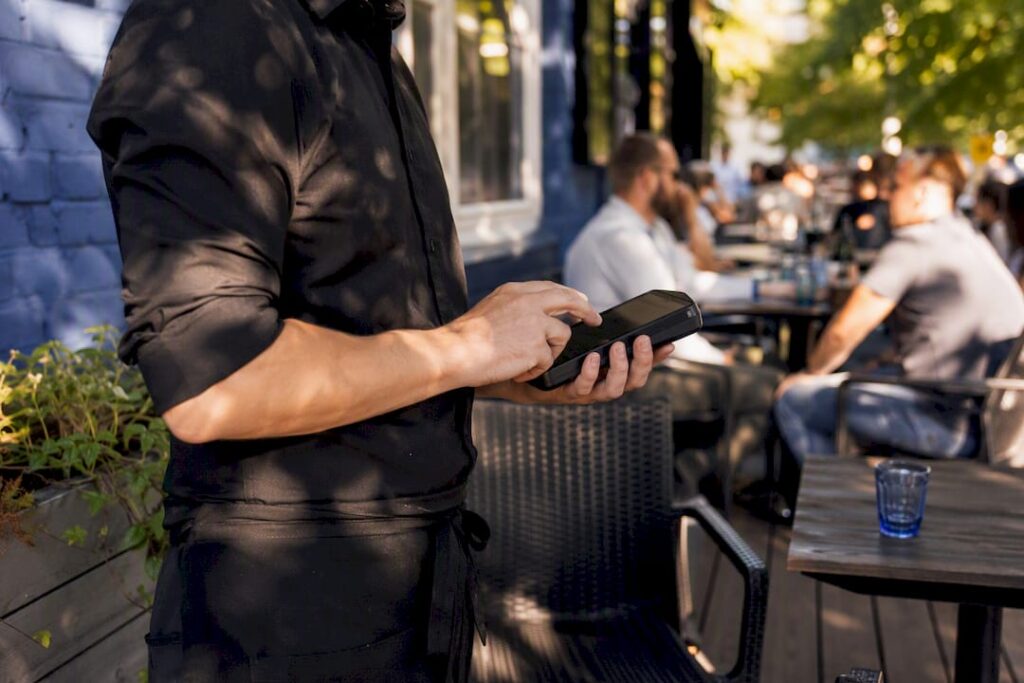
Handheld waiter devices put ordering power in staff hands rather than guests’. Look closely at offline behaviour: a device that freezes when wifi drops mid-service is worse than no device at all. Battery life and a simple charging routine also matter more than most buyers expect, since a flat handheld at 8pm on a Saturday is a real problem.
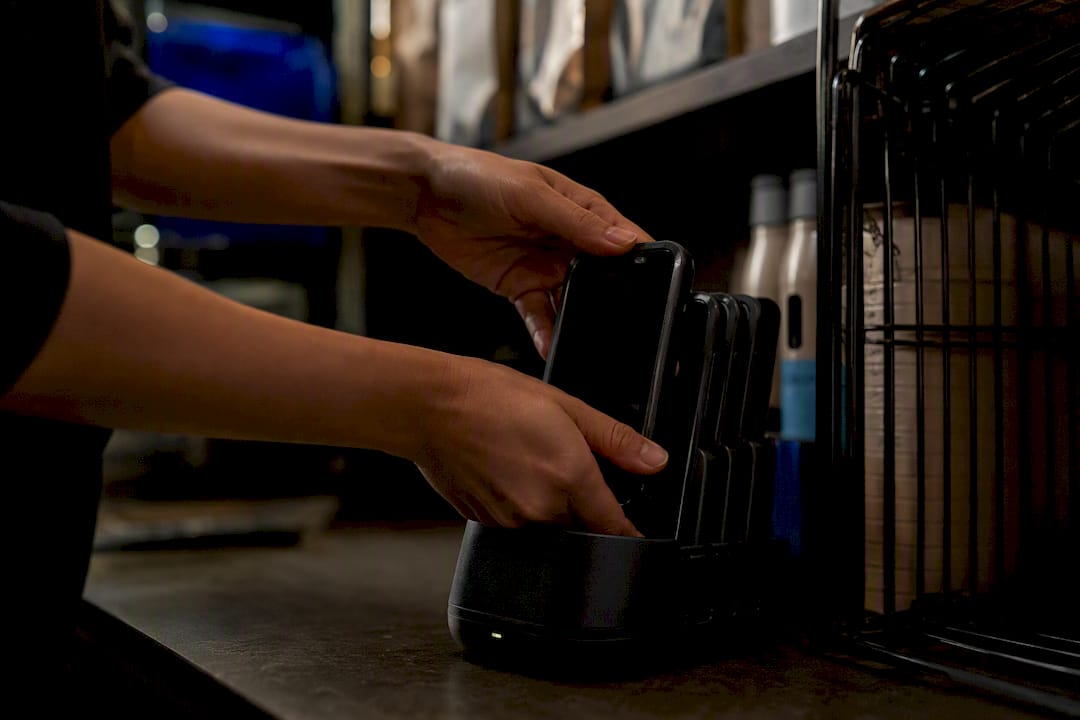
Mobile ordering EPOS has to knit together three separate jobs at once: the customer-facing ordering screen, the till and payment processing behind it, and the kitchen or bar routing that turns an order into food. Resilience under peak load, not the flashiest interface, is what actually separates a good system from a frustrating one.
On payments, UK card and mobile transactions fall under Strong Customer Authentication rules, so your acquirer and EPOS need to handle contactless limits and step-up verification without breaking the ordering flow. Ask any vendor directly how their system behaves when SCA triggers mid-order.
Kitchen routing is the last piece, and it splits into two camps:
- Thermal printers: cheap, reliable, familiar to kitchen staff, but easy to lose in a pile of tickets during a rush.
- Kitchen display systems (KDS): often save more time in busy kitchens than printer-only setups, though they must be stress-tested for latency before you trust them on a Saturday night.
How do you plan and roll out an order at table system?
A rushed rollout is how good systems get bad reputations. Give yourself proper runway and the launch feels calm rather than chaotic.
Pre-purchase checks come first. If you’re a tied tenant, check with your pubco before you buy anything, since not every system is permitted on every lease. Run a proper wifi survey across the whole floor, not just near the bar, because dead zones near the back tables are where table ordering fails first. Confirm your payment acquirer supports the EPOS you’re eyeing, and settle on a table numbering strategy that maps cleanly to your floor plan.
- Confirm permissions and site readiness: pubco sign-off, wifi coverage, acquirer compatibility.
- Choose your table numbering and QR mapping so every code routes to the correct physical table.
- Agree vendor deliverables: integration support, staff training, and go-live cover on your first live night.
- Run a peak-service trial before full rollout, ideally on a busy but not maximum-capacity evening.
- Drill offline scenarios deliberately, pulling the wifi to see how orders queue and sync.
- Brief staff and guests clearly, including simple table signage on how to order.
Most hospitality EPOS rollouts run four to six weeks from initial planning to going live, depending on how many integrations you need. Push back on any vendor promising same-week installation for a multi-till, multi-integration site.
Costs split into a few predictable buckets: a monthly subscription versus paying for hardware upfront, the physical cost of printing table QR cards (often the only tangible extra expense on QR-only setups), tablets or handheld units if you go that route, and the ongoing card payment fees on top. Ask for these broken out separately rather than bundled into one vague monthly figure.
Pro Tip: Test what happens when your internet drops mid-Saturday, on purpose, before it happens by accident. A system without proper offline queuing that syncs once connection returns will cost you orders exactly when you can least afford it.
Before go-live, walk your team through a full table management run-through, and treat your first live shift as a supervised trial rather than a normal night.
How does Switch&Save support order-at-table for UK venues?
Switch&Save builds its packages around exactly this kind of decision. Food-led restaurants and pubs typically fit the hospitality bundle, with kitchen routing, table ordering and payments built in from the start. Cafés moving into table service often start on the standard package and add ordering features as trade grows. Multi-site groups get multi-store dashboards that keep every location’s stock and sales visible from one login.
Core to any of these packages:
- Real-time kitchen and bar routing, so orders land where they need to without a printer jam holding up service
- Integrated payments covering contactless, Apple Pay and Google Pay at the table
- Offline mode that queues orders locally and syncs the moment connection returns
- A cloud dashboard for checking sales and stock from anywhere, plus UK-based support and demos
When you book a demo, ask to see a case study from a venue similar to yours, get a clear implementation timeline in writing, and request references you can actually call.
Letting staff be hosts while the tech does the routine work
The venues that get order-at-table right treat technology as the thing that clears space for hospitality, not the thing that replaces it. QR ordering handles the routine reorder of a pint or a side of chips perfectly well. It’s the recommendation, the birthday mention, the read on a table that’s had a rough week, that a screen simply cannot do.
Roll out gradually and watch for a colder atmosphere creeping in, particularly with regulars who valued the old back-and-forth with staff by following a proper pest audit steps for hospitality venues checklist. Trial any new system on a quieter midweek service first, before you trust it with a packed Friday night.
Book a Switch&Save demo and test it properly
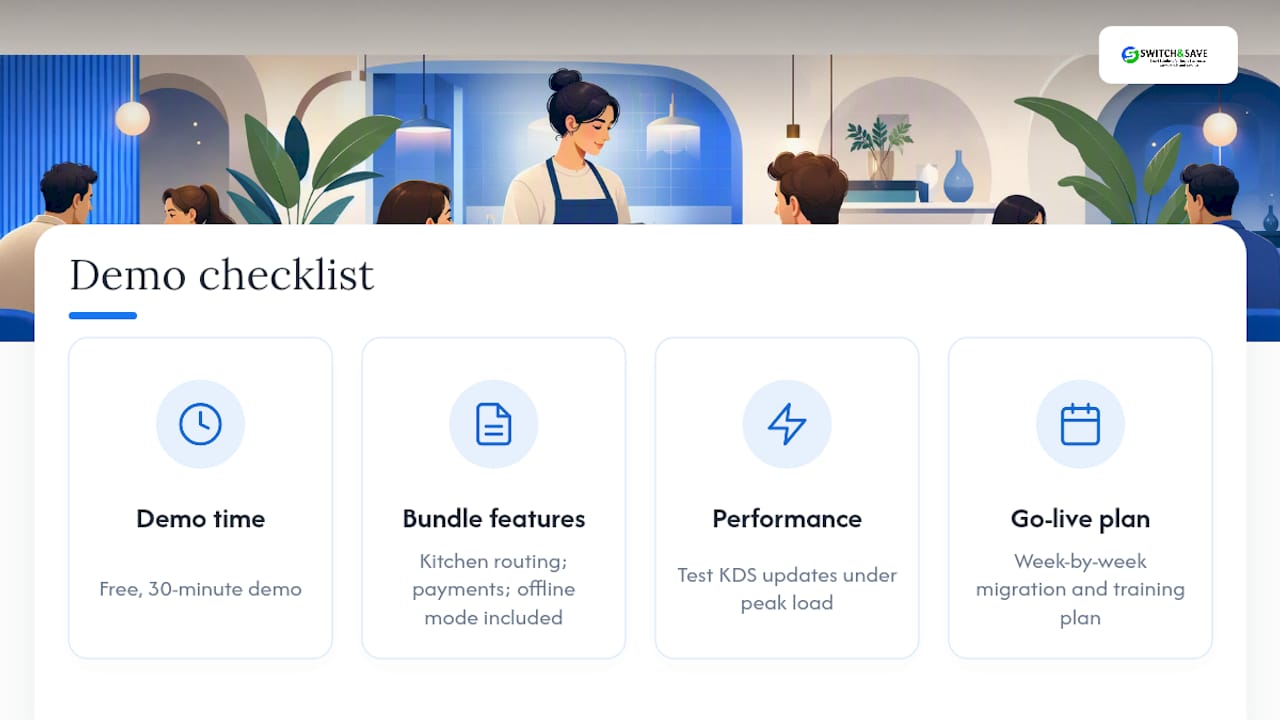
Booking a demo costs you nothing but half an hour, and it’s the fastest way to see whether a system actually fits how your venue runs, not just how the sales page describes it. The hospitality EPOS bundle from Switch&Save is built for exactly the food-led pubs and restaurants this guide covers, with kitchen routing, integrated payments and offline mode already bundled in rather than sold as costly add-ons.
During the demo, push on the details that actually matter once you’re live: ask how the system behaves under simulated peak load, how quickly a KDS updates when three orders land at once, what the migration and staff training plan looks like week by week, and what the contract and support terms commit you to beyond the first month. If you’re a tied tenant, raise pubco compatibility before you go any further.
For a wider technical look at the software running the kitchen side, the SSPOS software page covers the integration detail. When you’re ready, browse the EPOS systems on offer and get a free demo booked in before your next busy weekend.
Sources
FAQ
What does order at table mean for UK venues?
It covers the hardware and software that let guests or staff place orders directly from the table, including handhelds, QR or mobile ordering, and the payment and kitchen routing behind them.
Is QR ordering better than handhelds for a UK pub?
Neither is universally better. QR suits food-led pubs and restaurants handling routine orders at volume, while handhelds suit premium venues where staff contact drives the experience.
How much does a table ordering system cost in the UK?
Costs vary by vendor and hardware choice, but typically include a subscription or upfront hardware fee, printing costs for QR cards, and standard card payment fees.
Does order at table work if the venue’s wifi drops?
A well-built system queues orders locally during an outage and syncs automatically once connection returns, so offline resilience should be tested before go-live, not discovered during it.
Can Switch&Save handle both QR ordering and handhelds?
Yes, Switch&Save’s hospitality EPOS bundle supports kitchen routing, integrated payments and offline mode across both QR and handheld setups, tailored to how each venue actually trades.