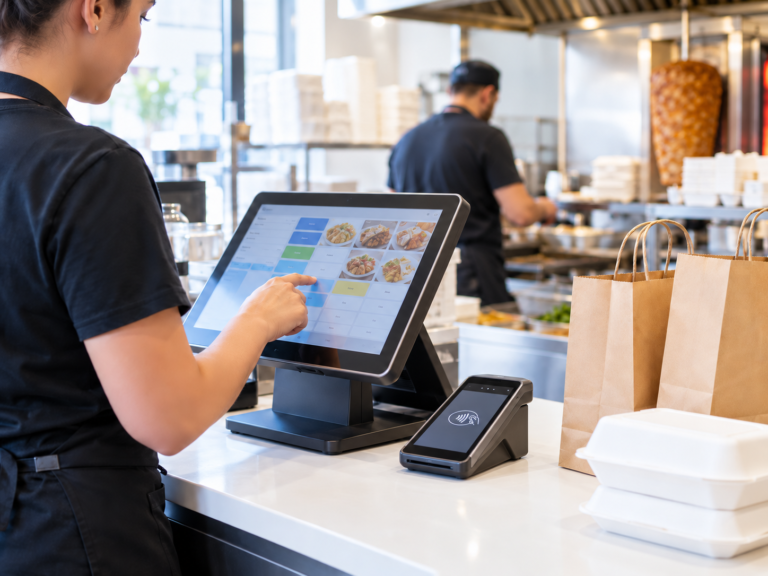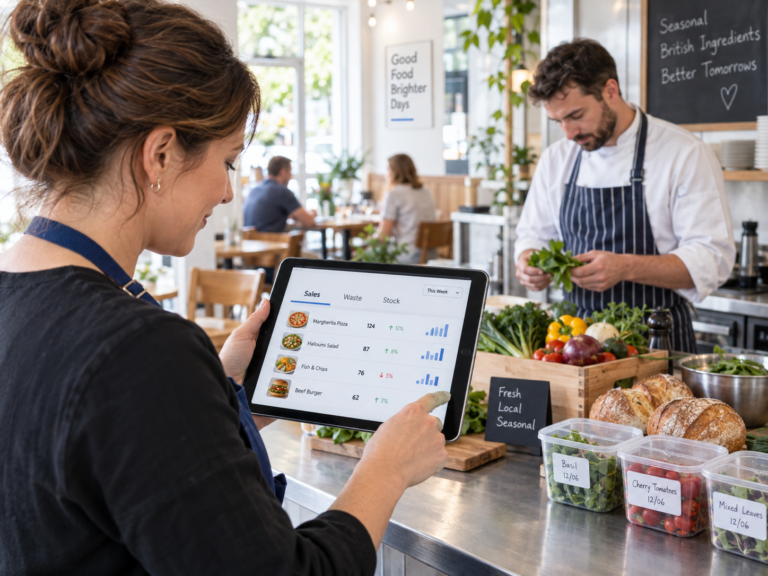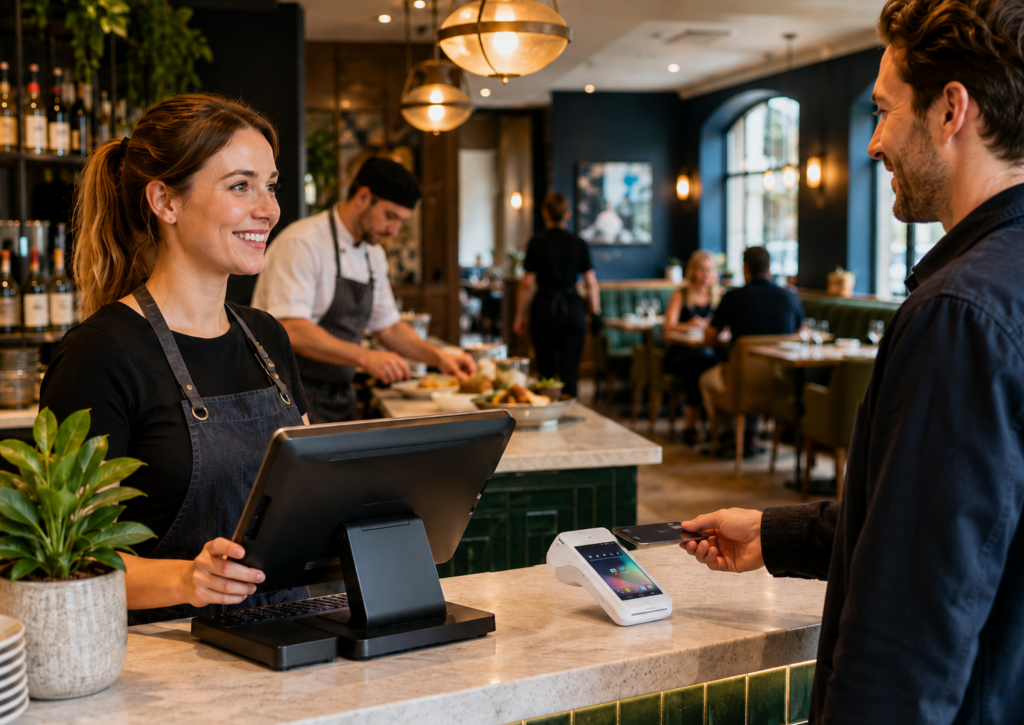
Integrated card payments for restaurants connect your card terminal directly with your EPOS system, so payment amounts are sent automatically from the till to the card machine. This helps restaurants, takeaways, cafés, bars, and hospitality businesses reduce manual errors, speed up service, improve reporting, and make end-of-day reconciliation easier.
For UK restaurants, integrated card payments are especially useful during busy lunch, dinner, and takeaway periods because staff do not need to manually type the order total into the card machine. The EPOS sends the correct amount, the customer pays, and the payment result is recorded against the sale.
Key Takeaways
| Area | Summary |
|---|---|
| Main benefit | Integrated card payments connect your EPOS and card terminal to reduce manual entry. |
| Best for | Restaurants, takeaways, cafés, bars, food trucks, and hospitality venues. |
| Speed | Staff can process payments faster during busy service periods. |
| Accuracy | The payment amount is sent directly from the EPOS, reducing keying mistakes. |
| Reporting | Sales and card payments are easier to match at the end of the day. |
| Setup | You need a compatible EPOS system, card terminal, payment provider, and correct configuration. |
| Switch & Save support | Switch & Save can help with AI-powered EPOS, card payment solutions, business finance, and cost-saving support. |
What Are Integrated Card Payments for Restaurants?
Integrated card payments for restaurants are payment systems where your EPOS system and card terminal work together. Instead of staff entering the bill total manually into a card machine, the EPOS sends the exact amount to the terminal.
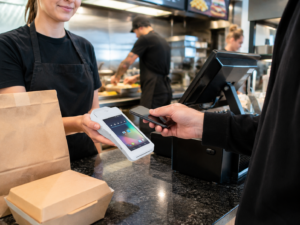
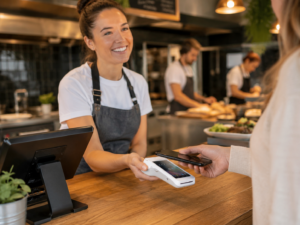
For example, if a table bill comes to £42.80, the staff member selects card payment on the EPOS. The card terminal automatically displays £42.80. The customer taps, inserts, or uses mobile wallet payment, and the transaction result is sent back to the EPOS.
This means the sale, payment type, time, staff member, and order details can be recorded in one place.
For restaurants, this can make a major difference because payments are happening constantly across dine-in, takeaway, delivery, bar tabs, deposits, split bills, and refunds.
How Integrated Card Payments Work
A typical restaurant integrated payment flow looks like this:
- Staff add items to the EPOS order.
- The customer asks to pay by card.
- Staff press the card payment button on the EPOS.
- The EPOS sends the exact amount to the card terminal.
- The customer completes the payment.
- The terminal confirms whether the payment is approved or declined.
- The EPOS records the payment result automatically.
- A receipt can be printed or sent, depending on your setup.
This is different from a standalone card machine, where the staff member has to manually type the total into the terminal. Manual entry may seem simple, but in a busy restaurant environment it can cause mistakes, delays, and reconciliation issues.
Benefits of Integrated Card Payments for Restaurants

1. Faster Service During Busy Periods
Restaurants depend on speed. Whether you run a café with a morning rush, a takeaway on a Friday night, or a full-service restaurant on the weekend, payment delays can affect customer experience.
Integrated card payments remove the step where staff manually enter the total into the card terminal. This makes checkout smoother and helps staff move quickly to the next customer or table.
For quick-service restaurants, faster payment can also reduce queues and improve order flow.
2. Fewer Payment Mistakes
Manual card entry creates room for error. A staff member may accidentally type £28.50 instead of £25.80, or forget to include a discount, service charge, or split payment adjustment.
With integrated card payments, the amount comes directly from the EPOS. This helps reduce:
- Overcharging
- Undercharging
- Refund issues
- Payment disputes
- Cash-up differences
- Staff confusion at closing time
For restaurants with multiple staff members, this is especially useful because the process becomes more consistent.
3. Easier End-of-Day Reconciliation
One of the biggest benefits of integrated card payments for restaurant owners is cleaner reporting.
At the end of the day, managers need to know:
- How much was taken by card
- How much was taken by cash
- Which orders were paid
- Which payments failed
- Whether refunds were processed
- Whether the card terminal totals match EPOS sales
With standalone terminals, managers often need to compare EPOS reports with card machine batch totals manually. Integrated card payments help bring the payment information into the EPOS, making the process much easier.
This can save time and reduce the stress of end-of-day cashing up.
4. Better Staff Accountability
A good restaurant EPOS system can record which staff member processed each order and payment. When payments are integrated, it becomes easier to track activity accurately.
This can help with:
- Till variance checks
- Refund monitoring
- Staff performance reports
- Shift-end review
- Manager approvals
- Reducing avoidable errors
This does not mean you are trying to catch staff out. It simply gives owners and managers better visibility across the business.
5. Improved Customer Experience
Customers expect card payments to be quick and simple. Many people now pay using contactless cards, Apple Pay, Google Pay, or other digital wallets.
Integrated payments help create a smoother checkout experience because the payment process feels joined-up. Customers are less likely to wait while staff re-enter amounts or correct terminal mistakes.
For dine-in restaurants, this also helps when customers want to pay quickly after finishing their meal.
6. Better Reporting for Business Decisions
When your EPOS and payments work together, reporting becomes more useful. You can better understand how your restaurant is performing across:
- Card vs cash payments
- Peak trading hours
- Average transaction value
- Refund levels
- Staff sales
- Product performance
- Table sales
- Takeaway orders
- Delivery orders
This helps restaurant owners make better decisions about staffing, menus, promotions, and stock.
Switch & Save provides AI-powered EPOS systems that help small businesses reduce costs and improve operational efficiency. For hospitality businesses, this can support better day-to-day decision-making as well as smoother payments.
You can learn more about hospitality EPOS options here
Integrated vs Non-Integrated Card Payments
| Feature | Integrated Card Payments | Standalone Card Terminal |
|---|---|---|
| Amount entry | Sent automatically from EPOS | Staff type amount manually |
| Error risk | Lower | Higher |
| Speed | Faster | Slower during busy periods |
| Reporting | Easier to match with EPOS | Manual comparison often needed |
| Refund tracking | Can be linked to sale | May need separate checks |
| Staff training | More consistent process | More manual steps |
| Best for | Busy restaurants and hospitality venues | Very small or low-volume businesses |
Standalone terminals can still work for some small businesses, but restaurants usually benefit from integration because of the speed, accuracy, and reporting improvements.
How to Set Up Integrated Card Payments for a Restaurant
Step 1: Check Your EPOS Compatibility
The first step is to confirm whether your restaurant EPOS supports integrated card payments. Not every EPOS system works with every card terminal or payment provider.
You should check:
- Does your EPOS support card payment integration?
- Which payment providers are compatible?
- Which terminals can be connected?
- Can the EPOS handle refunds?
- Can it support split payments?
- Can it record payment status automatically?
Switch & Save can help restaurants review their current setup and identify whether they can save money by switching EPOS or payment services.
Step 2: Choose the Right Card Payment Solution
A restaurant card payment solution should be reliable, fast, and suitable for your business type.
Before choosing a provider, consider:
- Transaction rates
- Monthly fees
- Contract length
- Settlement times
- Terminal rental costs
- Support availability
- Refund process
- Integration with your EPOS
- Suitability for hospitality use
Do not choose a card payment provider based only on the headline rate. The full cost depends on your transaction volume, card types, monthly fees, terminal costs, and contract terms.
Step 3: Choose the Right Terminal
Different restaurants need different terminal types.
Common options include:
- Countertop card terminals
- Portable card machines
- Wi-Fi terminals
- 4G mobile terminals
- Integrated payment devices
- Pay-at-table terminals
For a takeaway, a countertop terminal may be enough. For a dine-in restaurant, portable terminals can be useful for table service. For food trucks or mobile catering, a mobile terminal may be better.
Step 4: Configure the EPOS and Payment Terminal
Once the EPOS and payment terminal are compatible, the system needs to be configured correctly.
This may include:
- Connecting the terminal to the EPOS
- Assigning the terminal to the correct till
- Setting payment methods
- Testing sale transactions
- Testing refunds
- Checking receipt information
- Confirming reporting accuracy
- Training staff on the new flow
A proper setup is important. If the terminal is not assigned correctly, payments may not record against the right till or order.
Step 5: Test Before Going Live
Before using integrated payments during live service, test the system properly.
You should test:
- Normal card sale
- Contactless payment
- Declined payment
- Refund
- Partial refund
- Split payment
- Receipt printing
- End-of-day reports
- Card terminal totals
- EPOS payment reports
Testing helps avoid problems when the restaurant is busy.
Step 6: Train Your Staff
Even a simple payment system needs staff training. Your team should know:
- How to send payment to the card machine
- What to do if a payment is declined
- How to retry a payment
- How to process cash instead
- How to handle refunds
- How to close a table or order
- How to print receipts
- Who to contact if something goes wrong
Good training reduces mistakes and helps staff feel confident.
What to Check Before Switching Payment Providers
Before switching to integrated card payments, review your current card processing costs. Many restaurants do not realise how much they are paying in transaction rates, terminal rental, authorisation fees, PCI-related fees, and other charges.
Ask yourself:
- What is my current transaction rate?
- Am I paying monthly terminal rental?
- Is there a minimum monthly service charge?
- How long is left on my contract?
- Are there exit fees?
- How quickly do I receive funds?
- Does my provider support EPOS integration?
- Can I get better support?
- Can I reduce my overall costs?
Switch & Save helps UK businesses review costs across EPOS, card payments, business finance, and utilities. This makes it easier to see where savings may be possible.
Common Mistakes to Avoid
Choosing a Terminal That Does Not Integrate
Not every card machine connects with every EPOS system. Always confirm compatibility before signing a contract.
Looking Only at Transaction Rates
A low transaction rate can look attractive, but monthly fees, rental charges, contract terms, and support quality also matter.
Not Testing Refunds
Restaurants often test sales but forget refunds. Refunds should be tested before going live.
Not Training Staff
If staff are unsure how the payment flow works, mistakes can still happen. Clear training is essential.
Ignoring Reporting
The main benefit of integrated payments is not just faster payment. It is also better reporting and easier reconciliation. Make sure your reports are set up correctly.
Why Restaurants Choose Switch & Save
Switch & Save supports UK small businesses with:
- AI-powered EPOS systems
- Restaurant and hospitality EPOS solutions
- Card payment solutions
- Business finance
- Utility switching services
- Cost-saving support
For restaurants, cafés, takeaways, bars, and hospitality venues, Switch & Save can help simplify operations and identify where costs may be reduced.
Whether you are opening a new restaurant or reviewing your current EPOS and card payment provider, integrated payments can help improve speed, accuracy, and control.
Switch & Save helps UK businesses reduce costs with AI-powered EPOS systems, card payment solutions and business finance.
FAQs
What are integrated card payments for restaurants?
Integrated card payments connect your restaurant EPOS system with your card terminal. The EPOS sends the payment amount directly to the terminal, and the payment result is recorded back into the EPOS.
Why should a restaurant use integrated card payments?
Restaurants should use integrated card payments to reduce manual errors, speed up checkout, improve reporting, and make end-of-day reconciliation easier.
Are integrated card payments better than standalone terminals?
For many restaurants, yes. Integrated payments are usually better for busy environments because staff do not need to manually enter totals into the card machine.
Can integrated card payments help reduce errors?
Yes. Because the payment amount is sent directly from the EPOS, there is less risk of staff typing the wrong amount into the card terminal.
Do integrated payments work for takeaways?
Yes. Takeaways can benefit from integrated payments because they often handle high volumes of fast transactions, especially during peak hours.
Can integrated payments support split bills?
Many restaurant EPOS systems can support split payments, but this depends on the system and payment integration. Always confirm before choosing a provider.
What equipment do I need?
You usually need a compatible EPOS system, an integrated card terminal, a payment provider, internet connectivity, and correct setup between the EPOS and terminal.
How long does setup take?
Setup time depends on your EPOS system, payment provider, terminal type, and configuration requirements. A simple setup may be quick, but testing and staff training are still important.
Can I keep my current card machine?
Possibly, but only if your current card machine is compatible with your EPOS integration. If it is not compatible, you may need a different terminal or provider.
How can Switch & Save help?
Switch & Save can help UK restaurants review their EPOS and card payment setup, explore integrated payment options, and identify potential cost-saving opportunities.