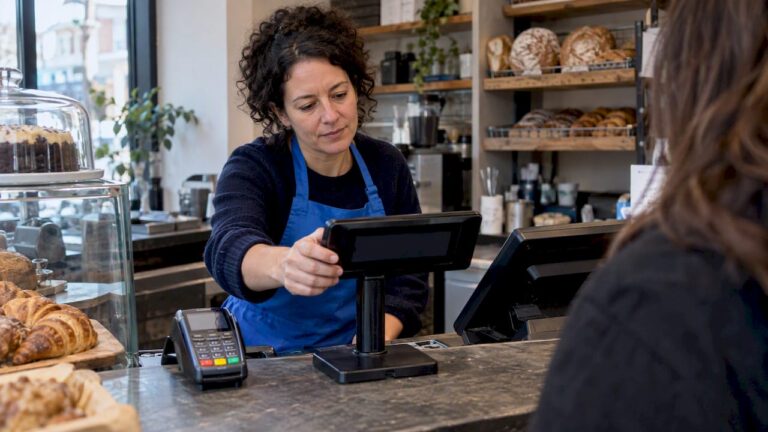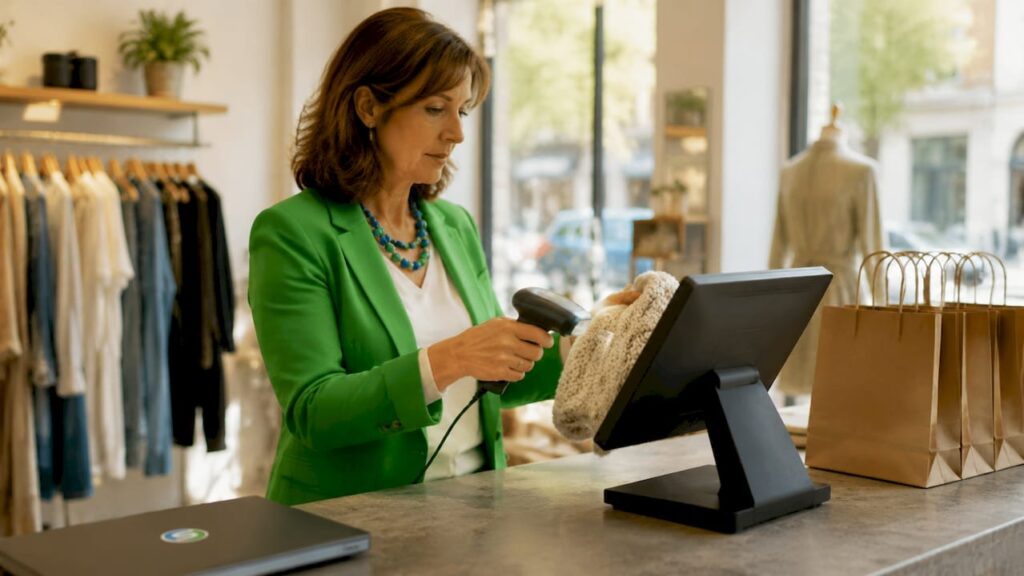
An EPOS system is defined as an Electronic Point of Sale system that replaces traditional cash registers, stockbooks, and sales ledgers in a single device. The best examples of EPOS features cover sales processing, real-time inventory tracking, customer loyalty programmes, and analytics dashboards that help you run a tighter operation. Systems like those offered by Switch-and-save also connect with accounting tools such as Xero and QuickBooks, and ecommerce platforms including Shopify, making them genuinely versatile for both retail and hospitality businesses. Understanding which features matter most helps you choose a system that pays for itself quickly.
1. What are the core sales and payment processing features of EPOS systems?
Sales and payment processing is the foundation of any EPOS system. Core EPOS functionalities include fast barcode scanning, multiple payment methods, receipt management, and refund handling, all from one screen.
The payment options available on modern EPOS systems include:
- Contactless payments via debit and credit cards
- Chip and PIN for standard card transactions
- Mobile wallets such as Apple Pay and Google Pay
- Split payments so customers can pay with two cards or cash and card combined
- Printed and digital receipts sent by email or SMS
Refund management is equally important. A well-configured system lets managers authorise refunds with a PIN, which reduces the risk of staff processing unauthorised returns. Role-based permissions restrict refund processes to managers, adding a layer of financial control that a basic cash register simply cannot provide.
Pro Tip: Faster transaction times directly reduce queue lengths. A system that processes a contactless payment in under two seconds keeps customers happy and increases throughput during peak hours.
2. How does inventory management enhance operational efficiency?
Real-time inventory tracking is one of the most valuable features of EPOS systems for retail and hospitality owners. Every sale automatically deducts stock from your live count, so you always know what you have without a manual stocktake.
| Inventory feature | What it does | Best for |
|---|---|---|
| Real-time stock updates | Deducts stock with every sale | All retail and hospitality |
| Low stock alerts | Notifies you when items fall below a set threshold | Grocery, clothing, bars |
| Automatic reorder triggers | Sends purchase orders to suppliers automatically | High-volume retail |
| Product variant management | Tracks sizes, colours, and flavours separately | Fashion, food and drink |
| Barcode management | Links barcodes to product records for fast lookup | All sectors |
Hospitality businesses benefit from ingredient-level tracking. A pub or restaurant can monitor how many portions of a dish remain based on ingredient stock, not just finished product count. This prevents over-selling and reduces food waste, which directly protects your margins.
The role of inventory management in retail goes beyond counting stock. It gives you the data to negotiate better supplier terms, identify slow-moving lines, and plan promotions around surplus stock before it becomes a write-off.
Pro Tip: If you run a grocery or butcher’s shop, look for EPOS-integrated weighing scales that price items by weight automatically. This removes manual price calculations at the till and cuts pricing errors significantly.
3. What customer engagement features do EPOS systems offer?
Customer engagement tools turn one-time buyers into regulars. Loyalty programmes, gift cards, and appointment booking are among the most popular customer management features found in EPOS systems today.
Here is what a well-equipped system typically offers:
- Loyalty schemes that award points per pound spent, redeemable against future purchases
- Gift card issuance and redemption managed directly through the till
- Customer accounts that store purchase history, contact details, and preferences
- Personalised marketing triggered by purchase behaviour, such as a discount on a customer’s most-bought product
- Appointment booking for service businesses including salons, spas, and barbershops
The appointment booking feature deserves particular attention for hospitality and service businesses. Salons and spas use client record management to track treatment history, product preferences, and allergies. That information lets staff deliver a personalised experience without asking the same questions at every visit.
Omnichannel engagement is the next step. When your EPOS system connects your physical shop with your online store, a customer earns loyalty points whether they buy in person or through your website. That consistency builds genuine brand loyalty rather than transactional habit.
4. How do reporting and analytics features support better decisions?
Reporting is where EPOS systems move from operational tools to genuine business intelligence. Sales reports by time period, product, and employee give you a clear picture of what is working and what is not.
The most useful reports available on a modern EPOS system include:
- Hourly and daily sales reports showing peak trading periods
- Product performance reports identifying your best and worst sellers
- Staff sales reports measuring individual performance and commission
- Profit margin reports showing which products actually make money after cost of goods
- Inventory valuation reports giving a real-time view of stock worth
Real-time dashboards accessible via mobile apps mean you can check your shop’s performance from anywhere. If you manage multiple sites, a cloud dashboard lets you compare performance across locations without visiting each one. Switch-and-save systems include remote access as a standard feature, which is particularly useful for owners who split their time between sites.
Integrated accounting tools like Xero and QuickBooks eliminate manual VAT reporting by pulling sales data directly into your accounts. That alone saves hours of admin every month and reduces the risk of errors at tax time.
5. Which integrations and hardware features expand EPOS functionality?
Integrations determine how far your EPOS system reaches beyond the till. EPOS systems connect with ecommerce platforms like Shopify and WooCommerce, and delivery apps such as Deliveroo and Uber Eats to give you unified sales and inventory management across every channel.
Key integrations to look for include:
- Shopify and WooCommerce for online sales synced with in-store stock
- Deliveroo and Uber Eats for hospitality businesses managing delivery orders
- Xero, QuickBooks, and Sage for automated bookkeeping and VAT returns
- Email marketing platforms for customer data-driven campaigns
For a deeper look at how these connections work in practice, the EPOS integration examples guide from Switch-and-save covers retail and hospitality scenarios in detail.
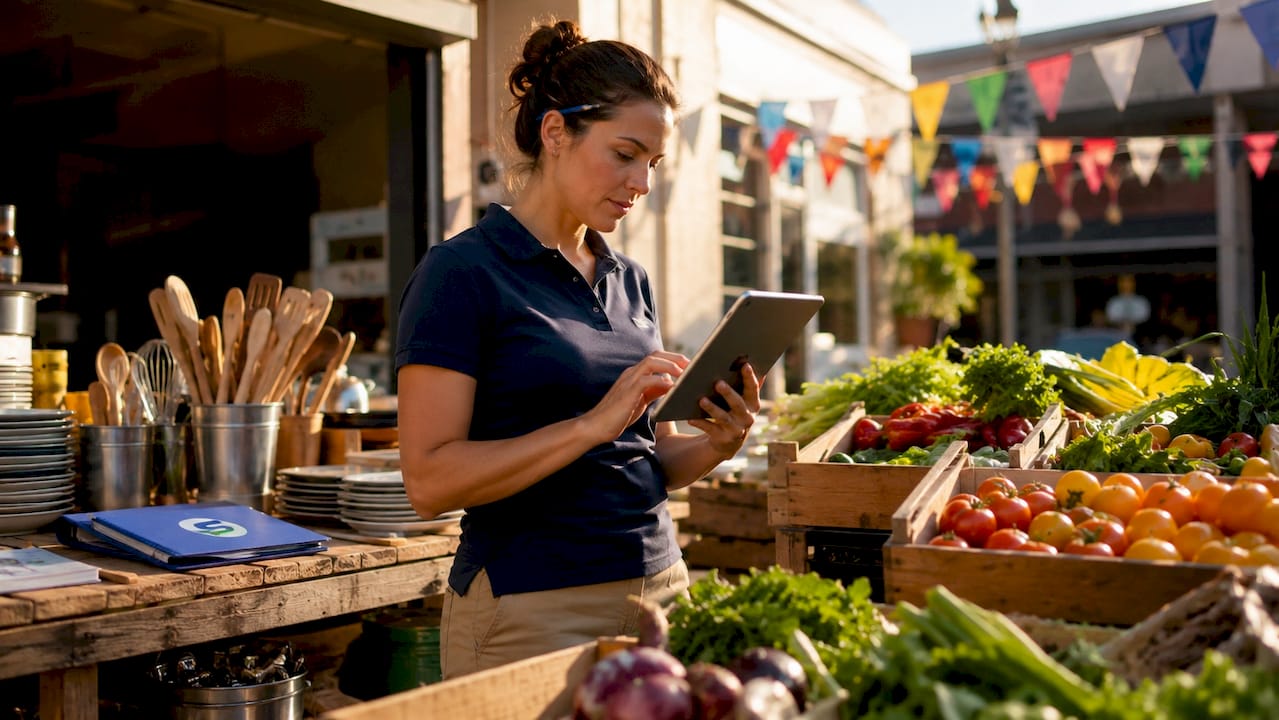
On the hardware side, EPOS hardware commonly includes barcode scanners, cash drawers, receipt printers, card readers, and weighing scales, each adaptable to your specific industry. Mobile EPOS setups using tablets or smartphones with Bluetooth card readers are ideal for market stalls and pop-ups. Mobile EPOS solutions keep hardware costs low and require no monthly fees for basic setups, making them accessible for new businesses testing a new location.
Pro Tip: Choose software that supports modular hardware additions. Starting with a basic till and adding a barcode scanner or customer display later is far cheaper than replacing the entire system when your business grows.
6. Staff management features that protect your business
Staff management is an often-overlooked area of EPOS system capabilities, yet it has a direct impact on both security and productivity. Individual logins, role-based permissions, clock-in and clock-out tracking, and sales-per-employee reports give you full visibility of how your team operates.
Individual logins create an audit trail for every transaction. If a discrepancy appears in the till at the end of the day, you can trace it to a specific user and time. That accountability alone deters casual errors and dishonest behaviour without requiring constant supervision.
Clock-in and clock-out tracking through the EPOS removes the need for a separate time-and-attendance system. Hours are logged automatically and can feed directly into payroll calculations, saving time and reducing disputes. For businesses with part-time or zero-hours staff, this feature pays for itself quickly.
Sales-per-employee reports help you identify your strongest performers and spot training needs early. Rather than guessing who is upselling effectively, you have the data to back up every conversation. That makes performance reviews more objective and staff development more targeted.
7. Omnichannel selling features for unified retail operations
Omnichannel selling is no longer a luxury for large retailers. Retailers in 2026 prioritise omnichannel features such as buy-online-pick-up-in-store and unified inventory visibility as standard expectations from customers.
Buy-online-pick-up-in-store, commonly known as BOPIS, requires your EPOS system to share live stock data with your website. When a customer orders online for collection, the system reserves the item immediately and updates the in-store count. Without that connection, you risk selling the same item twice and disappointing a customer who has already paid. Exploring omnichannel wholesale strategies shows how unified inventory data benefits the entire supply chain, not just the shop floor.
Click-and-collect has become a key driver of footfall for independent retailers. Customers who collect in store often browse and make additional purchases. An EPOS system that supports this workflow turns an online transaction into a physical shop visit, which increases average basket size without additional marketing spend.
Key takeaways
The most effective EPOS systems combine sales processing, inventory tracking, customer engagement, analytics, and integrations to give retail and hospitality businesses complete operational control from a single platform.
| Point | Details |
|---|---|
| Sales and payments | Support contactless, chip and PIN, mobile wallets, split payments, and digital receipts as standard. |
| Inventory management | Real-time stock updates and low-stock alerts prevent overselling and reduce manual stocktakes. |
| Customer engagement | Loyalty schemes, gift cards, and customer accounts drive repeat business and personalised marketing. |
| Reporting and analytics | Sales, staff, and margin reports with remote dashboard access support faster, better decisions. |
| Integrations | Connections to Shopify, Xero, Deliveroo, and QuickBooks unify your sales channels and accounts. |
What I have learned from watching businesses choose EPOS features
After working with dozens of retail and hospitality owners evaluating EPOS systems, the pattern I see most often is this: businesses overpay for features they will never use and undervalue the ones that would genuinely change how they operate.
The reporting suite is the most common example. Owners get excited about dashboards and graphs during a demo, then never open them after installation. The features that actually change daily life are the quiet ones: automatic low-stock alerts that stop you running out of your best seller on a Saturday afternoon, or role-based permissions that mean you stop losing money to till errors.
My honest view is that user-friendliness matters more than feature count. A system with 50 features that your staff find confusing will underperform a simpler system that everyone uses confidently from day one. The signs your shop needs an EPOS system are usually operational pain points, not a desire for technology. Start there and work backwards to the features that solve those specific problems.
Future-proofing is worth thinking about too. Cloud-based systems let you add integrations and users without replacing hardware. If you are choosing between two systems with similar core features, the one with a stronger integration library will serve you better in three years’ time. The best EPOS systems for retail in 2026 all share one trait: they grow with the business rather than constraining it.
— Amir
How Switch-and-save helps you find the right EPOS features
Switch-and-save works with UK retail and hospitality businesses to match them with EPOS systems that fit their actual operations, not just a generic package.

Whether you need a full retail setup with barcode scanning and inventory management or a hospitality system with table management and delivery app connections, Switch-and-save has options across every price point. The EPOS systems range covers standard and premium packages for both sectors, with UK-based support and transparent pricing. If you want to see the software side first, the SSPOS software page details the features and compatibility options available. Explore the full range and request a free demo to see which features make the biggest difference for your business.
FAQ
What are examples of EPOS features for a retail shop?
Core examples include barcode scanning, real-time inventory tracking, contactless payment processing, loyalty programmes, and sales reporting. Most retail EPOS systems also connect with accounting tools like Xero and ecommerce platforms like Shopify.
How does an EPOS system differ from a basic cash register?
An EPOS system replaces a cash register, stockbook, and sales ledger in one device, adding digital reporting, staff management, and software integrations that a cash register cannot provide.
Can EPOS systems support multiple locations?
Yes. Cloud-based EPOS systems provide a single dashboard that displays sales, stock, and staff data across all sites in real time, making multi-site management practical for independent businesses.
What EPOS features are most useful for hospitality businesses?
Table management, ingredient-level inventory tracking, delivery app integrations with Deliveroo and Uber Eats, and appointment booking for service businesses are the most impactful features for hospitality operators.
Do I need technical knowledge to use an EPOS system?
No. Modern EPOS systems are designed for everyday business use with touchscreen interfaces and straightforward menus. Most providers, including Switch-and-save, offer setup support and training as part of their packages.