Starting a new café requires more than great coffee and excellent customer service. Choosing the right restaurant EPOS package can have a major impact on how efficiently you manage orders, payments, inventory, staff, and customer relationships.
The best restaurant EPOS package for a new café is one that combines easy-to-use ordering, integrated card payments, inventory management, reporting, and affordable pricing.
New café owners should focus on value, scalability, and support rather than simply choosing the cheapest option.
For most UK cafés, a modern cloud-based hospitality EPOS system provides the flexibility needed to grow while keeping day-to-day operations simple.
Key Takeaways
| Factor | Recommendation for New Cafés |
|---|---|
| Ordering | Touchscreen EPOS with quick order entry |
| Payments | Integrated card machine and contactless payments |
| Reporting | Real-time sales and performance reports |
| Inventory | Ingredient and stock tracking |
| Flexibility | Cloud-based access from anywhere |
| Scalability | Ability to add terminals and locations later |
| Support | UK-based support and setup assistance |
| Best Value | All-in-one hospitality EPOS packages |
What Is a Restaurant EPOS Package?
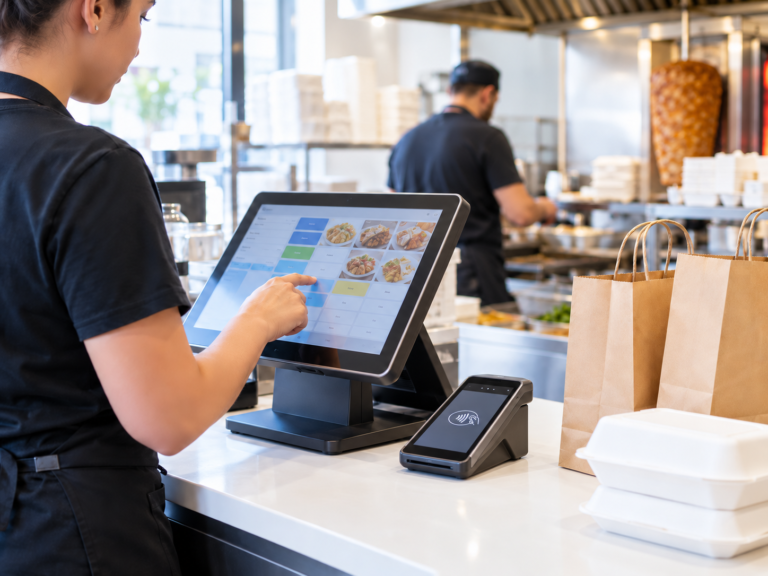
A restaurant EPOS (Electronic Point of Sale) package is a complete solution that combines hardware and software to help hospitality businesses manage sales, orders, payments, inventory, and reporting.
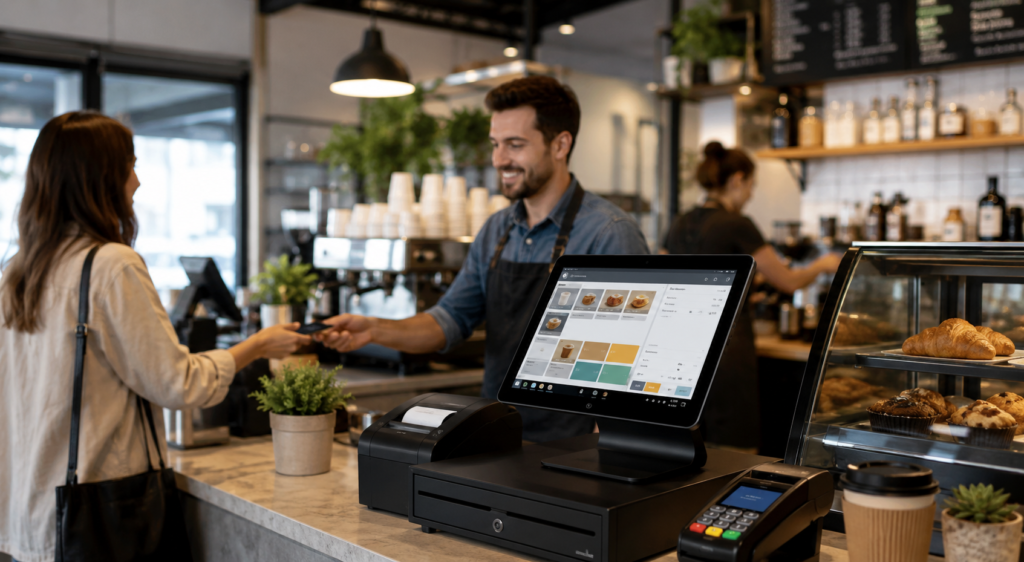
A typical café EPOS package includes:
- Touchscreen EPOS terminal
- Receipt printer
- Cash drawer
- Card payment integration
- Hospitality software
- Sales reporting dashboard
- Stock management tools
- Customer management features
Rather than purchasing each component separately, café owners can choose a bundled package designed specifically for hospitality operations.
What New Cafés Need From an EPOS System
Many first-time café owners make the mistake of choosing an EPOS system based purely on price.
Instead, focus on operational requirements.
Fast Order Taking
Busy cafés depend on quick service.
An effective EPOS system should allow staff to:
- Process orders quickly
- Add modifiers and extras
- Split bills
- Handle takeaway and dine-in orders
- Accept multiple payment methods
Integrated Payments
Modern customers expect:
- Contactless payments
- Apple Pay
- Google Pay
- Chip and PIN
- Digital wallets
Integrated payments reduce manual entry errors and speed up service.
Sales Reporting
New businesses need visibility into performance.
Useful reports include:
- Daily sales
- Best-selling items
- Hourly revenue
- Staff performance
- Product profitability
Inventory Control
Tracking ingredients manually can become difficult.
Inventory management helps cafés:
- Reduce waste
- Monitor stock levels
- Identify popular products
- Improve purchasing decisions
Types of Restaurant EPOS Packages

Not every package is built for the same type of business.
Basic Café EPOS Package
Suitable for:
- Small coffee shops
- Independent cafés
- Start-ups
Typically includes:
- Single terminal
- Receipt printer
- Basic reporting
- Card payment integration
Advantages:
- Lower startup cost
- Simple setup
- Easy training
Potential limitations:
- Limited reporting
- Basic inventory features
Standard Hospitality Package
Suitable for:
- Growing cafés
- Busy coffee shops
- Small restaurants
Usually includes:
- Multiple terminals
- Advanced reporting
- Inventory management
- Customer database
- Staff management
Advantages:
- Better operational control
- More detailed reporting
- Growth-ready features
Advanced Multi-Site Package
Suitable for:
- Café chains
- Franchise operations
- Multi-location businesses
Includes:
- Central management dashboard
- Multi-site reporting
- Advanced stock control
- Customer loyalty programmes
- Remote management tools
Advantages:
- Enterprise-level visibility
- Centralised control
- Strong scalability
Comparing Restaurant EPOS Packages
Feature Comparison Table
| Feature | Basic Package | Standard Package | Advanced Package |
|---|---|---|---|
| Order Management | ✓ | ✓ | ✓ |
| Card Payments | ✓ | ✓ | ✓ |
| Inventory Control | Limited | ✓ | ✓ |
| Customer Database | Limited | ✓ | ✓ |
| Staff Management | Limited | ✓ | ✓ |
| Multi-Terminal Support | Optional | ✓ | ✓ |
| Multi-Site Reporting | ✗ | ✗ | ✓ |
| Loyalty Programme | ✗ | Optional | ✓ |
| Cloud Dashboard | Optional | ✓ | ✓ |
For most new cafés, the standard hospitality package provides the best balance between cost and functionality.
Hardware Included in Most Packages
The hardware component is often overlooked when comparing EPOS providers.
A complete hospitality package commonly includes:
Touchscreen POS Terminal
The main system used for:
- Taking orders
- Processing payments
- Managing transactions
Receipt Printer
Essential for:
- Customer receipts
- Kitchen orders
- Operational records
Cash Drawer
Useful for businesses that accept:
- Cash payments
- Mixed payment methods
Card Machine
Integrated card payments help:
- Speed up transactions
- Reduce errors
- Improve customer experience
Kitchen Printer or Display
Many cafés serving food benefit from:
- Kitchen order printers
- Kitchen display screens
These help improve communication between front-of-house and kitchen staff.
Software Features to Consider
Inventory Management
Track:
- Coffee beans
- Milk
- Syrups
- Bakery items
- Food ingredients
This helps reduce waste and stock shortages.
Customer Loyalty
Repeat customers are critical for café profitability.
Loyalty features may include:
- Digital rewards
- Points programmes
- Promotional campaigns
Staff Management
Useful tools include:
- Staff permissions
- Clock-in and clock-out
- Performance tracking
Business Reporting
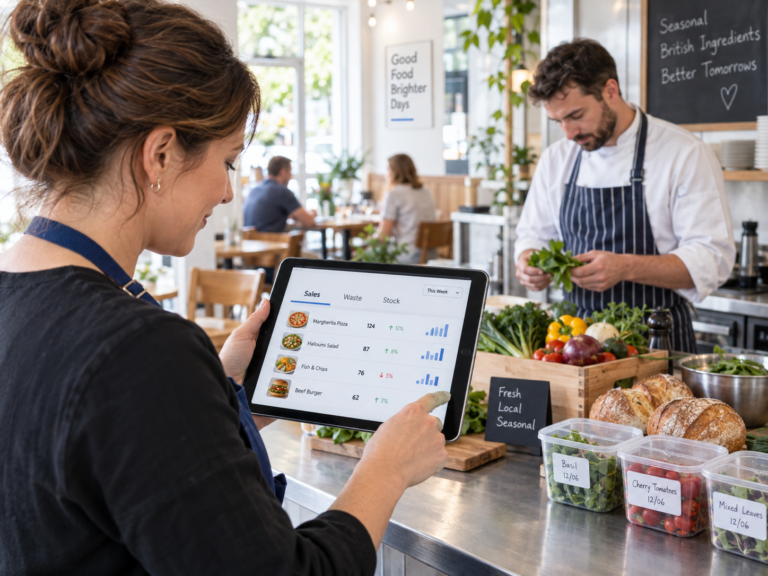
Modern EPOS systems provide dashboards showing:
- Revenue
- Profit trends
- Product performance
- Peak trading hours
Cloud-Based vs Traditional EPOS
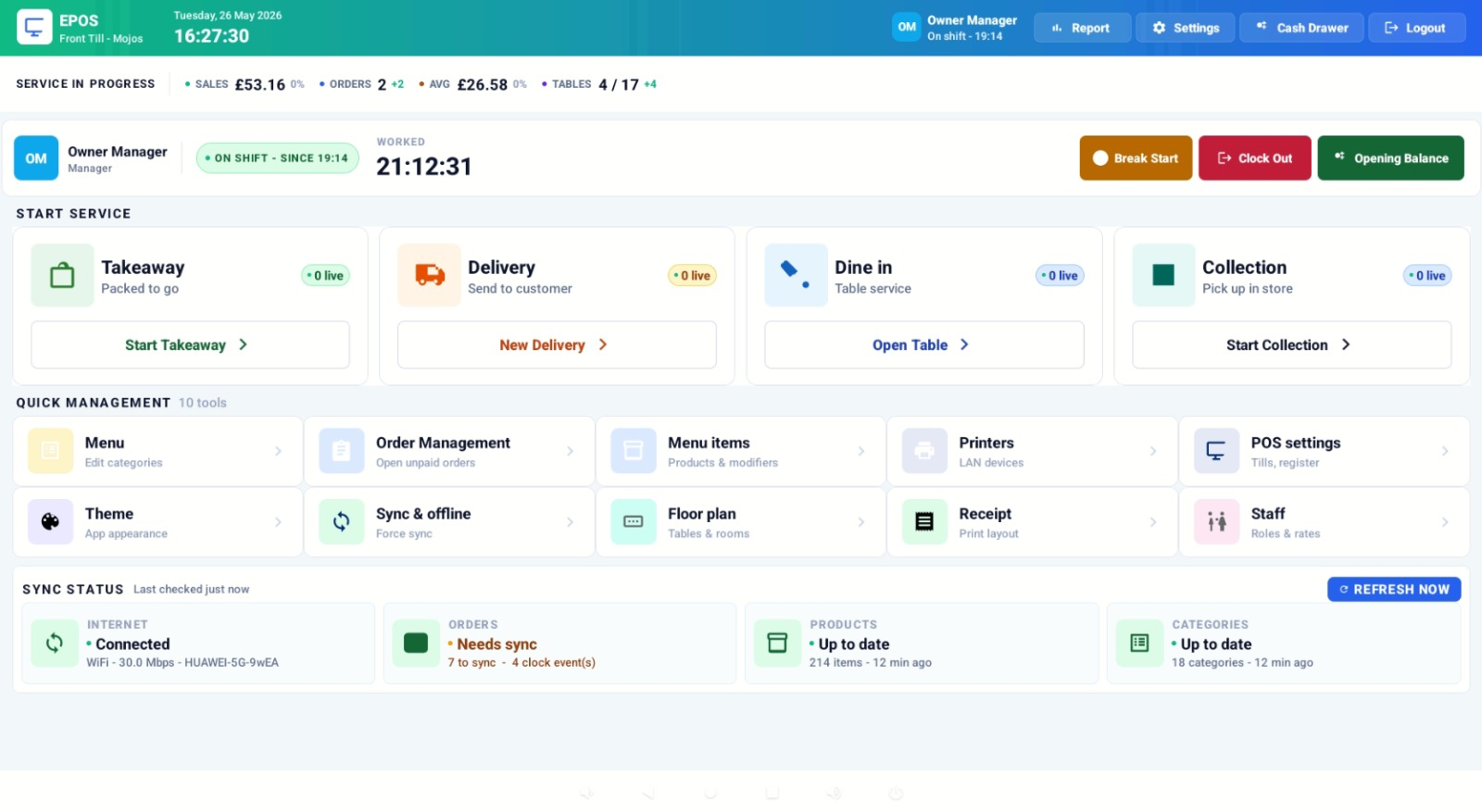
Cloud-Based EPOS
Advantages:
- Access reports remotely
- Automatic updates
- Easier scalability
- Lower maintenance
Ideal for most new cafés.
Traditional On-Premise EPOS
Advantages:
- Local data storage
- Less reliance on internet connectivity
Disadvantages:
- More difficult updates
- Higher maintenance costs
- Limited remote access
For most modern hospitality businesses, cloud-based systems offer significantly greater flexibility.
How Much Does a Restaurant EPOS Package Cost?
Pricing varies depending on:
- Hardware requirements
- Software features
- Number of terminals
- Payment integration
- Support packages
While entry-level systems may appear cheaper initially, many café owners later discover they need additional features as the business grows.
It is often more cost-effective to choose a scalable solution from the beginning.
The right EPOS package should deliver:
- Faster service
- Better reporting
- Reduced admin work
- Improved customer experience
These operational improvements often outweigh the initial investment.
Why Switch & Save Hospitality EPOS Is Worth Considering
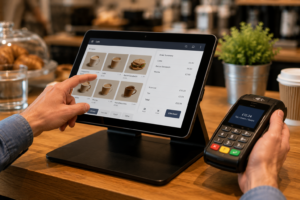
For UK café owners looking for an all-in-one solution, Switch & Save offers hospitality-focused EPOS systems designed to simplify operations and support business growth.
The platform helps businesses:
- Take orders quickly
- Accept integrated card payments
- Monitor sales performance
- Access cloud-based reporting
- Manage inventory efficiently
- Improve operational visibility
You can learn more about the hospitality solution here
As a UK-based provider, Switch & Save combines EPOS technology, card payment solutions, business finance, and cost-saving services under one roof, making it particularly attractive for growing hospitality businesses.
Frequently Asked Questions
What is the best restaurant EPOS package for a new café?
The best package is typically a cloud-based hospitality EPOS solution that includes ordering, integrated payments, reporting, and inventory management.
Do cafés need inventory management?
Yes. Inventory tracking helps reduce waste, improve purchasing decisions, and protect profit margins.
Can an EPOS system accept contactless payments?
Most modern hospitality EPOS systems support contactless payments, Apple Pay, Google Pay, and traditional card payments.
How many terminals does a café need?
Small cafés often start with one terminal, while busier locations may benefit from two or more.
Is cloud-based EPOS better than traditional systems?
For most new cafés, cloud-based EPOS provides better flexibility, reporting access, updates, and scalability.
Can an EPOS system help increase profits?
Yes. Better reporting, faster service, stock control, and customer retention tools can all contribute to improved profitability.
When comparing restaurant EPOS packages suitable for a new café, the goal is not simply to find the cheapest option. The right solution should support efficient operations, improve customer service, provide valuable business insights, and scale as your café grows.
A package that combines reliable hardware, hospitality-focused software, integrated payments, and cloud reporting will often provide the greatest long-term value.
Switch & Save helps UK businesses reduce costs with AI-powered EPOS systems, card payment solutions and business finance.