A wireless card machine is a portable payment terminal that processes chip & PIN, contactless, and mobile wallet transactions via Wi-Fi, 4G/LTE, or Bluetooth, with no fixed cable connection required. For UK retail and hospitality businesses, this means you can accept payments at the table, on the shop floor, at a market stall, or anywhere else your customers happen to be. Devices like the SumUp Air, ExpressPayments WiFi/4G hybrid, and PAX A920Pro Duo represent the current range available to UK businesses, from compact Bluetooth readers to fully independent Android smart terminals. The right choice depends on your connectivity needs, your team’s workflow, and how much downtime you can realistically afford.
What connectivity options does a wireless card machine use?
The connectivity method your device uses is the single most important factor in payment reliability. Three main options exist: Wi-Fi, 4G/LTE cellular, and Bluetooth. Each has a distinct impact on how often your payments go through without interruption.
Wi-Fi connects your terminal to your existing broadband router. It is fast, cost-effective, and works well in fixed premises like shops and restaurants. The weakness is obvious: if your broadband goes down, so does your ability to take card payments. For a busy Saturday lunchtime service, that is a serious risk.
4G/LTE cellular operates independently of your local broadband. Terminals with a built-in SIM card, such as the PayNuts Pocket with 4G, can process payments even when your router fails. This makes cellular connectivity particularly valuable for outdoor events, market traders, and any business where broadband reliability is inconsistent.
Bluetooth readers like the SumUp Air work differently. They pair with a smartphone or tablet to process payments, which means the host device’s connectivity does all the heavy lifting. This introduces an extra point of failure: if the phone loses signal or the Bluetooth pairing drops, the reader stops working. Bluetooth readers are affordable and compact, but they add complexity in busy environments where quick troubleshooting is not always possible.
The dominant UK pattern in 2026 is Wi-Fi as the primary connection with automatic 4G fallback. This combination gives you the speed and cost savings of Wi-Fi under normal conditions, with cellular backup kicking in the moment your broadband falters. For most retail and hospitality businesses, this dual approach is the most practical and reliable setup available.
Pro Tip: When comparing devices, look specifically for “automatic failover” in the product specification. Some terminals require manual switching between Wi-Fi and 4G, which defeats the purpose during a busy service period.
How do different types of portable card processors compare?
Not all wireless payment devices are built the same way. The three main categories are Bluetooth card readers, standalone Wi-Fi/4G terminals, and Android smart POS terminals. Understanding the differences helps you match the device to your actual working environment.
| Device type | Connectivity | Best suited for | Key limitation |
|---|---|---|---|
| Bluetooth reader (e.g. SumUp Air) | Bluetooth to host phone | Low-volume, mobile traders | Relies on host device; extra failure point |
| Standalone Wi-Fi/4G terminal | Independent Wi-Fi and 4G | Retail shops, cafés, restaurants | Higher upfront cost than Bluetooth readers |
| Android smart POS (e.g. PAX A920Pro Duo) | Wi-Fi, 4G, Bluetooth | High-volume hospitality and retail | Requires software management and updates |
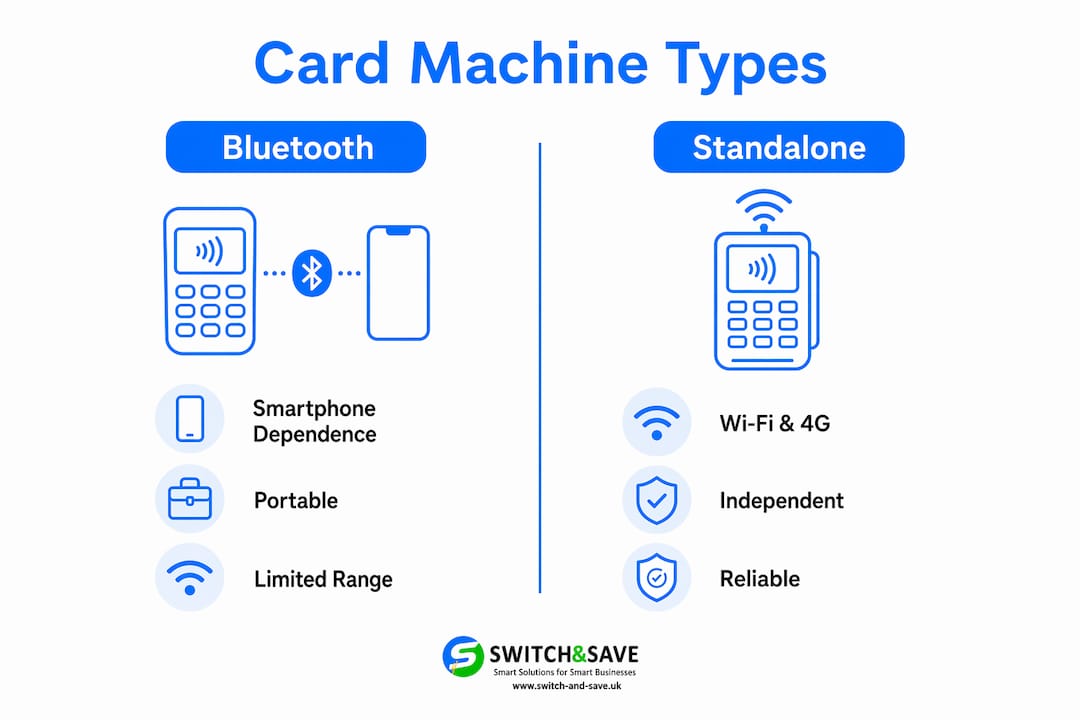
Standalone Wi-Fi/4G terminals sit in the middle ground. They operate independently of a smartphone, connect directly to your network or cellular signal, and typically support chip & PIN, contactless, Apple Pay, and Google Pay in a single device. The ExpressPayments WiFi/4G hybrid is a good example: it combines dual-band Wi-Fi with 4G/LTE backup and handles all major payment methods without needing a paired host device.
Android smart POS terminals like the PAX A920Pro Duo go further. They run full Android operating systems, support third-party apps, and often include customer-facing screens for a more polished checkout experience. The PAX A920Pro Duo is specifically designed for hospitality environments where tableside payments and queue management are daily priorities. The trade-off is that Android-based devices require ongoing software management to stay reliable, which means vendor support matters more with these devices than with simpler terminals.
For hospitality teams specifically, ergonomics and battery life are worth examining closely. A handheld terminal that feels awkward after two hours of tableside service will slow your staff down. Look for devices with a comfortable grip, a screen that is readable in low light, and a battery that lasts a full shift without needing a mid-service charge.
What to consider when choosing a wireless payment machine
Choosing the right device comes down to five practical criteria. Work through each one before committing to a purchase or rental agreement.
- Connectivity resilience. Devices with built-in cellular backup reduce payment interruptions far more reliably than Wi-Fi-only or Bluetooth-dependent options. If your business cannot afford to stop taking payments, dual connectivity is not optional.
- Security compliance. Every device you use must carry PCI DSS and EMV certification. These are not optional standards. They protect your customers’ card data and protect your business from liability in the event of a data breach.
- Payment method support. Modern customers expect to pay by contactless card, Apple Pay, Google Pay, and mobile wallets. All major payment methods should be supported as standard, not as add-ons.
- Software and receipt support. Android-based terminals need regular firmware and app updates to stay stable. Check whether your provider offers automatic updates or whether you are responsible for managing them. If you need printed receipts, confirm whether the device supports a paired thermal receipt printer or has one built in.
- Cost structure. Compare purchase price against rental fees and per-transaction charges. A low monthly rental can look attractive but cost more over 24 months than an outright purchase. Factor in any contract exit fees before signing.
Pro Tip: Ask your provider for a live demo before committing. A five-minute hands-on test with your actual staff reveals usability issues that no product brochure will mention.
For a broader comparison of devices on the UK market, the Switch-and-save payment terminal guide covers the full range of options for retail and hospitality businesses in 2026.
How wireless card machines improve payment efficiency and customer experience
Speed and flexibility are the two most direct benefits a mobile payment terminal delivers to your customers. Here is how the improvements play out in practice across a typical retail or hospitality operation.
- Tableside payments remove the bottleneck. In a restaurant, bringing the card machine to the customer eliminates the wait for a fixed terminal to become free. During a busy Friday evening service, this alone can reduce average table turn time noticeably.
- Queue busting on the shop floor. A staff member with a handheld terminal can process payments anywhere in the store, not just at the till. This is particularly useful during peak periods like Christmas or sale events when a single fixed checkout creates a visible queue.
- Faster contactless transactions. Contactless and mobile wallet payments complete in seconds. For high-volume environments like coffee shops or fast-casual restaurants, the cumulative time saving across a day’s trading is significant.
- Real-time transaction tracking. Most standalone and Android smart terminals sync transaction data to a cloud dashboard in real time. You can monitor sales by terminal, by staff member, or by time of day without waiting for an end-of-day report.
- Immediate receipt options. Customers can receive a printed receipt via a paired printer or a digital receipt by email or SMS, reducing friction at the point of payment and cutting paper waste where customers prefer digital.
The customer-facing checkout experience offered by dual-screen Android terminals like the PAX A920Pro Duo adds a further layer of transparency: customers see the transaction amount on their own screen before they tap or insert their card, which reduces disputes and builds trust.
How to maintain your card reader for continuous use
A wireless card machine that fails during a busy service period costs you more than just one transaction. Consistent maintenance prevents the majority of avoidable downtime.
- Battery management. Multi-bay charging stations allow you to rotate fully charged spare batteries into devices during shift changes, keeping terminals operational without interruption. Relying on a single device to last an entire shift without a charging plan is a common and avoidable mistake.
- Software updates. Android-based POS devices require regular firmware and application updates to maintain payment stability. Schedule updates during off-peak hours, not during a service period, and confirm with your provider whether updates are pushed automatically or require manual action.
- Connectivity checks. Run a brief connectivity test at the start of each trading day. Confirm that Wi-Fi is connected and that 4G fallback is active. If your device requires manual switching, train all staff on the process so no one is caught out.
- Hardware care. Hospitality environments are hard on devices. Drops, spills, and heavy daily use degrade hardware faster than most suppliers’ warranties account for. Choose devices with an IP rating for dust and moisture resistance where possible, and keep a spare terminal available for high-volume periods.
- Support channels. Know your provider’s support number before you need it. UK-based support that operates during trading hours is worth paying for. A device issue at 7pm on a Saturday needs a same-day resolution, not a Monday morning callback.
For guidance on pairing your terminal with the right receipt printing setup, the Switch-and-save receipt printer range covers compatible options for both retail and hospitality use.
Key takeaways
A wireless card machine with dual Wi-Fi and 4G connectivity is the most reliable choice for UK retail and hospitality businesses that cannot afford payment downtime.
| Point | Details |
|---|---|
| Connectivity is the priority | Choose devices with automatic 4G fallback, not Wi-Fi-only or Bluetooth-dependent readers. |
| Match device type to your workflow | Android smart POS suits high-volume hospitality; standalone terminals suit most retail settings. |
| Battery strategy prevents downtime | Multi-bay charging and spare batteries are more effective than relying on battery capacity alone. |
| Software management matters | Android-based terminals need regular updates; confirm whether your provider handles this automatically. |
| Cost structure needs full scrutiny | Compare total cost of ownership across 24 months, including transaction fees and exit clauses. |
Why dual connectivity changed how I think about payment hardware
I have spent years watching businesses make the same mistake: they buy a wireless terminal, assume it will work, and only discover its limitations when it fails at the worst possible moment. The most common scenario is a Wi-Fi-only device going offline during a broadband outage on a busy Saturday. The business loses sales, the queue builds, and the staff are left apologising to customers who simply walk out.
The shift to dual connectivity devices with automatic 4G fallback genuinely changed the reliability picture. It is not a premium feature any more. It is the baseline expectation for any business that takes card payments seriously.
What I find underappreciated is the staff adoption side. The best device in the world creates friction if your team finds it awkward to use. Ergonomics matter in hospitality more than most hardware reviews acknowledge. A terminal that is too heavy, too slow to wake from sleep, or confusing to navigate under pressure will be used reluctantly and maintained poorly. When I see businesses choose a device, I always ask whether the front-of-house team had any input. They rarely did. That is where most implementation problems start.
The card reader buyer’s guide from Switch-and-save is worth reading alongside this article if you are at the comparison stage. It covers the practical trade-offs between device types in more detail than most supplier pages will.
— Amir
Find the right wireless payment solution with Switch-and-save
Switch-and-save works with UK retail and hospitality businesses to match the right payment hardware to their actual operating environment, not just their budget.

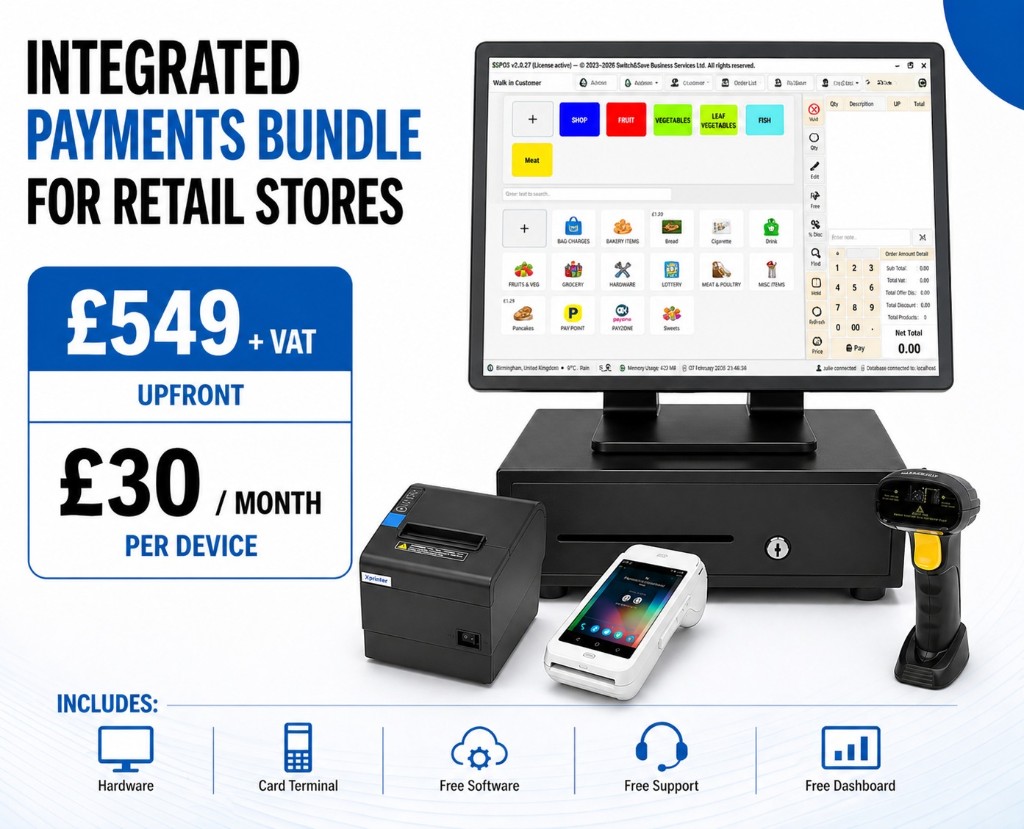
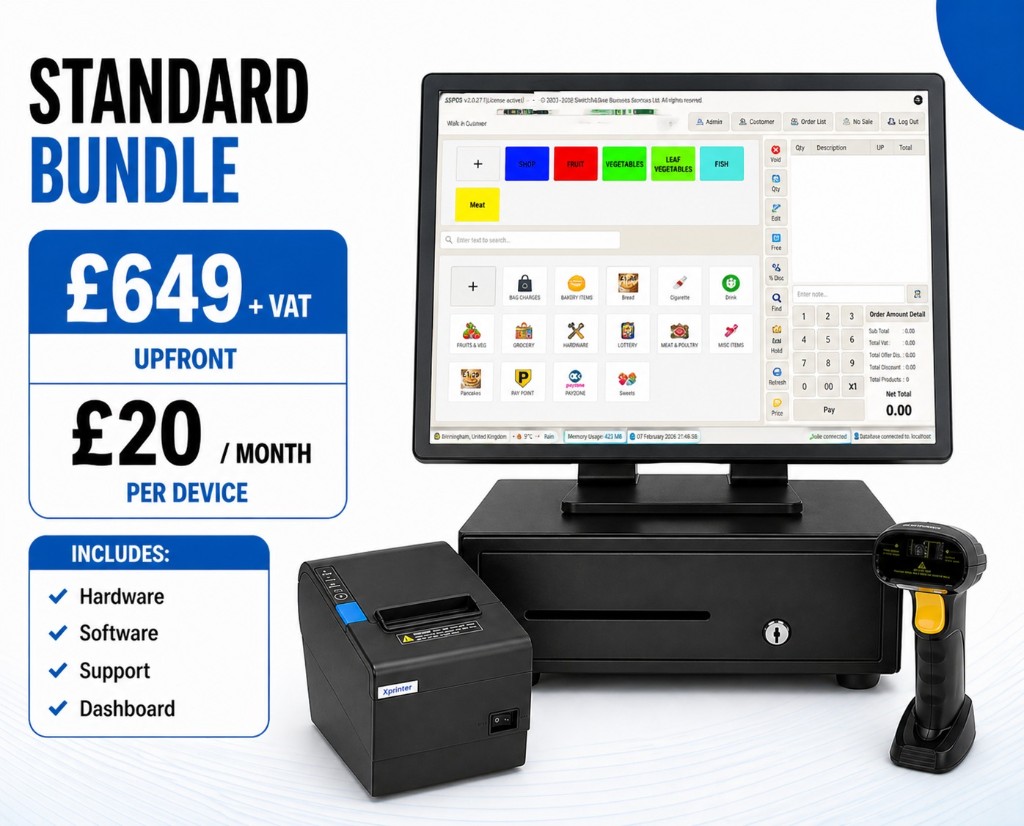
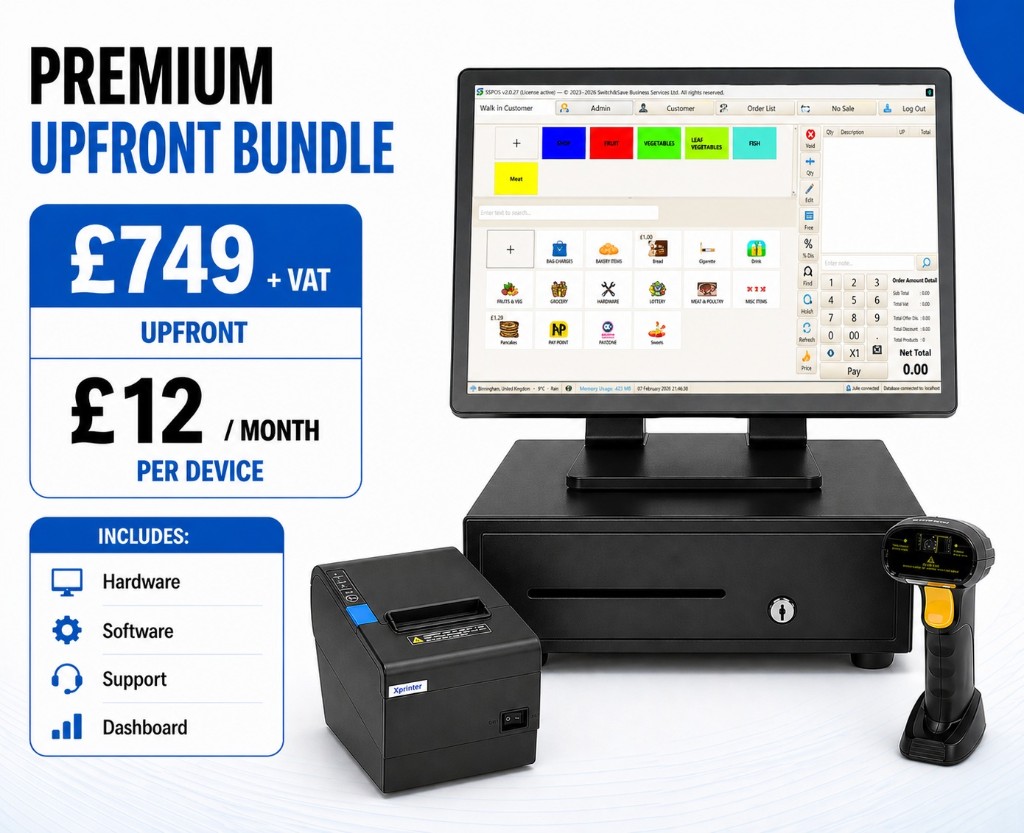
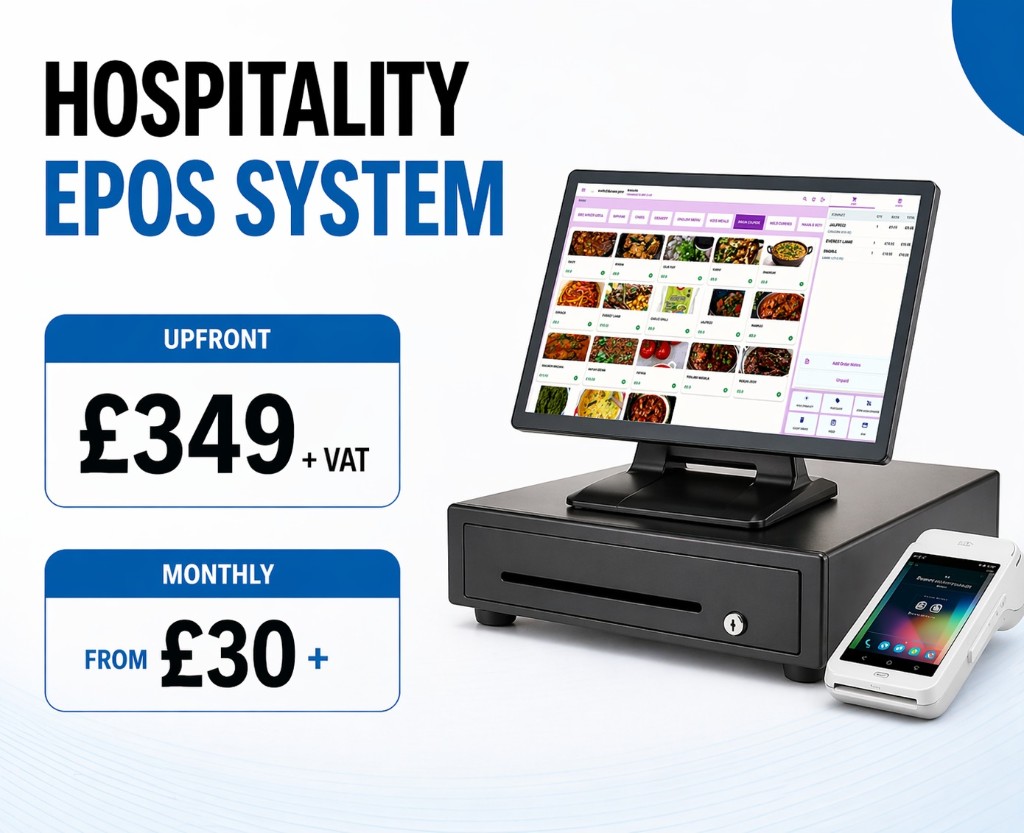
Whether you need a standalone terminal for a busy café, an Android smart POS for a multi-table restaurant, or a full EPOS system that integrates wireless payment processing with stock management and sales reporting, Switch-and-save has a package built for it. The EPOS bundles include hardware, software, and ongoing UK-based support so you are not left troubleshooting alone. Get in touch for a free demo and see how the right setup performs in your own environment before you commit.
FAQ
What is a wireless card machine?
A wireless card machine is a portable payment terminal that accepts chip & PIN, contactless, and mobile wallet payments via Wi-Fi, 4G/LTE, or Bluetooth, with no fixed cable connection to a till or counter required.
Which connectivity type is most reliable for UK businesses?
Wi-Fi with automatic 4G fallback is the most reliable setup for UK businesses in 2026, as it maintains payment processing even when broadband fails.
Can a wireless card machine accept Apple Pay and Google Pay?
Yes. Most modern wireless terminals, including devices from ExpressPayments, SumUp, and PAX, support all major payment methods including contactless cards, Apple Pay, Google Pay, and other mobile wallets as standard.
What is the difference between a Bluetooth reader and a standalone terminal?
A Bluetooth reader like the SumUp Air relies on a paired smartphone to process payments, while a standalone terminal connects directly to Wi-Fi or 4G and operates independently. Standalone devices have fewer points of failure and suit busier trading environments.
How do I prevent my card machine from running out of battery during service?
Multi-bay charging stations and a rotation of spare batteries are the most effective approach. Relying on a single device to last a full shift without a charging plan is the most common cause of avoidable payment downtime in hospitality.