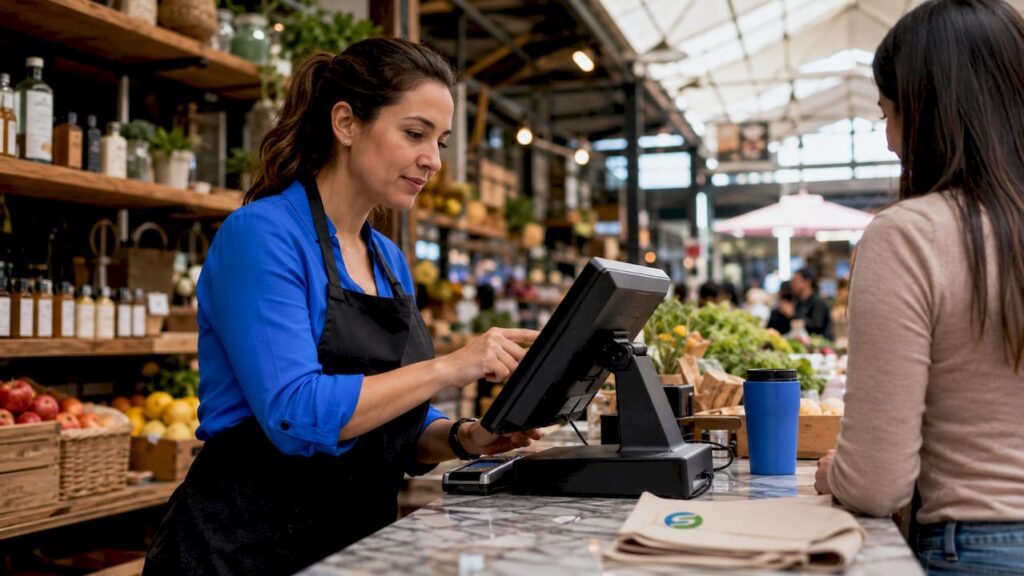
A reliable POS solution is defined as any electronic point of sale (EPOS) system that processes payments accurately, quickly, and without interruption during trading hours. For UK retail and hospitality owners, understanding why reliable POS solutions are non-negotiable starts with one uncomfortable fact: 80% of customers refuse to wait more than five minutes at checkout. That single figure shapes every decision you make about your till system. Add to that card failure rates of 13–15% across retail environments, and the cost of an unreliable system becomes very real, very fast. Brands like Switch-and-save and software platforms such as SSPOS exist precisely because small and mid-sized businesses cannot afford to treat payment reliability as an afterthought.
Why reliable POS solutions prevent lost revenue
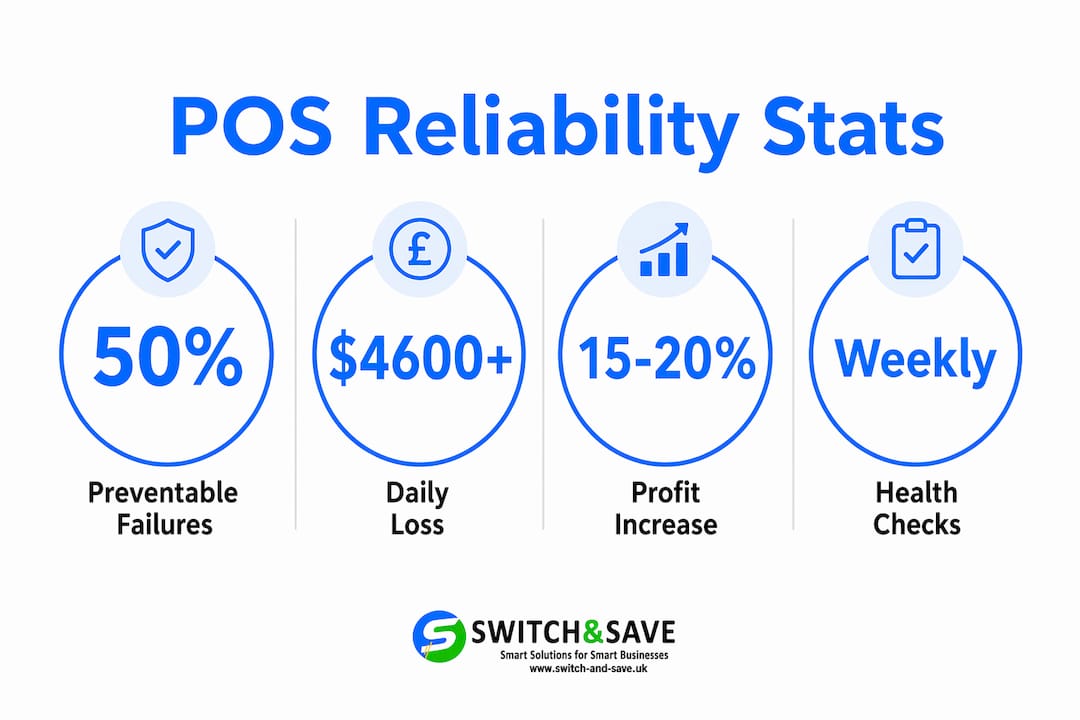
Transaction failures are not random bad luck. Around 50% of payment failures are preventable, caused by internal system glitches or network instability rather than anything outside your control. That means half your lost sales are recoverable with the right setup.
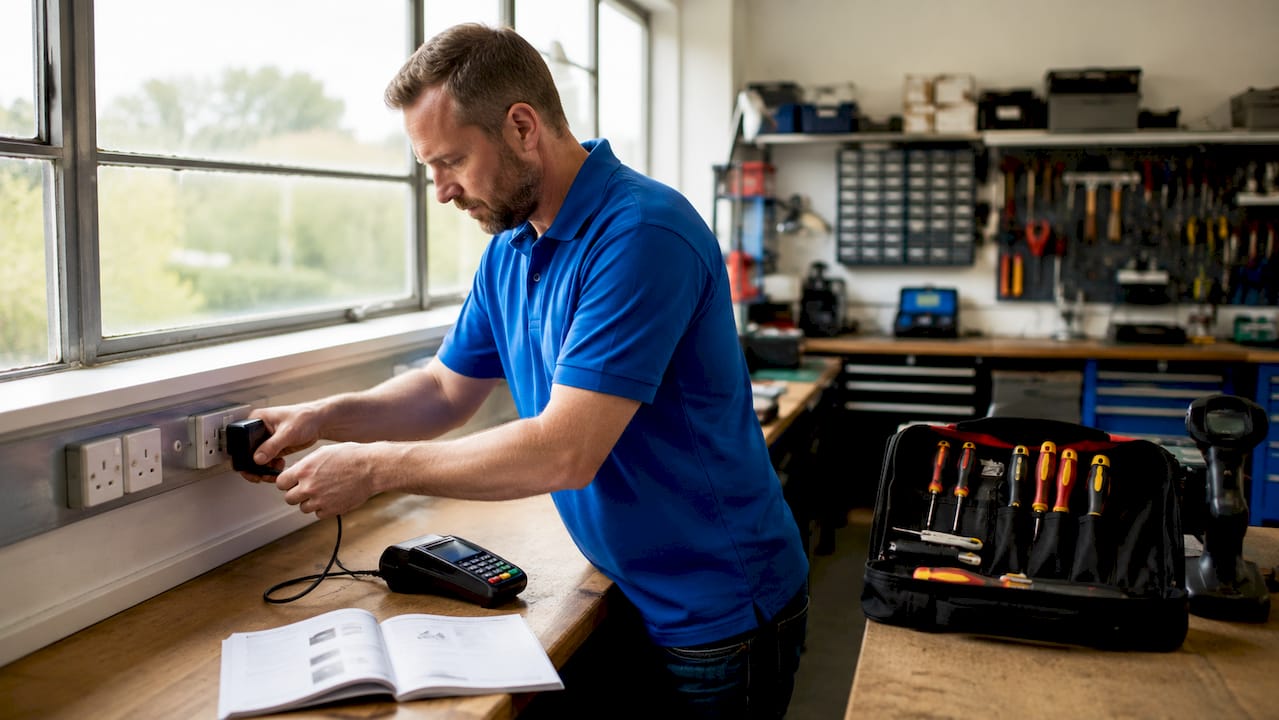
The financial damage adds up fast. Outages can cost businesses over $4,600 per day, which translates to roughly £3,600 at current exchange rates. For a small café or independent retailer, even a two-hour outage during a Saturday lunch rush can wipe out the day’s profit margin.
Beyond direct revenue loss, failed transactions erode customer trust. A card that declines at the till, even due to a system fault rather than the customer’s bank, reflects badly on your business. Customers rarely ask why. They simply leave and often do not return.
Pro Tip: Run a weekly health check on your EPOS system. Restart terminals, test card readers, and confirm your network connection before your busiest trading period. Catching a fault on a Tuesday morning costs nothing. Catching it at noon on a Saturday costs everything.
How does checkout speed affect customer loyalty?
Checkout speed is one of the most direct drivers of repeat business. Customers form opinions about your service within seconds of reaching the till, and a slow or failing system confirms every negative assumption they had.
The numbers in hospitality are particularly striking. 75% of customers prioritise restaurants that offer smooth digital ordering and payment technology when deciding where to return. That is not a marginal preference. It is a majority of your potential repeat customers making a decision based on your payment setup.
A fast, dependable EPOS system delivers several concrete advantages for customer experience:
- Contactless and mobile payments processed in under two seconds reduce queue length and waiting frustration
- Order accuracy improves when the system links the kitchen display directly to the till, cutting errors that slow service
- Integrated loyalty programmes reward customers at the point of payment without requiring staff to manage separate cards or apps
- Split billing and table management in hospitality settings reduce the back-and-forth that frustrates diners at the end of a meal
- Real-time stock updates prevent staff from selling items that are no longer available, avoiding awkward conversations mid-order
Smaller restaurants using reliable POS systems report profitability increases of 15–20% driven by efficiency gains and better data. That figure reflects what happens when your system works consistently, not just occasionally.
Understanding how a POS system increases sales in practice helps you connect the technical reliability of your setup to the revenue outcomes you actually care about.
What infrastructure makes a POS system truly reliable?
POS reliability is not just about the software on your terminal. It is the result of hardware, software, and network working together without a weak link in the chain.
End-to-end reliability requires redundant networks, pairing a wired primary connection with automatic cellular or satellite failover. If your broadband drops during a busy period, the system switches over without interrupting a transaction. Most businesses only discover they lack this when it is too late.
Here are the four infrastructure layers every retail or hospitality owner should audit:
- Primary wired connection. Use a dedicated ethernet connection for your payment terminals rather than sharing Wi-Fi with customers or staff devices. Shared networks introduce packet loss and latency that cause authorisation failures even when the internet appears to be working.
- Automatic failover. Pair your wired connection with a 4G or 5G cellular backup. Configure it to switch automatically, not manually. A manual failover requires a staff member to notice the problem and act, which rarely happens quickly enough during a busy service.
- Firewall and security configuration. Misconfigured firewalls are a leading cause of payment authorisation failures that look like software errors. Your firewall rules must permit payment traffic on the correct ports without blocking card scheme communications.
- Quality of Service (QoS) settings. Configure your router to prioritise payment traffic above general browsing or streaming. This prevents a staff member watching a video from degrading the connection your till relies on at the exact moment a customer is paying.
Pro Tip: Test your payment path independently of your general internet connection at least once a month. A successful Google search does not confirm your payment authorisation route is clear. Use your payment provider’s diagnostic tool or process a low-value test transaction to confirm the full path is working.
Reviewing modern POS system features gives you a practical checklist of what a well-specified system should include beyond the basics.
How do you choose a POS vendor without getting locked in?
Vendor selection is where many small business owners make their most expensive mistake. The demo looks impressive, the price seems fair, and the contract gets signed without anyone asking the hard questions about data ownership and exit terms.
Vendor lock-in is a real and common risk. Migrating away from a POS provider can be technically and financially prohibitive when your data is stored in a proprietary format with no clean export option. Most owners only discover this when they try to switch. Negotiate data portability upfront, before you sign anything.
Beyond the contract, look at how a vendor manages software updates. Vendors that use canary deployments, releasing updates to a small percentage of terminals before rolling out broadly, signal a genuine commitment to stability. A vendor that pushes updates to every terminal simultaneously is one bad release away from taking your entire estate offline.
| Vendor feature | Why it matters |
|---|---|
| Documented uptime record | Confirms historical reliability, not just sales promises |
| Canary or staged deployments | Limits the blast radius of a faulty software update |
| Automated rollback capability | Restores the previous version if an update causes failures |
| Clear data export terms | Protects your business if you need to switch providers |
| Fraud detection and audit logs | Reduces financial exposure and supports compliance requirements |
POS downtime also carries compliance risks in regulated sectors, where manual record-keeping may not be a permitted fallback. Even outside regulated industries, an outage that forces staff to take cash payments without records creates accounting and audit problems you do not want.
When vetting vendors, go beyond the demo. Ask for uptime statistics from the past 12 months. Ask how they handle a failed update. Ask what happens to your data if you cancel. A vendor confident in their product will answer all three without hesitation. For practical guidance on making this decision, the small business POS guide from Switch-and-save covers the key questions worth asking before you commit.
Key takeaways
A reliable EPOS system directly protects your revenue, your customer relationships, and your ability to grow without operational disruptions holding you back.
| Point | Details |
|---|---|
| Transaction failures are preventable | Around 50% of payment failures stem from internal glitches or poor network setup, not external factors. |
| Checkout speed drives loyalty | 75% of hospitality customers return to venues with smooth digital payment experiences. |
| Network design is part of reliability | Wired connections with automatic cellular failover prevent outages that software alone cannot fix. |
| Vendor lock-in is a real risk | Negotiate data portability and review deployment practices before signing any POS contract. |
| Profitability gains are measurable | Restaurants using reliable POS systems report 15–20% profitability improvements from efficiency and analytics. |
What I have learned from watching businesses get this wrong
I have seen the same pattern repeat itself more times than I care to count. A business owner invests in a POS system, gets a decent demo, and assumes reliability is built in. Six months later, they are dealing with failed transactions on a Friday evening, a queue of frustrated customers, and a support line that rings out.
The uncomfortable truth is that most small business owners treat POS reliability as a feature rather than a foundation. They compare screen layouts and pricing tiers, but they never ask about network redundancy or update deployment practices. Those are the things that determine whether your system works when it matters most.
Downtime hits small businesses disproportionately hard. A large retailer absorbs a two-hour outage across dozens of locations. A single-site café or boutique absorbs it across one lunch service. The proportional damage is not comparable.
The other lesson I keep coming back to is this: the businesses that get POS reliability right treat it as an ongoing responsibility, not a one-time purchase decision. They test their systems regularly, they review their network setup annually, and they ask their vendor hard questions. That discipline is what separates businesses that grow from businesses that stagnate while blaming their technology.
Choosing the right retail EPOS system is not a one-afternoon decision. Give it the attention it deserves.
— Amir
Switch-and-save EPOS systems built for UK retail and hospitality
Switch-and-save provides EPOS solutions designed specifically for UK retail and hospitality businesses that need dependable payment processing without the complexity or cost of enterprise systems.

Whether you run a busy café, a multi-site retail operation, or a single-location boutique, Switch-and-save has a package to match. The EPOS systems range covers everything from entry-level retail setups to full hospitality EPOS bundles with table management and kitchen display integration. Every system comes with UK-based support, transparent pricing, and a free demo so you can see exactly what you are getting before you commit. Browse the full range at Switch-and-save and find the right fit for your business today.
FAQ
What is POS reliability and why does it matter?
POS reliability refers to a system’s ability to process payments accurately and without interruption during trading hours. It matters because card failure rates of 13–15% and customer abandonment after five-minute waits directly reduce revenue.
How much does POS downtime actually cost a business?
Outages can cost businesses over $4,600 per day in lost transactions and operational disruption. For small retailers and hospitality venues, even a short outage during peak hours causes disproportionate financial damage.
What causes most POS transaction failures?
Around 50% of transaction failures are caused by internal system glitches or poor network configuration, not external factors. Issues like packet loss, misconfigured firewalls, and shared Wi-Fi connections are common culprits.
How do I avoid vendor lock-in when choosing a POS system?
Negotiate clear data export and portability terms before signing any contract. Ask your vendor how they handle software updates and what happens to your data if you decide to switch providers.
Does a reliable POS system improve profitability?
Smaller restaurants using reliable POS systems report profitability increases of 15–20% through efficiency gains and better business analytics. Faster checkouts, fewer errors, and integrated loyalty tools all contribute to that improvement.