
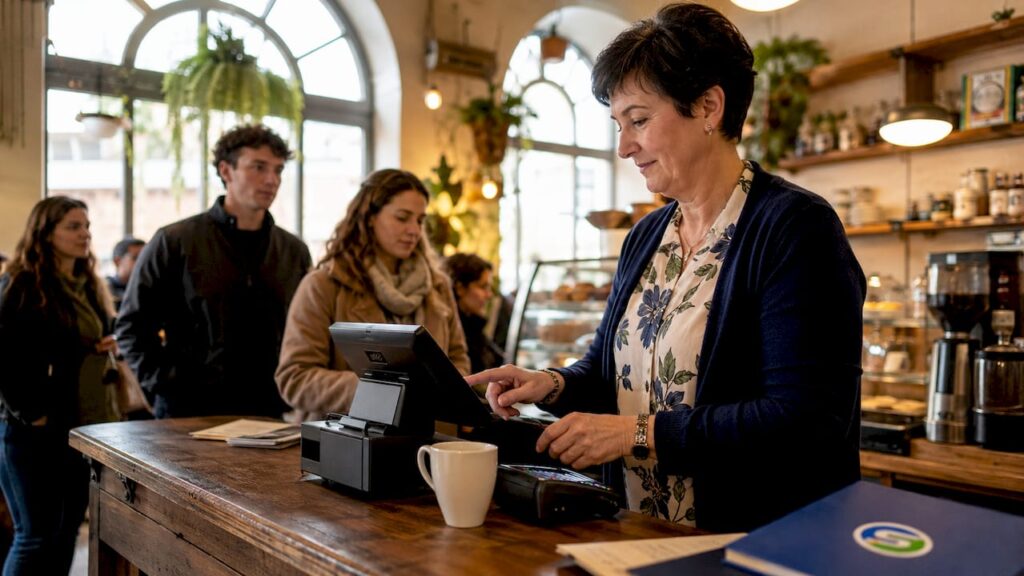
A POS system, or point-of-sale system, is the combination of hardware and software that businesses use to process customer payments, track sales, and manage inventory in real time. More formally known as an EPOS (Electronic Point of Sale) system, it sits at the heart of every transaction your business makes. Whether you run a busy café in Manchester, a boutique retail shop in Edinburgh, or a multi-site hospitality group, understanding what a POS system does is the first step to choosing one that actually works for you.
What is a POS system and how does it work?
A POS system processes a sale from start to finish, connecting your customer’s payment to your stock records, sales reports, and accounting tools in one go. At its core, it combines physical hardware with intelligent software to handle every transaction your business takes.
The hardware side typically includes:
- Touchscreen terminals or tablets for staff to input orders and process payments
- Barcode scanners to identify products quickly at the till
- Receipt printers for paper or digital proof of purchase
- Card readers that accept chip-and-PIN, contactless, and mobile payments
- Cash drawers for businesses that still handle notes and coins
The software side is where the real work happens. POS software suites often combine sales processing, inventory tracking, purchasing, reporting, and customer relationship management in a single platform. That means every sale you make automatically updates your stock levels, feeds your sales data, and logs the payment method used.
Modern systems also support EMV chip cards and NFC contactless payments, covering everything from Visa and Mastercard to Apple Pay and Google Pay. That flexibility matters because customers now expect to pay however suits them.
Cloud-based POS platforms go a step further. They offer remote access and automatic updates without requiring on-site servers, which reduces maintenance costs and keeps your software current. On-premises systems store data locally, which some businesses prefer for security or connectivity reasons.
Pro Tip: If your broadband connection is unreliable, look for a cloud POS that includes an offline mode. This keeps your till running even when the internet drops, so you never lose a sale.
The most forward-looking systems now use AI-driven features. Agentic commerce means your POS actively manages kitchen workflow, predicts busy periods, and optimises payment routing rather than simply recording what happened. That shift from passive data recorder to active operational assistant is one of the biggest changes in POS technology right now.
What are the main types of POS systems?
Not every POS system suits every business. The right choice depends on your sector, your size, and how you serve customers.
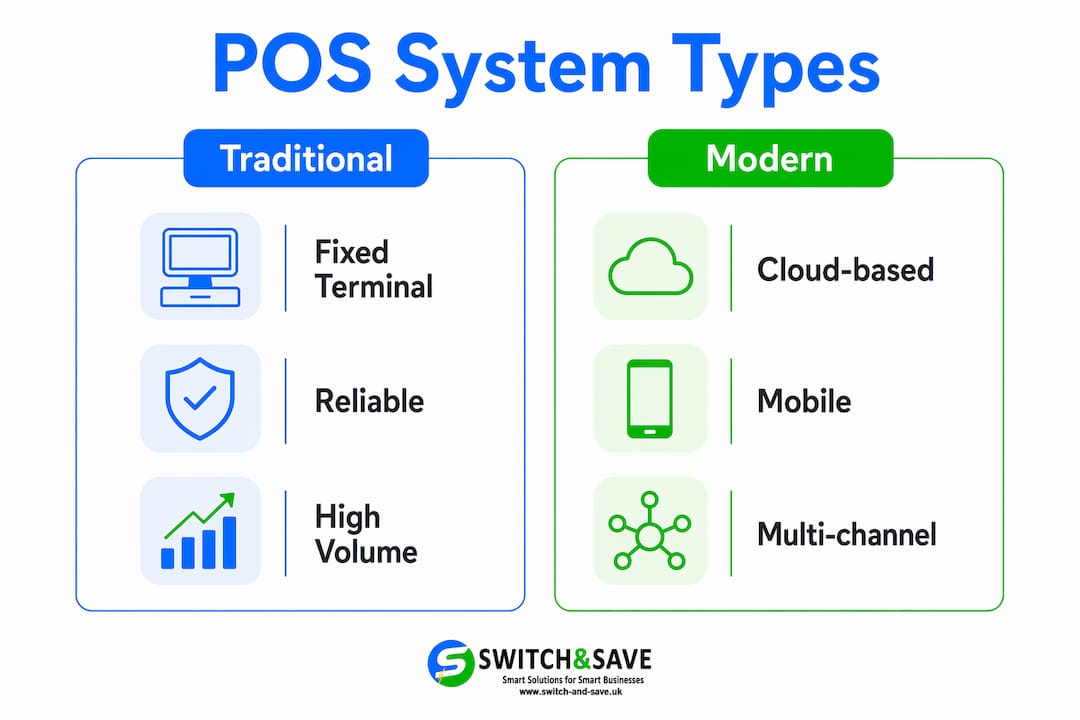
| Type | Best for | Key features | Cost level | Scalability |
|---|---|---|---|---|
| Traditional (fixed terminal) | Established retail, supermarkets | Robust, reliable, full hardware suite | Medium to high | Limited |
| Cloud-based POS | Multi-site retail, hospitality groups | Remote access, automatic updates, real-time data | Low to medium | High |
| Mobile POS (mPOS) | Market traders, pop-ups, table service | Smartphone or tablet, portable card reader | Low | Medium |
| Tablet POS | Cafés, restaurants, small retail | Touchscreen interface, compact footprint | Low to medium | Medium |
| Integrated/multi-channel POS | Omnichannel retailers | Links in-store, online, and click-and-collect | Medium to high | Very high |
Traditional fixed-terminal systems are reliable and well-suited to high-volume retail environments where speed and durability matter. They tend to require more upfront investment in hardware but offer a proven track record.
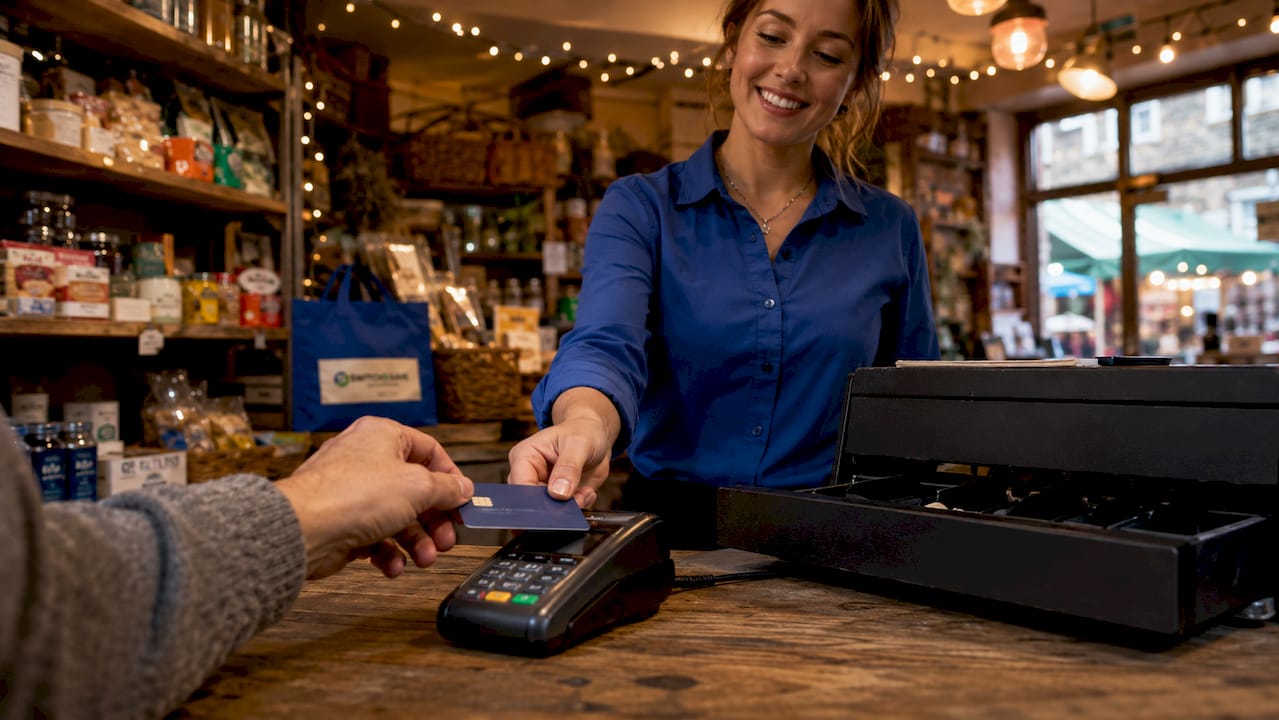
Cloud-based systems have become the preferred choice for growing businesses. Because data lives online, you can check your sales figures from home, grant access to your accountant, and add new locations without buying a new server. Multi-channel POS systems extend this further by connecting your physical till with your online shop, so stock levels stay accurate whether a customer buys in person or through your website.
Mobile POS systems are ideal for businesses that move around. A market trader using a tablet and a portable card reader has a fully functional till that fits in a bag. For restaurants, mobile ordering at the table has been shown to increase table turnover by 20%. That is a meaningful gain for any hospitality business working tight margins.
Pro Tip: If you sell both in-store and online, prioritise a system with built-in multi-channel POS capability. Manually syncing two separate stock systems is time-consuming and errors add up fast.
What benefits does a POS system deliver to small businesses?
The practical advantages of a good EPOS system go well beyond speeding up the queue. Here is what you actually gain:
- Faster transactions. Modern POS systems support pay-by-link, mobile, kiosk, and contactless payments, cutting checkout times and reducing the friction that causes customers to abandon a purchase.
- Real-time inventory control. Your stock levels update with every sale. Agentic POS systems track product usage and trigger smart restocking automatically, so you avoid running out of your best sellers at the worst possible moment.
- Accurate sales reporting. POS reporting gives you a clear view of which products sell best, when your busiest periods are, and which staff members are performing well. Understanding what is reporting in POS terms means recognising it as your primary source of business intelligence, not just an admin tool.
- Better customer experience. Shorter queues, flexible payment options, and accurate stock information all contribute to a smoother visit. Customers notice when a business runs well.
- Reduced human error. Manual till errors and stock discrepancies cost money. Automating these processes removes the risk of small mistakes building into significant losses over time.
The data your POS generates is particularly valuable. POS data and analytics help you make smarter buying decisions, plan staffing around genuine demand, and spot slow-moving stock before it becomes a problem. Retail analytics platforms can extend this further by connecting your POS data to broader ecommerce trends, giving you a fuller picture of your business performance across channels.
The future of POS in restaurants and hospitality is especially compelling. AI-powered systems now predict rush periods, balance staffing in real time, and manage kitchen workflow without manual input. That level of operational intelligence was previously available only to large chains with dedicated IT teams.
How to choose the right POS system for your business
Choosing a POS system is a practical decision, not a technical one. Follow these steps to avoid the most common and costly mistakes.
-
Define your must-have features first. List the specific tasks you need your system to handle: stock management, table ordering, loyalty programmes, or online integration. This stops you paying for features you will never use.
-
Check software and hardware compatibility before you buy anything. Buying incompatible hardware before verifying software integration is one of the most common and expensive mistakes small business owners make. Confirm that your card reader, scanner, and printer all work with your chosen software before committing.
-
Demand a proof-of-concept test. Integration testing before purchase prevents operational disruption down the line. Any reputable vendor will let you test the system in a real environment before you sign a contract.
-
Consider your growth plans. Nearly 50% of restaurant operators planned significant POS upgrades in 2026 to gain better inventory control and cloud analytics. If you expect to open a second site or add an online shop, choose a system that scales with you rather than one you will outgrow in two years.
-
Evaluate total cost of ownership. Monthly software fees, hardware costs, payment processing rates, and support contracts all add up. Get a clear breakdown of every cost before you decide, not just the headline price.
-
Assess vendor support. UK-based support matters. If your till goes down on a Saturday afternoon, you need someone who can help you quickly. Check response times, support hours, and whether help is available by phone or only by email.
Pro Tip: Ask your shortlisted vendors for references from businesses similar to yours in size and sector. A system that works brilliantly for a large hotel chain may be over-engineered and over-priced for a single-site café.
For a deeper look at what to prioritise, the guide on modern POS system features covers the specific capabilities worth looking for in 2026.
Key takeaways
A POS system is the single most important operational tool a small business can invest in, combining payment processing, inventory control, and sales reporting in one place.
| Point | Details |
|---|---|
| Core function | A POS system processes payments, tracks stock, and generates sales reports automatically. |
| System types | Cloud-based and mobile POS suit most growing UK businesses for flexibility and low maintenance. |
| Efficiency gains | Mobile POS integration can increase table turnover by 20%, directly improving revenue. |
| Choosing wisely | Always verify hardware and software compatibility before purchase to avoid costly integration failures. |
| Future capability | AI-powered agentic commerce features now allow POS systems to manage workflows and predict demand proactively. |
My honest view on POS systems after years in the industry
Most business owners I speak to come to POS decisions the wrong way round. They see a sleek tablet setup at a trade show, fall for the design, and buy the hardware before they have confirmed what software it runs. That single mistake creates what the industry calls “tablet hell”: a collection of devices that do not talk to each other, stock data that lives in three different places, and a reporting function that tells you almost nothing useful.
The businesses that get the most from their POS systems do one thing differently. They start with the data they want to see and work backwards. What do you need to know every morning to run your business well? Sales by product? Stock levels by location? Labour costs against revenue? Once you know that, you can choose software that delivers it, and then find hardware that runs the software properly.
I am also genuinely excited about where AI is taking this technology. Agentic commerce is not a distant concept. It is available now, and for a hospitality business managing a kitchen, staffing, and front-of-house simultaneously, having a system that predicts a rush and adjusts workflows automatically is a real operational advantage. The businesses adopting these features now will be significantly better positioned in two or three years than those still running static systems.
One final point: do not underestimate staff training. The best system in the world delivers nothing if your team does not use it properly. Build training time into your implementation plan and revisit it whenever you add new features.
— Amir
Ready to find the right EPOS system for your business?
Switch-and-save offers a range of EPOS systems built specifically for UK retail and hospitality businesses. Whether you need a compact setup for a single site or a cloud-connected solution across multiple locations, there is a package designed to fit your operation and your budget.

Browse the full range of EPOS systems to compare features, pricing, and hardware options in one place. Switch-and-save also provides UK-based support, free demos, and transparent pricing so you know exactly what you are getting before you commit. If you want to see how a retail EPOS system could work for your specific setup, get in touch and we will walk you through it.
FAQ
What does POS stand for in business?
POS stands for point of sale. It refers to the location and moment where a customer completes a purchase, as well as the hardware and software system used to process that transaction.
What is POS reporting and why does it matter?
POS reporting is the analysis of sales data collected by your system, covering revenue, product performance, stock levels, and customer behaviour. It gives business owners the information they need to make better buying, staffing, and pricing decisions.
What is the difference between a POS system and an EPOS system?
An EPOS (Electronic Point of Sale) system is simply a modern, digital version of a POS system. In UK business contexts, the two terms are used interchangeably, though EPOS typically implies cloud connectivity, software integration, and electronic payment processing.
How much does a POS system cost for a small business?
Costs vary widely depending on the type and scale of the system. Mobile and tablet-based POS solutions can start from a low monthly fee, while full integrated systems with multiple terminals carry higher hardware and software costs. Always calculate the total cost including payment processing fees and support contracts.
Can a POS system work without an internet connection?
Many cloud-based POS systems include an offline mode that keeps the till running during internet outages, syncing data automatically once connectivity is restored. Check this feature specifically if your premises has an unreliable broadband connection.



