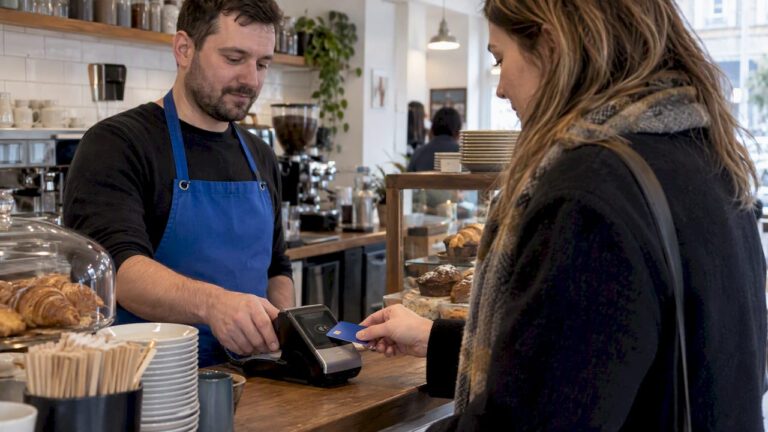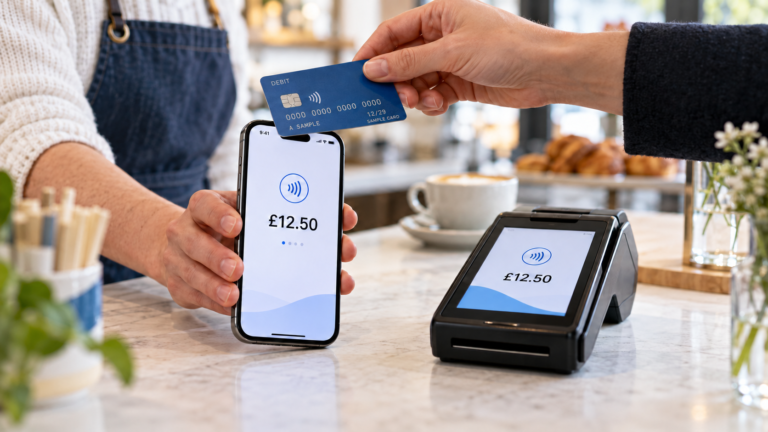
Most business owners think payment processing simply means getting money from a customer into their account. The reality is more involved than that. Payment processing is the full chain of steps, systems, and participants that verify, approve, and settle every transaction you take, whether that’s a contactless tap at your till, an online card entry, or a bank transfer. Understanding how payment processing works is not just useful knowledge. It directly affects your cash flow, your fraud risk, and the experience every customer has at the point of sale.
Table of Contents
- Key takeaways
- What is payment processing and how does it work?
- Payment gateways vs payment processors
- The real benefits of good payment processing
- Choosing the right payment processing services
- My honest take on payment processing
- How Switch-and-save can support your payment setup
- FAQ
Key takeaways
| Point | Details |
|---|---|
| Payment processing has multiple stages | Every transaction moves through authorisation, clearing, and settlement before funds reach your account. |
| Gateways and processors are different | A payment gateway captures data securely; a payment processor routes and settles the transaction. |
| Settlement timing affects cash flow | Card payments typically settle within 1 to 3 business days, which matters for financial planning. |
| Fees vary by provider and method | Payment processors often charge per-transaction or percentage fees, so comparing providers saves money. |
| Integration with your EPOS matters | Choosing payment processing services that connect with your wider system reduces errors and speeds up reconciliation. |
What is payment processing and how does it work?
Payment processing is the system that moves a transaction from the moment a customer pays to the moment funds arrive in your business account. It sounds straightforward, but the core stages are authorisation, clearing, and settlement, each handled by a different set of players.
Here is a simple breakdown of who does what at each stage:
| Stage | What happens | Who is involved |
|---|---|---|
| Authorisation | The customer’s bank checks the card details and approves or declines the transaction | Issuing bank, payment processor, card network |
| Authentication | Security checks confirm the cardholder’s identity (e.g. 3D Secure) | Issuing bank, payment gateway |
| Clearing | Transaction details are submitted to the card network for processing | Acquirer, card network, issuing bank |
| Settlement | Funds are transferred from the customer’s bank to your merchant account | Acquiring bank, payment processor |
The payment processor acts as intermediary between your acquiring bank and the customer’s issuing bank. Without it, your terminal would have no way to communicate with the bank that issued your customer’s card.
Payment processing also supports multiple payment methods. Card payments (debit and credit), digital wallets (Apple Pay, Google Pay), and bank transfers via the ACH network all move through similar stages, though the timing differs. ACH settlements typically take 1 to 3 business days due to batch processing, whereas card payments can also settle in that same window depending on your processor.
Pro Tip: Treat authorisation and settlement as two completely separate events in your accounts. A transaction may be authorised immediately, but the funds are not in your account until settlement. This distinction prevents nasty surprises when you are reconciling at the end of the day.
Payment gateways vs payment processors
This is where many business owners get confused. A payment gateway and a payment processor are not the same thing, even when a single provider offers both.
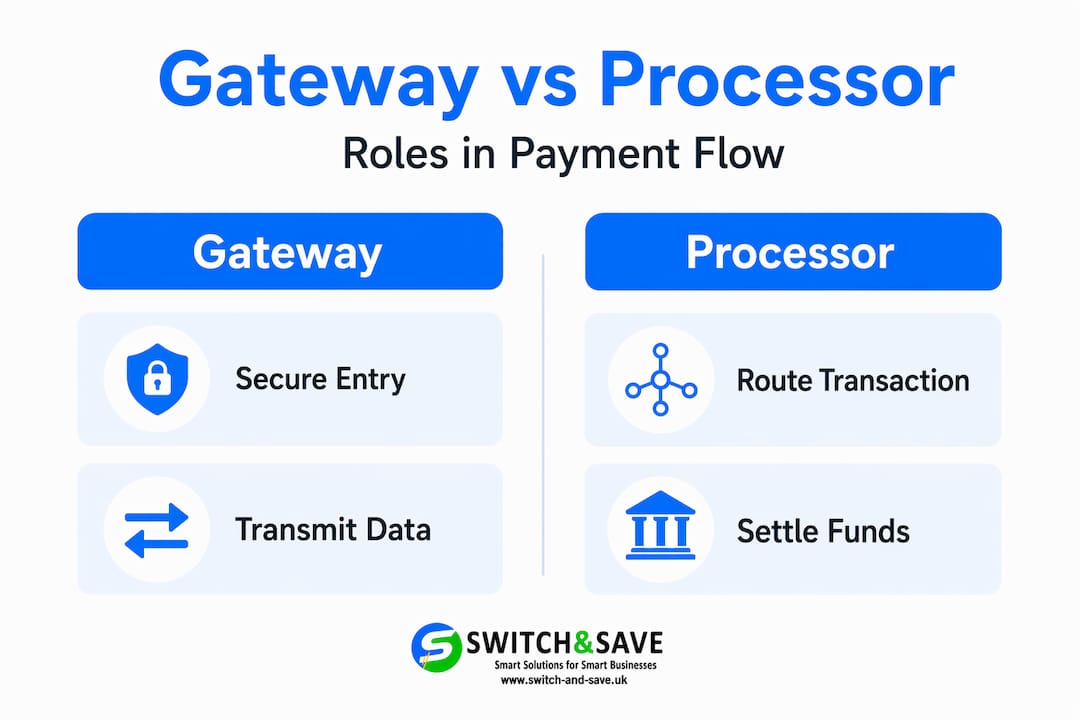
A payment gateway captures and transmits payment information securely from your till or website to the processor. Think of it as the secure courier. It encrypts the card data and sends it on. A payment processor then takes that data and routes it through the card networks to communicate with the customer’s bank, handle authorisation, and co-ordinate settlement.
Here is a side-by-side comparison:
| Feature | Payment gateway | Payment processor |
|---|---|---|
| Primary role | Secure data capture and transmission | Transaction routing and settlement |
| Where it sits | Between customer and processor | Between gateway and the banks |
| Handles fraud checks | Yes, at point of entry | Yes, as part of authorisation |
| PCI DSS compliance | Required | Required |
| Customer-facing? | Often (checkout page, terminal) | Rarely |
Confusing these two roles leads to real problems. If a transaction fails, you need to know whether the issue is at the gateway (data transmission) or the processor (bank communication) to get the right support and fix it quickly.
Many providers do bundle both services together, which is convenient. But even when bundled, understanding the separation helps you ask sharper questions when things go wrong, and negotiate better support agreements.
Security is non-negotiable at both layers. PCI DSS (Payment Card Industry Data Security Standard) applies to any business that handles card data. Your gateway and processor should both carry up-to-date PCI DSS certification. If you want to know more about keeping customer data safe at the point of sale, this guide on securing card payments is worth reading.
Pro Tip: When you contact technical support about a failed transaction, always specify whether the error appeared before or after the card data was submitted. That single detail tells your provider whether the problem is a gateway or processor issue, and it can halve the time it takes to resolve.
The real benefits of good payment processing
The benefits of payment processing go well beyond “getting paid faster.” When you choose the right system, the effects ripple across your entire operation.
- Faster cash flow. Reliable settlement windows of 1 to 3 business days let you plan stock orders, pay suppliers, and manage wages without guessing when money will land.
- Fraud detection built in. Processors provide fraud detection and chargeback management as standard services. This protects you from losses that can seriously damage a small business.
- More payment options for customers. Accepting contactless, chip and PIN, digital wallets, and online card payments means fewer abandoned sales. A customer who cannot pay their preferred way often simply leaves.
- Simpler reconciliation. When your payment processing connects to your EPOS system, your daily totals, transaction records, and refunds all flow into one place. End-of-day reconciliation takes minutes rather than an hour.
- Better financial forecasting. Knowing your settlement cycle allows you to build more accurate cash flow forecasts. For hospitality businesses managing tight margins, this is genuinely useful.
- Compliance support. Payment processing involves compliance checks that protect both you and your customers. A good processor keeps you on the right side of regulations without you having to manage it manually.
For retail and hospitality businesses specifically, these advantages compound. A busy Saturday lunchtime in a restaurant is not the moment to discover your payment terminal is slow or your settlement reporting is unclear. The right setup removes those risks entirely. Take a look at this UK payment solutions guide to see how different industries are approaching this.
Choosing the right payment processing services
Knowing what payment processing is only gets you so far. The practical question is: how do you choose the right provider and system for your business?
Here are the factors worth evaluating carefully:
- Fees and pricing structure. Processors typically charge per-transaction fees or a percentage of each sale, sometimes both. Flat-rate pricing suits lower volumes; interchange-plus pricing can save money at higher volumes. Always read the full fee schedule, not just the headline rate.
- Settlement speed. Check whether your provider offers next-day settlement or standard 1 to 3 business day windows. For businesses with tight cash cycles, this matters more than the transaction fee in many cases.
- Integration with your EPOS system. A payment processor that does not talk to your point-of-sale software creates double data entry, reconciliation errors, and unnecessary friction. Ask specifically about compatibility before you sign anything.
- Security certifications. Confirm PCI DSS compliance. Ask whether the provider offers tokenisation and end-to-end encryption as standard. These are not optional extras for any business handling card data.
- Support quality. When payments fail during a busy service, you need UK-based support that picks up quickly. Check response times and support channels before committing.
- Dispute and chargeback management. Some processors provide tools and support for managing chargebacks. Given that monitoring chargebacks and disputes reduces financial risk significantly, this is worth prioritising.
- Flexibility across payment methods. Your provider should support card, contactless, wallet payments, and ideally online transactions if you sell across channels.
Small businesses often make the mistake of choosing the cheapest option without checking settlement times or integration depth. Those hidden costs show up later in hours of manual work and occasional payment failures. If you are just getting started with in-store payments, this guide on choosing a card machine covers the hardware side well.
My honest take on payment processing
I have worked alongside a lot of small business owners who treat payment processing as an afterthought. They pick a provider based on a quick internet search or because their bank offered a bundle, and then spend the next year frustrated by slow settlements, unexplained declines, and reconciliation headaches.
What I have seen change things for those businesses is not switching to a fancier processor. It is understanding the workflow first. Once you genuinely understand the difference between authorisation and settlement, you stop confusing “the sale went through” with “the money is in my account.” That single shift in thinking prevents a lot of cash flow surprises, especially for businesses running tight margins in retail or hospitality.
The gateway versus processor distinction has also saved time for people I know. When a transaction fails, most business owners ring their provider and say “payments are down.” That is too vague. Mapping your payment workflow clearly means you can say “the error is appearing before submission” or “authorisation is returning a decline code.” Support teams resolve specific problems far faster than vague ones.
There is also an uncomfortable truth about fees. The stated rate is rarely the full picture. You need to account for monthly fees, chargeback fees, currency conversion charges if you see international cards, and minimum monthly charges. I have seen businesses effectively paying double what they thought because they never added those up. Build the full cost picture before you commit to any provider.
My overall view: payment processing is one of those systems where a small investment of understanding pays back disproportionately. You do not need to become a technical expert. You just need to know enough to ask the right questions and spot when something is not working as it should.
— Amir
How Switch-and-save can support your payment setup
If you have read this far, you understand that payment processing works best when it is fully integrated with your point-of-sale system. That is exactly what Switch-and-save is built around.
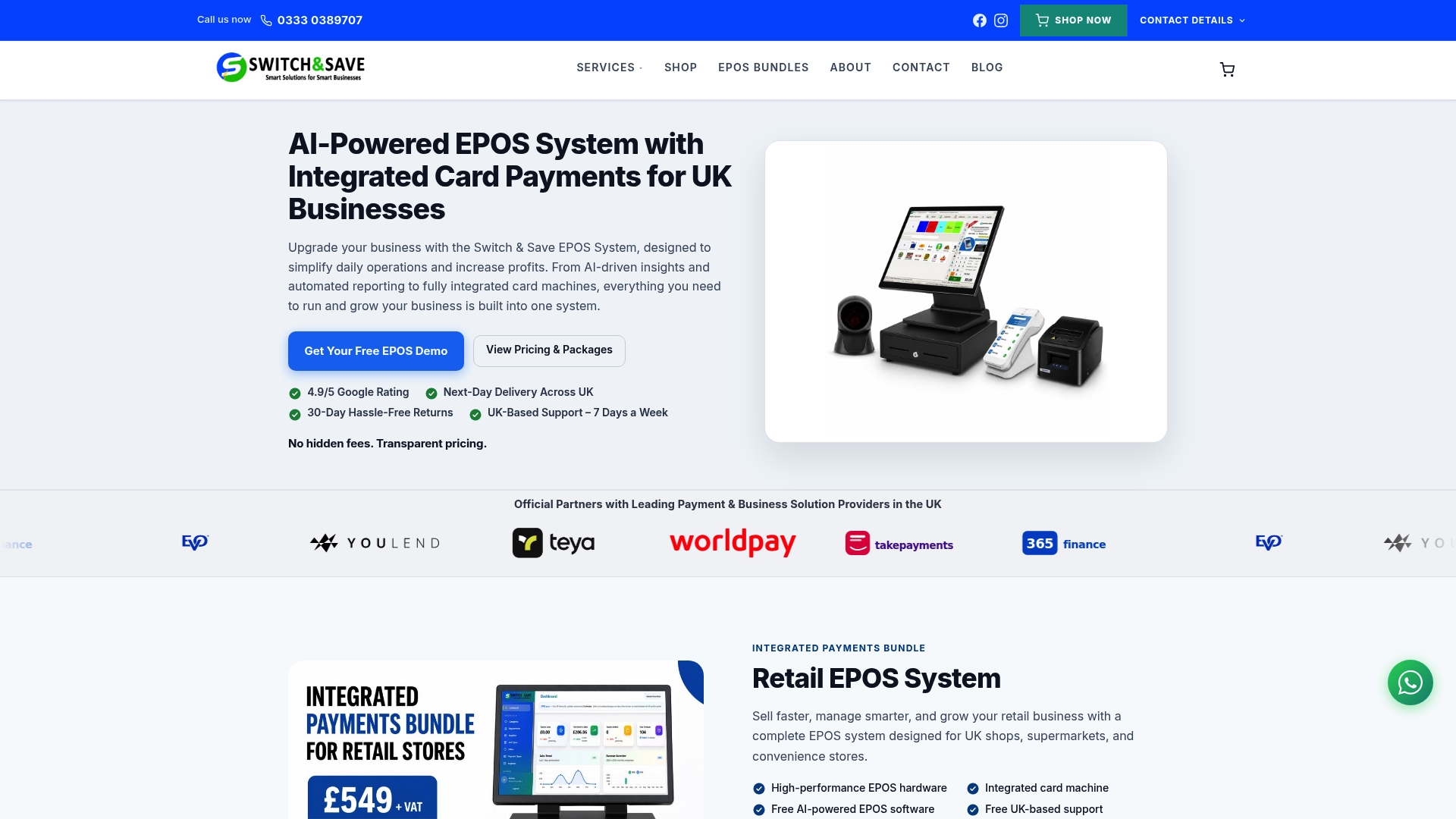
Switch-and-save provides EPOS systems for UK retail and hospitality businesses that bring together hardware, AI-powered software, and payment processing in a single, joined-up setup. Whether you run a boutique retail shop, a busy café, or a multi-site hospitality operation, the system is designed to handle fast transactions, real-time reporting, and accurate reconciliation without the manual work.
Browse the full range of EPOS systems and packages to find the right fit for your business, or explore the SSPOS software that ties your payment processing and sales data together in one cloud dashboard. Free demos and UK-based support are available, so you can see exactly what you are getting before you commit.
FAQ
What is payment processing in simple terms?
Payment processing is the end-to-end system that handles a transaction from the moment a customer pays to the moment funds reach your business account. It involves authorisation, clearing, and settlement, carried out by payment processors, gateways, and banks working together.
How does payment processing work for card payments?
When a customer pays by card, the payment gateway securely transmits the card data to the processor, which routes it to the card network and the customer’s issuing bank for authorisation. Once approved, the transaction clears and funds are settled into your merchant account, typically within 1 to 3 business days.
What is the difference between a payment gateway and a payment processor?
A payment gateway captures and encrypts card data at the point of entry and passes it to the processor. The payment processor then routes that data to the relevant banks to authorise and settle the transaction. Both roles are distinct, even when offered by the same provider.
What fees should I expect from payment processing services?
Most payment processors charge a per-transaction fee, a percentage of each sale, or a combination of both. Additional charges can include monthly service fees, chargeback fees, and currency conversion costs. Always review the full fee schedule before choosing a provider.
How do I choose the right payment processor for my business?
Focus on settlement speed, fee structure, PCI DSS compliance, integration with your EPOS system, and the quality of customer support. For UK retail and hospitality businesses, choosing a processor that connects directly with your point-of-sale software removes the biggest source of reconciliation errors.