Restaurant management software is a digital platform that centralises key operational tasks, including inventory, sales, scheduling, and analytics, into a single system that gives restaurant owners and managers real-time control over their business. The industry has moved well beyond basic point-of-sale terminals. Modern platforms now combine AI-powered automation with cloud-based dashboards, enabling you to monitor costs, track stock, and forecast demand from anywhere. For UK hospitality businesses facing tight margins and rising labour costs, choosing the right restaurant management software is one of the most consequential operational decisions you will make.
What are the essential features of restaurant management software?
The best restaurant management software integrates several core modules into one connected system. Each module addresses a specific operational pain point, and together they give you a complete picture of your business.
- Inventory management: Tracks stock levels in real time, flags low quantities, and automates purchase orders. AI-driven inventory control reduces waste by suggesting orders based on actual usage patterns and supplier pricing, rather than guesswork.
- POS integration: Connects your front-of-house sales data directly to back-office reporting. Understanding the difference between POS and EPOS matters here, as EPOS systems typically offer deeper software integration for hospitality environments.
- Staff scheduling and labour management: Generates rotas based on forecasted covers, tracks hours, and flags overtime. This replaces spreadsheets that are slow to update and easy to get wrong.
- Sales and order tracking: Records every transaction, table turn, and modifier in real time. This data feeds directly into your cost-of-goods-sold (COGS) calculations.
- Analytics and reporting dashboards: Surfaces trends in revenue, waste, and labour costs. Predictive KPI tracking lets you act on problems before they show up in your monthly accounts.
- AI-driven insights: Identifies patterns in sales and inventory data that would take hours to find manually. The system flags anomalies, such as a sudden spike in food waste on a particular shift, and prompts you to investigate.
Pro Tip: Before you buy any platform, list the three operational problems costing you the most time or money each week. Use that list to score every software demo you attend.
A modular approach to restaurant operations software is worth considering if your budget is tight. Some platforms let you start with core POS and inventory features, then add scheduling or analytics as your business grows.

How does restaurant management software improve operational efficiency?
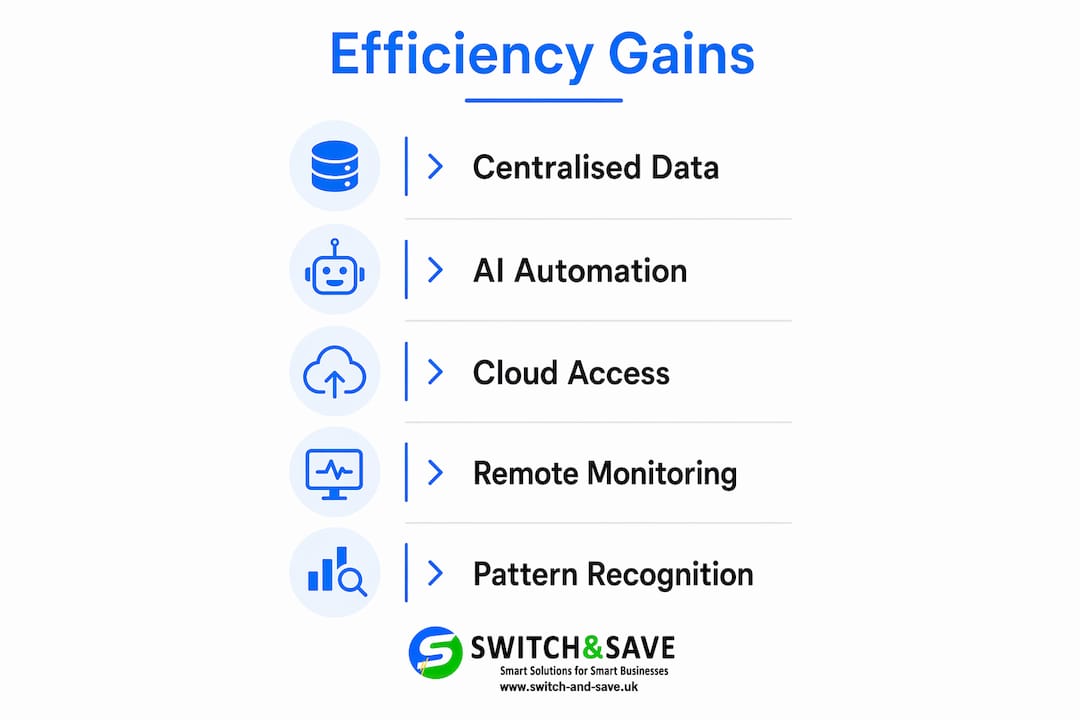
Centralised data is the single biggest efficiency gain a restaurant management platform delivers. When your sales, stock, and labour data all live in one place, you stop wasting time reconciling figures from three separate systems at the end of each week.
Manual processes cause errors and delays that compound over time. A missed stock count leads to an inaccurate order, which leads to either waste or a stockout during service. Automating inventory counts, purchase orders, and schedule generation removes those failure points and frees your team to focus on the customer experience.
Real-time visibility changes how you make decisions. Consider these practical gains:
- You see a lunch service running 15% below forecast and adjust prep quantities for the evening sitting.
- Your system flags that a supplier’s price for chicken breast has risen, prompting you to review the dish’s margin before the next menu print.
- Labour cost as a percentage of revenue appears on your dashboard by the hour, not just at month end.
AI-powered systems act as force multipliers by automating pattern recognition in sales and inventory data. That work previously took hours of manual spreadsheet analysis. The key point is that AI enhances your decision-making rather than replacing your judgement. A good platform surfaces the insight; you decide what to do with it.
Cloud-based restaurant POS systems add another layer of efficiency by enabling remote monitoring. If you manage multiple sites, you can compare performance across locations from a single dashboard without visiting each venue. That visibility is particularly valuable for growing UK hospitality groups.
What are the common challenges when implementing restaurant software?
Implementation is where most restaurant owners underestimate the work involved. The technology itself is rarely the problem. The setup is.
- Data mapping takes longer than expected. Accurate input of recipes, sub-recipes, modifiers, and prep cycles is the foundation of reliable inventory and cost reporting. Skip this step or rush it, and your theoretical usage reports will never match your actual stock counts. The gap between those two numbers is where profit disappears.
- Integration with existing systems requires planning. Your new platform needs to talk to your payment processor, your accounting software, and potentially your online ordering provider. Map out every integration before you sign a contract, not after.
- Staff training is non-negotiable. A system your team does not use correctly produces bad data. Bad data produces bad decisions. Budget for proper onboarding time, not just a one-hour walkthrough on launch day.
- Modular pricing can catch you out. Many platforms advertise a low entry price, then charge separately for inventory, scheduling, and analytics modules. Calculate the full cost of the feature set you actually need before comparing prices.
- Vendor support quality varies significantly. UK-based support matters when something goes wrong during a Friday evening service. Ask vendors specifically about their support hours and response times before committing.
Pro Tip: Run a parallel period of two to four weeks where you operate both your old system and the new one simultaneously. This lets you catch data discrepancies before they affect your accounts.
The initial data mapping phase is the step most commonly underestimated. Treat it as a project in its own right, assign a member of your management team to own it, and set a realistic timeline.
How to select the right restaurant management software for your business
Choosing the right hospitality management software starts with an honest assessment of your current operation. A 20-cover neighbourhood bistro has different needs from a 200-cover multi-site group.
Work through these criteria before you evaluate any platform:
- Business size and complexity: Single-site operators can often use entry-level platforms with core POS and basic inventory features. Multi-site businesses need centralised dashboards, role-based access, and consolidated reporting.
- Feature priorities: Rank the modules you need now versus those you might need in 12 months. Paying for features you will not use for a year is money better spent elsewhere.
- Cloud versus on-premise: Cloud solutions offer remote access, automatic updates, and easier scaling. On-premise systems give you more control over data but require local IT support.
- AI capabilities: Look for platforms where AI features are built into the core product, not bolted on as an expensive add-on. Predictive analytics and smart inventory tools should be standard in any platform you consider for 2026.
- Data security: Your system holds customer payment data and business financials. Confirm the vendor’s compliance with UK GDPR and their data breach response procedures.
- Scalability: The platform you choose today should still serve you when your turnover doubles. Ask vendors directly how their pricing changes as you add locations or users.
- Demos and reviews: Always attend a live demo with your own operational scenarios, not the vendor’s scripted walkthrough. Read reviews from UK hospitality businesses specifically, as regulatory and payment requirements differ from other markets.
Selecting restaurant management software requires careful assessment of compatibility, AI capabilities, and vendor support to deliver long-term value. Modular pricing and free demos help you balance cost against the features your operation genuinely needs.
Pro Tip: Ask every vendor for a reference from a UK restaurant of similar size to yours. A 20-minute call with an existing customer tells you more than any sales presentation.
Understanding modern POS system features is a useful starting point before you begin vendor conversations, as it gives you a baseline for what to expect from any credible platform in 2026.
Key takeaways
Effective restaurant management software centralises inventory, sales, labour, and analytics into one platform, giving restaurant owners real-time control and AI-powered insights that reduce costs and improve decision-making.
| Point | Details |
|---|---|
| Centralised data drives efficiency | Connecting sales, stock, and labour in one system eliminates reconciliation errors and saves management time. |
| Data mapping determines accuracy | Correctly inputting recipes, modifiers, and prep cycles at setup is the foundation of reliable cost reporting. |
| AI assists, not replaces | AI automates pattern recognition in sales and inventory data, enhancing your decisions rather than making them for you. |
| Cloud platforms suit growing businesses | Remote access and automatic updates make cloud-based systems the practical choice for multi-site UK operators. |
| Assess before you buy | Score platforms against your three biggest operational problems and always attend a live demo with your own scenarios. |
Where AI fits in restaurant software: an honest view
I have spent a long time watching restaurant owners buy software that solves the wrong problem. They invest in a feature-rich platform, spend weeks on setup, and then use about 30% of what they paid for. The gap between what software promises and what operators actually adopt is the real challenge in this industry.
The AI conversation is where I see the most confusion. Restaurant owners either dismiss it entirely, assuming it is too complex for their operation, or they expect it to run the business for them. Neither view is accurate. AI-powered systems are genuinely useful for pattern recognition in sales and inventory data. They surface insights that would take a manager hours to find manually. But they do not replace the experienced chef who knows that a rainy Tuesday always kills covers, or the floor manager who can read a table’s mood before taking the order.
The businesses I see getting the most from their restaurant operations software are the ones that treat it as a management aid, not a management replacement. They use the data to have better conversations with their team, not to avoid those conversations altogether. They review their dashboards weekly, act on the alerts the system generates, and update their recipe data every time a menu changes.
My honest advice: start simpler than you think you need to. Get your inventory and POS data connected and accurate first. Once that foundation is solid, layer in scheduling, analytics, and AI features. Trying to implement everything at once is the fastest route to a system nobody trusts.
— Amir
Switch-and-save EPOS solutions for restaurant operators
Running a restaurant efficiently starts with the right hardware and software working together from day one.
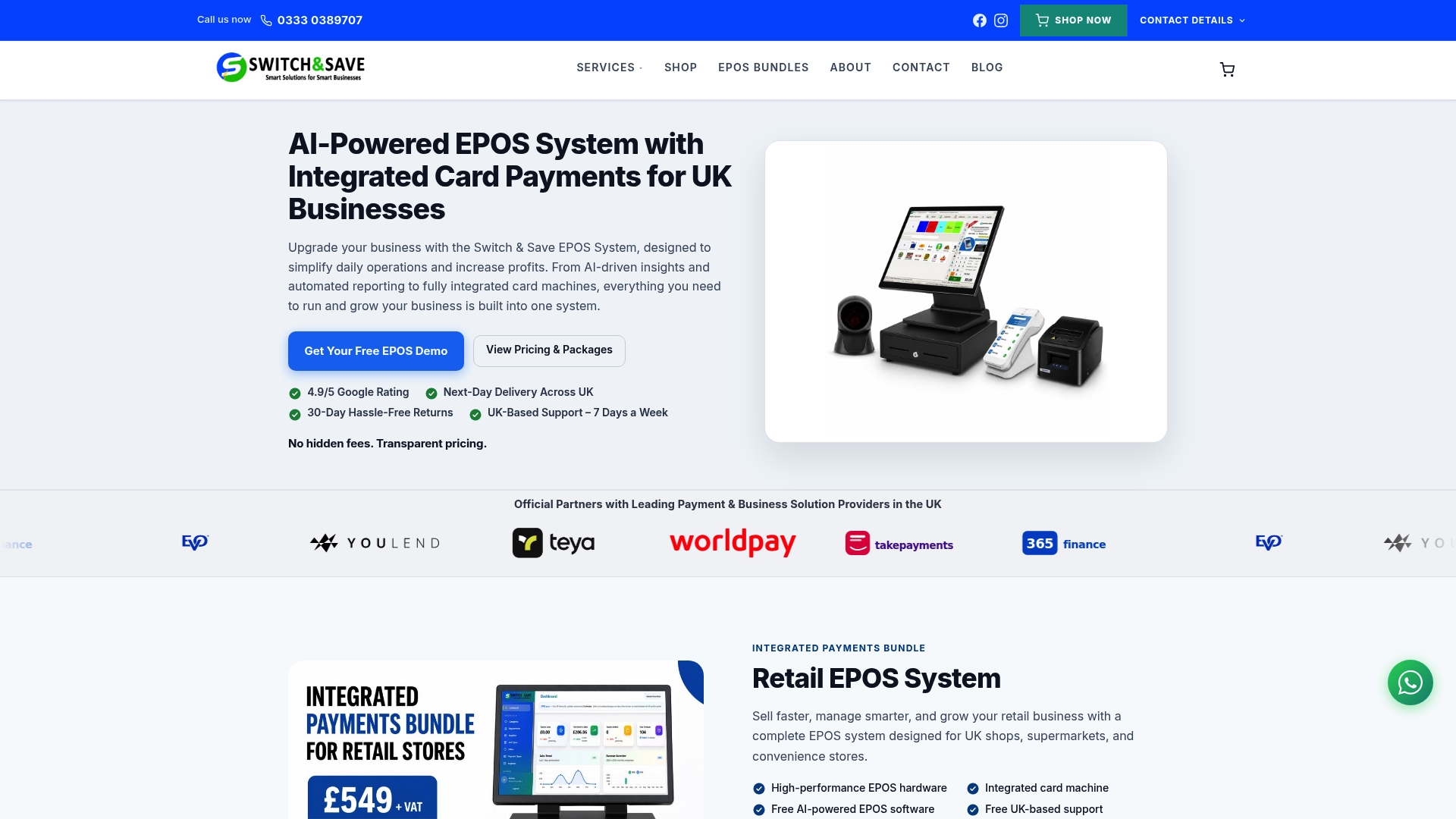
Switch-and-save offers hospitality EPOS systems built specifically for UK restaurant and foodservice businesses, combining AI-powered software with integrated payment processing and real-time inventory management. The hospitality EPOS bundle brings together hardware and software in a single package, removing the complexity of sourcing components separately. Packages are modular, so you pay for what your operation needs now and add features as you grow. UK-based support is available, and free demos let you test the system against your own operational scenarios before committing. Browse EPOS systems to find the right fit for your restaurant.
FAQ
What is restaurant management software?
Restaurant management software is a digital platform that centralises inventory, sales, scheduling, and analytics into one system. It gives restaurant owners and managers real-time visibility over operations and costs.
How does AI improve restaurant operations software?
AI automates pattern recognition in sales and inventory data, flagging anomalies and forecasting demand far faster than manual analysis. It enhances management decisions rather than replacing the people making them.
What is the biggest mistake when implementing restaurant software?
Rushing the initial data mapping of recipes, modifiers, and prep cycles is the most common error. Inaccurate setup leads to persistent gaps between theoretical and actual inventory figures, which distorts your cost reporting.
Should I choose a cloud-based or on-premise system?
Cloud-based systems suit most UK restaurant operators because they offer remote access, automatic updates, and easier scaling across multiple sites. On-premise systems require local IT support and are harder to update.
How do I know which features I actually need?
List the three operational problems costing you the most time or money each week, then score every platform against those specific issues. Attend a live demo using your own scenarios, not the vendor’s scripted presentation.