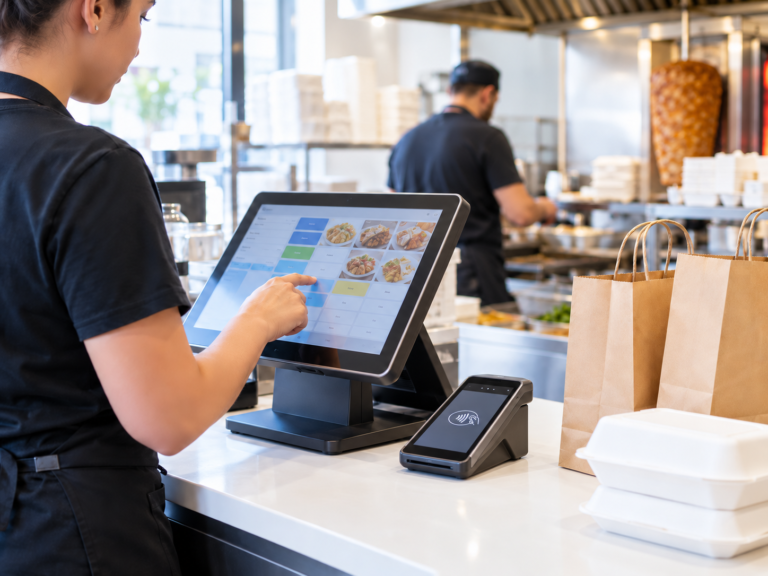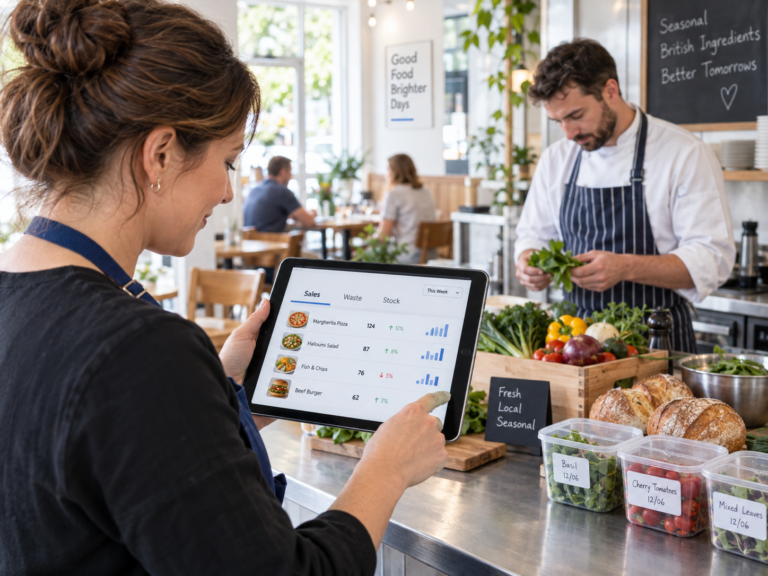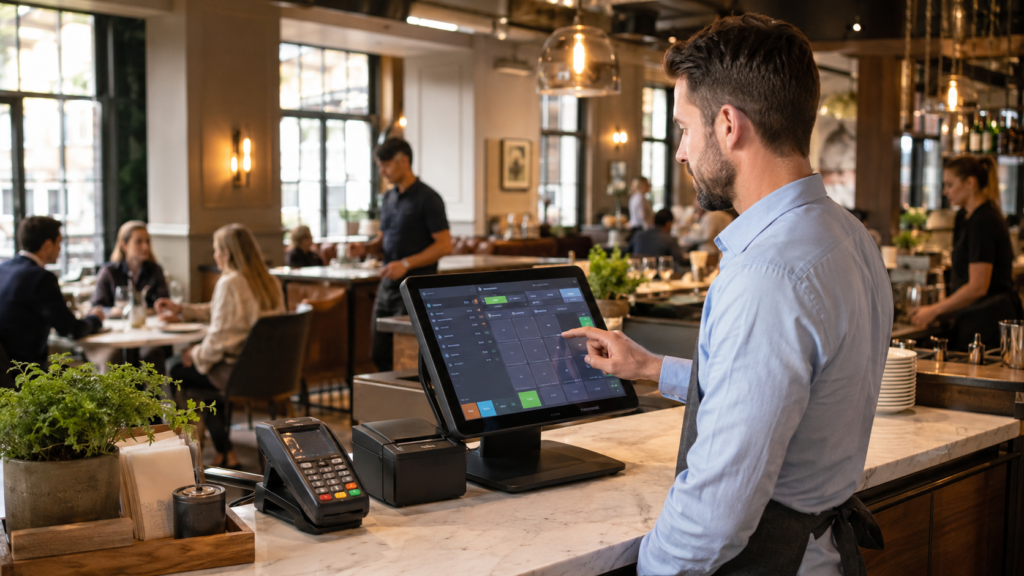
The most important restaurant POS system features every manager should know about are fast order taking, table management, integrated card payments, kitchen order routing, stock tracking, staff permissions, real-time sales reports, customer loyalty tools, online ordering integrations, and secure end-of-day reporting.
A modern restaurant POS system is no longer just a till. It helps managers control orders, payments, stock, staff performance, customer service and daily cash flow from one connected platform. For UK restaurants, cafés, takeaways, pubs and fast-food businesses, the right POS features can reduce mistakes, speed up service and give clearer visibility over business performance.
Switch & Save helps UK businesses reduce costs with AI-powered EPOS systems, card payment solutions and business finance. Check your savings today.
Key Takeaways
| Feature | Why It Matters for Restaurant Managers |
|---|---|
| Fast order taking | Reduces queues and improves customer service |
| Table management | Helps manage dine-in orders, covers and split bills |
| Integrated card payments | Speeds up checkout and reduces payment errors |
| Kitchen order routing | Sends orders directly to the right prep area |
| Stock control | Tracks ingredients, products and low-stock items |
| Sales reporting | Shows best sellers, busy times and revenue trends |
| Staff permissions | Protects sensitive actions like refunds and discounts |
| Customer loyalty | Encourages repeat visits and improves retention |
| Online ordering integration | Supports takeaway, delivery and collection orders |
| End-of-day reports | Helps with cash-up, reconciliation and business control |
What Is a Restaurant POS System?
A restaurant POS system is the software and hardware used to take orders, process payments, send tickets to the kitchen, manage tables, track sales and monitor business activity.
In a simple setup, it may include a touchscreen till, receipt printer and card machine. In a more advanced setup, it can also include kitchen printers, customer displays, barcode scanning, stock control, online ordering, loyalty tools, staff permissions and reporting dashboards.
 For a full breakdown of restaurant tills and EPOS options, you can read the Switch & Save guide: Restaurant Till System: The Complete 2026 Guide.
Key POS System Features Every Restaurant Manager Should Know About
1. Fast and Accurate Order Taking
The first feature every restaurant manager should look for is quick order entry.
A good POS system should allow staff to add items, modifiers, notes and special requests without slowing down service. For example, a server should be able to select “Chicken Burger”, add “no mayo”, choose “extra cheese” and send the order to the kitchen in seconds.
This is especially useful for:
- Restaurants with table service
- Takeaways with busy evening rushes
- Cafés with breakfast and lunch peaks
- Fast-food businesses handling high order volumes
Fast order taking helps reduce staff pressure, avoids handwritten mistakes and improves the customer experience.
2. Table Management
For dine-in restaurants, table management is one of the most valuable restaurant POS system features.
It allows managers and staff to see which tables are occupied, which orders are active, which tables are waiting to pay and where bills need to be split.
Useful table features include:
- Opening and closing tables
- Moving orders between tables
- Splitting bills by item or amount
- Adding service charge
- Tracking covers
- Viewing table status
For example, if a group moves from table 6 to table 10, staff should be able to move the full order without starting again. This keeps service smooth and avoids confusion during busy shifts.
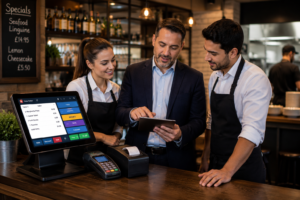
3. Menu Management
Restaurant menus change often. Prices go up, items sell out, seasonal dishes appear and promotions need updating.
A modern POS system should let managers update menu items quickly without needing technical support every time.
Important menu features include:
- Product categories
- Price changes
- Meal deals
- Modifiers and extras
- VAT settings
- Item availability
- Product images
- Kitchen routing rules
For example, a takeaway might create a “Lunch Deal” category with a burger, chips and drink combo. A café might add seasonal coffees for winter. A pub might update Sunday roast prices without changing the rest of the menu.
4. Integrated Card Payments
Integrated card payments connect your POS system directly with your card machine. This means the payment amount is sent automatically from the till to the terminal.
This helps reduce common mistakes such as entering the wrong amount manually or forgetting to mark an order as paid.
For restaurant managers, integrated payments can help with:
- Faster checkout
- Fewer payment errors
- Easier reconciliation
- Better cash-up accuracy
- Clearer transaction records
For example, if a bill is £42.80, the POS sends exactly £42.80 to the card terminal. Staff do not need to retype the amount.
Switch & Save provides card payment solutions alongside EPOS systems, helping UK restaurants and takeaways manage sales and payments from one connected setup.
5. Kitchen Printer or Kitchen Display Integration
Kitchen order routing is another important POS feature for restaurants.
When staff take an order, the POS should send it directly to the correct preparation area. Food can go to the kitchen printer, drinks can go to the bar printer and desserts can go to a separate prep station if needed.
This is useful because it reduces shouting across the restaurant, avoids lost paper notes and keeps the team organised.
Example:
A customer orders:
- 2 pizzas
- 1 portion of chips
- 1 latte
- 1 soft drink
The POS can send pizzas and chips to the kitchen, while drinks go to the bar or drinks station.
This helps each team member focus on their section.
6. Stock and Ingredient Tracking
Stock control is one of the most practical restaurant POS system features, especially for businesses with tight margins.
A POS system can help track products, ingredients and low-stock items. This makes it easier to know when to reorder and which items are selling fastest.
Useful stock features include:
- Product stock levels
- Low-stock alerts
- Supplier details
- Purchase history
- Wastage tracking
- Ingredient-level monitoring
- Stock movement reports
For example, a burger restaurant can monitor buns, patties, drinks and sides. A café can track coffee beans, milk, cups and syrups. A takeaway can monitor sauces, packaging and popular menu items.
Good stock visibility helps managers reduce waste and avoid running out of key products during peak hours.
7. Real-Time Sales Reports
Restaurant managers need clear numbers, not guesswork.
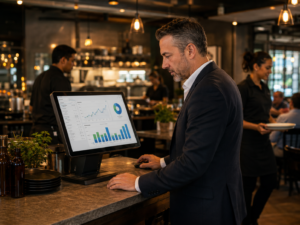
A strong POS system should show real-time reporting so you can understand what is happening in the business each day.
Key reports include:
- Daily sales
- Best-selling items
- Refunds and voids
- Payment types
- Staff sales
- Category sales
- Hourly sales
- End-of-day reports
- VAT summaries
For example, if Friday evening sales are strong but Monday lunch is weak, you can plan staff rota, offers and stock ordering more accurately.
Real-time reporting also helps business owners who are not always on-site. They can check performance without calling the manager every few hours.
8. Staff Permissions and Manager Controls
Not every staff member should have access to every POS function.
A secure restaurant POS system should allow managers to control permissions by role.
For example:
| Staff Role | Access Level |
|---|---|
| Waiter | Take orders, print bills |
| Cashier | Take payments, issue receipts |
| Supervisor | Apply discounts, handle minor refunds |
| Manager | Full access, reports, staff settings |
| Owner | Business-wide control and admin access |
This protects the business from accidental mistakes and unauthorised actions. It also creates accountability because actions can be linked to staff users.
Common controlled actions include:
- Refunds
- Voids
- Discounts
- Price changes
- Cash drawer opening
- End-of-day reports
- Settings changes
9. Customer Loyalty and Repeat Order Features
Customer loyalty tools help restaurants bring people back.
A POS system may allow you to store customer details, track spending, apply loyalty points or offer repeat customer promotions.
This is helpful for:
- Cafés offering coffee loyalty
- Takeaways remembering regular customers
- Restaurants promoting birthday offers
- Dessert shops encouraging repeat visits
- Mobile food businesses building customer lists
For example, a café could offer “buy 9 coffees, get the 10th free.” A takeaway could store customer order history so staff can quickly repeat a regular order.
The goal is simple: make customers feel recognised and make repeat sales easier.
10. Online Ordering and Delivery Integration
Many restaurants now manage dine-in, takeaway, collection and delivery at the same time.
A good restaurant POS system should support online ordering workflows or integrate with relevant ordering channels, depending on the business setup.
Useful features include:
- Online collection orders
- Delivery order management
- Order status updates
- Customer details
- Kitchen routing
- Payment tracking
- Menu syncing
For example, a pizza shop may take walk-in orders, phone orders and online collection orders during the same evening. A connected POS system helps keep these orders organised instead of relying on separate notes, apps or paper tickets.
Why POS Features Matter for UK Restaurants
Restaurant managers in the UK deal with rising costs, staff shortages, customer expectations and busy service periods. The right POS system can help bring control to daily operations.
The value is not just in taking payments. The value is in connecting the front of house, kitchen, stock, staff and reports.
For a deeper comparison of hospitality EPOS options, see the Switch & Save guide: 5 Best Hospitality EPOS Systems According to Users.
How to Choose the Right Restaurant POS System
When comparing POS systems, restaurant managers should focus on the features they actually need, not just the longest feature list.
Ask These Questions Before Choosing
- Does it support table service, takeaway or both?
- Can it integrate with card payments?
- Can orders go directly to the kitchen?
- Does it support discounts, offers and modifiers?
- Can managers view daily reports easily?
- Does it help with stock control?
- Can staff permissions be customised?
- Is support available for setup and training?
- Is the system suitable for UK hospitality businesses?
- Can the system grow with the business?
A small café may need simple order taking, card payments and reports. A busy restaurant may need table plans, kitchen printers, staff permissions and detailed reporting. A takeaway may need fast order entry, customer records and delivery workflow support.
Why Choose Switch & Save?
Switch & Save is a UK-based provider of AI-powered EPOS systems, card payment solutions and business finance.
For restaurant managers, this means you can get support beyond the till. Switch & Save helps businesses look at the wider cost of running their operation, including EPOS, payments, finance and utilities.
Switch & Save can support:
- Restaurant EPOS systems
- Hospitality till systems
- Card payment solutions
- Business finance options
- Cost-saving reviews
- EPOS setup guidance
Whether you run a restaurant, café, takeaway, bar, grocery shop or mobile food business, the aim is to help you reduce costs, improve efficiency and manage daily operations with more confidence.
Switch & Save helps UK businesses reduce costs with AI-powered EPOS systems, card payment solutions and business finance.
FAQ
What are the most important restaurant POS system features?
The most important features are fast order taking, table management, integrated card payments, kitchen order routing, stock control, real-time reporting, staff permissions, loyalty tools and end-of-day reporting.
What is the difference between a POS system and an EPOS system?
A POS system usually refers to the point where sales are processed. EPOS stands for Electronic Point of Sale and often includes more advanced features such as reporting, stock control, integrations, staff management and digital order handling.
Do restaurants need integrated card payments?
Integrated card payments are highly useful for restaurants because they reduce manual entry errors, speed up checkout and make reconciliation easier at the end of the day.
Can a POS system help reduce restaurant mistakes?
Yes. A POS system can reduce mistakes by sending clear orders to the kitchen, applying correct prices, managing modifiers, tracking payments and linking actions to staff users.
Is stock control important in a restaurant POS system?
Yes. Stock control helps managers track ingredients, products, wastage and low-stock items. This can help reduce waste and avoid running out of popular menu items.
Can a restaurant POS system manage takeaway and delivery orders?
Many modern restaurant POS systems can support takeaway, collection and delivery workflows. Some systems also integrate with online ordering platforms or website ordering tools.
What reports should a restaurant POS system include?
A good system should include daily sales, best sellers, payment summaries, refunds, voids, VAT reports, staff sales, category reports and end-of-day reports.
Is Switch & Save suitable for small restaurants and takeaways?
Yes. Switch & Save supports UK restaurants, cafés, takeaways, bars, grocery shops and other small businesses with EPOS systems, card payment solutions, business finance and cost-saving services.