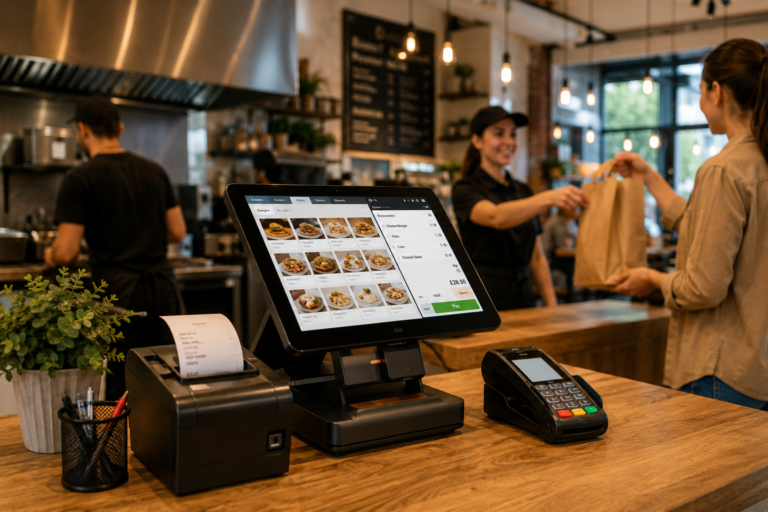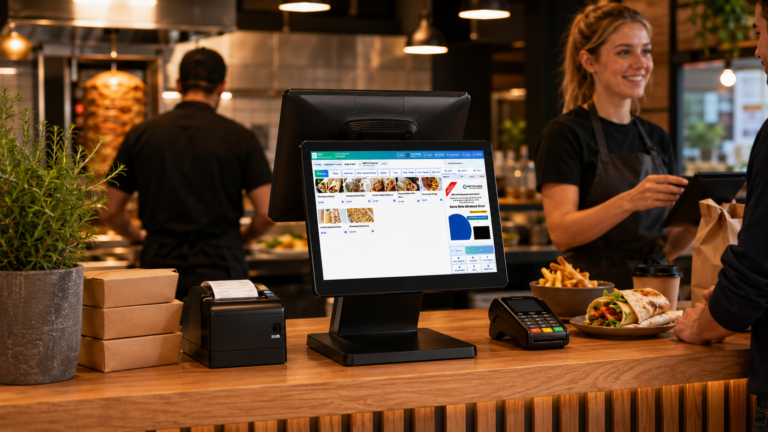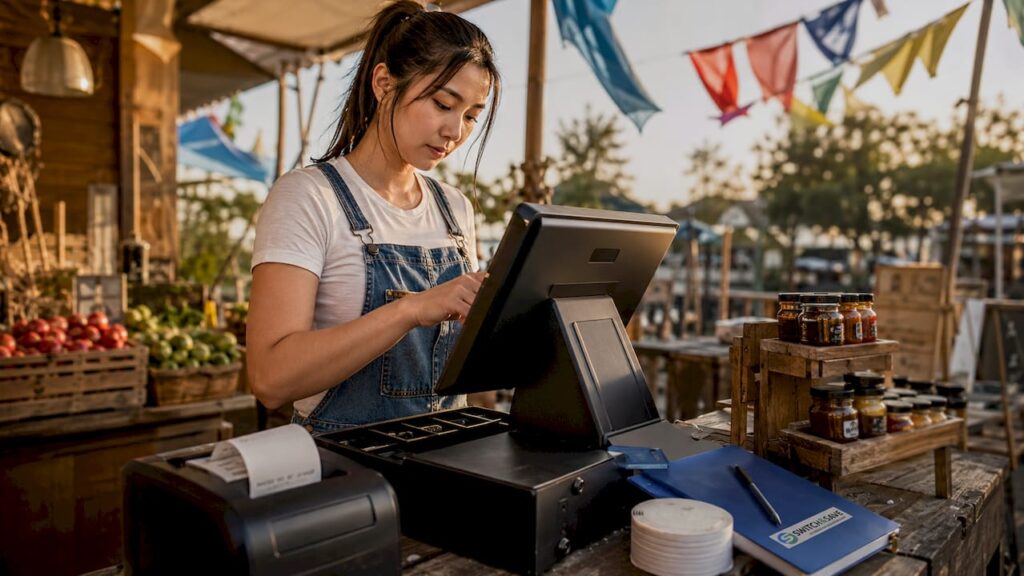
A restaurant till system is a combined hardware and software solution that manages sales transactions, orders, inventory, and payments in one place. The industry term for this is an EPOS system, short for Electronic Point of Sale. Modern EPOS systems go far beyond a basic cash register. They integrate orders, kitchen displays, inventory, and payment processing into a single platform, giving restaurant owners and managers a clear picture of their business at any moment. Switch-and-save supplies these systems to UK hospitality businesses, combining AI-powered software with reliable hardware and local support.
What does a restaurant till system actually do?
A restaurant till system handles far more than taking payments. It unifies table orders, kitchen communication, split bills, and reporting in one interface, reducing the back-and-forth between front and back of house. That means fewer order errors, faster service, and a cleaner end-of-day reconciliation.
The core functions you can expect from a modern EPOS system include:
- Transaction processing: Accepts card, contactless, and cash payments quickly and accurately.
- Order management: Sends orders directly to the kitchen or bar, reducing verbal handoffs.
- Inventory tracking: Updates stock levels in real time as items are sold.
- Staff management: Logs hours, tracks individual sales, and supports scheduling.
- Reporting and analytics: Produces daily sales summaries, best-seller reports, and margin data.
Understanding POS software basics helps you see why these functions matter together, not in isolation. A system that handles payments but cannot track stock leaves you guessing at reorder points. One that tracks stock but cannot report on margins leaves money on the table.
Essential features to look for in a modern till system
The right features depend on your service style, but certain capabilities are non-negotiable for any restaurant environment.
Real-time inventory management prevents you from selling items you no longer have. When a dish sells out, the system removes it from the menu automatically. That protects your reputation and saves your staff from awkward conversations at the table.
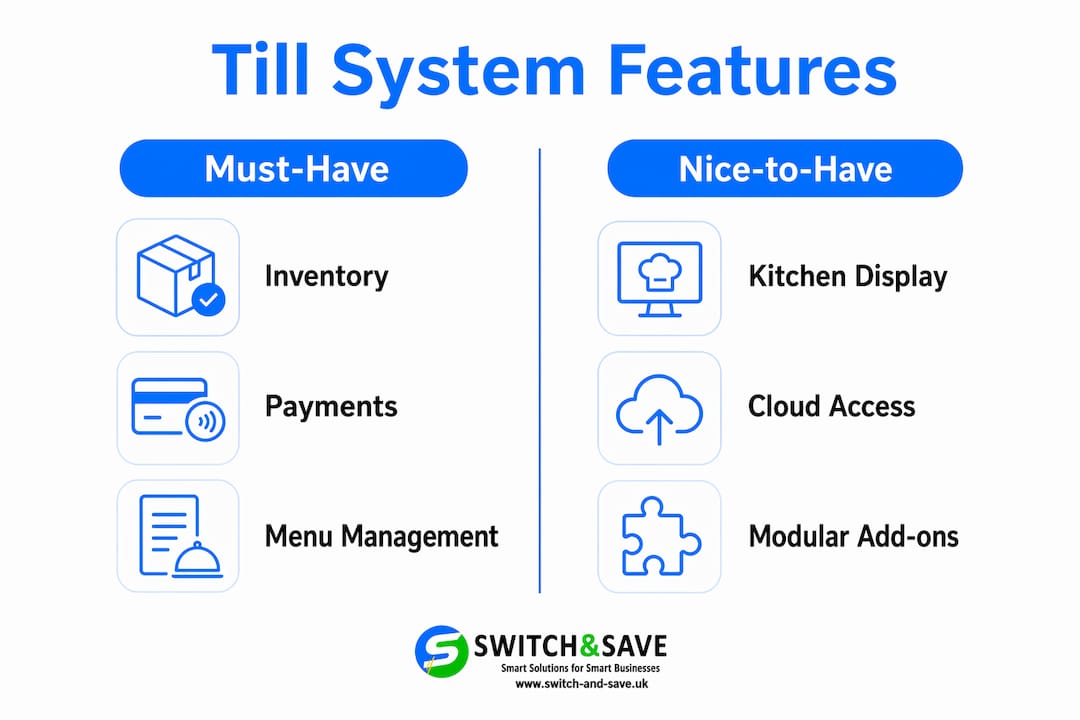
Kitchen display system (KDS) integration replaces paper tickets with a digital screen in the kitchen. Orders appear the moment a server enters them at the till. This cuts preparation errors and speeds up ticket times during a busy service.
Menu management and item modifiers are features restaurants specifically require alongside fast ordering, tipping options, and table mapping. A burger with twelve customisation options needs a system that handles modifiers cleanly, not one that forces workarounds.
Integrated card payments remove the need for a separate card terminal. When the till and the card reader communicate directly, split bills become straightforward and end-of-day reconciliation takes minutes rather than an hour. You can read more about card payment integration and how to set it up for your venue.
Cloud-based accessibility lets you check sales figures, update menus, and manage staff from any device with an internet connection. This matters most if you run more than one site or if you want to monitor performance without being on the premises.
Pro Tip: Prioritise systems with modular features. Start with the core functions you need now and add modules such as loyalty programmes or online ordering as your business grows. Paying for features you do not use yet is a common and avoidable mistake.
Security and data protection deserve attention too. Your till system stores customer payment data and business financials. Choose a system that complies with PCI DSS standards and offers regular software updates to close security vulnerabilities.
What types of restaurant till systems are available?
Not every system suits every restaurant. The four main categories differ in cost, flexibility, and the level of technical maintenance they require.
| System type | Best suited for | Key advantage | Main limitation |
|---|---|---|---|
| Cloud-based EPOS | Small to medium restaurants and cafes | Remote access, lower upfront cost | Requires reliable internet |
| On-premise EPOS | High-volume venues needing full offline capability | Works fully without internet | Higher setup cost, less flexible |
| Mobile/tablet POS | Pop-ups, food trucks, table-side ordering | Portable and low cost to start | Limited hardware options |
| Standalone cash register | Very small or low-transaction venues | Simple and cheap | No reporting or integration |
Cloud-based POS systems dominate small and medium hospitality businesses because of lower upfront costs and remote management. They run on desktops, tablets, and smartphones without dedicated installed software. The trade-off is internet dependency, though most modern cloud systems include a fallback mode that stores transactions locally until connectivity returns.
On-premise systems store all data locally and function fully without internet. They suit venues where connectivity is unreliable or where the volume of transactions makes any downtime unacceptable. The cost and maintenance burden is higher, and remote access is limited.
Mobile and tablet POS solutions work well for table-side ordering in casual dining or for venues that need flexibility. They are lighter on features than a full EPOS setup but cost less to deploy. Many restaurant owners use them alongside a fixed till rather than as a replacement.
Standalone cash registers offer the simplest entry point but provide no real reporting, no inventory tracking, and no kitchen integration. For any restaurant with more than a handful of daily transactions, the limitations quickly outweigh the low price.
The benefits of cloud-based restaurant POS are worth reviewing if you are weighing up whether a cloud system fits your operation.
How to choose and implement the right till system
Choosing the wrong system costs more than the price of the hardware. A poor fit means retraining staff, losing data, and potentially replacing the whole setup within a year. Follow these steps to get it right the first time.
- Assess your operation. Write down your table count, average covers per service, menu complexity, and whether you take delivery orders. A 12-seat café has different needs from a 60-cover restaurant with a full bar.
- List the features you cannot work without. Kitchen display integration, split billing, and loyalty programmes are common priorities. Rank them so you can compare systems against your actual requirements rather than a generic checklist.
- Check hardware compatibility. If you already own receipt printers or card readers, confirm they work with the software you are considering. Replacing working hardware adds unnecessary cost.
- Plan your payment processing. Effective till system implementation requires planning integrations with payment processors and kitchen displays from the start. Bolting these on afterwards creates gaps in your reporting.
- Train your staff before going live. Run practice sessions using real menu items and realistic order scenarios. Staff who are confident on the system make fewer errors and serve customers faster.
- Test every workflow before opening day. Process a full table cycle from seating to payment. Check that kitchen tickets print correctly, that split bills calculate accurately, and that your end-of-day report matches your test transactions.
- Go live during a quiet period. Launching during your busiest service is the single most common implementation mistake. Choose a Monday lunch or a quiet midweek session to iron out any issues without pressure.
Pro Tip: Ask your supplier for a demo using your actual menu data. Generic demos look impressive but may hide limitations that only appear with your specific item modifiers, pricing tiers, or table layout.
Common mistakes to avoid include ignoring scalability, skipping staff training, and choosing a system based on price alone. A cheaper system that lacks reporting will cost you more in missed insights than the saving on the initial purchase.
Common challenges and how to handle them
Every till system will face problems at some point. Knowing what to expect means you can resolve issues quickly rather than losing service time.
- Connectivity failures: Cloud-based systems offer fallback modes to preserve transactions temporarily, but a reliable broadband connection remains the first line of defence. Use a wired connection for your main till and keep a mobile data backup for emergencies.
- User errors: Incorrect item entries, missed modifiers, and accidental voids are the most common source of till discrepancies. Regular short training sessions, not just one-off onboarding, reduce these errors over time.
- Hardware failures: Receipt printers and card readers are the components most likely to fail under heavy use. Keep spare receipt rolls and a backup card reader on site. Know your supplier’s support line before you need it.
- Data synchronisation issues: When multiple devices share one system, a sync delay can cause duplicate orders or missing transactions. Regular software updates and daily data backups prevent most synchronisation problems from becoming serious.
- Security risks: Till systems hold payment and personal data. Weak passwords, shared logins, and outdated software are the three most common entry points for a breach. Set individual staff logins, enforce password changes quarterly, and apply software updates as soon as they are available.
- Slow system performance: A till that lags during a busy service frustrates staff and slows table turns. Monitor system performance monthly and clear old transaction data from local storage regularly.
Key takeaways
A restaurant till system delivers its full value only when the right features, system type, and implementation process are matched to the specific needs of your operation.
| Point | Details |
|---|---|
| EPOS over basic cash register | Modern EPOS systems manage orders, inventory, and payments in one place, far beyond what a cash register offers. |
| Match system type to your venue | Cloud-based suits most small to medium restaurants; on-premise suits high-volume venues needing full offline capability. |
| Plan implementation carefully | Train staff before going live and launch during a quiet period to reduce disruption and errors. |
| Integrate payments from the start | Built-in card payment integration simplifies split bills and end-of-day reconciliation significantly. |
| Maintain and update regularly | Software updates and daily backups prevent downtime, security risks, and data loss. |
What I have learnt from watching restaurants get their till system wrong
The most common mistake I see is restaurants choosing a system based on the demo rather than the day-to-day reality. A demo is always polished. It uses clean data, a simple menu, and a confident trainer. Your actual service has none of those conditions.
The restaurants that get the most from their EPOS system are the ones that spent time on their needs assessment before they ever spoke to a supplier. They knew their peak cover count, their most complex menu items, and whether their kitchen needed a display or could work with printed tickets. That clarity meant they asked better questions and spotted limitations early.
Staff training is where most implementations fall apart. One session before launch is not enough. The staff who were absent that day, the new starters who join two months later, and the menu changes that come in the following season all create gaps. The best operators I have seen treat till training as an ongoing part of induction, not a one-off event.
The other thing worth saying plainly: a till system is a business intelligence tool as much as it is a payment device. The operators who check their sales reports weekly, track their best and worst performing dishes, and use that data to adjust their menu are running noticeably tighter businesses. The data is there. Most people just do not look at it.
— Amir
Switch-and-save EPOS systems for restaurants
Running a restaurant means every minute of downtime costs you covers and revenue. Switch-and-save supplies EPOS systems built for UK hospitality businesses, combining AI-powered software with reliable hardware and UK-based installation support.

Whether you need a touchscreen POS terminal for front-of-house or a full EPOS system bundle with kitchen display integration, Switch-and-save has a package to match your operation. Local engineers handle installation, and the support team is based in the UK. You can also find your nearest local EPOS expert for a hands-on demo at your venue. Get in touch to see how Switch-and-save can fit your restaurant.
FAQ
What is a restaurant till system?
A restaurant till system, also called an EPOS system, is a combined hardware and software platform that processes payments, manages orders, tracks inventory, and produces sales reports in one place.
How does a cloud-based restaurant POS differ from on-premise?
Cloud-based systems store data remotely and allow access from any device, while on-premise systems store data locally and work fully without internet. Cloud systems cost less to set up; on-premise suits venues where connectivity is unreliable.
What features does a restaurant till system need?
Restaurants require menu management, item modifiers, table mapping, kitchen display integration, split billing, and integrated card payments. These features support both front-of-house service and back-of-house communication.
How long does it take to implement a new till system?
Most restaurant EPOS systems can be installed and configured within one to two days. Staff training and workflow testing typically add another day or two before the system is ready for live service.
Can a restaurant till system work if the internet goes down?
Most cloud-based systems include an offline fallback mode that stores transactions locally until the connection is restored. On-premise systems operate fully without internet at all times.