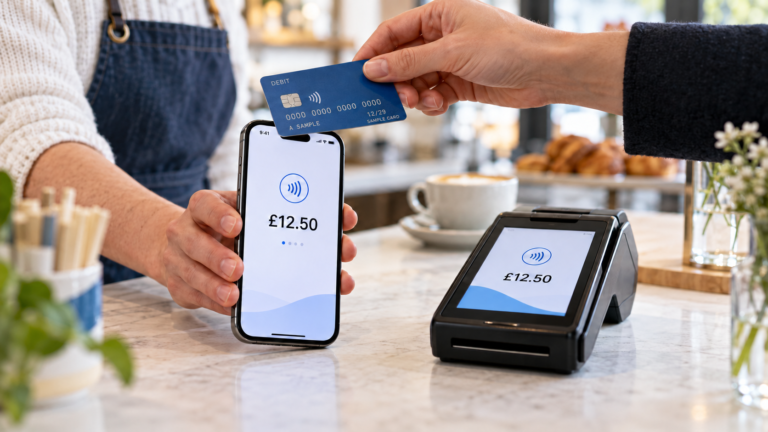
If your payment processing workflow still relies on manual data entry, spreadsheets, or chasing paper invoices, you are likely losing time and money every single week. For UK small and medium-sized businesses, a poorly designed workflow creates payment delays, reconciliation errors, and cash flow blind spots that compound quickly. This guide walks you through every stage of a well-structured payment workflow, from the foundational steps to practical automation, so you can build a process that actually works for your business.
Table of Contents
- Key takeaways
- Understanding the payment processing workflow
- Getting prepared: tools and prerequisites
- Building your optimised payment workflow
- Measuring success and fixing problems
- What I have learned from working with UK SMEs on payment workflows
- How Switch-and-save can help you take the next step
- FAQ
Key takeaways
| Point | Details |
|---|---|
| Know your workflow stages | A payment moves through six core stages, and each one is a potential point of error if left unmanaged. |
| Centralise before you automate | Getting your data and approval rules in order first makes automation far more effective and less disruptive. |
| Automate invoice capture early | Replacing manual data entry with automated invoice capture is the single fastest way to reduce processing costs. |
| Track the right metrics | Days sales outstanding and invoice cycle time reveal bottlenecks that are otherwise invisible. |
| Implement changes gradually | Rolling out new payment methods to a small group of trusted vendors first prevents supply chain disruption. |
Understanding the payment processing workflow
A payment does not simply move from customer to business account in one step. It passes through a series of stages, each involving different parties and systems. Understanding these payment processing steps is the foundation of any improvement effort.
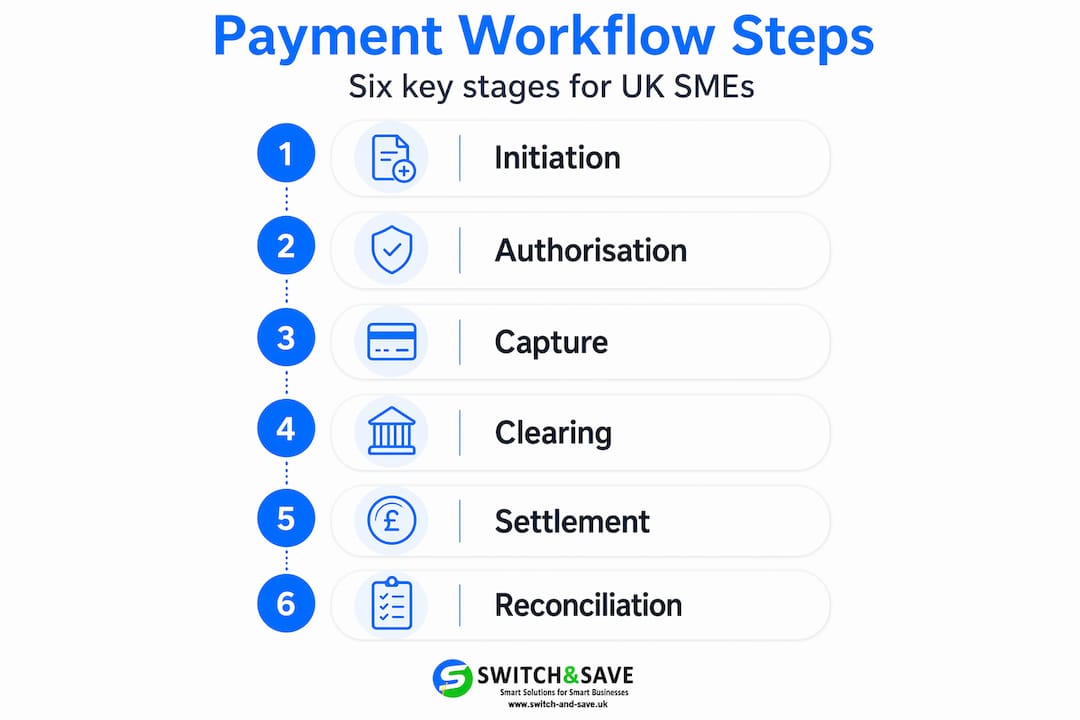
The six core stages
Here is how a typical transaction moves through the system:
- Payment initiation. The customer triggers a payment via card, bank transfer, or digital wallet.
- Authorisation. The payment gateway contacts the issuing bank, which checks available funds and approves or declines the request.
- Capture. The merchant requests the approved funds. Authorisation is not payment finality. As payment processing specialists note, settlement happens later and requires separate verification tools.
- Clearing. The payment network (Visa, Mastercard, or Bacs in the UK) facilitates the exchange of transaction data between banks.
- Settlement. Funds are transferred to the acquiring bank and then to your account. The full lifecycle typically takes 24 to 48 hours, though some settlements can take up to 3 business days depending on the banking rails used.
- Reconciliation. Your records are matched against bank statements to confirm accuracy and completeness.
Who is involved?
The actors in this process include your customer, the payment gateway, the payment processor, your acquiring bank, the customer’s issuing bank, and the payment network. Each handoff is a potential point of delay or error.
The most common bottlenecks sit at the authorisation stage (failed or duplicate requests), at capture (where delays cause authorisation expiry), and at reconciliation (where mismatched records create hours of manual work). Recognising where friction lives in your specific workflow is the first step toward fixing it.
| Stage | Typical duration | Common risk |
|---|---|---|
| Authorisation | Seconds | Declined or duplicate requests |
| Settlement | 1 to 3 business days | Delayed fund transfer |
| Reconciliation | Hours to days (manual) | Mismatched records |
Getting prepared: tools and prerequisites
Before you redesign any part of your payment workflow, you need the right foundations in place. Jumping straight to automation without sorting your data and approval rules first is a recipe for expensive problems.

Centralise your data
Your customer records, vendor details, and payment data should all live in one place. Fragmented data stored across spreadsheets, inboxes, and accounting software creates manual bridges between systems. Those bridges are where errors multiply and time disappears.
If you use an accounting package such as Xero or QuickBooks, consider whether it integrates directly with your payment gateway. If it does not, that gap is costing you time every week.
Set clear payment terms and approval rules
Standardising approval matrices early prevents invoice delays and protects supplier relationships. Before automating, document who approves what, at which spend threshold, and within what timeframe. A simple three-tier structure works well for most SMEs: team manager approval up to £500, department head up to £2,500, director above that.
Without these rules defined in advance, automated systems cannot route invoices correctly, and you end up with a digital version of the same manual chaos.
Choose the right electronic payment systems
UK SMEs have several payment channel options to consider. Bank transfers via Bacs or Faster Payments suit regular supplier payments. Card processing through a payment gateway suits retail and hospitality. Direct debit works well for recurring customer payments.
When reviewing tools, look for these features in any payment or invoicing system:
- Direct integration with your accounting software
- Automated invoice capture and validation
- Configurable approval routing
- Real-time reporting and audit trails
- UK-compliant data handling and PCI DSS certification
Pro Tip: Ask any payment software provider for a live demonstration of their reconciliation feature specifically. This is the area most commonly undersold in demos but most valuable in daily use.
Exploring payment solutions for UK retailers can help you shortlist tools suited to your sector before committing to a system.
Building your optimised payment workflow
With your data centralised and your rules documented, you are ready to build a workflow that runs with minimal manual input. Here is a practical, step-by-step approach.
-
Automate invoice capture. Replace manual data entry with optical character recognition (OCR) software or a dedicated accounts payable platform. AI-powered invoice automation can reduce processing costs to under £4 per invoice and cut processing time by up to 80%. That is a significant saving if you handle dozens of invoices each week.
-
Set up automated approval routing. Configure your system to route invoices automatically based on the approval rules you documented in the preparation stage. Invoices above certain thresholds go to the right person without anyone having to forward an email.
-
Schedule payments in batches. Rather than processing individual payments as they arrive, schedule weekly or twice-weekly payment runs aligned to your cash flow cycles and supplier payment terms. This gives you better visibility of outgoing funds and reduces bank fees.
-
Enable real-time status notifications. Modern ecommerce workflows use asynchronous webhooks to push payment status updates without manual checking. Status updates can reflect within one hour of payment receipt. Your team should not need to log in to three different systems to find out whether a supplier has been paid.
-
Automate bank reconciliation. Connect your payment gateway directly to your accounting software so transactions are matched automatically. Embedding the payment lifecycle into your ERP transforms your finance function from a data-entry operation to one focused on cash flow analysis.
-
Introduce vendor payment changes gradually. Phased supplier adoption, starting with a small trusted group, avoids supply chain disruptions and allows you to test the workflow before full rollout. Switching ten suppliers to a new payment method simultaneously is a risk. Switching two is a trial.
Pro Tip: When implementing payment workflow automation, start with your highest-volume, lowest-complexity invoice type. Quick wins build confidence among staff and demonstrate value before you tackle more complex payment scenarios.
You can also explore automated workflow examples for ecommerce to see how businesses in similar sectors have structured their automation for maximum efficiency.
Measuring success and fixing problems
Building an optimised workflow is not a one-time task. You need to monitor it, measure it, and adjust it when something goes wrong. This is where many businesses stop short, and where the real gains are often left on the table.
Metrics worth tracking
These are the numbers that tell you whether your payment workflow is actually working:
- Days sales outstanding (DSO). How long does it take to collect payment after an invoice is issued? A rising DSO signals a collection problem.
- Invoice cycle time. The time from invoice receipt to payment. Aim to reduce this month on month after automation is in place.
- Error rate. How often do invoices require correction or resubmission? Even a 2% error rate across hundreds of invoices becomes a significant workload.
- Revised invoice rate. The percentage of invoices that are sent back for amendment. High numbers here often point to unclear payment terms or poor supplier data quality.
Common problems and practical fixes
| Problem | Likely cause | Fix |
|---|---|---|
| Delayed payments | No approval routing | Implement automated escalation rules |
| Reconciliation mismatches | Unlinked authorisations and settlements | Build a reconciliation spine linking all transaction stages |
| Lost invoices | Email-based approval process | Centralise in a dedicated AP platform |
| Staff errors in data entry | Manual input | Automate capture with OCR or AP software |
Continuous improvement
Set a monthly review of your workflow metrics. Include your accounts and operations teams so that problems are spotted early. Fragmented payment processes create friction that reduces both security and efficiency. A unified view of your transactions, combined with regular reporting, is what turns a functional workflow into a genuinely high-performing one.
What I have learned from working with UK SMEs on payment workflows
Over the years, I have seen one pattern repeat itself with remarkable consistency. Business owners invest in accounting software, set up a payment gateway, and assume the workflow will sort itself out. It never does.
The hidden cost is not the time spent processing payments. It is the time spent fixing the gaps between systems. A business that processes 200 invoices a month and spends ten minutes per invoice on manual reconciliation is losing over 33 hours every month to a problem that is entirely solvable.
What I have found works is treating the payment process as a single, connected system rather than a collection of separate tools. When authorisation, settlement, and reconciliation are all visible in one place, problems surface in minutes rather than weeks. When they live in separate spreadsheets and inboxes, revenue leakage can go unnoticed for months.
The other mistake I see regularly is businesses trying to change everything at once. Switching your entire vendor payment method overnight, restructuring your approval process, and implementing new software simultaneously creates confusion and resistance. Gradual implementation is not timidity. It is common sense.
The businesses I have seen get this right treat payment workflow automation as an ongoing programme, not a project with an end date. They review their metrics, they train their staff, and they adjust as their business grows. That approach pays off consistently.
— Amir
How Switch-and-save can help you take the next step
If you are ready to move beyond manual payment handling, Switch-and-save offers EPOS systems and software bundles built specifically for UK retail and hospitality businesses. Every system is designed to connect payment processing directly with your sales data and stock management, removing the manual bridges that slow your finance team down.
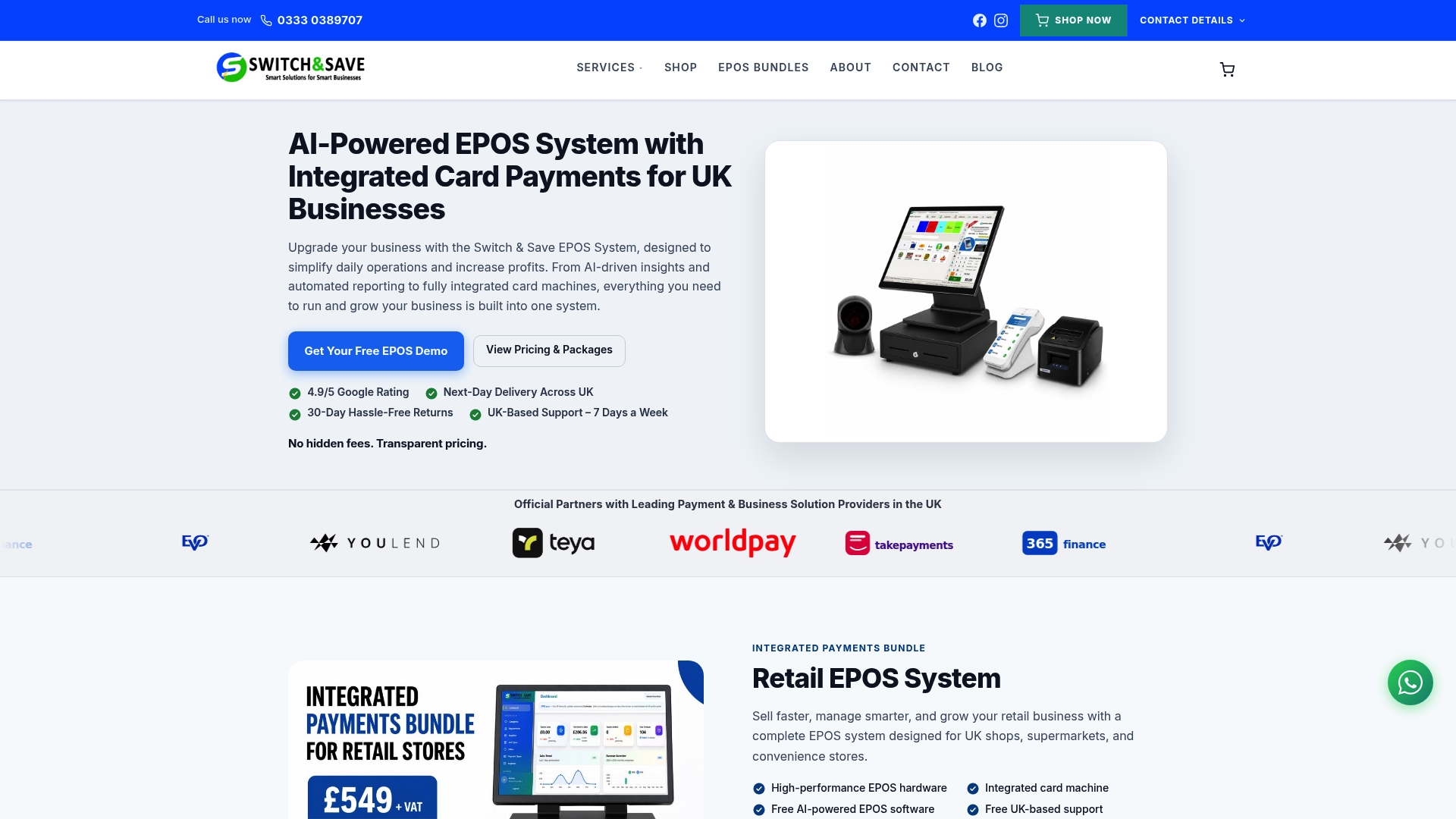
With Switch-and-save, you get hardware and software that work together from day one. The SSPOS software integrates payment processing natively, so every transaction feeds directly into your reporting without manual input. For businesses looking at a full setup, the EPOS bundles combine everything you need in one package. And if you want to explore the full range of EPOS systems available, Switch-and-save makes it straightforward to find the right fit for your size and sector. Request a free demo today and see how it works for your business.
FAQ
What are the main stages of a payment processing workflow?
A payment processing workflow typically moves through six stages: initiation, authorisation, capture, clearing, settlement, and reconciliation. Each stage involves different parties including the payment gateway, processor, and both the acquiring and issuing banks.
How long does payment processing take for UK businesses?
Most transactions complete authorisation in seconds, but settlement can take between 1 and 3 business days depending on the payment method and banking rails used. Faster Payments in the UK can reduce this significantly for bank transfers.
What is payment workflow automation?
Payment workflow automation replaces manual steps such as data entry, invoice routing, and reconciliation with software that handles these tasks automatically. It reduces errors, cuts processing time, and frees staff to focus on higher-value work.
How do I measure whether my payment workflow is working?
Track days sales outstanding, invoice cycle time, and your error rate. If your invoice cycle time is falling and your error rate is below 1%, your workflow is performing well. Rising DSO is usually the first indicator that something in the collection or approval process needs attention.
What is the biggest mistake businesses make with payment processing?
The most common mistake is treating payment processing as a series of disconnected steps rather than a unified system. When authorisation, settlement, and reconciliation are not linked, errors and revenue leakage go undetected for weeks.