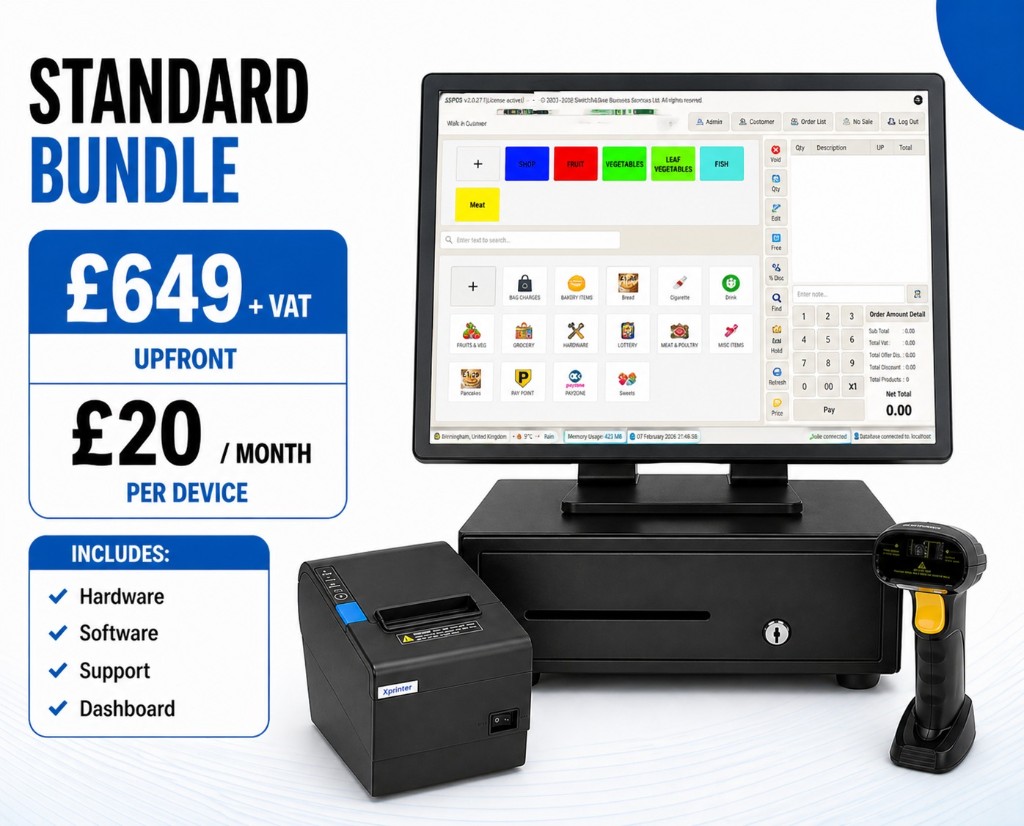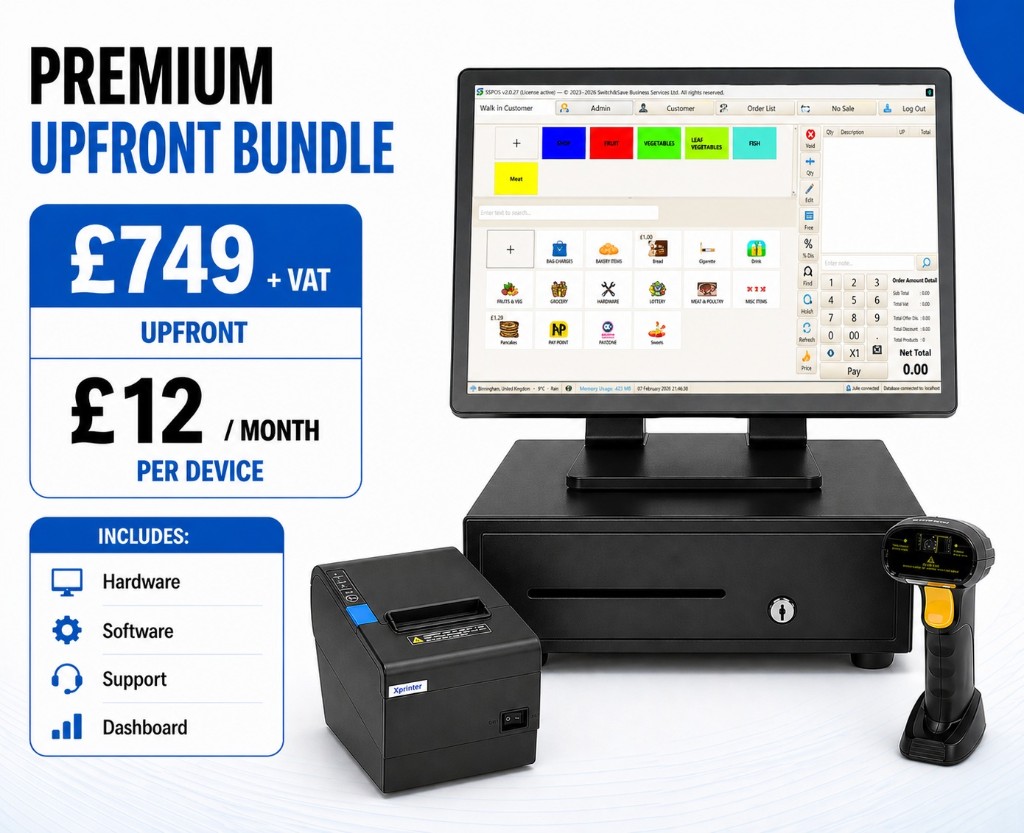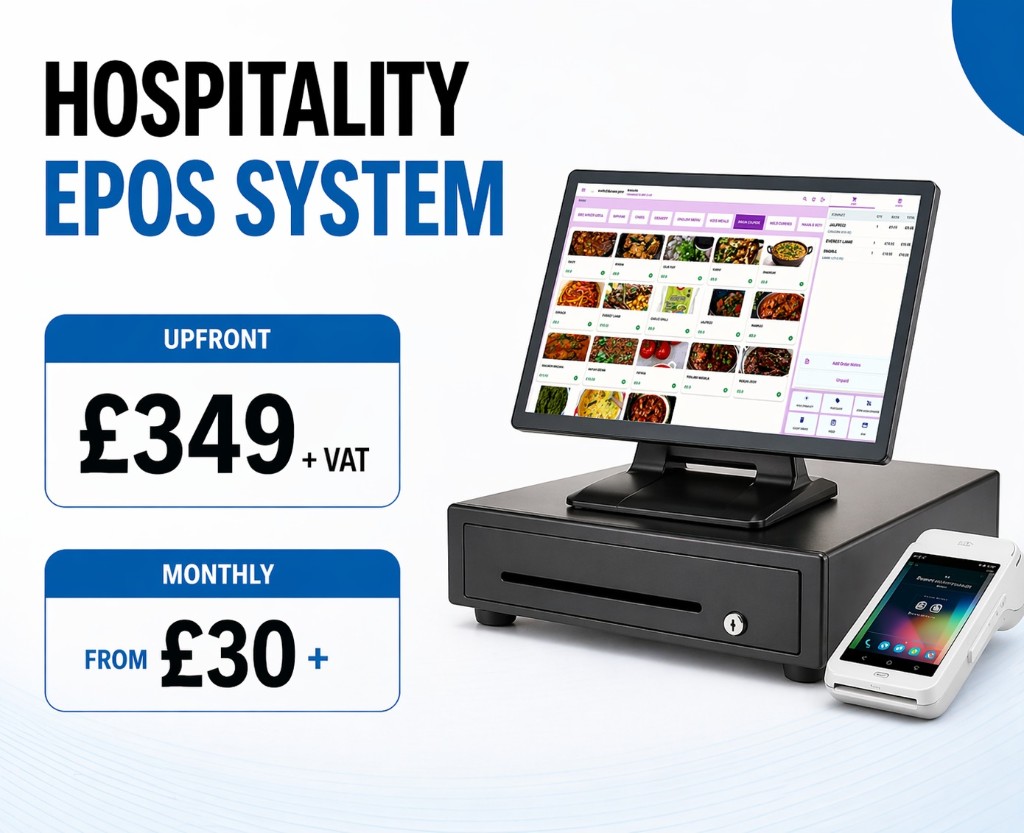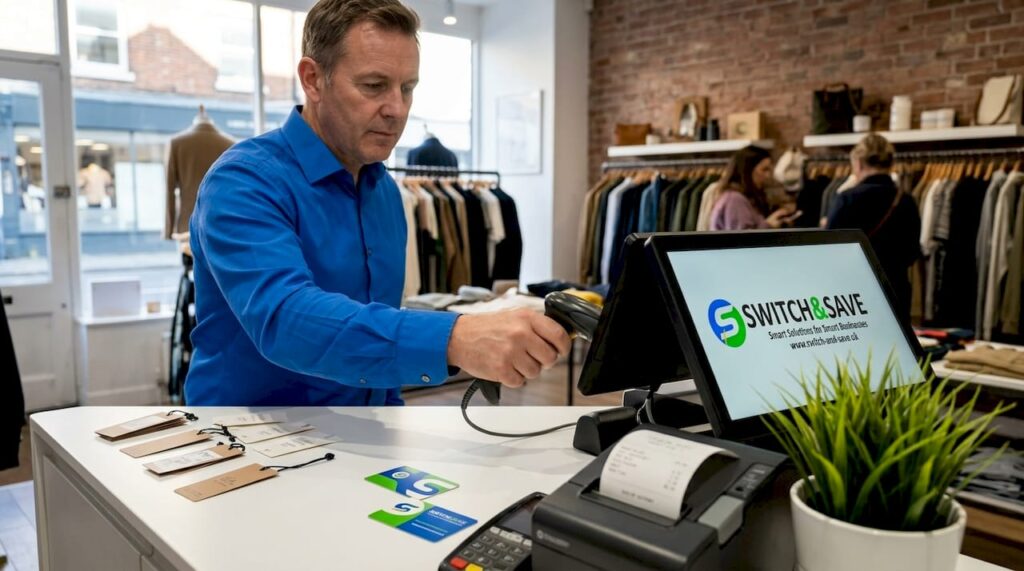
An electronic point of sale system, commonly known as an EPOS system, is defined as an integrated combination of hardware and software that manages customer payment processing alongside core business functions such as inventory control, sales reporting, and customer data management. Unlike a traditional cash register, a modern EPOS does far more than process a transaction. It captures data, updates stock levels in real time, and feeds information into your wider business operations. For UK retail and hospitality owners, choosing the right system in 2026 means understanding features, compliance obligations, and the genuine operational gains on offer.
What are the essential features of an electronic point of sale system?
An EPOS system combines hardware and software to handle payment processing, inventory tracking, customer management, and sales analytics within a single platform. That breadth of function is what separates a modern EPOS from a simple till. Each component works together so that a sale at the counter automatically updates your stock count, logs the customer’s purchase history, and feeds into your end-of-day report.
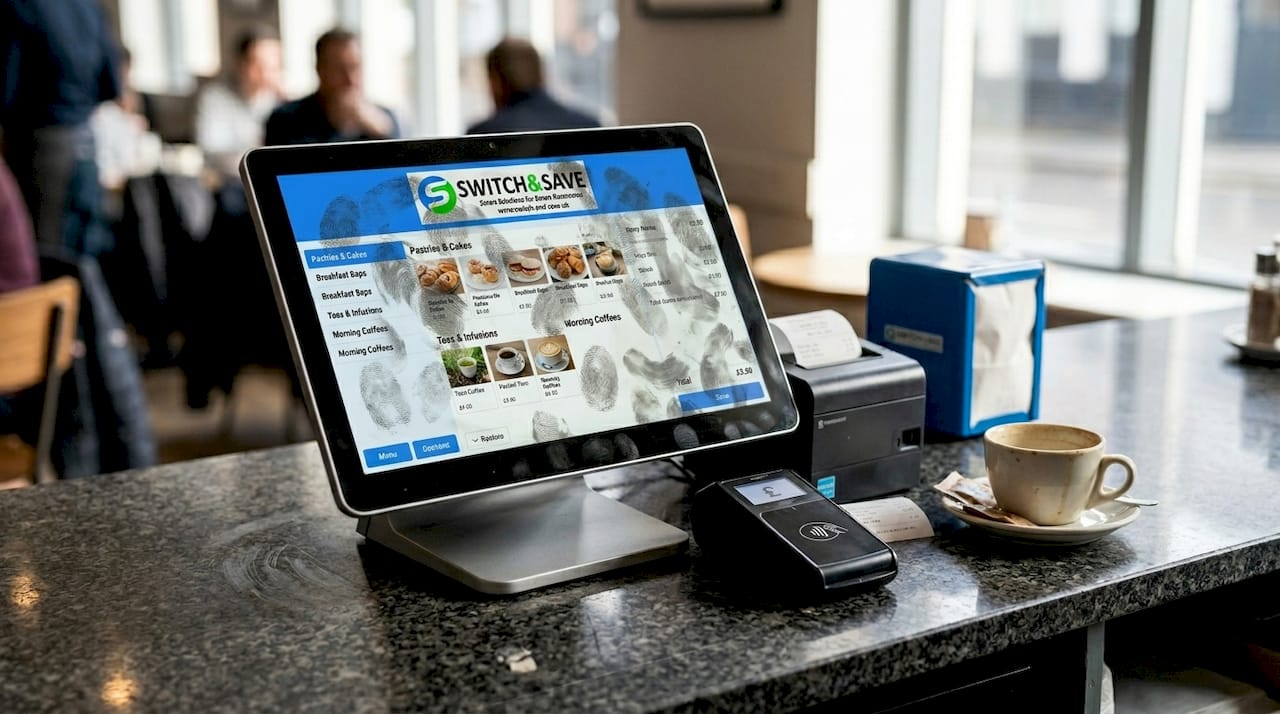
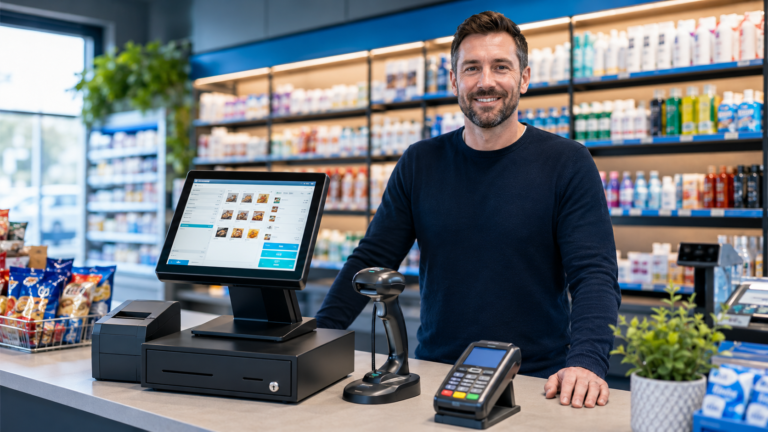
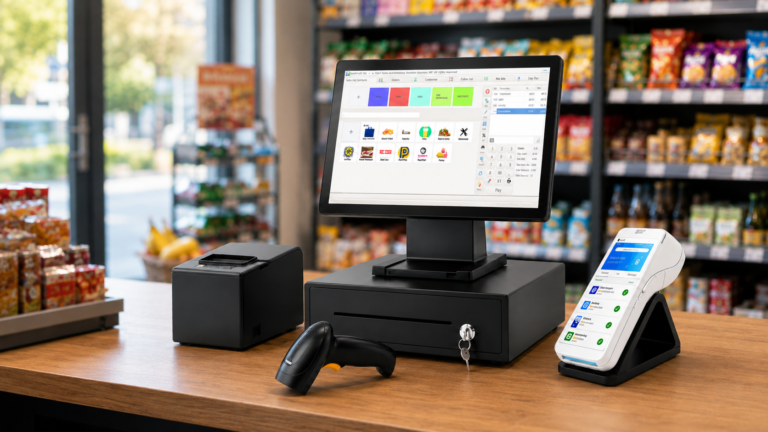
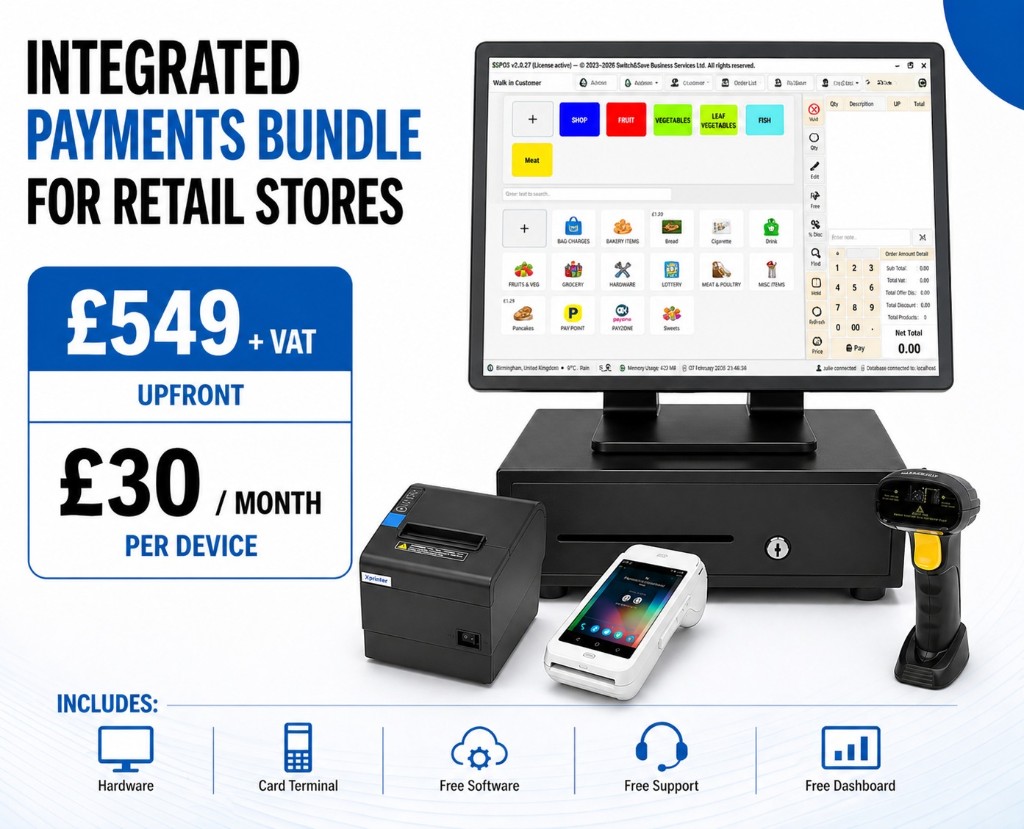
The hardware side typically includes a touch-screen terminal, barcode scanner, receipt printer, and a card payment reader. On the software side, the system handles the logic: calculating totals, applying discounts, managing loyalty points, and generating reports. Cloud connectivity means your data is accessible remotely, while an offline mode keeps trading running during internet outages and syncs transactions later.
Here is what a well-specified EPOS system should include as standard:
- Payment processing: Accepts card, contactless, and mobile payments with instant receipt issuance
- Inventory management: Automatically deducts stock on each sale and triggers low-stock alerts
- Customer and loyalty data: Stores purchase history and supports points-based reward programmes
- Sales reporting and analytics: Provides daily, weekly, and custom-period reports by product, category, or staff member
- User permissions: Role-based access controls that limit what each staff member can view or edit
- Offline mode: Continues processing sales without an internet connection and syncs when reconnected
- Integrations: Connects with accounting software, ecommerce platforms, and booking systems
Pro Tip: Before signing any contract, ask the vendor to demonstrate the offline mode under real conditions. Some systems queue transactions locally but fail to reconcile correctly once reconnected, which creates stock discrepancies.
For a detailed breakdown of what to look for, the Switch-and-save guide on modern POS features covers the 2026 specification in full.
How do cloud-based and traditional EPOS systems compare?
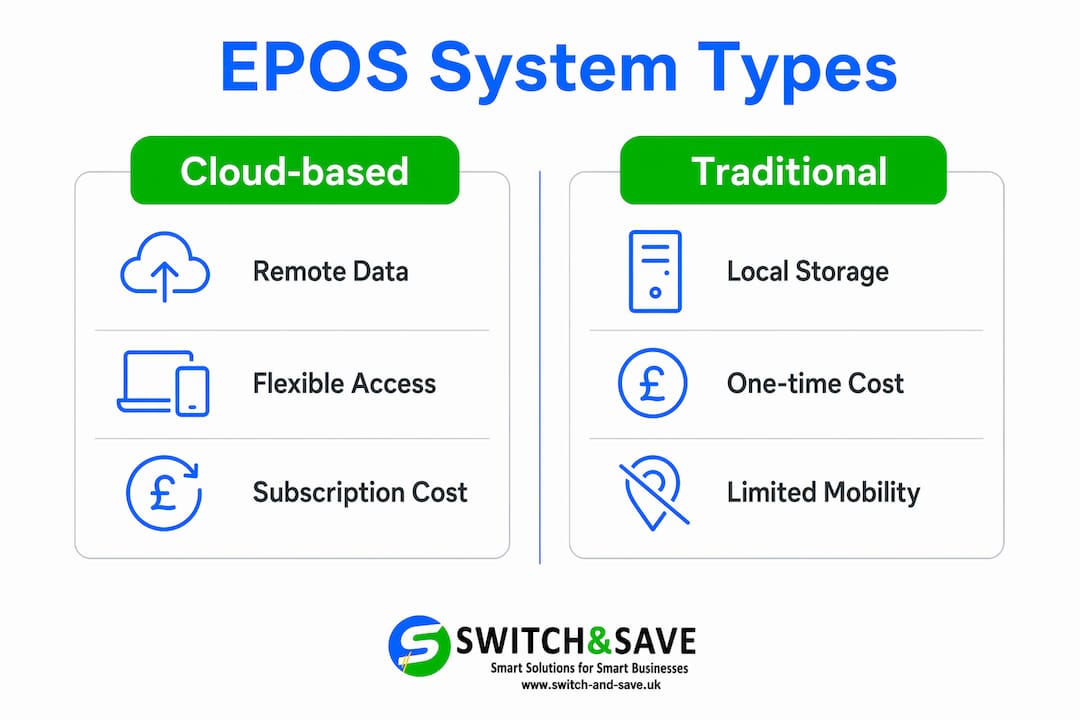
A cloud-based POS system stores transaction and business data on remote servers, making it accessible from any internet-enabled device. You pay a monthly or annual subscription rather than a large upfront licence fee. Traditional or on-premise systems store data locally on the hardware itself, which means a larger initial investment but no ongoing software subscription.
The practical difference matters most when you consider flexibility and cost over time. Cloud systems let you check sales figures from home, push a price change across all terminals instantly, and switch providers without replacing hardware. On-premise systems give you full data control without reliance on a third-party server, which some businesses prefer for security reasons. Neither model is universally superior. The right choice depends on your connectivity, budget, and growth plans.
| Feature | Cloud-based EPOS | Traditional on-premise EPOS |
|---|---|---|
| Data storage | Remote servers | Local hardware |
| Access | Any internet-enabled device | On-site terminals only |
| Pricing model | Monthly or annual subscription | Upfront licence and hardware cost |
| Updates | Automatic, pushed by vendor | Manual, often chargeable |
| Offline capability | Available on most platforms | Built-in by default |
| Scalability | Add locations or users easily | Requires additional hardware and licences |
| Provider switching | No new hardware needed | May require full hardware replacement |
Pro Tip: If your business operates in an area with unreliable broadband, prioritise a cloud system that has a proven offline mode rather than assuming connectivity will always hold. Losing the ability to take payments during a busy Saturday service is a costly lesson.
What UK compliance and data protection issues apply to EPOS systems?
EPOS systems are more than tills. They are structured data processors, and that status carries legal obligations under UK GDPR. The moment your system collects personal data, whether through a loyalty programme, email receipt, or customer account, your business becomes the data controller and the EPOS vendor becomes the data processor.
That distinction is not academic. Under UK GDPR, you must hold a written Data Processing Agreement with your EPOS provider. This document defines what data is collected, how it is stored, who can access it, and how long it is retained. Many business owners assume the vendor handles compliance automatically. That assumption is wrong and leaves you legally exposed.
The compliance checklist for any EPOS system you consider should include:
- Written Data Processing Agreement: Confirm the vendor provides one and review it before signing
- Data encryption: All personal and payment data must be encrypted in transit and at rest
- Access controls: Role-based permissions limit staff access to only the data their role requires
- Audit trails: The system must log who accessed personal data and when
- Data retention policy: Personal data must be kept only as long as necessary, with automated deletion tools where possible
- PCI DSS compliance: Payment card data must never be stored on the EPOS system itself; the vendor must be PCI DSS certified
Failing to meet these requirements does not just risk a fine. It risks the trust of your customers. A data breach traced back to a poorly configured EPOS system can cause lasting reputational damage for a small retail or hospitality business.
How can multi-store EPOS systems improve operations across locations?
Enterprise POS systems centralise inventory, pricing, and customer data across multiple locations, removing the need for manual coordination between sites. If you run two or more shops, restaurants, or venues, the operational overhead of keeping stock counts, menus, and promotions consistent without a centralised system is significant. Small errors add up quickly.
A centralised dashboard gives you a single view of every location’s performance in real time. You can push a price change or a new menu item to all terminals simultaneously, rather than contacting each manager individually. Customer loyalty profiles are unified too, so a regular who visits your Manchester shop and your Leeds café earns and redeems points at both without any manual reconciliation.
Key operational benefits of a multi-location EPOS include:
- Real-time inventory sync: Stock levels update across all sites the moment a sale is made
- Consistent pricing and promotions: Changes made centrally apply to all locations instantly
- Unified customer profiles: Loyalty data follows the customer, not the location
- Offline operation with auto-sync: Each terminal continues trading independently and reconciles when connectivity returns
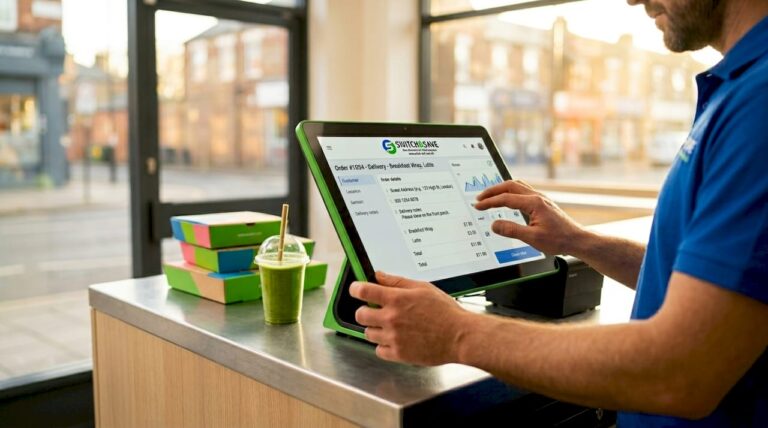
- Mobile point of sale: Staff can process payments on a tablet or mobile device anywhere on the floor, reducing queue times
- Scalability: Adding a new location requires a software configuration, not a full system rebuild
For businesses considering growth, this scalability is the most underrated benefit. You are not buying a system for your current size. You are buying one that grows with you.
What should you consider when installing and marketing with your EPOS system?
Point of sale installation requires more planning than most business owners expect. The physical setup, including terminal placement, cabling, and internet connectivity, needs to be mapped before the hardware arrives. A poor Wi-Fi signal at the counter is a problem that should be solved before go-live, not during a busy lunch service.
Staff training is equally critical. A well-specified system used poorly delivers poor results. Build in at least one full training session before launch, and set up role-based permissions from day one so that staff only access the functions relevant to their role. This protects your data and reduces the chance of accidental errors in stock or pricing.
EPOS software integrates with ecommerce platforms and accounting systems, which means your online and in-store sales can feed into a single inventory and bookkeeping record. This removes double-entry and reduces the risk of overselling online when stock runs low in-store. Platforms like Xero, QuickBooks, and Shopify all have established EPOS integration pathways.
From a marketing perspective, your EPOS data is genuinely valuable. Purchase history lets you segment customers by spending behaviour and send targeted promotions. Loyalty programme data shows you which customers are at risk of lapsing, allowing you to act before they leave. The Switch-and-save guide on EPOS integration examples shows how retail and hospitality businesses are putting this data to practical use. Effective loyalty programme engagement starts with clean, consistent customer data captured at the point of sale.
Key takeaways
A well-chosen EPOS system does not just process payments. It manages stock, protects your compliance position, and gives you the data to run a sharper, more profitable business.
| Point | Details |
|---|---|
| EPOS goes beyond the till | It manages inventory, customer data, and reporting as well as payments. |
| Cloud systems offer real flexibility | Remote access, automatic updates, and easy scaling suit most growing UK businesses. |
| UK GDPR compliance is your responsibility | You must hold a written Data Processing Agreement with your EPOS vendor. |
| Multi-location management saves time | Centralised dashboards eliminate manual coordination and keep pricing consistent. |
| Installation planning prevents problems | Map connectivity and train staff before go-live to avoid costly disruptions. |
Why the compliance angle is the one most businesses get wrong
I have spoken with a lot of retail and hospitality owners who are confident their EPOS system is “GDPR compliant” because the vendor told them so. That confidence is misplaced more often than it should be. Vendor compliance and your compliance are two different things. The vendor may well encrypt data and maintain secure servers. But if you have not signed a Data Processing Agreement, have not set a data retention policy, and have not configured role-based access controls, you are still exposed. The legal responsibility sits with you, not the vendor.
The other thing I see consistently underused is the marketing capability built into these systems. Business owners invest in a complete point of sale system, use it to take payments and check stock, and then ignore the customer data entirely. That data is the most cost-effective marketing asset most small businesses own. Knowing that a customer has not visited in 60 days and sending them a relevant offer costs almost nothing and works better than generic social media advertising.
My honest advice: treat your EPOS system as a business intelligence tool first and a payment terminal second. The payment processing is the entry point. The data is the value.
— Amir
See how Switch-and-save can set you up with the right EPOS system
If you are ready to move beyond a basic till and put a proper system in place, Switch-and-save offers a range of EPOS solutions built specifically for UK retail and hospitality businesses.

Whether you run a single shop, a restaurant, or multiple locations, the Switch-and-save range covers hardware, AI-powered software, and integrated payment processing in one package. You can explore the full EPOS systems range to find the right fit, or go straight to the restaurant EPOS system or retail EPOS system pages for sector-specific options. Free demos and UK-based support are available across all packages. Book your demo and see the difference a properly configured system makes.
FAQ
What is an EPOS system and how does it differ from a standard till?
An EPOS system combines hardware and software to manage payments, stock, customer data, and reporting in one platform. A standard till only processes transactions and provides no data integration or inventory management.
Do I need an internet connection to use a cloud-based EPOS system?
Most cloud-based EPOS platforms require an internet connection to process payments, but reputable systems include an offline mode that continues trading during outages and syncs data automatically once connectivity is restored.
What are my GDPR obligations when using an EPOS system in the UK?
You are the data controller and must hold a written Data Processing Agreement with your EPOS vendor. Your system must include encryption, access controls, audit trails, and a clear data retention policy.
Can one EPOS system manage multiple shop or restaurant locations?
Yes. Enterprise EPOS systems centralise inventory, pricing, and customer loyalty data across all locations through a single dashboard, with real-time syncing and offline capability at each site.
How do I choose the right EPOS system for my business?
Prioritise offline capability, UK GDPR compliance features, integration with your existing accounting or ecommerce software, and a vendor that offers UK-based support. The Switch-and-save guide on must-have EPOS features is a practical starting point.