
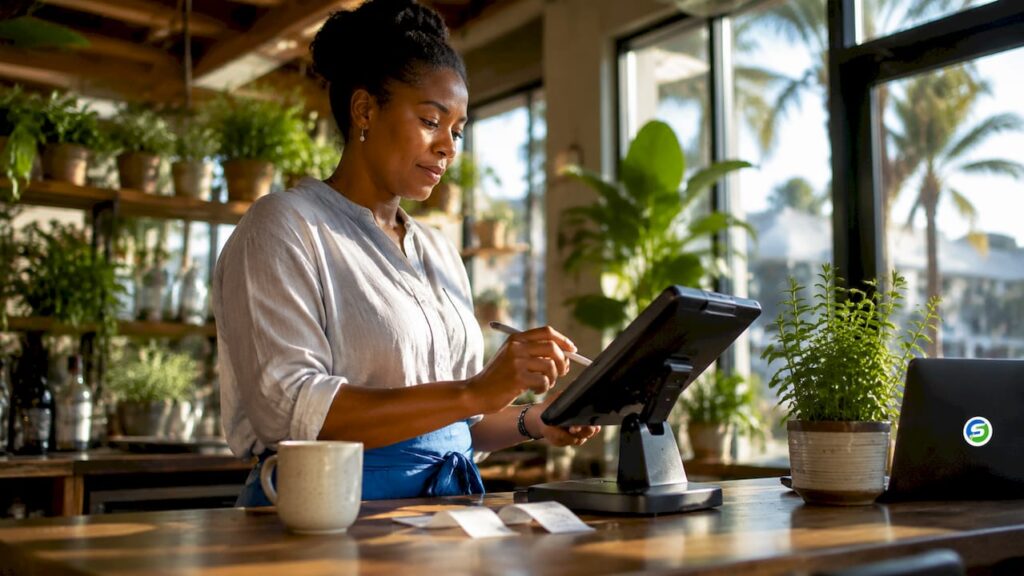
A cloud restaurant POS is a software and hardware platform that manages all restaurant transactions and operations through the internet, giving you real-time control from any device, anywhere. Unlike traditional till systems locked to a single terminal, a cloud-based POS system stores data centrally, updates automatically, and connects your front-of-house, kitchen, and back-office in one place. Restaurant owners who switch to cloud-based restaurant management software report faster service, fewer errors, and the ability to monitor performance without being on site. This guide covers what to look for, how to choose the right system, and how to migrate without disrupting your service.
What does a cloud restaurant POS actually do?
A cloud restaurant POS centralises front and back-of-house operations into a single real-time platform. That means your order taking, payment processing, kitchen communication, and sales reporting all run through one system rather than several disconnected tools. The practical effect is fewer handoff errors, faster service, and a single source of truth for your business data.
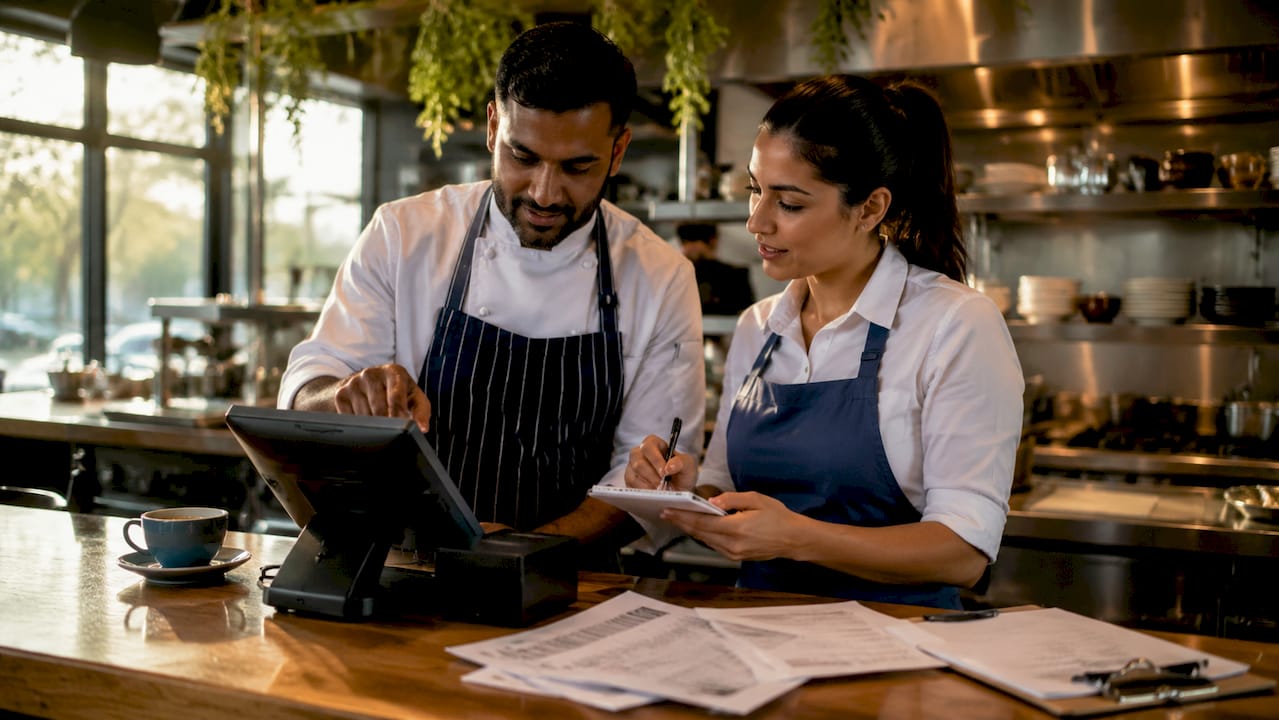
The industry term for this category is EPOS, short for Electronic Point of Sale. You will see both “cloud POS” and “EPOS” used interchangeably in the UK market. The distinction worth knowing is that a cloud EPOS stores and processes data remotely, whereas a legacy EPOS stores data locally on a server you own and maintain.
Pro Tip: If a vendor cannot clearly explain where your data is stored and how it is backed up, treat that as a warning sign before signing any contract.
What are the primary features of a cloud-based POS system?
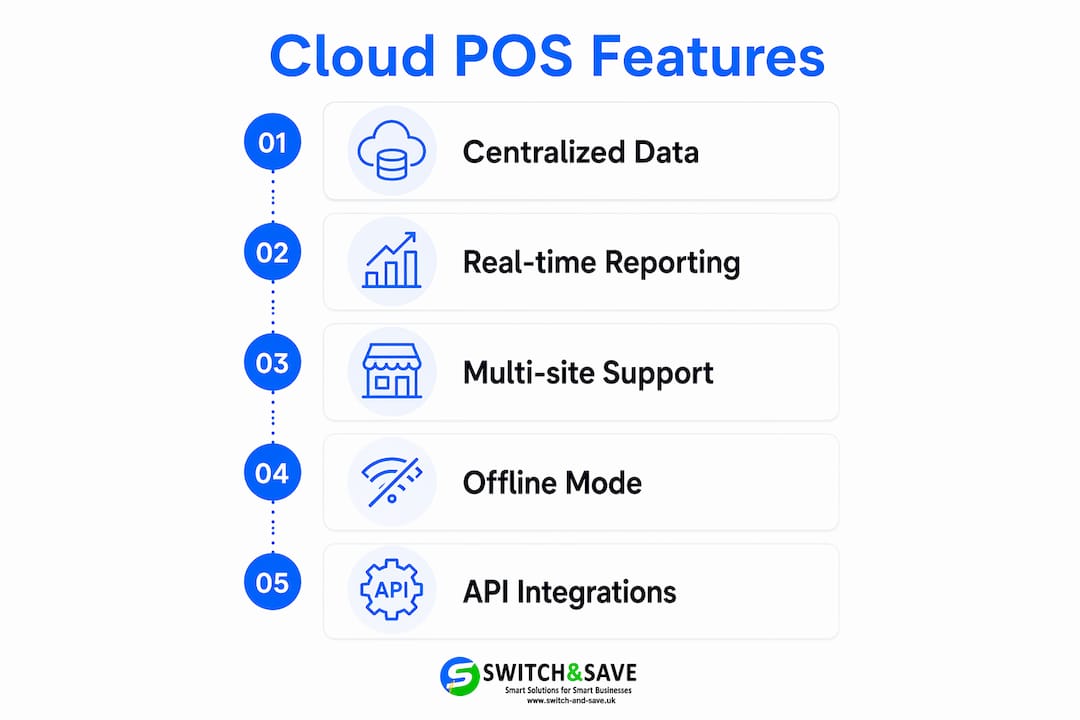
The best POS for restaurants covers every stage of the customer journey, from the moment an order is placed to the moment payment clears. Below are the core capabilities to expect.
- Order management. Dine-in table orders, takeaway requests, and online ordering integrations all feed into one queue. Staff see updates instantly, and the kitchen receives tickets without paper or shouting.
- Payment processing. Card payments, contactless, and mobile wallets process through the same terminal. Tip management and split bills are handled automatically, reducing end-of-shift reconciliation time.
- Inventory tracking. Ingredient-level stock deductions happen with every sale. You see food cost percentages in real time rather than discovering waste at month end.
- Kitchen display systems. Digital screens replace printed tickets. Orders appear, update, and close without paper, cutting preparation errors and speeding up communication between front and back of house.
- Multi-location management. Remote access improves oversight for owner-operators running more than one site. You can compare venue performance, update menus centrally, and monitor labour costs from a single dashboard.
- Real-time reporting and analytics. Hourly sales, cover counts, and product mix data are available the moment a shift ends. You make staffing and purchasing decisions based on facts, not gut feeling.
Pro Tip: Ask any vendor to demonstrate their reporting dashboard live. If it takes more than three clicks to find yesterday’s sales by category, the system will frustrate your managers in daily use.
What benefits does a cloud-based POS bring to restaurant operations?
The operational gains from moving to a cloud-based system are concrete and measurable. Here are the six most significant improvements restaurant owners see after switching.
- Fewer order errors. Digital order flow from table to kitchen removes the transcription mistakes that paper tickets and verbal handoffs create. Small errors add up across a busy service, and eliminating them directly protects your margins.
- Faster staff training. Modern POS interfaces train staff within one shift, compared with days of coaching on legacy systems. That speed matters most when you are onboarding seasonal workers or covering unexpected absences.
- Remote monitoring. You do not need to be on site to know how a location is performing. Cloud-based restaurant management software lets you check live sales, flag anomalies, and adjust staffing levels from your phone.
- Automatic updates. Software improvements, security patches, and new features deploy without you scheduling downtime or calling a technician. The system stays current without extra cost or effort.
- Delivery and loyalty integration. Leading platforms connect directly to delivery apps and loyalty programmes, syncing menus and orders automatically. True two-way API syncing removes the manual data entry that causes menu mismatches and missed orders.
- Offline mode. Sales continue even during internet outages because the system queues transactions locally and syncs when connectivity returns. A busy Friday night service does not stop because your broadband drops.
The combination of these benefits means your team spends less time fixing problems and more time serving customers. That shift in focus has a direct impact on table turnover and repeat business.
How to choose the right cloud restaurant POS for your business
Choosing the right system starts with a gap analysis, not a feature list. Write down every workflow your team performs during a typical service: taking orders, modifying items, splitting bills, sending tickets to the kitchen, processing refunds. Then check each candidate system against that list. Performing a gap analysis before vendor comparison is the single most effective way to avoid a costly mismatch.
Total cost of ownership
The monthly subscription fee is rarely the biggest expense. Total cost of ownership includes hardware, payment processing margins, add-on modules, and integration fees. A system priced at £49 per month can cost significantly more once you add a kitchen display licence, a loyalty module, and a card reader rental. Always request a full cost breakdown before committing.
Integration depth
Not all integrations are equal. Some platforms offer genuine two-way API connections that sync menus and orders automatically. Others rely on manual CSV exports that require a staff member to update data by hand. Ask vendors specifically whether their delivery app integration is a live sync or a manual process. The answer tells you more about operational fit than any marketing brochure.
Onboarding support
The quality of support during setup determines whether your go-live is smooth or chaotic. Dedicated onboarding managers handle menu migration, equipment configuration, and staff training to minimise downtime at launch. A vendor who hands you a PDF guide and a support ticket number is not the same as one who assigns a named contact to your account.
Scalability and offline capability
If you plan to open a second location within two years, confirm the system handles multi-site management natively. Adding sites as an afterthought often means paying for a separate licence or rebuilding your menu from scratch. Offline capability is equally non-negotiable for busy services. Confirm the system processes payments locally when the internet fails, not just queues them for later review.
| Evaluation criterion | What to ask the vendor |
|---|---|
| Feature fit | Does the system handle your specific service model (table service, counter, delivery)? |
| Total cost | What is the full monthly cost including hardware, processing, and add-ons? |
| Integration type | Is the delivery app connection a live API sync or a manual export? |
| Onboarding support | Is a dedicated manager assigned, or is setup self-service? |
| Offline mode | Does the system process payments locally during an outage? |
| Scalability | Can you add locations without rebuilding menus or paying for a new licence? |
Many restaurant owners prioritise feature quantity over operational alignment, and end up with overcomplicated systems their staff avoid using. The best POS for restaurants is the one your team actually uses correctly under pressure.
What are best practices for migrating to a new cloud restaurant POS?
A well-planned migration takes four to six weeks and causes minimal disruption. A rushed one can cost you a full weekend of service. Follow these steps to protect your business during the switch.
- Set a realistic timeline. Allow at least four weeks between signing a contract and going live. Use that time for menu building, hardware installation, and staff training rather than compressing everything into the final week.
- Assign a dedicated internal lead. One person in your team should own the migration. They liaise with the vendor’s onboarding manager, coordinate training sessions, and act as the first point of contact for staff questions.
- Migrate your menu carefully. Menu data is the most common source of go-live errors. Check every item, modifier, and price against your current menu before the system goes live. A missing allergen modifier or an incorrect price causes real problems during service.
- Train staff before peak hours. Run training sessions during quiet periods, not the hour before a Saturday dinner service. Give staff time to practise on the new system before they face real customers.
- Keep your old system available for 48 hours. Running both systems in parallel for the first two days gives you a safety net if something goes wrong. It is inconvenient, but far less disruptive than reverting mid-service.
- Back up your data before switching. Export all historical sales data, customer records, and inventory counts from your existing system. Store copies in at least two locations before decommissioning anything.
- Set clear success metrics. Define what a successful go-live looks like before you start. Metrics might include average transaction time, order error rate, or end-of-day reconciliation time. Measure them in the first two weeks and compare against your baseline.
For further reading on evaluating your options, the cloud-based POS benefits guide from Switch-and-save covers how these systems reduce labour costs and errors in practice.
Key takeaways
A cloud restaurant POS delivers its full value only when the system matches your actual workflows, your vendor provides genuine onboarding support, and your team is trained before peak service begins.
| Point | Details |
|---|---|
| Operational fit over features | Choose a system that matches your workflows, not the one with the longest feature list. |
| Total cost of ownership | Always calculate hardware, processing fees, and add-ons alongside the monthly subscription. |
| Integration quality matters | Confirm delivery app connections use live API syncs, not manual data exports. |
| Onboarding support is critical | A dedicated migration manager reduces errors, data loss, and downtime at go-live. |
| Offline mode is non-negotiable | Your system must process payments locally during internet outages to protect service continuity. |
Why operational fit beats feature lists every time
I have spoken with restaurant owners who spent months evaluating systems with hundreds of features, only to go live and find their staff ignoring half of them. The features that matter are the ones your team uses correctly under pressure at 7:30 PM on a Saturday. Everything else is noise.
The insight that changed how I think about cloud POS selection is this: the best POS stays out of the way and supports your existing workflows. It does not force you to redesign your service model around its limitations. When a system requires three workarounds to handle a simple split bill, your staff will find their own workaround, and that usually means errors.
Vendor support during onboarding is equally underrated. The difference between a smooth go-live and a chaotic one almost always comes down to whether you had a named person guiding the process. A support ticket queue is not the same as a dedicated onboarding manager who knows your menu and your team.
Real-time data visibility is the long-term payoff that most owners underestimate before they have it. Seeing live sales by category, cover counts by hour, and food cost percentages as they happen changes how you make decisions. You stop relying on end-of-week reports and start adjusting in the moment. For multi-site operators, that visibility is the difference between managing by instinct and managing by evidence.
My honest advice: do the gap analysis first, get a full cost breakdown before you sign anything, and choose a vendor who assigns a real person to your account. The technology is mature enough that the differentiator is almost always the support, not the software.
— Amir
How Switch-and-save can help you find the right EPOS system
Running a restaurant means every minute of downtime costs you money. Switch-and-save offers EPOS systems for hospitality that combine AI-powered software, integrated payment processing, and real-time cloud dashboards in one package.
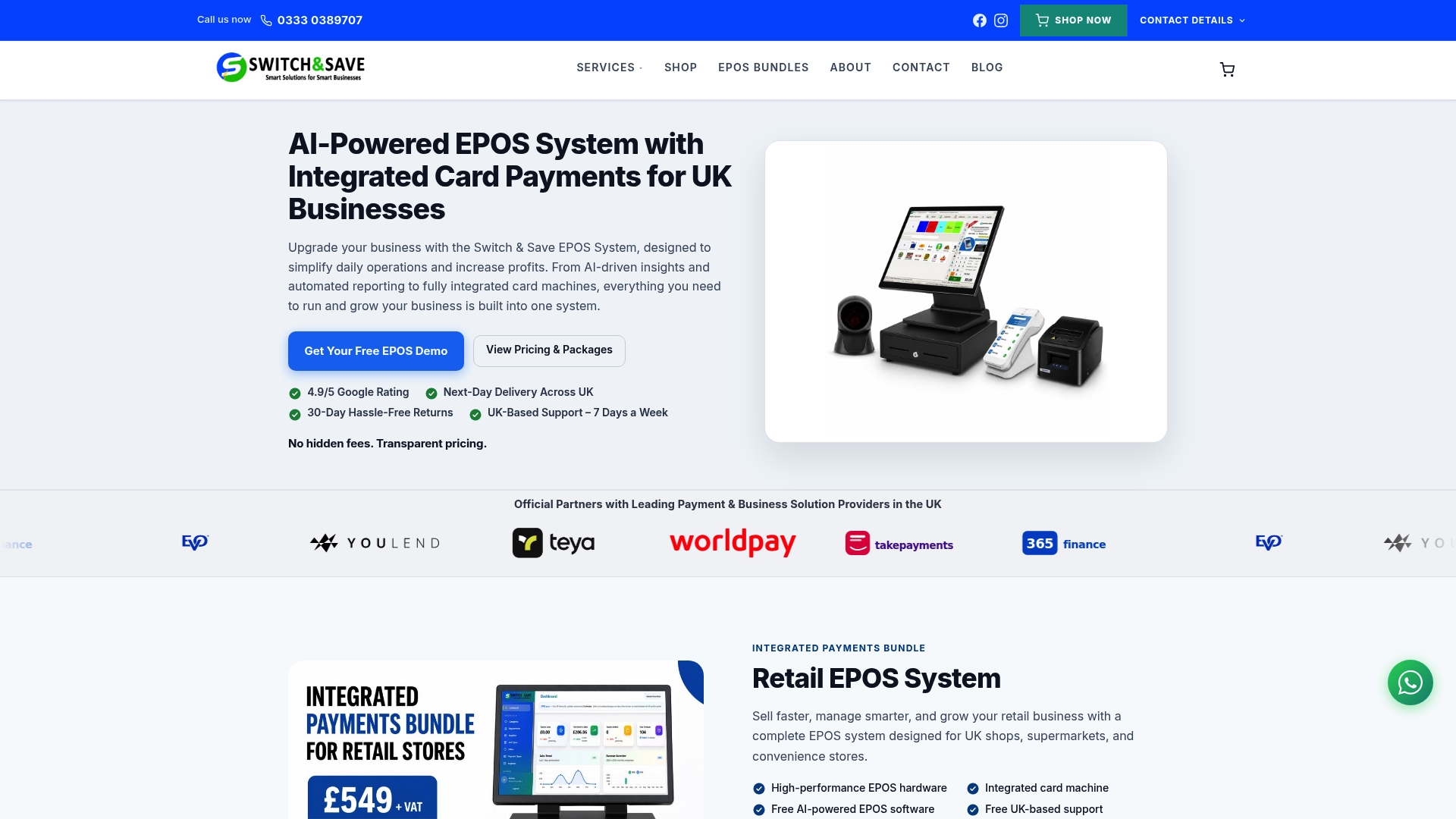
Whether you are setting up your first site or adding a second location, Switch-and-save has packages built for different stages of growth. The SSPOS software handles order management, inventory tracking, and reporting without requiring technical expertise to set up. UK-based support and free demos mean you can see exactly how the system fits your operation before committing. Explore the full range at Switch-and-save and find the right fit for your restaurant.
FAQ
What is a cloud restaurant POS?
A cloud restaurant POS is an EPOS system that stores and processes transaction data over the internet, giving operators real-time access to sales, inventory, and reporting from any device.
How long does it take to train staff on a cloud POS?
Staff training on modern POS interfaces typically completes within a single shift, making cloud systems significantly faster to adopt than legacy till systems.
What should I include in my total cost calculation?
Beyond the monthly subscription, include hardware costs, payment processing margins, add-on module fees, and integration charges. These additional costs frequently exceed the base subscription price.
Does a cloud POS work without internet?
Yes. Leading cloud POS platforms support offline transaction processing, queuing sales locally and syncing data automatically when connectivity is restored.
How do I evaluate POS integrations with delivery platforms?
Ask whether the connection uses a live two-way API sync or a manual export process. A genuine API integration updates menus and orders automatically, while manual integrations require staff intervention and introduce errors.
Recommended
- What Features Should a Modern POS System Have in 2026? – Switch&Save
- Top 5 Cloud-Based Restaurant POS Benefits for Modern Restaurants Alternatives 2026
- Top 5 Cloud-Based Restaurant POS Benefits for Modern Restaurants Alternatives 2026
- The must have EPOS features every small business should look for in 2026 – Switch&Save



