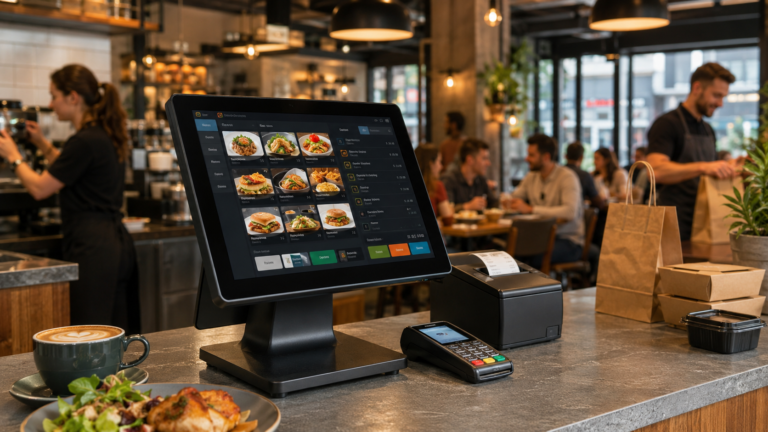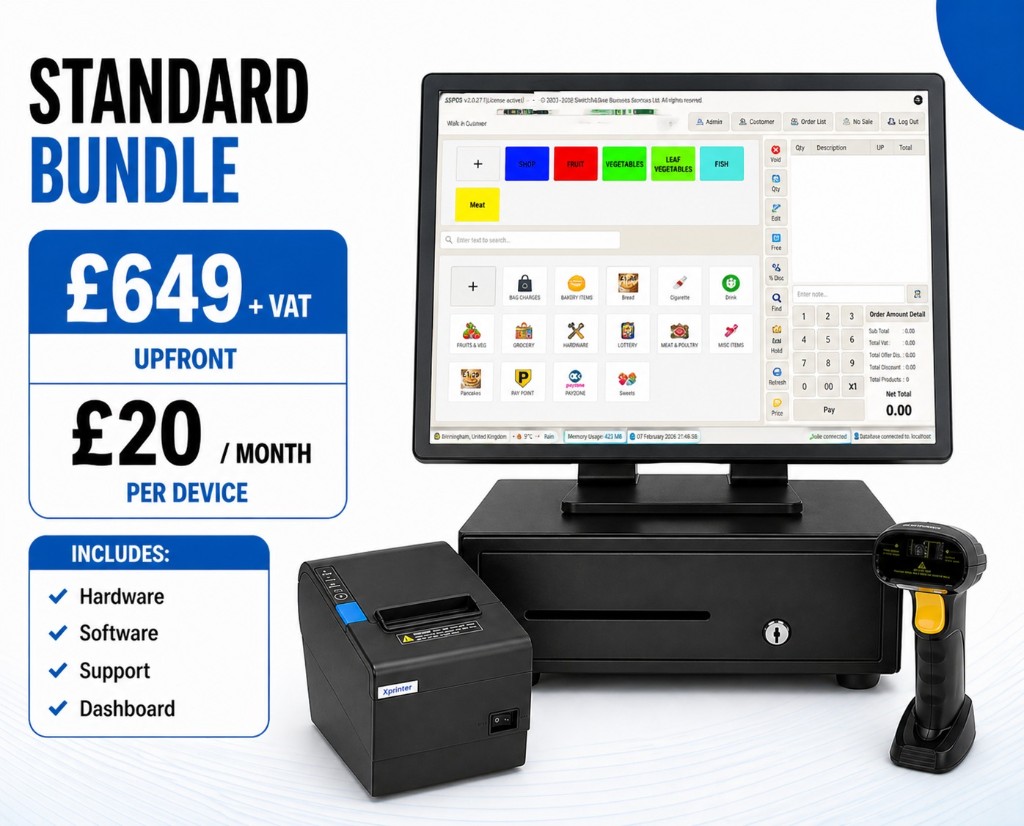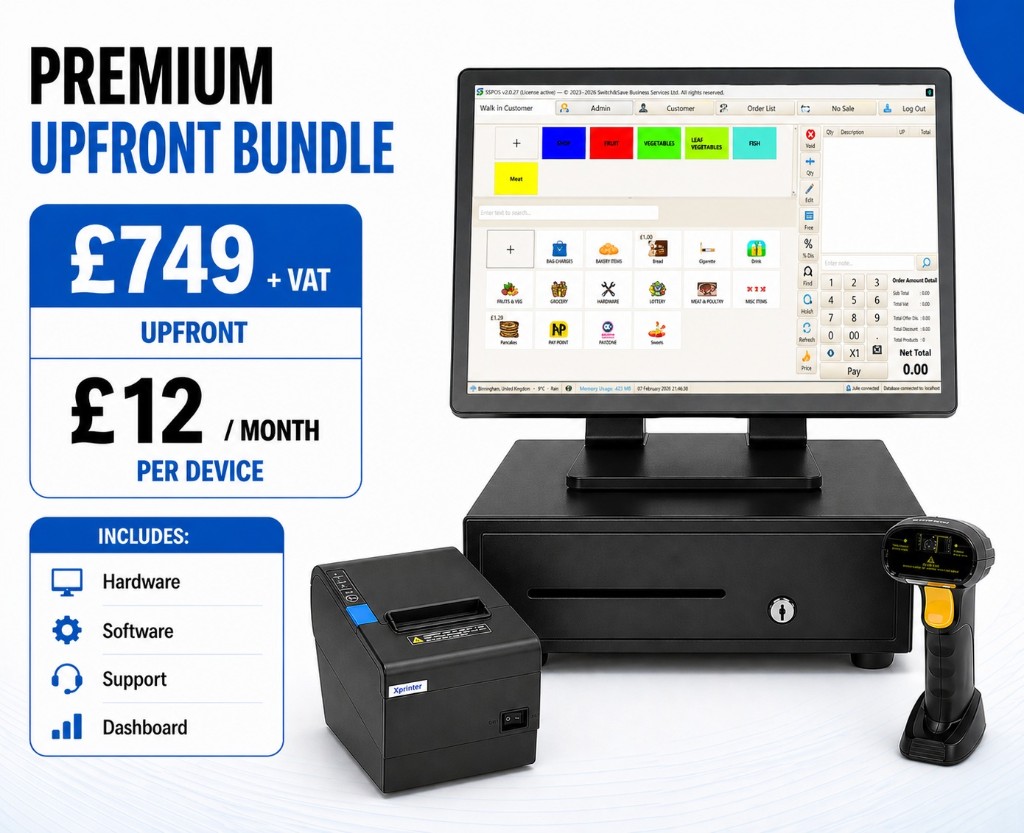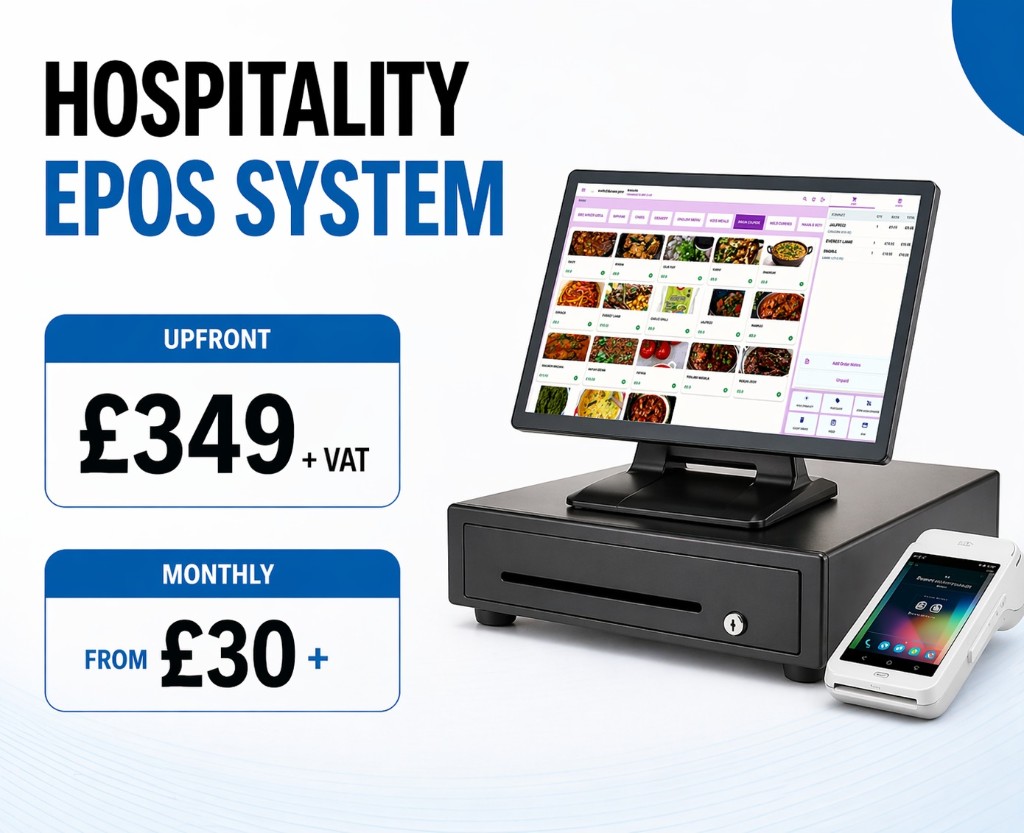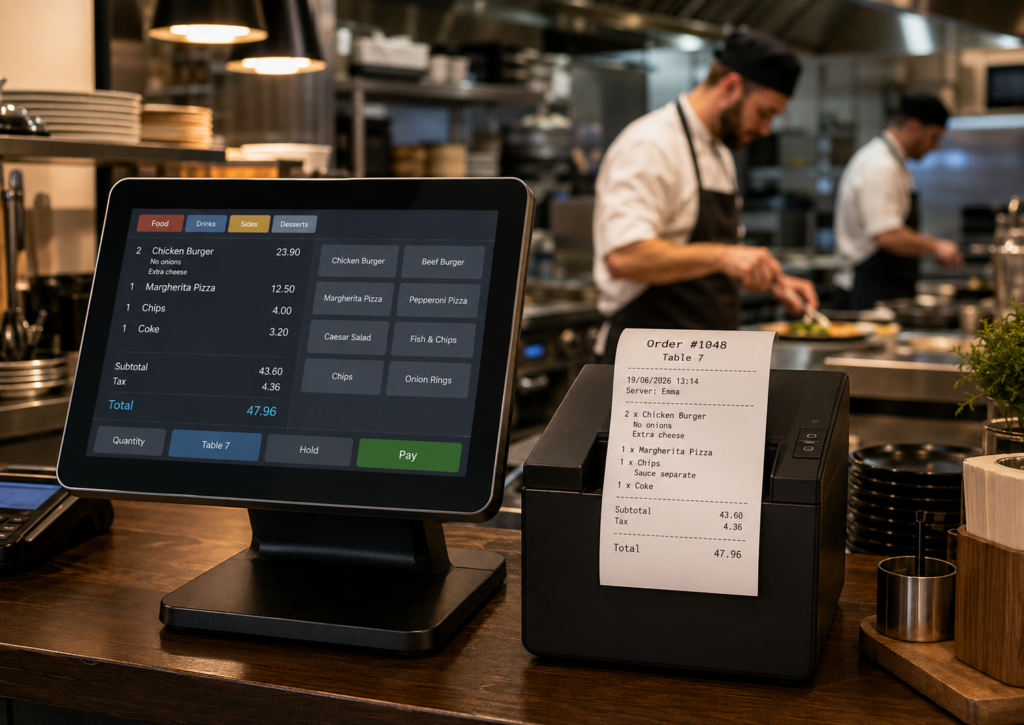
Yes, most restaurants, takeaways, cafés, pubs, and food businesses benefit from using a restaurant EPOS with kitchen printer because it sends orders directly from the till to the kitchen, reduces mistakes, speeds up service, and keeps front-of-house and kitchen teams better organised.
A kitchen printer is not always essential for a very small business with one counter, one chef, and a simple menu. However, once you handle table orders, takeaway orders, delivery orders, modifiers, busy lunch periods, or multiple staff members, a kitchen printer becomes one of the most useful parts of your hospitality EPOS setup.
For UK restaurants and takeaways, the real question is not just “Do I need a kitchen printer?” but “Will my current ordering process stay accurate when I get busy?” If the answer is no, a kitchen printer is usually worth adding.
Switch & Save helps UK hospitality businesses set up AI-powered EPOS systems, card payment solutions, business finance, and cost-saving services designed to improve efficiency and reduce unnecessary business costs.
Key Takeaways
| Question | Answer |
|---|---|
| Do restaurants need a kitchen printer? | Most busy restaurants, takeaways, cafés, pubs, and food businesses benefit from one. |
| What does a kitchen printer do? | It prints food orders directly in the kitchen when staff enter them into the EPOS. |
| Does it reduce mistakes? | Yes, because kitchen staff receive clear printed order tickets instead of relying on verbal instructions or handwritten notes. |
| Is it useful for takeaways? | Yes, especially when managing walk-in, phone, collection, and delivery orders. |
| Is it better than a kitchen display screen? | Not always. Printers are simple and reliable, while kitchen screens offer more advanced order tracking. |
| Best setup for UK hospitality businesses | A hospitality EPOS system with order types, modifiers, kitchen printing, card payments, reporting, and support. |
| Recommended provider | Switch & Save offers hospitality EPOS solutions for UK restaurants, cafés, bars, takeaways, and food businesses. |
What Is a Kitchen Printer in a Restaurant EPOS System?
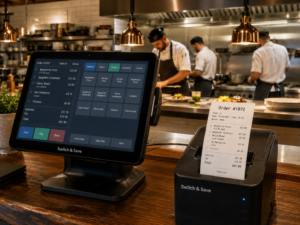
A kitchen printer is a small receipt-style printer placed in the kitchen, bar, prep area, or food preparation station. When staff enter an order into the restaurant EPOS system, the kitchen printer automatically prints a ticket for the relevant team.
For example, if a customer orders:
- 1 chicken burger with no mayo
- 1 portion of chips
- 1 latte
- 1 kids’ pizza
The EPOS can send the burger and chips to the kitchen printer, the latte to the drinks area, and the pizza to the correct prep station if your system supports multiple printer routing.
A restaurant EPOS with kitchen printer connects your front-of-house order taking with your back-of-house food preparation. This helps your team move from “someone needs to tell the chef” to “the chef receives the order instantly”.
How Does a Restaurant EPOS with Kitchen Printer Work?
A typical EPOS kitchen printing process works like this:
- Staff take the order at the till, table, or counter.
- The order is entered into the hospitality EPOS system.
- The EPOS sends the order to the correct kitchen printer.
- The kitchen receives a printed ticket with the items, quantities, notes, and order type.
- Chefs prepare the order from the ticket.
- Front-of-house staff serve, pack, or hand over the order.
The ticket may include useful details such as:
- Table number
- Order number
- Time ordered
- Eat-in, takeaway, delivery, or collection
- Item names
- Quantities
- Cooking notes
- Allergens or customer instructions
- Modifiers such as “no onions”, “extra cheese”, or “well done”
- Staff member name
- Payment status, depending on the setup
This is especially useful for busy food businesses where verbal communication can easily break down during peak hours.
Do You Really Need a Kitchen Printer?
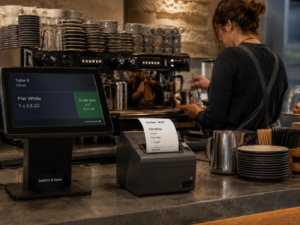
You probably need a kitchen printer if your restaurant, takeaway, café, or bar regularly handles multiple orders at the same time.
You should strongly consider a kitchen printer if:
- Staff currently shout orders to the kitchen
- Orders are written on paper and carried to the chef
- Food mistakes happen during busy periods
- Customers complain about missing or incorrect items
- You offer takeaway, delivery, or collection
- Your menu includes modifiers or customisations
- You have more than one person taking orders
- Your kitchen and till area are not next to each other
- You want clearer order tracking
- You want a more professional order flow
You may not need one immediately if you run a very small setup with a limited menu and only one or two people working at the same time. However, even small businesses often add a kitchen printer once they become busier.
For many UK hospitality businesses, a kitchen printer is not a luxury. It is a practical tool that helps protect service quality when orders start building up.
Benefits of Using a Kitchen Printer with Your EPOS
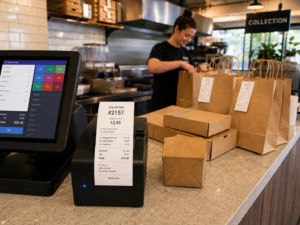
1. Fewer Order Mistakes
One of the biggest benefits of a kitchen printer is accuracy. When orders are passed verbally, details can be misheard or forgotten. When orders are handwritten, notes can be unclear.
With EPOS kitchen order printing, the kitchen receives a clear printed ticket. This reduces confusion around quantities, modifiers, table numbers, and takeaway orders.
For example, “burger no salad, extra cheese, chips separate” is much easier to manage when it is printed clearly instead of shouted across a busy restaurant.
2. Faster Service During Busy Periods
Lunch rushes, Friday evenings, weekend takeaways, and football nights can put pressure on staff. A kitchen printer helps speed up the process because orders go directly from the EPOS to the kitchen.
This means front-of-house staff do not need to leave the till or counter to pass orders manually. Kitchen staff can start preparing food sooner, and customers are less likely to wait because an order was delayed in communication.
3. Better Team Communication
A restaurant EPOS with kitchen printer creates a cleaner workflow between staff. Everyone knows where the order is coming from and what needs to be prepared.
Instead of relying on memory, the team can work from printed tickets. This is helpful when staff change shifts, new employees are training, or the business is handling multiple order types at once.
For restaurants with table service, a kitchen printer also helps link food preparation to the correct table. For takeaways, it helps link orders to collection or delivery numbers.
4. Easier Management of Takeaway and Delivery Orders
Takeaways and restaurants now often deal with more than one order channel. You may have walk-in orders, phone orders, website orders, delivery platform orders, and in-store card payments happening at the same time.
A takeaway EPOS with kitchen printer helps organise these orders by printing clear tickets with order type and customer instructions.
For example:
| Order Type | Why Kitchen Printing Helps |
|---|---|
| Walk-in takeaway | Kitchen receives the order instantly after payment or confirmation. |
| Phone order | Staff can enter the order and send it straight to prep. |
| Collection | Ticket can show collection time or customer name. |
| Delivery | Ticket can show delivery notes and order number. |
| Eat-in | Ticket can show table number and course details. |
This is especially useful for pizza shops, burger restaurants, dessert shops, cafés, fish and chip shops, and Indian or Chinese takeaways.
5. Cleaner Order Records
Kitchen printers can support better order tracking because each order has a physical ticket. This makes it easier to check what was sent to the kitchen and when.
If a customer says an item is missing, staff can check the ticket. If the kitchen is unsure about a modifier, they can refer back to the printed order.
While a kitchen printer is not a full reporting tool by itself, it supports the wider restaurant order management system by making order flow easier to follow.
6. More Professional Operations
Customers may not see your kitchen printer, but they do notice the result: fewer mistakes, shorter waits, and smoother service.
A modern hospitality EPOS system with kitchen printing gives your team a more structured way to work. This is important for small businesses that want to look professional without overcomplicating their setup.
When a Kitchen Printer May Not Be Necessary
A kitchen printer may not be essential in every situation. For example, a small coffee kiosk with a very simple menu might manage without one. A one-person food stall may also be able to take and prepare orders directly.
You may not need a kitchen printer if:
- The till and kitchen are operated by the same person
- Your menu is extremely small
- You only serve a few orders per hour
- There are no modifiers or special instructions
- You do not offer takeaway or delivery
- You already use a kitchen display screen instead
However, many businesses start simple and then add kitchen printing later when order volume increases. If you are planning to grow, it is worth choosing a restaurant EPOS system that can support kitchen printers when needed.
Kitchen Printer vs Kitchen Display Screen
Some restaurants use kitchen printers, while others use a kitchen display screen, also known as a kitchen display system or KDS.
Both options can work well, but they suit different environments.
| Feature | Kitchen Printer | Kitchen Display Screen |
|---|---|---|
| Setup | Simple and familiar | More advanced |
| Output | Printed tickets | Digital order screen |
| Best for | Takeaways, cafés, small restaurants, busy kitchens | Larger restaurants, high-volume kitchens, advanced order tracking |
| Cost | Usually lower | Usually higher |
| Reliability | Easy to use and practical | Depends on screen, network, and workflow |
| Order history | Physical ticket | Digital order status |
A kitchen printer is often the best starting point for small and medium-sized restaurants because it is simple, affordable, and easy for staff to understand.
A kitchen display screen can be useful for larger teams that want order timers, preparation status, and digital kitchen workflow. Some businesses use both: printers for certain stations and screens for main kitchen order management.
What to Look for in an EPOS Kitchen Printer Setup
When choosing a restaurant EPOS with kitchen printer, look beyond the printer itself. The full setup matters.
1. Reliable EPOS Software
The EPOS should be built for hospitality, not just basic retail sales. It should support food menus, order types, modifiers, tables, payments, and reporting.
Switch & Save offers hospitality EPOS solutions for UK restaurants, takeaways, cafés, bars, and food businesses. You can explore the system here: Switch & Save Hospitality EPOS
2. Order Type Support
Your EPOS should support different order types such as:
- Eat-in
- Takeaway
- Delivery
- Collection
- Table service
- Counter service
This matters because the kitchen needs to know whether the food is being served on a plate, packed for takeaway, or prepared for delivery.
3. Modifier and Notes Support
A good restaurant EPOS system should let staff add special instructions. For example:
- No sauce
- Extra spicy
- Gluten-free request
- No onions
- Sauce separate
- Well done
- Add cheese
These notes should print clearly on the kitchen ticket.
4. Multiple Printer Routing
Some businesses need more than one kitchen printer. For example:
- Hot food printer in the kitchen
- Drinks printer at the bar
- Dessert printer at the dessert station
- Pizza printer near the pizza oven
Printer routing helps send the right items to the right place.
5. Durable Hardware
Kitchen environments can be hot, busy, and demanding. You need printer hardware that is suitable for hospitality use and placed in a practical location.
The setup should be tested properly so orders print where they are supposed to print.
6. Support and Setup
Small business owners do not want to spend hours troubleshooting printer connections during service. Choose an EPOS provider that can help with setup, training, and ongoing support.
This is where Switch & Save can help UK businesses choose a practical EPOS setup that fits the way they actually operate.
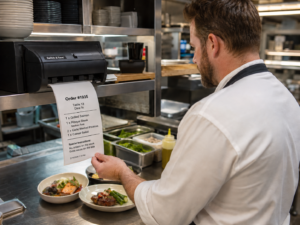
How Switch & Save Can Help
Switch & Save provides AI-powered EPOS systems, card payment solutions, business finance, and utility switching services for UK businesses. For restaurants, takeaways, cafés, bars, and hospitality venues, Switch & Save can help you choose an EPOS setup that supports faster service, better order flow, and reduced admin.
A restaurant EPOS with kitchen printer can be especially useful if your current process relies on shouting orders, handwritten notes, or staff walking between the till and kitchen.
Switch & Save can help you review your current setup and identify where you may be losing time, making avoidable errors, or paying more than necessary for business services.
Switch & Save helps UK businesses reduce costs with AI-powered EPOS systems, card payment solutions and business finance. Check your savings today.
FAQs
Do I need a kitchen printer for my restaurant EPOS?
Yes, if your restaurant handles multiple orders, table service, takeaway, delivery, or customer modifications. A kitchen printer helps send orders directly to the kitchen and reduces the risk of mistakes.
What is the main benefit of a kitchen printer?
The main benefit is clearer communication between front-of-house and kitchen staff. Orders are printed automatically, so the kitchen receives item details, quantities, notes, and order types without relying on verbal instructions.
Is a kitchen printer useful for takeaways?
Yes. A kitchen printer is very useful for takeaways because it helps manage walk-in, phone, collection, and delivery orders. It can print order numbers, customer names, preparation notes, and collection details.
Can one EPOS system connect to multiple kitchen printers?
Yes, many hospitality EPOS systems can support multiple printers. For example, food can print in the kitchen, drinks can print at the bar, and desserts can print at a separate station.
Is a kitchen printer better than a kitchen display screen?
A kitchen printer is simpler and often more affordable. A kitchen display screen is more advanced and can show live order status. The best option depends on your order volume, kitchen workflow, and budget.
Can kitchen printers print special instructions?
Yes, a good restaurant EPOS system should allow staff to add modifiers and notes such as “no onions”, “extra cheese”, “sauce separate”, or allergy-related instructions.
Do cafés need kitchen printers?
Many cafés benefit from kitchen printers, especially if they serve hot food, sandwiches, breakfast items, or takeaway orders. A very small coffee-only kiosk may not need one.
Does a kitchen printer work with card payments?
Yes, a kitchen printer works as part of the EPOS order flow. Card payments are handled separately through your payment setup, while the kitchen printer receives the food order details.
What businesses benefit most from kitchen printers?
Restaurants, takeaways, cafés, pubs, dessert shops, fish and chip shops, pizza shops, burger restaurants, and busy food counters often benefit from kitchen printers.
Where can I get a restaurant EPOS with kitchen printer in the UK?
Switch & Save provides hospitality EPOS solutions for UK restaurants, takeaways, cafés, bars, and food businesses. You can learn more on the Switch & Save Hospitality EPOS offer