Most business owners picture a till and a card reader when they hear “POS hardware.” That picture is incomplete. The definition of POS hardware covers every physical device involved in processing sales, managing stock, and serving customers at the point of purchase. From touchscreen terminals to barcode scanners, thermal printers to customer-facing displays, the hardware layer is what turns software into a working business tool. Get it right and your operation runs faster, smarter, and with fewer costly errors. Get it wrong and the problems show up every single trading day.
Table of Contents
- Key takeaways
- What POS hardware actually is
- The role of POS hardware in modern operations
- Choosing the right POS hardware setup
- Why investing in quality POS hardware pays off
- My honest take on POS hardware decisions
- How Switch-and-save can help
- FAQ
Key takeaways
| Point | Details |
|---|---|
| POS hardware is more than a till | It includes terminals, card readers, printers, scanners, and cash drawers working together as a system. |
| Cost varies by setup | Entry-level kits start around £150; full retail or hospitality bundles typically range from £500 to £1,600. |
| Hardware drives data, not just sales | Modern POS devices support real-time stock tracking, fraud detection, and customer engagement. |
| Standardisation saves money long-term | Using consistent hardware across sites simplifies training, maintenance, and support. |
| Modularity matters | Choosing components that can be swapped or upgraded independently reduces downtime and future costs. |
What POS hardware actually is
The clearest definition of POS hardware is this: the physical devices that work alongside POS software to process transactions, manage inventory, and connect your checkout to the wider operation of your business. It is not a single device. It is a coordinated set of components, each with a specific job.
POS hardware comprises the device layer that runs business applications and connects real-world checkout peripherals, simplifying inventory tracking and providing real-time alerts. Think of it as the physical infrastructure your software depends on to function in the real world.
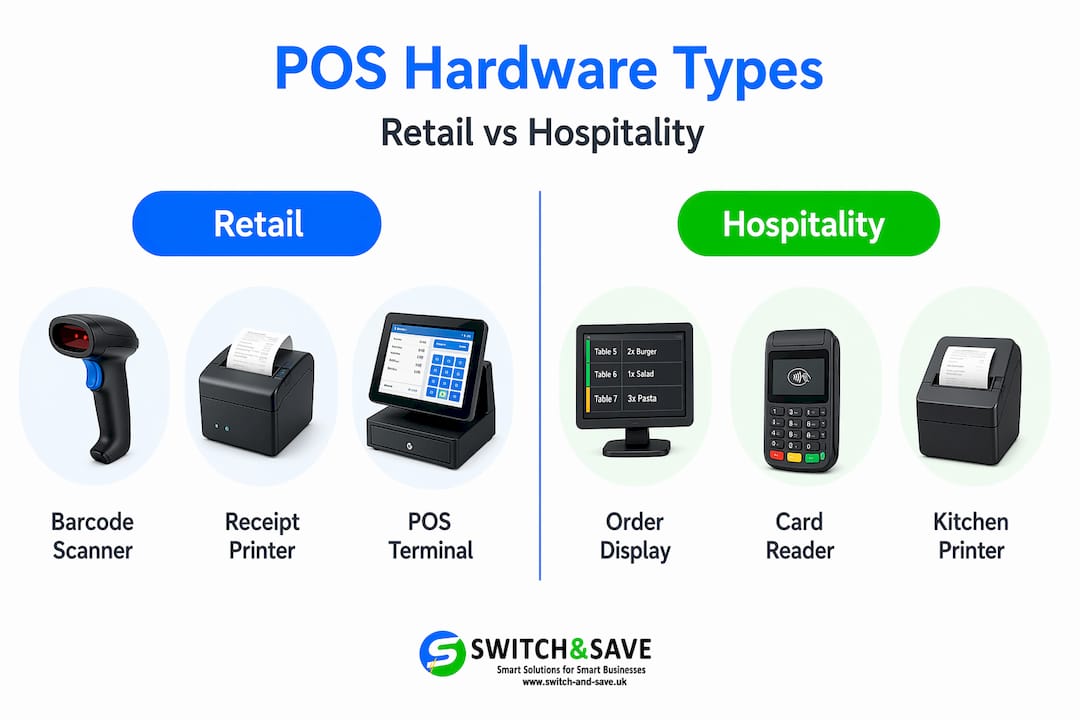
Here are the core components that make up a typical POS hardware setup:
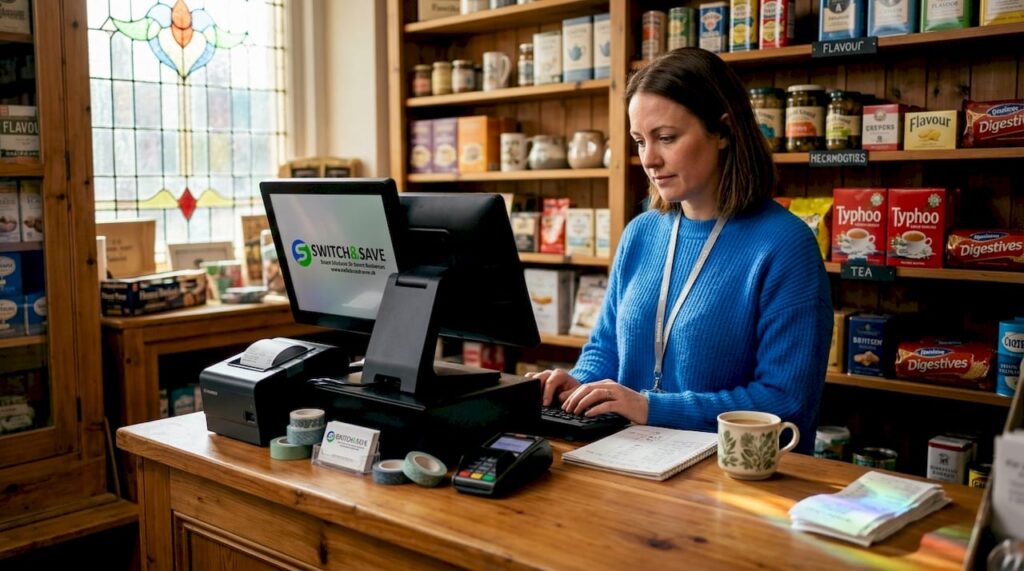
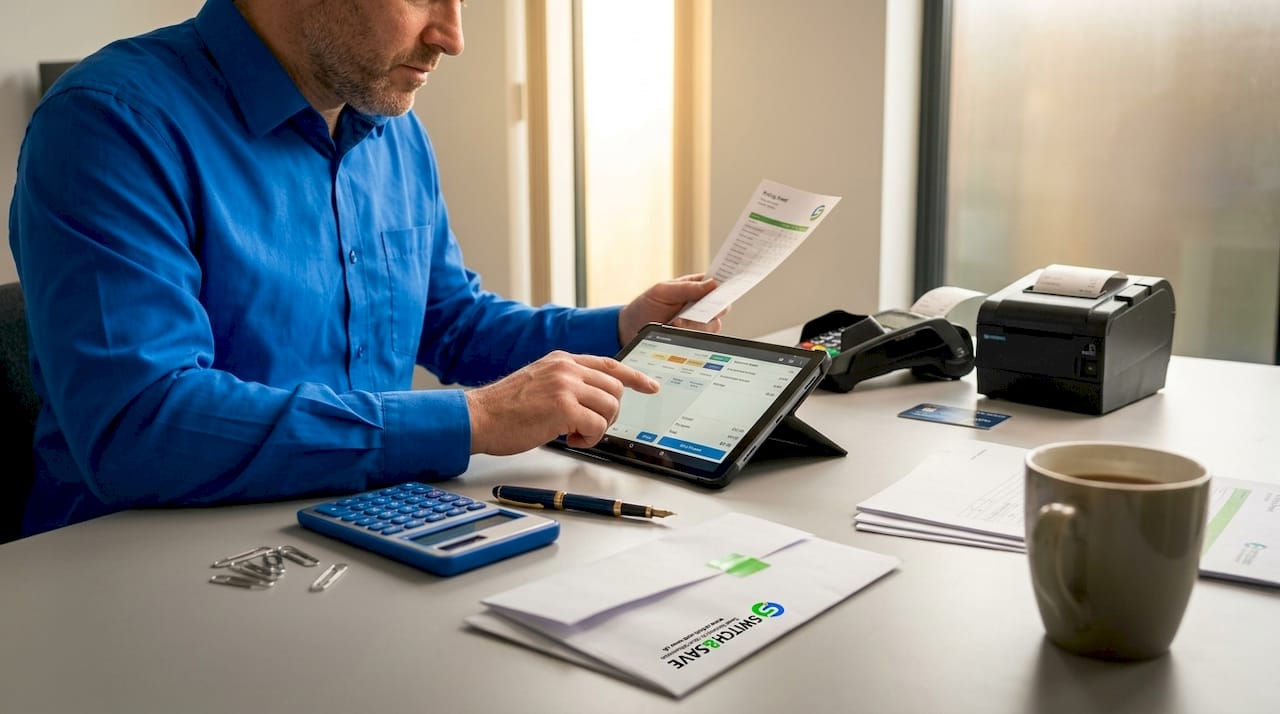
- Terminal. This is the central unit, either a dedicated touchscreen all-in-one, a tablet mounted on a stand, or a traditional PC with a monitor. It runs the POS software and coordinates all connected devices.
- Payment terminal. A separate card reader or integrated payment device that handles chip and PIN, contactless, and mobile payments.
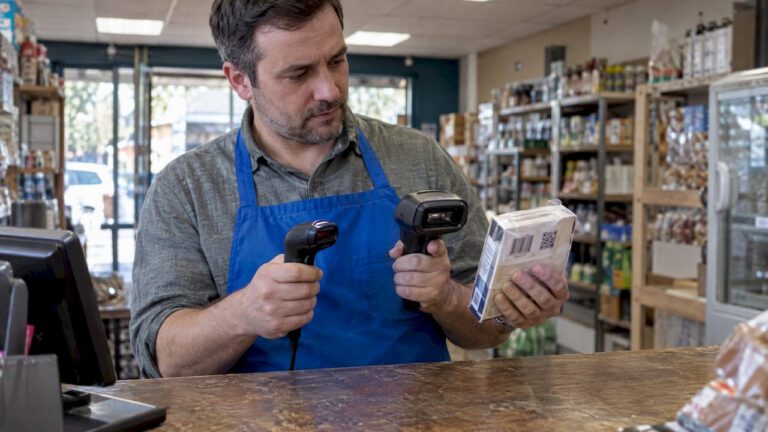
- Barcode scanner. Used in retail to read product barcodes at checkout, speeding up the transaction process and reducing manual entry errors.
- Receipt printer. A thermal printer that produces paper receipts. Most connect via USB or Ethernet and trigger the cash drawer automatically.
- Cash drawer. Typically connected to the receipt printer rather than directly to the terminal. Cash drawers connect via an RJ11 or RJ12 cable to the printer, which sends an electrical pulse to open the drawer on transaction completion.
- Customer display. A secondary screen facing the customer, showing item prices and totals in real time.
- Kitchen display screen (hospitality). In restaurants and cafés, orders are sent from the terminal to a screen in the kitchen, replacing printed order tickets.
Retail and hospitality setups differ in meaningful ways. A retail environment typically prioritises barcode scanning, receipt printing, and cash handling. A hospitality setup places more weight on order routing, table management, and speed of service. Both need reliable, commercial-grade hardware.
On cost, entry-level POS hardware setups start at around $150 to $500, while full retail or restaurant kits typically range from $650 to $2,000. In the UK market, standard retail bundles including a terminal, scanner, printer, cash drawer, and payment device start at the equivalent of approximately £550 and can reach £1,200 or more depending on specification.
The role of POS hardware in modern operations
A decade ago, POS hardware had one job: ring up a sale and print a receipt. That definition of what POS hardware should do has expanded considerably. Today, the role of POS hardware extends across your entire operation.
“POS hardware acts increasingly as a data-driven hub integrating advanced tech, raising user expectations around functionality beyond transaction processing.” — Market report on POS hardware evolution
Modern POS hardware integrates AI processors and cloud connectivity, enabling real-time inventory tracking, fraud detection, and enhanced customer interaction. When a customer buys an item at your till, the hardware is simultaneously updating stock counts, logging the sale against a product category, and potentially flagging a reorder point. That is a significant operational shift from the old world of manual stock counts and end-of-day cash reconciliation.
For multi-site businesses, the implications are even greater. Your hardware becomes the physical node in a cloud-connected network. Every terminal across every location feeds data into a central dashboard, giving you a live picture of performance across the board. You can spot which site is running low on a product, which till has slow throughput, and where your busiest trading hours are concentrated, without leaving your desk.
Durability is another dimension of the role that often gets overlooked. Commercial-grade POS hardware is built to withstand continuous use across long shifts, in environments where spills, drops, and heat are daily realities. Wrong POS hardware choices increase downtime risk and operational friction, particularly in high-volume businesses. A terminal that freezes during a lunchtime rush or a scanner that loses connectivity mid-shift is not a minor inconvenience. It costs you sales and customer confidence.
Pro Tip: When evaluating hardware durability, ask suppliers about mean time between failures (MTBF) ratings and whether replacements are held in stock in the UK. Fast swap-out matters far more than spec sheets.
The integration between hardware and software is also becoming tighter. POS hardware should be viewed as a deployable system layer that prioritises standardisation, maintainability, and ease of support over lowest initial cost. Buying cheap consumer-grade components might look sensible on a spreadsheet today but creates real pain when a device fails 14 months in and you cannot source a like-for-like replacement. To understand how software and hardware work together in practice, the guide on POS software basics for retail and hospitality covers the relationship clearly.
Choosing the right POS hardware setup
There is no single configuration that suits every business. The right setup depends on your business type, transaction volume, physical space, and growth plans. Here is a practical comparison of the two most common starting points:
| Setup type | Typical components | Best suited for | Approximate cost (UK) |
|---|---|---|---|
| Entry-level | Tablet terminal, card reader, compact printer | Small cafés, market traders, pop-ups | £150 to £450 |
| Mid-range retail | All-in-one terminal, scanner, thermal printer, cash drawer, payment device | Independent retailers, boutiques | £550 to £900 |
| Full hospitality | Terminal, kitchen display, order printer, customer display, card reader | Restaurants, busy cafés, pubs | £900 to £1,600+ |
| Multi-lane retail | Multiple terminals, scanners, integrated payment, back-office server | Supermarkets, large format retail | £1,500 to £3,000+ |
Beyond budget, here are the factors that most frequently trip up buyers:
- Compatibility. Does the hardware work with your chosen POS software? Not all terminals are compatible with all platforms. Confirm before you commit.
- Modularity. Can you add a kitchen screen or a second till later without replacing everything? Systems that allow you to expand one component at a time are far less disruptive as you grow.
- Connection standards. Understand how devices communicate. Using modular, all-in-one terminals reduces cabling complexity and improves maintainability compared to piecemeal setups where every peripheral uses a different interface.
- Lifecycle support. How long will the manufacturer supply spare parts and firmware updates? A terminal bought today should be supportable for at least five to seven years.
- Ergonomics. In a busy checkout environment, screen position, cable routing, and counter space genuinely affect staff speed and comfort across a long shift.
If you are comparing retail setups specifically, the guide on choosing a retail POS system covers these decisions in detail.
Why investing in quality POS hardware pays off
The business case for investing in the right POS hardware comes down to four practical areas.
- Transaction speed. A properly specified terminal with a responsive touchscreen and fast scanner reduces the average checkout time noticeably. In a busy lunchtime queue, shaving ten seconds per transaction across thirty customers is material. Customers notice. So do your staff.
- Accuracy and error reduction. Barcode scanning eliminates the manual keying errors that lead to wrong prices, incorrect stock levels, and reconciliation headaches at the end of the day. Small errors add up. A missed scan here and a mispriced item there can quietly erode your margins across a week.
- Customer transparency. A customer-facing display showing itemised prices as they are scanned builds trust and reduces disputes at the till. It is a small addition to your hardware list but a meaningful one for customer confidence.
- Scalability and reduced downtime. Hardware standardisation simplifies fleet-wide support, training, and maintenance, improving operational efficiency across multiple sites. When every location uses the same terminal model, your team knows exactly what to do when something needs fixing. There are no compatibility questions, no specialist knowledge required per site, and no delay waiting for a specific engineer.
Pro Tip: Buy one spare terminal for every four active tills. It sounds like an unnecessary cost until your busiest till fails on a Saturday afternoon and you have nothing to swap in. A preconfigured spare pays for itself the first time you use it.
Reviewing modern POS system features alongside your hardware shortlist is a sensible step. The right hardware should unlock all the software features you are paying for, not create bottlenecks because the device cannot keep up.
My honest take on POS hardware decisions
I have seen businesses agonise over a £50 price difference between two terminals, then spend three times that amount on engineer call-outs six months later because they chose the cheaper option. Upfront cost is real, but it is rarely the number that matters most.
What I have found consistently is that the businesses running well are those that treat hardware as infrastructure, not as a one-off purchase. They standardise on two or three device models, they buy from suppliers who offer real UK-based support, and they plan for eventual replacement from day one. That discipline keeps operations predictable.
The modularity point also deserves more attention than it gets. I have seen restaurants add a second kitchen display screen in a single afternoon because their original setup was designed for it. I have also seen retailers spend a full day recabling because they bought the cheapest kit available and nothing was designed to connect to anything else. The second scenario is entirely avoidable.
My honest view: the definition of POS hardware is not just what the devices are. It is what they allow your business to do. Buy for that future capability, not just today’s transaction volume.
— Amir
How Switch-and-save can help
If you are weighing up POS hardware options for your retail or hospitality business, Switch-and-save offers a straightforward way to find the right setup without the guesswork.

Switch-and-save supplies complete EPOS systems tailored to UK retail and hospitality businesses, combining commercial-grade hardware with AI-powered software and integrated payments in a single package. Whether you need a solo retail setup or a multi-site hospitality configuration, the team will match you to hardware that fits your operation and your budget. Pre-configured EPOS hardware bundles are available for businesses that want a ready-to-go solution without piecing everything together separately. UK-based support is included, and free demos are available so you can see the system in action before committing. Explore the range at switch-and-save.uk.
FAQ
What is the definition of POS hardware?
POS hardware refers to the physical devices that work with POS software to process sales, manage stock, and connect your checkout to wider business operations. This includes terminals, card readers, receipt printers, barcode scanners, and cash drawers.
What are the must-have POS hardware components?
The essential POS hardware list for most businesses includes a terminal or tablet, a payment device, a receipt printer, a cash drawer, and a barcode scanner. Hospitality setups typically also require a kitchen display screen.
How much does POS hardware cost in the UK?
Entry-level setups start from around £150 for a basic tablet and card reader. Mid-range retail kits with a full set of peripherals typically cost between £550 and £900, while full hospitality configurations can reach £1,600 or more.
Why does hardware standardisation matter for multi-site businesses?
Using the same hardware models across all locations simplifies staff training, reduces maintenance complexity, and makes it faster to resolve faults. It also lowers the cost of holding spare devices, since one spare works across every site.
Can POS hardware work with any POS software?
Not automatically. Compatibility between hardware and software must be confirmed before purchase. All-in-one systems from a single supplier, like those offered by Switch-and-save, are designed to work together from the outset, which removes this risk entirely.