If you think a point of sale is just a cash register, you’re missing most of the picture. Understanding what is point of sale properly can change how you run your entire business, from managing stock to serving customers faster. A modern POS system is the operational centre of your retail or hospitality operation. It handles transactions, yes, but it also tracks inventory, stores customer data, and gives you the reporting you need to make good decisions. This guide breaks it all down clearly, so you can choose and use the right system with confidence.
Table of Contents
- Key takeaways
- What is point of sale: definition and role in retail
- How a point of sale system works
- Benefits of point of sale systems for your business
- Choosing the right POS system for your business
- Challenges and trends in POS technology
- My view on POS: what experience has taught me
- Ready to upgrade your POS setup? Switch-and-save can help
- FAQ
Key takeaways
| Point | Details |
|---|---|
| POS is more than payment | A point of sale system handles transactions, stock, reporting, and customer data in one place. |
| Hardware and software work together | Terminals, scanners, and printers connect with software to process sales and sync inventory in real time. |
| Cloud systems offer remote access | Cloud-based POS lets you monitor sales and manage multiple locations from any internet-connected device. |
| The right system depends on your business | Transaction volume, hardware needs, and budget should all shape your POS choice. |
| Security and accuracy matter | Centralising pricing and discount rules within your POS reduces errors and protects against fraud. |
What is point of sale: definition and role in retail
The definition of point of sale is straightforward at its core. It refers to the time and place where a retail transaction is completed, including payment and the issuance of a receipt. But in practice, it means much more than that.
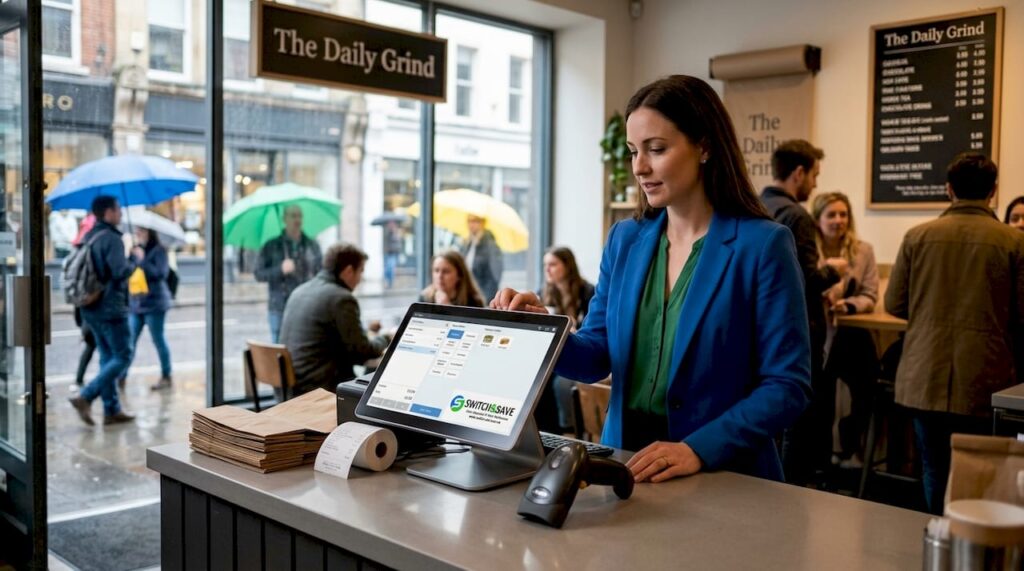
A point of sale system is the combination of hardware and software that makes that transaction happen. It records the sale, updates your stock, processes the payment, and stores the data. Every interaction at that moment feeds into the wider operation of your business.
POS environments today look very different from the traditional till behind a counter. You will find them in many forms:
- Fixed terminals in supermarkets, restaurants, and clothing shops
- Mobile POS (mPOS) on tablets or smartphones used by market traders or table-service staff
- Self-service kiosks in fast food chains, cinemas, and large retailers
- Online checkout systems that mirror physical POS functions for e-commerce
It is also worth noting that a POS is sometimes called a point of service, reflecting its broader role beyond payment. Returns, customer queries, and order management all happen there too. That distinction matters because it shapes how you should think about choosing and using your system.
How a point of sale system works
Understanding how does point of sale work comes down to knowing what the hardware and software each do, and how they talk to each other.
The hardware side
Modern POS hardware typically includes a combination of the following components, depending on your business type:
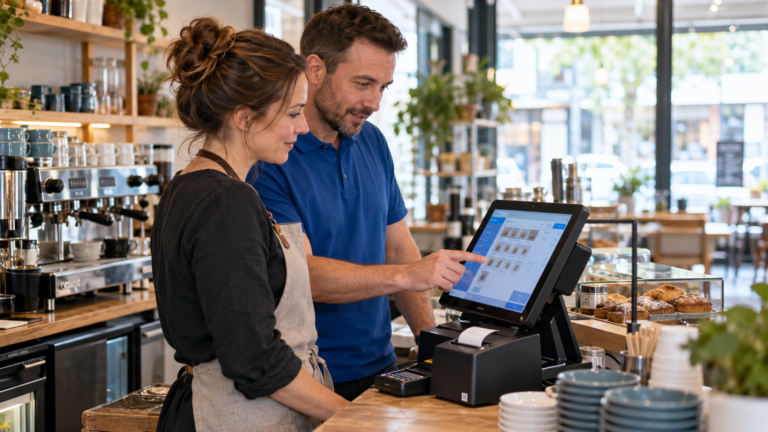
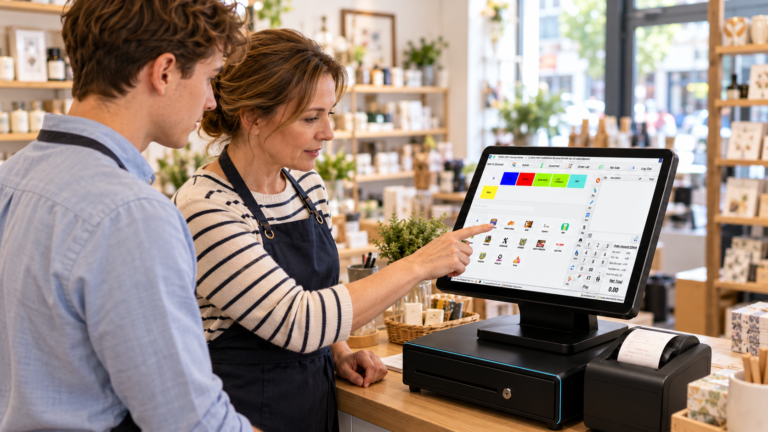
- Touchscreen terminal or tablet — the main interface your staff use to process sales
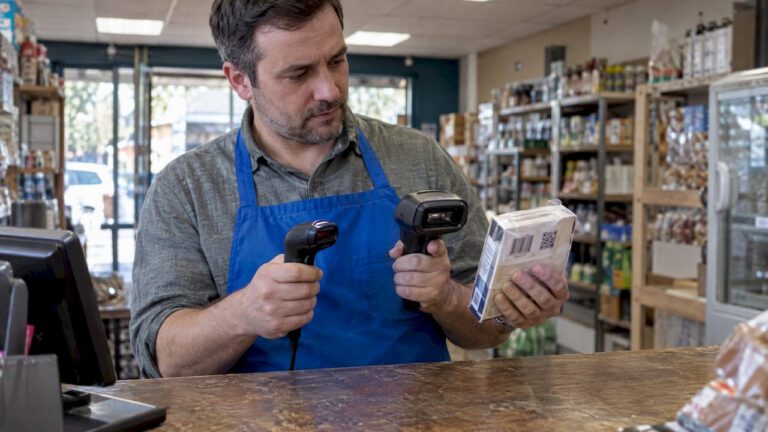
- Barcode scanner — reads product codes to pull up prices and deduct stock automatically
- Receipt printer — issues paper receipts at the point of transaction
- Cash drawer — integrates with the terminal and opens only when triggered by a sale
- Card payment terminal — processes chip, contactless, and digital wallet payments
Each piece of hardware feeds data back into the software in real time. Nothing sits in isolation.
The software side
The software is where the real power lies. POS software processes payments, captures sales data, and syncs inventory without any manual input from your team. When a customer buys a product, the software deducts it from your stock count, records the sale, and updates your reports instantly.
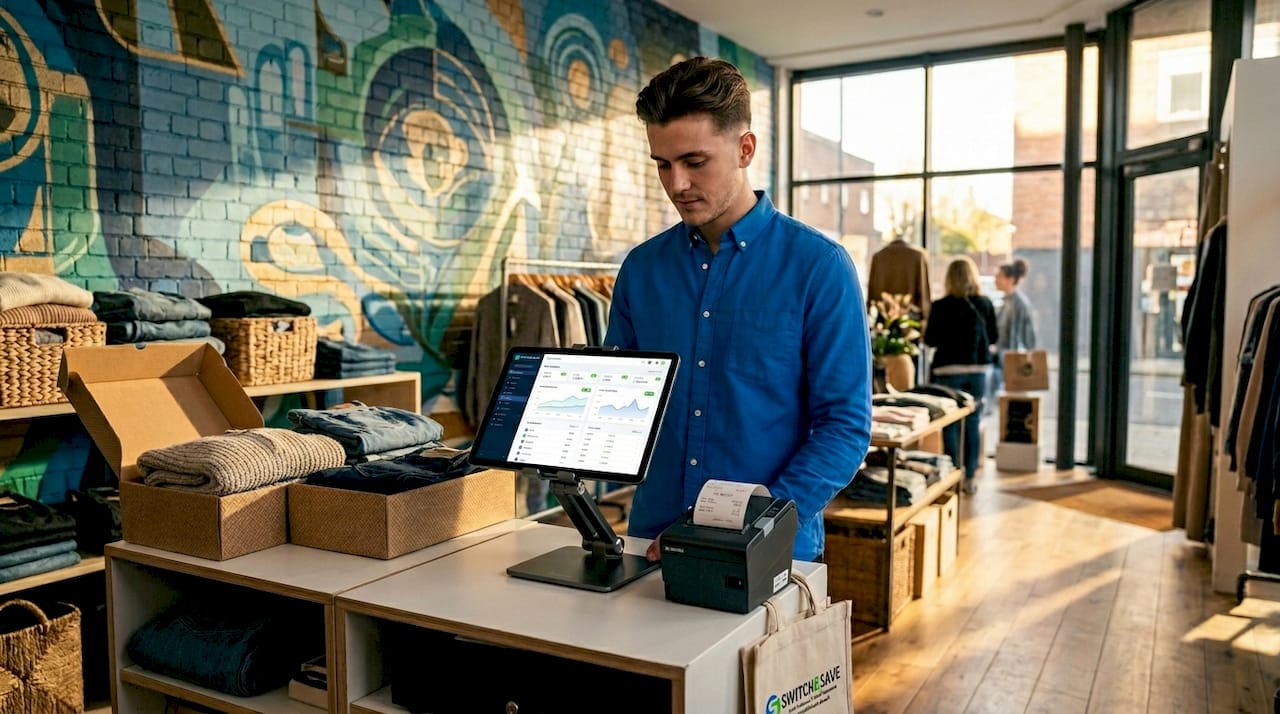
Cloud-based systems go further. Rather than storing data on a local server at the till, your information is held securely online. You can access it from your phone, a laptop, or any internet-connected device. This is particularly useful if you manage more than one location.
Pro Tip: If you are weighing up cloud versus local systems, consider this: a local system fails if the hardware fails. A cloud-based system keeps your data safe even if your terminal breaks down.
Benefits of point of sale systems for your business
The benefits of point of sale go well beyond faster checkouts. A good system gives you control over your business in ways a basic till simply cannot.
Here is what a well-implemented POS system does for you day to day:
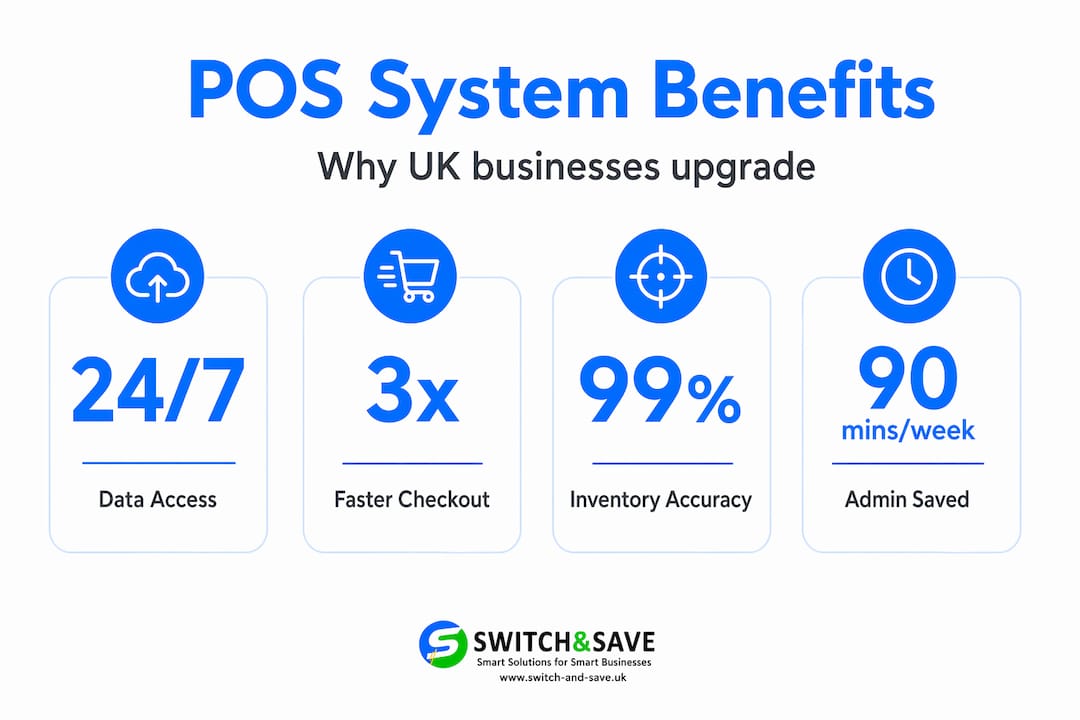
- Real-time stock updates. Every sale automatically adjusts your inventory. You always know what is on the shelf without counting manually.
- Reduced human error. Pricing, tax, and discounts are set within the system. Staff cannot accidentally charge the wrong amount, and centralising these rules protects the accuracy of your reporting.
- Customer data and loyalty tools. POS systems support loyalty programmes and store customer purchase history, giving you data to personalise marketing and improve retention.
- Remote management via the cloud. Cloud-based POS lets owners monitor sales remotely through mobile apps, making multi-location management far more manageable.
- Flexible payment options. Modern terminals accept contactless cards, Apple Pay, Google Pay, and chip and PIN as standard, reducing friction at the till.
- Sales trend reporting. Your POS is a central data hub that shows you which products sell best, when your busy periods are, and where you are losing margin.
Understanding why use point of sale becomes very clear when you see how much manual admin it removes. That time goes back to serving customers and growing your business.
Pro Tip: Look at your sales data weekly, not just at the end of the month. Spotting a dip early gives you time to act on it, whether that is restocking, adjusting pricing, or running a short promotion.
Choosing the right POS system for your business
Not every system suits every business. A small café has different needs from a multi-site clothing retailer. Getting this decision right from the start saves you money and avoids the headache of switching later.
Use this comparison to understand which type of system tends to suit which business:
| Business type | Recommended setup | Key consideration |
|---|---|---|
| Small independent retailer | Cloud-based tablet POS with scanner and printer | Low upfront cost, easy to scale |
| Restaurant or café | Touchscreen terminal with table management | Speed at service, kitchen integration |
| Multi-site retail chain | Cloud POS with centralised dashboard | Consistent reporting across locations |
| Grocery or butcher shop | EPOS with weighing scale integration | Accurate pricing by weight |
| Market trader or pop-up | Mobile POS on smartphone or tablet | Portability and offline capability |
When assessing your options, think about these four areas:
Transaction volume. High-volume businesses need fast, reliable hardware. A system that lags at peak time costs you sales and customer trust.
Software features. Check that the system covers inventory management, sales reporting, and any CRM tools you need. A system that handles data in retail effectively will pay for itself quickly.
Scalability. Choose a system that grows with you. Adding a second location or a new product category should not require a complete overhaul.
Budget and support. Transparent pricing and reliable UK-based support matter more than you might think. Downtime without support is expensive.
Challenges and trends in POS technology
Even a good system brings challenges if it is not implemented properly. Separating pricing and discount rules from your POS creates inconsistencies in what customers are charged and what your reports show. That is a fixable problem, but one that catches many businesses out.
Security is another concern that grows as payments become more digital. EMV chip and NFC technology built into modern terminals significantly reduce the risk of fraudulent transactions. Make sure any system you choose meets current UK payment security standards.
Looking ahead, several trends are reshaping what point of sale software solutions look like:
- AI-powered analytics that surface sales patterns and predict stock needs without manual analysis
- Mobile POS expansion, particularly in hospitality where staff take orders and payments tableside
- Self-service kiosks growing in quick-service restaurants and larger retail formats
- Omnichannel integration, linking your in-store POS with your online shop so stock and sales data stay consistent across both
Keeping pace with these developments does not mean adopting everything at once. It means choosing a system that is built to adapt.
My view on POS: what experience has taught me
I’ve worked alongside retail and hospitality businesses at different stages of growth, and the pattern I keep seeing is the same. Owners invest in a POS system for the transaction side and only later realise the reporting and inventory tools were the real value all along.
In my experience, the businesses that get the most from their POS are not the ones with the most features turned on. They are the ones where staff actually understand the system and use it consistently. A sophisticated platform used at 40% of its capability will underperform a simpler system used well. That balance between technology and training is something most guides overlook entirely.
The other thing I’ve learned is that cheap systems are rarely cheap in the long run. A missing integration or a lack of proper support costs you more in lost time and manual workarounds than a better system would have cost upfront. The right modern POS features are not luxuries. They are the foundation of running a tighter, more profitable operation.
My honest advice: start with clarity on what problems you are actually trying to solve, then find a system built around those needs rather than the other way around.
— Amir
Ready to upgrade your POS setup? Switch-and-save can help
If this guide has helped you understand what a point of sale system should really do, the next step is finding one that does it well for your specific business.

Switch-and-save offers a full range of EPOS systems for retail and hospitality businesses across the UK, combining reliable hardware, AI-powered software, and integrated payment processing in one package. Whether you run a single shop or manage multiple sites, there is a bundle built around your needs. You can explore ready-made EPOS bundles for retail or request a free demo to see the software in action before you commit. UK-based support is included as standard, so you are never left troubleshooting alone. Get in touch today and see how straightforward upgrading your POS can be.
FAQ
What is the definition of point of sale?
Point of sale refers to the time and place where a retail or hospitality transaction is completed, covering payment, receipt issuance, and often stock updates. Modern POS systems combine hardware and software to manage all of this in one place.
What are point of sale transactions?
Point of sale transactions are any exchanges that occur at the moment a customer makes a purchase, including payment processing, stock deduction, and receipt generation. They can happen in-store, via mobile devices, at kiosks, or through online checkouts.
How does a POS system work in a retail environment?
A retail POS system uses a combination of hardware such as scanners, terminals, and printers, alongside software that processes payments, updates inventory in real time, and generates sales reports. Cloud-based systems allow managers to access this data remotely from any device.
What are the main benefits of point of sale systems?
The main benefits include real-time inventory tracking, reduced pricing errors, faster checkout, customer data capture, and remote access to sales reports. Together, these give business owners much clearer control over their operations.
Do I need a cloud-based POS system?
Cloud-based systems are strongly worth considering because they allow remote monitoring, automatic updates, and data backup without relying on a single local server. They are particularly useful for businesses managing more than one location.
Recommended
- What Is a Point of Sale (POS)? Complete Guide for UK Businesses – Switch&Save
- Top examples of point of sale technology for UK businesses | Switch & Save UK
- A complete POS installation guide for UK retail and hospitality
- What is a retail POS bundle: your UK guide | Switch & Save UK
Switch&Save provides EPOS systems to businesses across the UK, including EPOS system Manchester and EPOS system Leeds. Whether you run a retail shop, restaurant, or hospitality venue, our systems are tailored to suit your needs.