Choosing an electronic point of sale system for a modern restaurant often means wrestling with tangled contracts, commission fees and hardware lock-ins that inflate costs and restrict flexibility. Too many options either limit menu customisation, gate ownership of customer data, or force you to pay separately for integration add-ons that matter for real-time operations. This comparison clarifies device support, pricing, margin impact and control features across five POS systems so you can select one that aligns with your budget, delivery needs and staff workflows.
Table of Contents
- Switch & Save EPOS System
- Seamless POS
- GKSOFT EPOS and Online Food Ordering System
- Posist
- Ordrpro
- Comparative Analysis of the Reviewed EPOS Systems
Switch & Save EPOS System
At a Glance
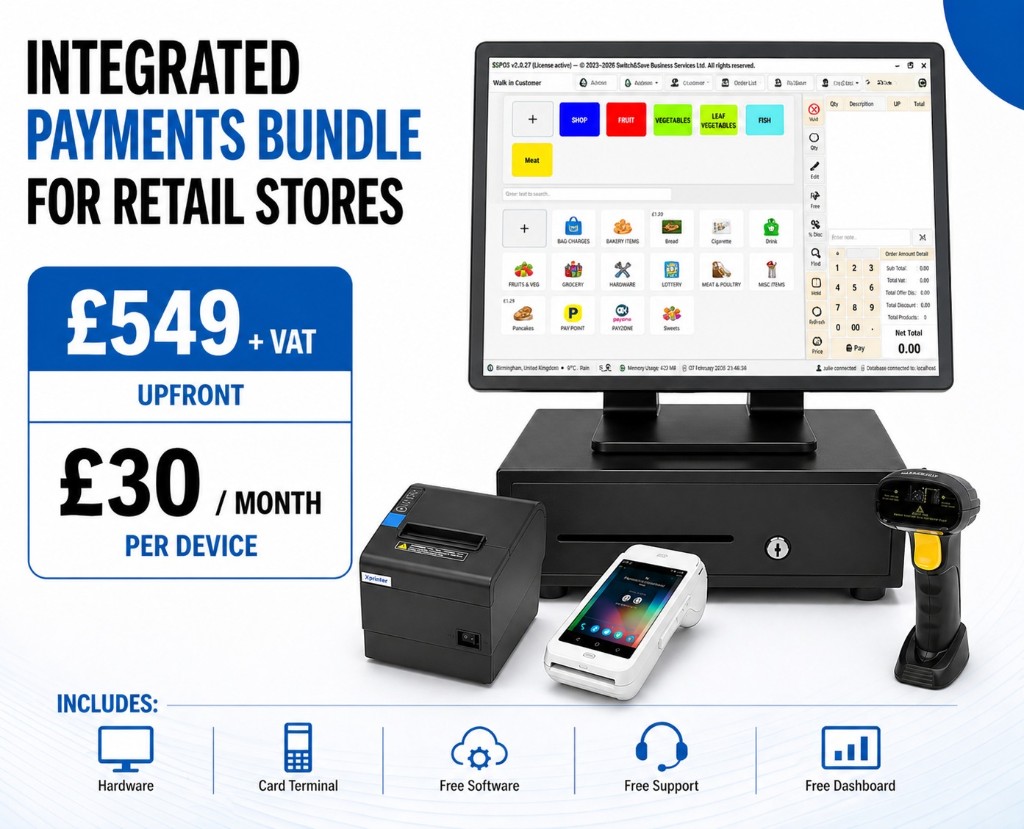
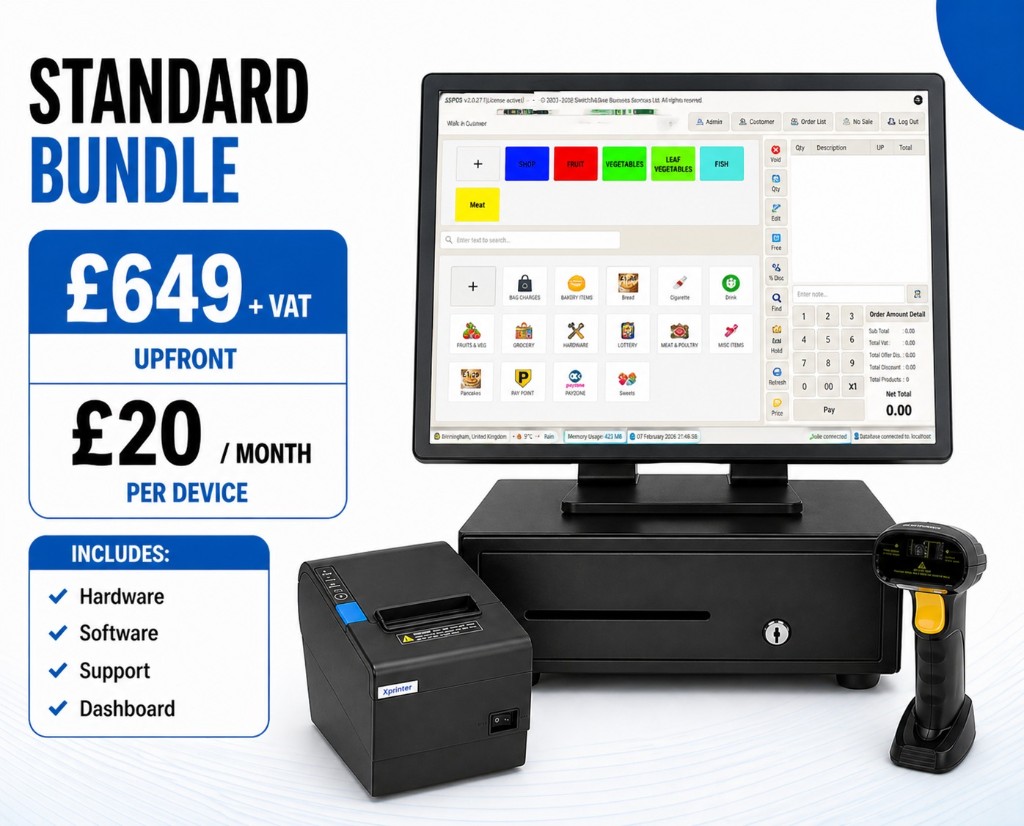
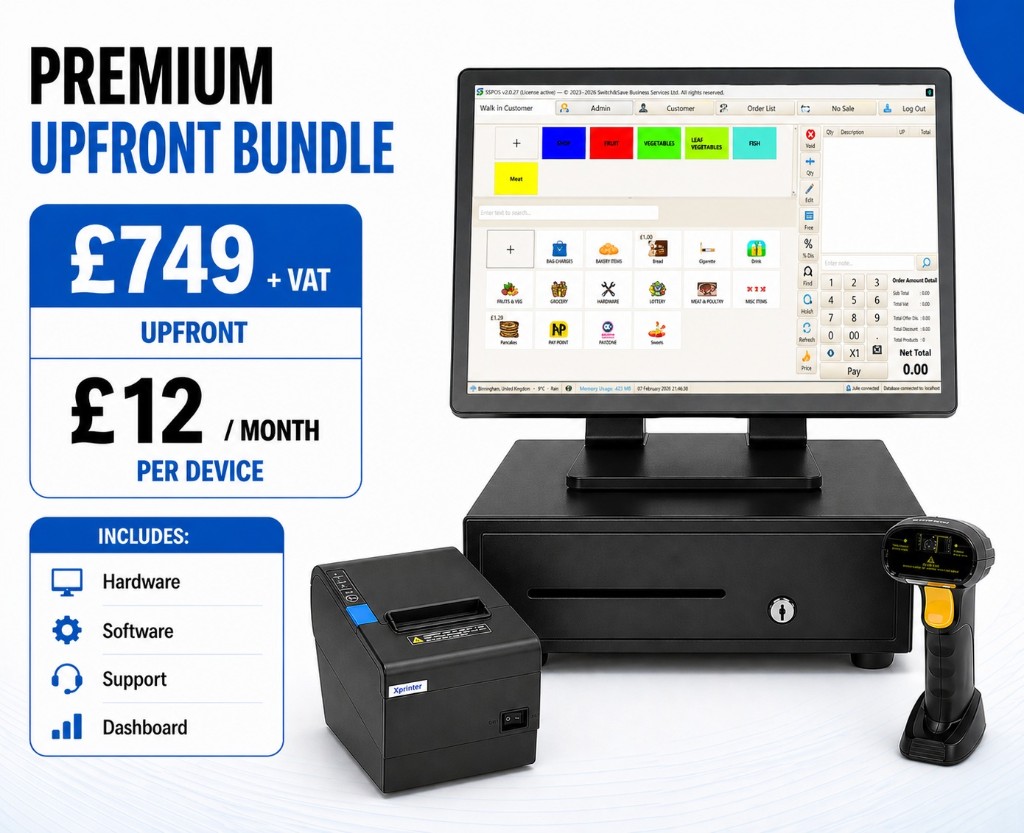
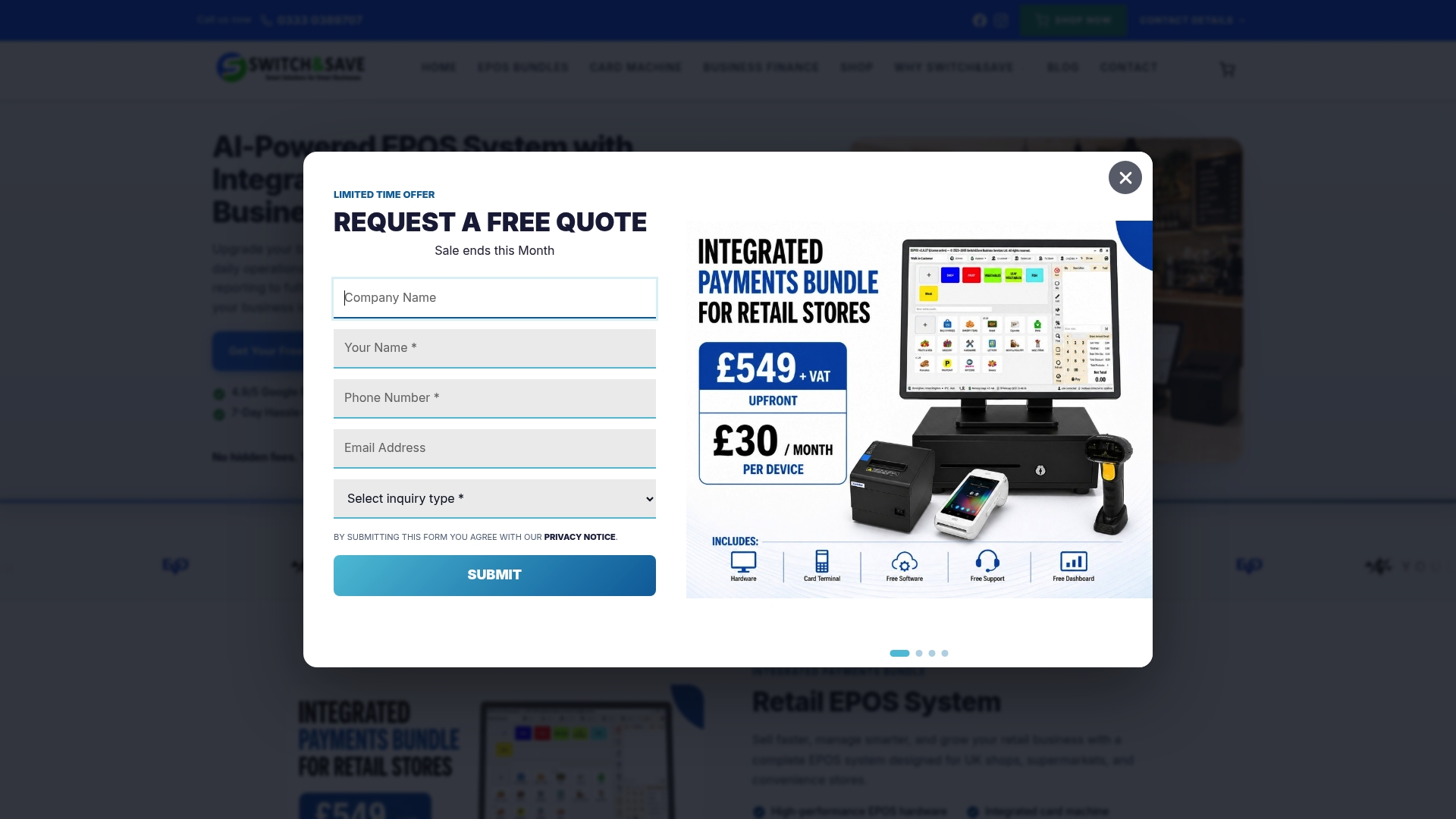
Starts at £549 plus VAT upfront or £30 per month per device for retail bundles, with a premium retail option at £749 plus VAT. The vendor advertises a 4.9 out of 5 Google rating and 5 out of 5 on Trustpilot. Software and UK-based support are included with many bundles at no extra software charge.
Core Features
- AI-driven insights and automated reporting that surface sales trends and stock alerts.
- Fully integrated card payment processing with inbuilt acceptance rather than a separate terminal.
- A cloud-based dashboard for real-time sales and inventory management accessible from anywhere.
- Fast barcode scanning and customer checkout to reduce queue times.
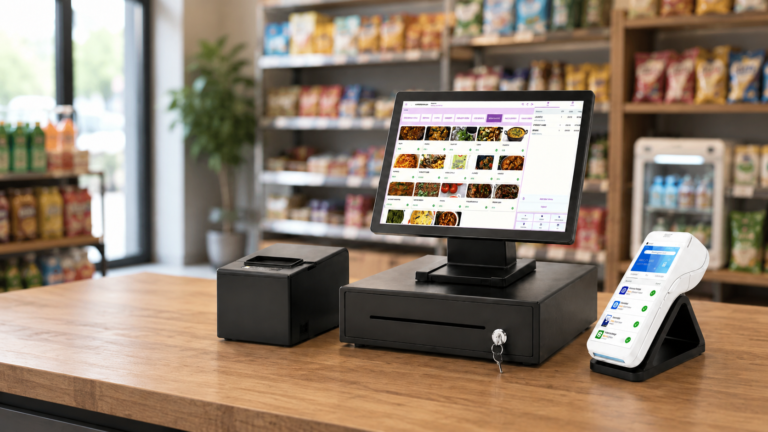
- Multiple hardware choices such as touchscreen terminals, receipt printers, cash drawers, scanners and optional customer displays.
- Multiple stores and multiple terminals supported, plus hospitality tools for table management and order tracking.
Key Differentiator
Switch-and-save pairs AI insights with fully integrated payments in one package tailored for UK shops and hospitality venues. The product data emphasises that analysis and payment acceptance live inside the same cloud system, which saves time reconciling receipts and sales reports.
Pros
- The ratings above provide social proof that many buyers report satisfaction with the product and support.
- AI-driven insights make stock reorders and sales forecasts faster, reducing time spent checking spreadsheets.
- Cloud dashboard gives managers remote visibility into sales and stock across multiple stores and terminals, useful for owners who split time between sites.
- UK-based support and included software lower the bar for adoption and reduce the need for third-party IT help.
- Comprehensive hardware options let you choose a compact till for a convenience store or a fuller setup for a café kitchen.
Cons
- Reliant on an internet connection for cloud features, so offline operation is limited and depends on how a site is configured.
Notable Integrations
- Worldpay
- Takepayments
- Teya UK
These are the payment providers the system connects to, which keeps payment routing within familiar UK processors.
Who It’s For
Small and medium retail and hospitality owners in the UK who want an EPOS that combines payments, reporting and hardware with local support. Suitable for shops, cafés, bars and multi-branch operators seeking predictable pricing and remote management.
Unique Value Proposition
Software included at no extra cost with many bundles changes the acquisition maths. Rather than paying separate licence fees, you get the EPOS software bundled with hardware and UK support, and you can choose between upfront purchase or subscription per device. That clarity helps owners budget replacements and scale terminals without surprise licence invoices.
Real World Use Case
A local grocery replaced manual stock sheets with Switch-and-save, using real-time sales reports to cut expired stock losses and to push best sellers to the front of the shop. Multi-branch reporting let the owner shift deliveries between stores without manual data merges.
Pricing
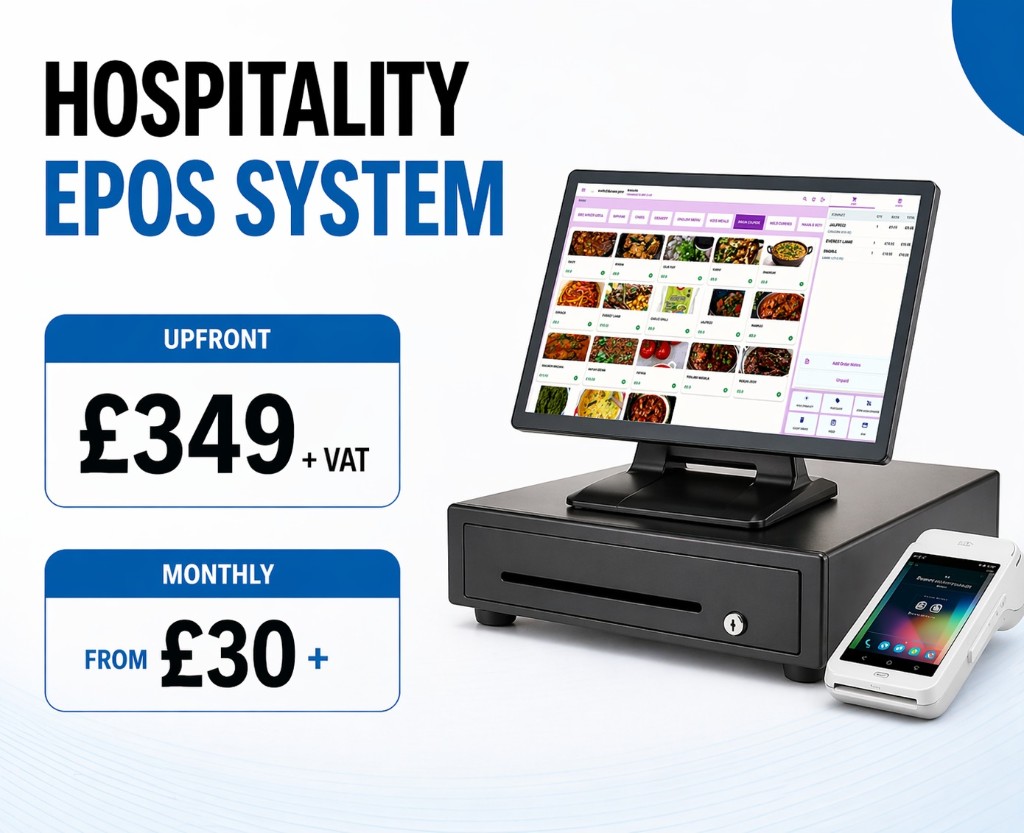
Retail bundles typically start at £549 plus VAT upfront or £30 per month per device. Premium retail is listed at £749 plus VAT upfront. Hospitality options and bespoke packages are available depending on hardware and terminal counts.
Website: https://switch-and-save.uk
Seamless POS
At a Glance
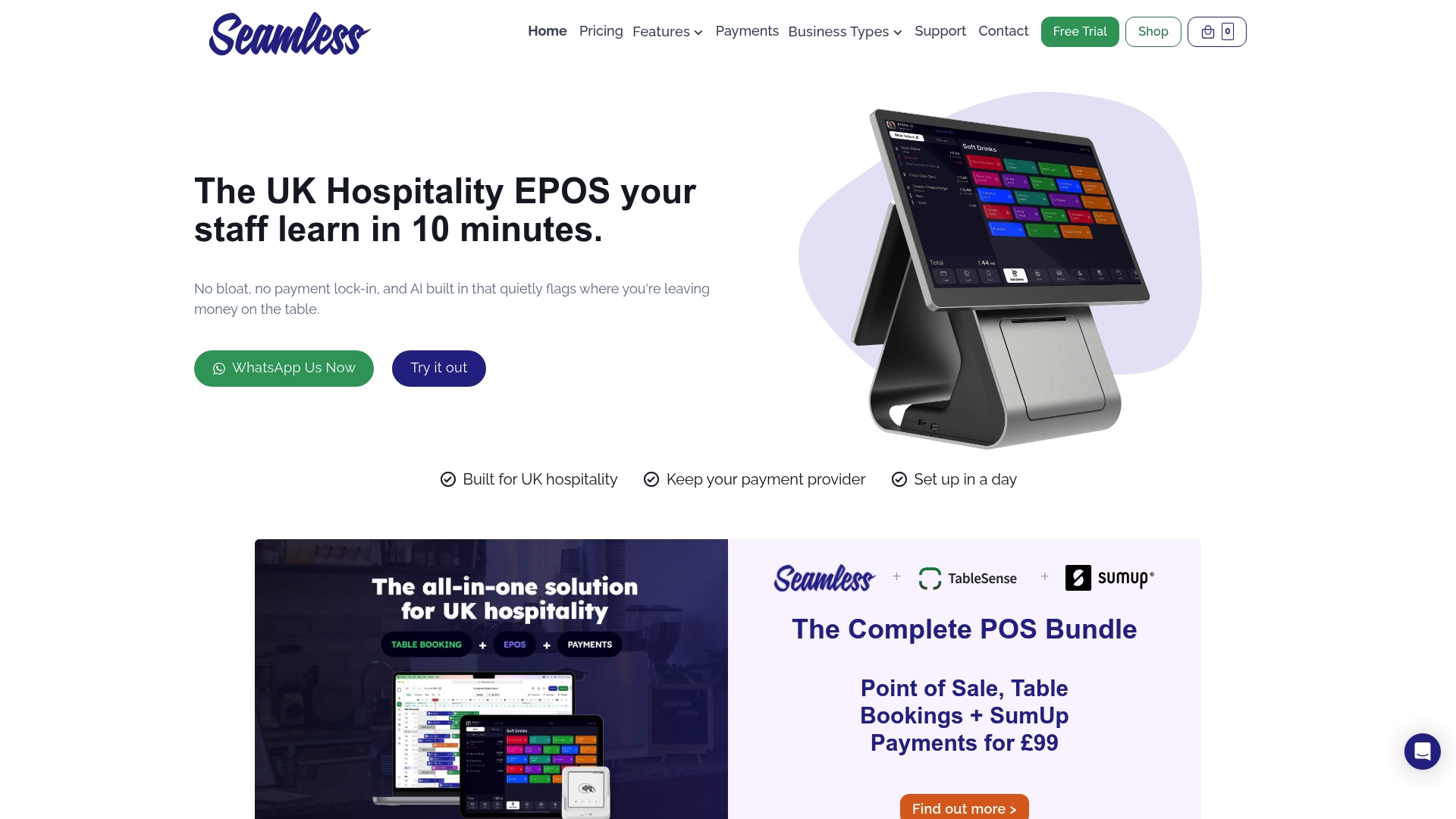
Plans start from £0 per month after a free trial, with optional add-ons and no long-term contracts or lock-ins. The iPad based, cloud connected system targets UK restaurants, cafes, pubs and food trucks and prioritises fast staff adoption and live sales reporting.
Core Features
A compact feature set focused on front of house operations keeps the tills moving and reduces training time.
- iPad based and cloud connected point of sale that syncs orders across devices for multi-station setups.
- Customisable menu management with easy item edits, modifiers and pricing zones for lunch, dinner and specials.
- Table and floor plan management for quick table assignment and turnaround during service.
- Integrated payment processing with several providers to accept chip, contactless and mobile wallets.
- Delivery and takeaway integration for real-time order syncing with Deliveroo, Uber Eats and Just Eat.
Key Differentiator
What sets Seamless POS apart is its hospitality focus for the UK market — an iPad first UI, live sales dashboards and built-in delivery order syncing combined with an explicit no lock-in approach. That combination keeps setup straightforward while supporting third party delivery flows.
Pros
- Easy for staff to learn: The interface is simple and consistent, so new servers learn order entry and payments in a short shift without heavy training.
- Order syncing across devices: Orders entered at a table or kiosk appear instantly on kitchen and bar devices, reducing missed items and duplicated checks.
- Real-time sales dashboards: Managers see till-level sales, item mix and hourly trends on a cloud dashboard to make quick service or stock decisions.
- Responsive UK support and attentive developers who act on feedback, which speeds fixes and small feature requests.
Cons
- Reviews and vendor material report few negatives; however that may reflect a narrower review sample rather than universal suitability.
- The product is tailored to hospitality; businesses selling general retail goods will find the feature set lacks retail specific functions such as barcode-heavy stock control.
- Pricing is subscription based with transparent starting points, but publicly available information on optional add-ons and bespoke enterprise packages is limited.
Who It’s For
Operators of cafes, small restaurants, pubs and food trucks across the UK who need an easy to operate till system that handles payments, table service and delivery orders without lengthy contracts or complicated configuration.
Real World Use Case
A cafe installs Seamless POS on two iPads and a fixed terminal. Staff sync table orders across devices, take card and contactless payments quickly, and the owner uses the daily dashboard to adjust staffing and popular lunch items.
Pricing
A free trial is available; plans start from £0 per month with optional add-on features and packages. The subscription model removes upfront licence costs and lets you add paid modules as the business grows.
Website: https://seamlesspos.co.uk
GKSOFT EPOS and Online Food Ordering System
At a Glance
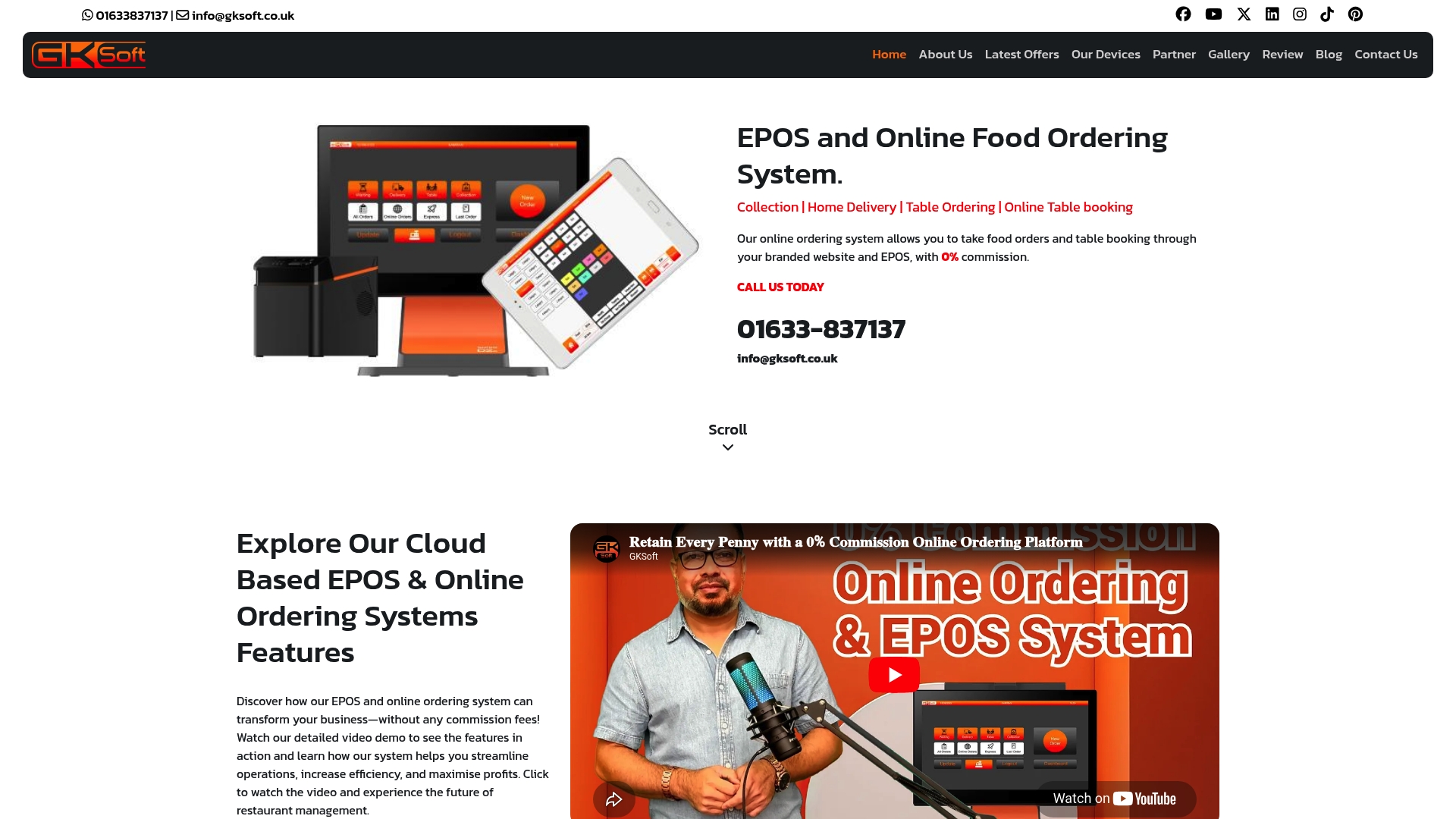
The vendor advertises 0% commission on online orders, a headline claim that directly affects margin calculations for delivery and collection sales. The same materials promise a free branded online ordering website and full ownership of customer data and the domain.
GKSOFT packages combine online ordering with an EPOS that runs on multiple devices, plus booking and marketing tools aimed at UK restaurants and takeaways.
Core Features
- 0% commission on online orders, vendor-stated, so you keep more of each sale.
- Free branded online ordering website that you own outright, including the domain registration option.
- Multi-device EPOS compatibility for tills, tablets, and mobiles with cloud-based remote management.
- Online table booking, order notifications, an owner dashboard for order management, and a built-in suite of marketing tools for promotions and customer engagement.
Key Differentiator
GKSOFT leans on ownership. Where many marketplaces retain control of pages and customer lists, GKSOFT’s marketing message centres on handing those assets to you. That ownership claim above changes how you run repeat-customer marketing because you control the data and the domain.
Pros
Owners retain full control and ownership of their online ordering platform and customer data, a useful option if you plan direct marketing and loyalty schemes.
The commission claim above removes ongoing per-order fees, which increases gross margin versus third-party delivery marketplaces.
Integrated marketing and promotions tools reduce the need for separate platforms for email and discount codes.
The setup process is described as guided and user friendly, which helps teams with limited technical resource get live quickly.
Flexible packages mean you can start with online ordering only or adopt a full EPOS integration as operations grow.
Cons
No independent user reviews were identified in the provided data, so real-world reliability and long term support experience are not verifiable from this source.
The product data lists no third-party integrations, which could complicate linking to accounting, payroll, or larger loyalty platforms.
Pricing is sold in packages and not itemised publicly in full detail, which complicates direct feature-by-feature comparison with competitors.
Who It’s For
Restaurant and takeaway owners in the UK who want to own their ordering channel and keep commission costs off the P&L. It suits businesses that prioritise margin control and branded customer relationships over marketplace reach.
Real World Use Case
A medium-sized restaurant takes the all-in-one package to unify dine-in, takeaway, and online channels. Orders route through the EPOS and owner dashboard, marketing lists remain with the venue, and commission fees that used to erode margins are removed.
Pricing
The vendor lists pricing starting from £395 initial setup plus a £27 weekly subscription. There are separate packages for EPOS-only or all-in-one solutions depending on the level of integration and features you require.
Website: https://gksoft.co.uk
Posist
At a Glance
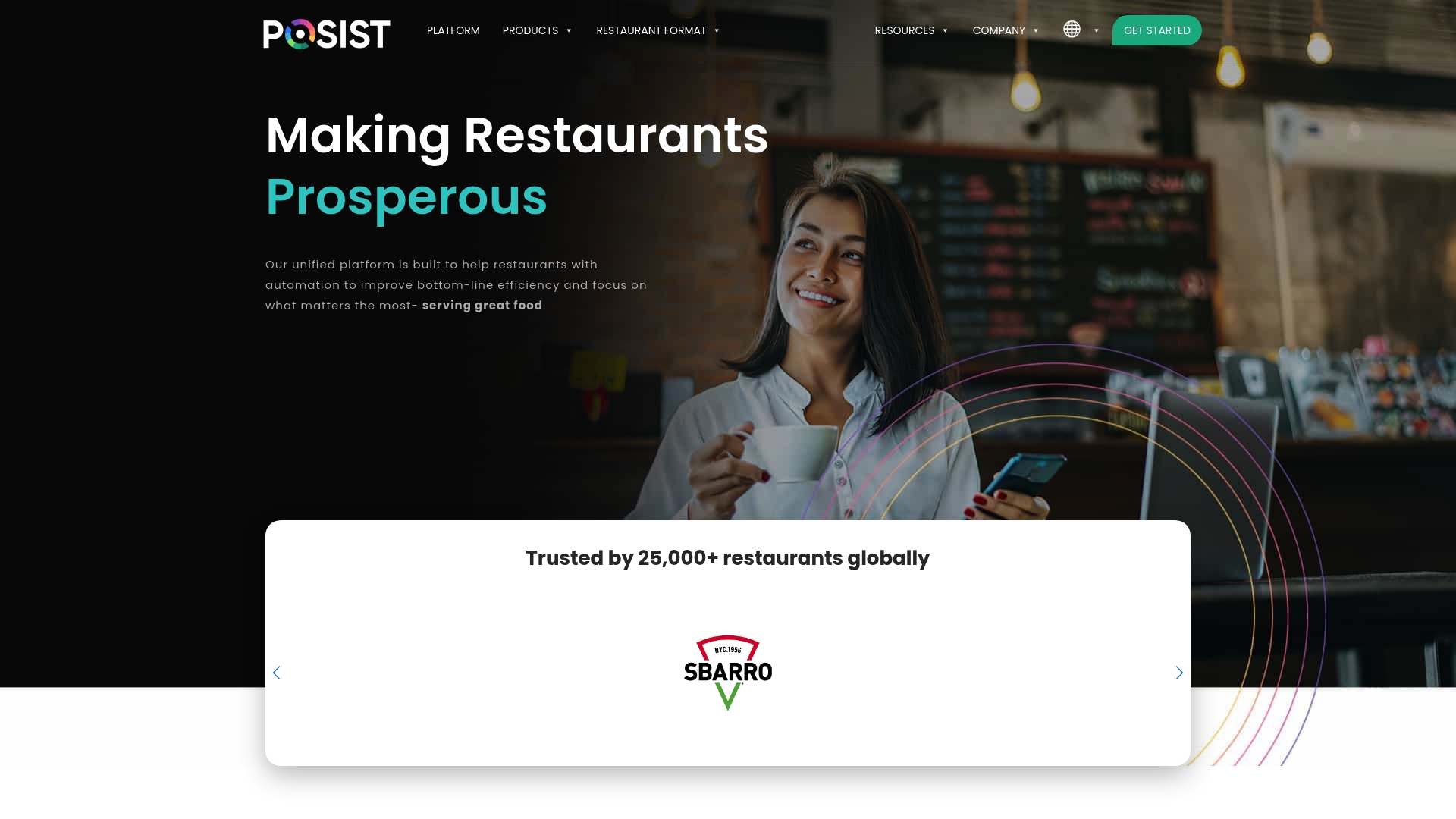
Posist reports powering thousands of restaurant brands globally, a claim the vendor makes about its scale. The platform targets enterprise chains, QSRs, cloud kitchens and food courts with a single, cloud-based control plane for front and back of house.
Core Features
Posist combines a restaurant POS with table management, tablet ordering and customer order displays. It includes inventory, recipe management and central kitchen tools to keep supply chains aligned across sites.
The product also offers kitchen display systems and forecasting tools that link sales data to stock movement and prep planning.
Key Differentiator
Posist’s chief advantage is its integration reach and workflow customisation. The vendor emphasises an extensive marketplace and APIs that let operators connect accounting, delivery partners and enterprise ERPs while tailoring shift-level workflows for staff.
That integration-first approach is the practical difference for operators running many sites or mixed formats.
Pros
Positive reviews point to fast handling of online orders when paired with partners such as Deliverect, which reduces double entry and order errors.
The CRM and workflow configuration let duty managers map permissions and shift handovers so staff adapt quickly across services and outlets.
Strong analytics and reporting give granular daily and outlet-level views for sales, margins and bestselling items, helping buyers and chefs make informed menu choices.
Cloud deployment means remote updates and centralised menu control for multi-site groups, useful during rollouts and promotions.
A public API and marketplace support automated flows between POS, accounting and loyalty systems, aiding operational scale.
Cons
Users report the cloud kitchen feature set needs enhancement for complex multi-channel delivery orchestration; current tools handle basic scenarios but not every routing or aggregator blend.
Payment partner coverage is narrower than some rivals, so operators in markets with specialised acquirers may need additional integrations.
Alerting and remote monitoring capabilities are described as adequate for single sites but less feature-rich for large, multi-location oversight.
Customisation options can be limited for niche use cases, which sometimes requires product workarounds or vendor development.
When It May Not Fit
If your operation is a delivery-first cloud kitchen with complex multi-aggregator routing and split-kitchen workflows, Posist’s current capabilities may fall short. Large groups that require a broad range of local payment partners should check compatibility before committing.
Notable Integrations
Posist lists integrations with accounting and delivery platforms. Standouts from the vendor data include Oracle Netsuite, Xero and Deliverect along with Microsoft Dynamics Nav, Tally and Zomato.
These connections support financial consolidation and channelised order ingestion when you centralise operations across dozens of sites.
Who It’s For
Mid to large restaurant chains, hotel groups and cloud kitchen operators that want central control of POS, inventory and analytics. Best for teams that plan to link POS data with accounting and delivery platforms via APIs.
Real World Use Case
A fast growing chain uses Posist to run front-of-house sales, QR ordering and central inventory across multiple outlets. That single pane of data reduces reconciliation time and keeps recipes and portioning consistent at scale.
Pricing
The vendor does not publish standard pricing in the product data. Prospective buyers should request a tailored quote from sales, as costs will vary by deployment size, modules and integrations.
Website: https://posist.com
Ordrpro
At a Glance
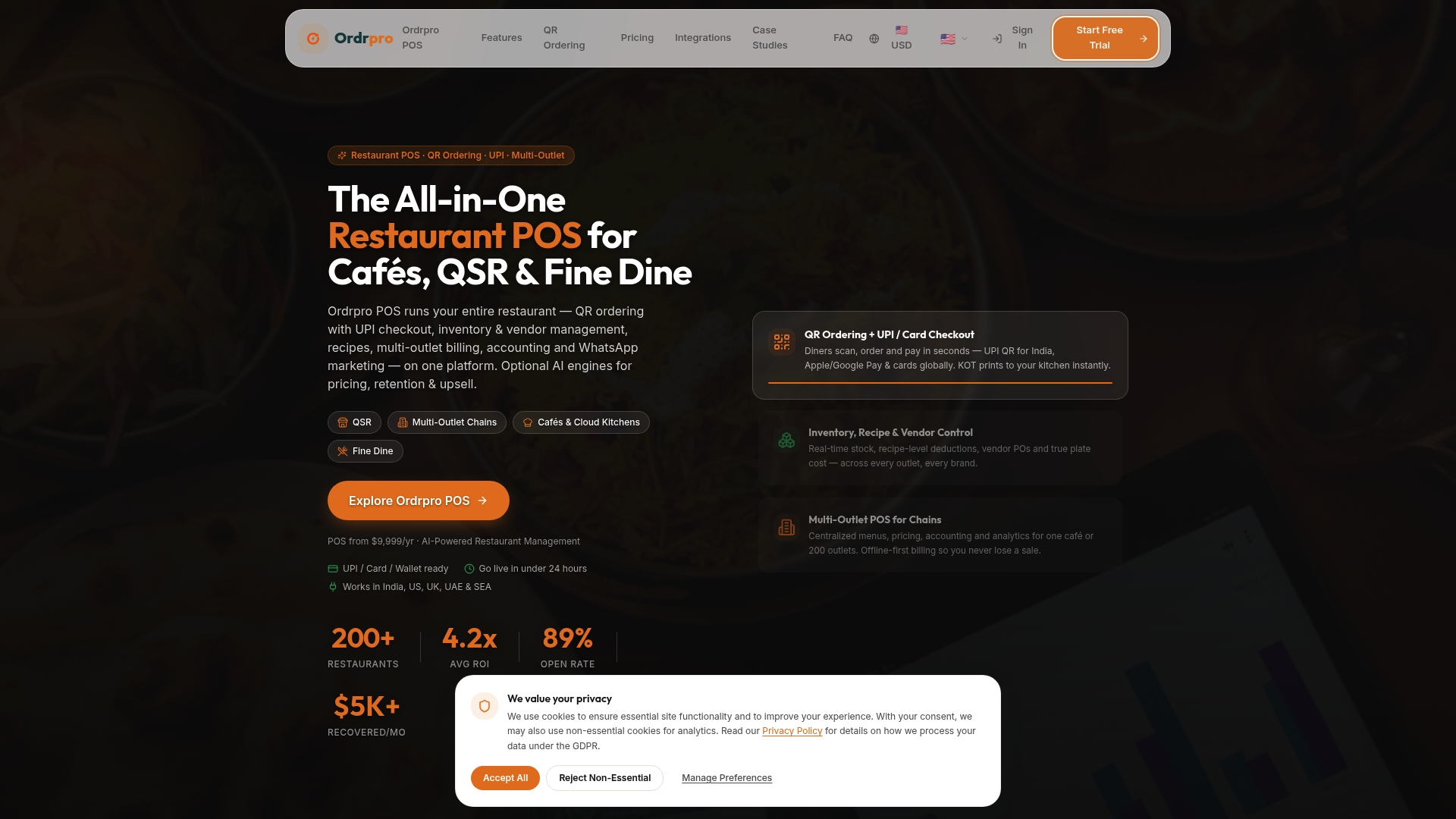
Autonomous AI agents analyse sales signals and can execute revenue strategies such as dynamic pricing and WhatsApp re‑engagement campaigns without manual intervention. The vendor advertises a 4.2x ROI and monthly revenue recoveries over $5,000 for a cited customer case; that figure is self‑reported.
Core Features
- QR code ordering with live price updates and UPI plus card checkout, reducing order handoffs at the table.
- Inventory and vendor management that updates in real time and ties to recipe control for costed menus.
- Multi outlet management with central control over menus, prices and consolidated reports for chains and franchises.
- Recipe and menu syncing across delivery channels to keep descriptions and prices consistent.
- Offline‑first POS, sales and billing so tills keep working during unreliable connections.
Key Differentiator
A single platform combines order capture, inventory, marketing and automated revenue tactics through native AI modules for pricing, upselling and retention. That integration reduces the need to stitch separate vendors together and keeps execution close to live sales data.
Pros
- Replaces multiple siloed tools with one dashboard, which lowers admin overhead and shortens the route from insight to action.
- Native AI modules deliver automated price adjustments and targeted upsell prompts at checkout, turning data into tactical moves.
- Scales from single cafés to large chains thanks to centralised control of menus, prices and reporting across outlets.
- Real‑time analytics and automation mean you see stock variances, margin leaks and opportunities within the same interface.
- Integrates with major POS and delivery platforms, so you rarely need to rebuild existing workflows.
Cons
- Several vendor reviews flag the initial setup as complex; multiple integrations and menu mappings can demand technical support.
- Some advanced customisation options are not clearly documented, which limits power users who want deep workflow changes.
- For very small single outlets, the base fees plus optional AI add‑ons can make the platform comparatively expensive.
When It May Not Fit
If you want a simple plug‑and‑play solution with minimal configuration and no external support, the setup for Ordrpro may feel heavyweight.
If your operation cannot justify add‑on AI fees, the platform’s total cost will rise quickly; smaller cafés with tight margins may prefer a leaner POS.
Notable Integrations
- Toast POS
- Square POS
- Petpooja
- Lightspeed
- WhatsApp Cloud API
- Twilio
Who It’s For
Owners and managers running multi outlet restaurants, cloud kitchens or chains who want integrated ordering, inventory and revenue optimisation under one roof rather than several disconnected systems.
Real World Use Case
The vendor describes a multi‑outlet chain that centralised menu control, applied dynamic pricing at peak hours and ran WhatsApp campaigns to re‑engage lapsed customers. That marketing claim above is presented as vendor‑reported performance tied to Ordrpro’s automated agents.
Pricing
Plans start at $119/year for Starter, $179/year for Professional and $299/year for Enterprise. Optional AI modules such as dynamic pricing and retention tools are billed separately and can increase total cost.
Website: https://ordrpro.com
Comparative Analysis of the Reviewed EPOS Systems
Choosing the right EPOS system is critical for modern businesses in retail and hospitality. This comparative analysis examines the offerings of Switch & Save EPOS System, POS, GKSOFT, Posist, and Ordrpro to highlight key differences.
The Trade-Off Between Costs and Features
Switch & Save EPOS System offers capabilities tailored for UK businesses with transparent pricing and no software license fees for many options. POS provides a free starting tier with optional paid add-ons, appealing to cost-conscious users. However, this low initial barrier is offset by fewer advanced integrations compared to systems like Ordrpro.
Real-Time Integration and Control Systems
Switch & Save excels in integrating payments and inventory management, providing a streamlined process for overseeing transactions. Ordrpro, with centralised menu and price management, offers features suited for users managing multiple outlets. Meanwhile, GKSOFT prioritizes restaurant owners seeking margin control without recurring commission fees—a unique approach among its competitors.
Best Fit Scenarios
- Switch & Save EPOS System: Excellent for small to mid-sized retail and hospitality businesses seeking an intuitive platform that combines payments, reporting, and UK-centred support with predictable costs.
- POS: Suited for small restaurants or cafés interested in a subscription-free trial while prioritizing customer-facing simplicity.
- GKSOFT: Best for restaurants aiming to own their online ordering presence and eliminate commission fees.
Our Pick
Switch & Save EPOS System stands out for its AI-driven reporting and integrated payment solutions—all in one package with included UK support. However, if branding your online channel is, GKSOFT offers ownership and margin control benefits.
By weighing priorities and comparing functional offerings, users can identify which system matches their operational goals precisely.
Comparison of Cloud-Based EPOS Systems
Choosing the right electronic point of sale (EPOS) system for your retail or hospitality business hinges on balancing features, scalability, and pricing. Below, we compare key contenders in the market to help identify the best fit for your needs.
| Product | Core Feature | Key Differentiator | Pricing | Notable Limitation |
|---|---|---|---|---|
| Switch-and-save EPOS System | AI-driven insights and integrated payments | Bundles hardware, AI, and local support | From £549 upfront or £30/month | Limited offline operation for cloud-based features |
| Seamless POS | iPad-based EPOS and customisable menus | No lock-in contracts with delivery flow support | £0/month with optional extras | Not suitable for barcode-based stock control |
| GKSOFT EPOS | 0% commission online orders | Ownership of branded online platform | £395 setup + £27/week | Lacks published independent reviews and third-party integration details |
| Posist | Inventory and recipe management features | Extensive integration and API support | Not disclosed | Limited advanced cloud kitchen capabilities |
| Ordrpro | Automated AI for pricing and engagement | AI modules integrated with ordering system | From $119/year | Complex setup for less technically resourced businesses |
Discover Cloud-Based Restaurant POS Benefits with Switch-and-save
Modern restaurants face clear challenges such as managing real-time sales, reducing queue times and juggling stock across multiple locations. Switch-and-save meets these needs head on by pairing AI-driven insights, integrated payment processing and cloud dashboards into one straightforward solution designed specifically for UK hospitality businesses. With fully included software, UK-based support and flexible hardware options, it gives business owners control and visibility without unexpected licence fees or complicated setups.

Explore how others have boosted efficiency with Switch-and-save in our Success Stories Archives – Switch&Save. Don’t let outdated systems hold you back. Visit switch-and-save.uk now and book a free demo to see actionable real-time sales and inventory insights that improve service speed and reduce stock waste.
Frequently Asked Questions
What features make Switch-and-save ideal for modern restaurant management?
Switch-and-save offers AI-driven insights and automated reporting, which highlight sales trends and stock alerts in real-time. This feature helps managers to quickly address inventory needs and improve operational efficiency. Owners looking to streamline their restaurant operations should consider this comprehensive capability.
How does Switch-and-save compare to Seamless POS for hospitality operations?
Seamless POS excels with its iPad-based interface and a focus on quick table management, making it easy for staff to learn and operate efficiently. However, Switch-and-save’s integrated card payment processing combined with AI insights creates an advantage for those who require detailed analytics alongside payment processing. Modern restaurants may find Switch-and-save more suited to their multifaceted needs.
What is the pricing structure of Switch-and-save for small restaurant owners?
Switch-and-save starts at £549 plus VAT upfront or £30 per month per device, allowing flexibility for owners to choose a plan that fits their budget. This straightforward pricing model offers clarity for small restaurant owners looking to invest without hidden costs. It’s important to weigh this against competitors’ pricing equality to ensure it aligns with budget expectations.
Can I use Switch-and-save if I have multiple locations and need remote management?
Yes, Switch-and-save supports multiple stores and terminals, providing a cloud-based dashboard for remote management across locations. This feature is ideal for owners who split time between multiple venues and need visibility into their operations. Such integration can significantly improve management efficiency across businesses.
Does Switch-and-save provide support for integrating with payment providers?
Yes, Switch-and-save integrates fully with UK payment providers like Worldpay and Takepayments, ensuring that payment processing is streamlined. This feature allows restaurant owners to maintain a single point of reconciliation, saving time and reducing errors in financial tracking. Clear integration capabilities are a strong selling point for modern businesses.